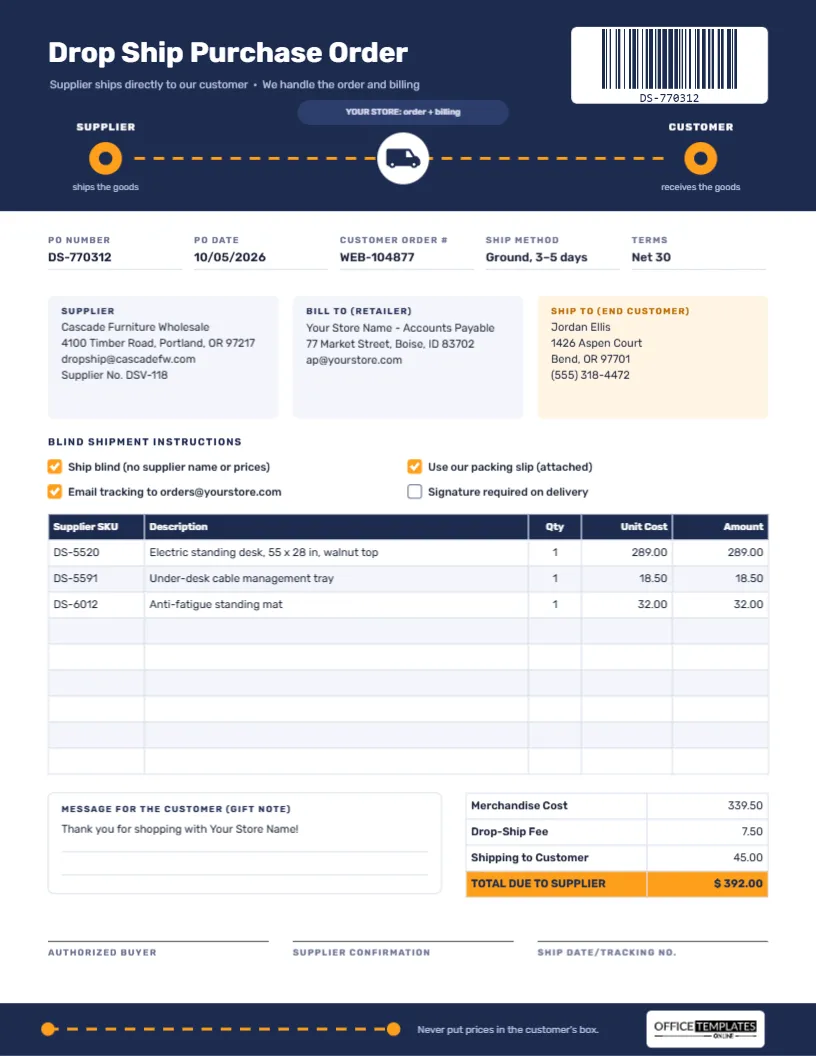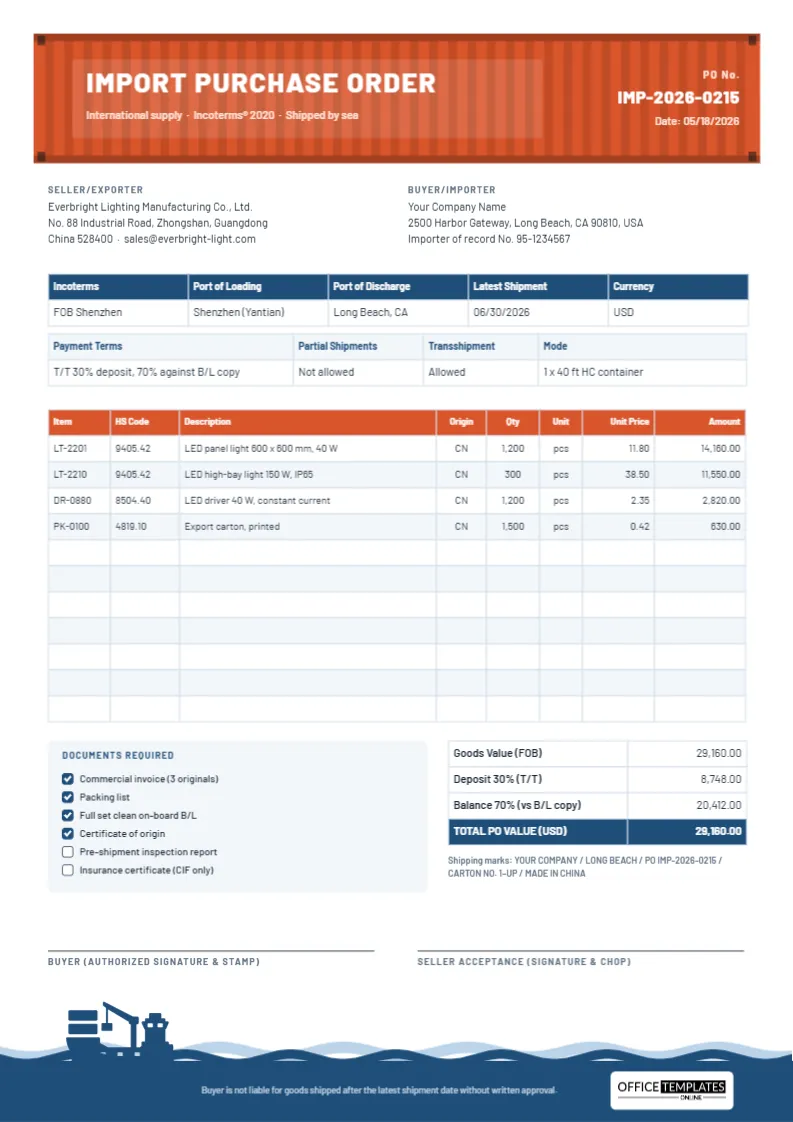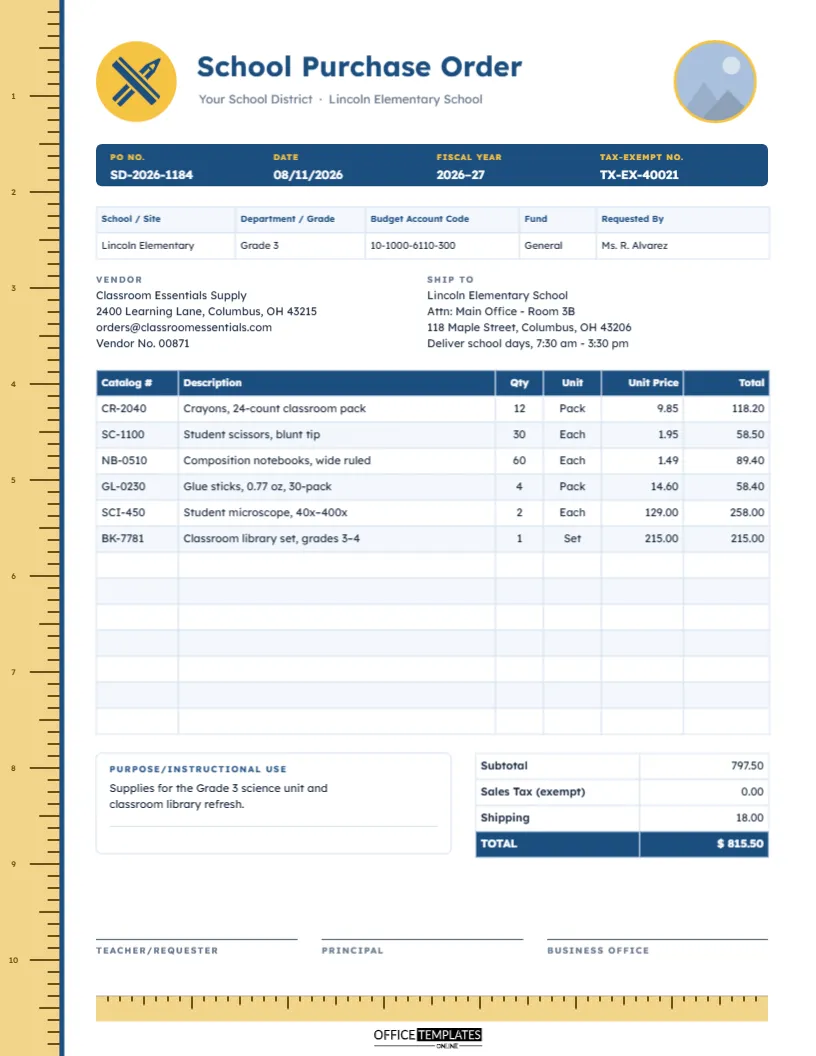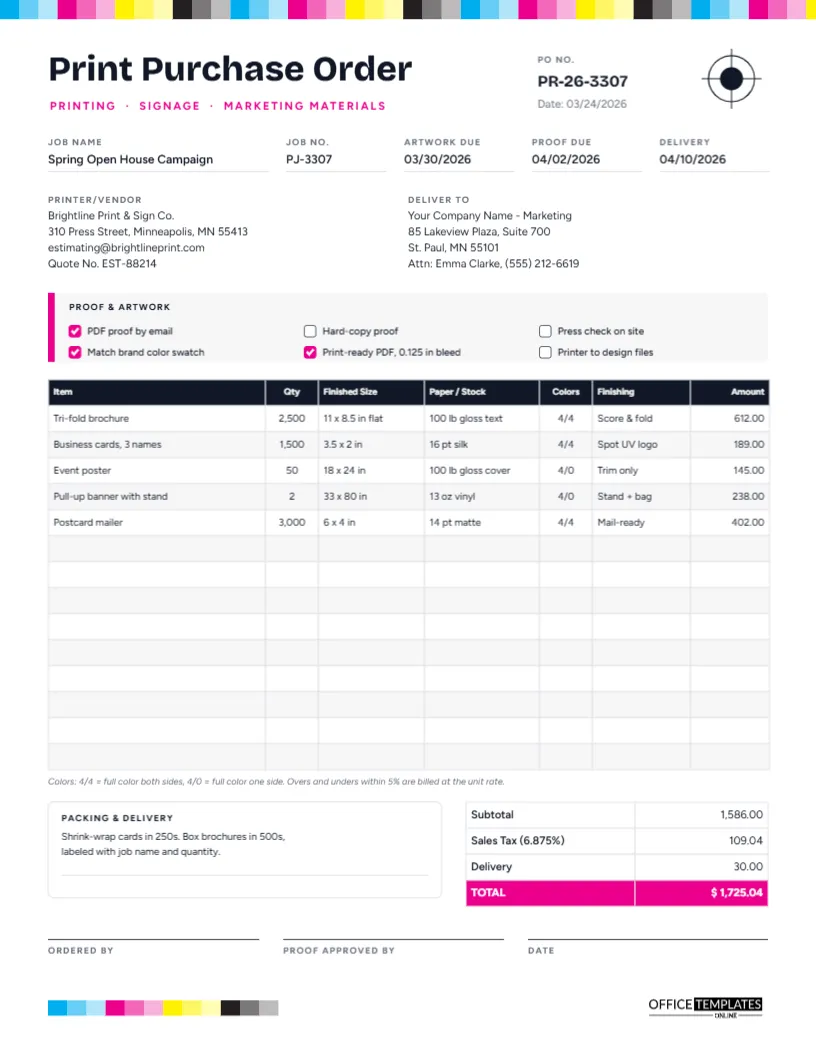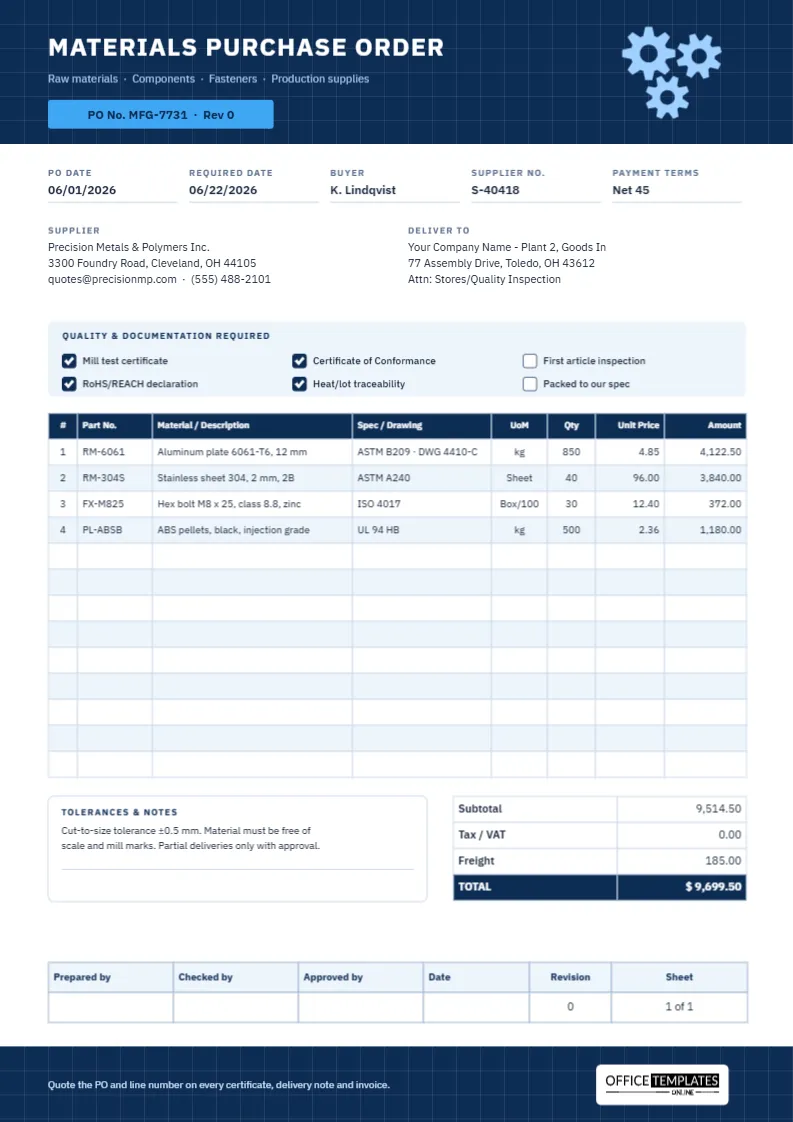
In manufacturing, the purchase order is part of the quality system. A wrong alloy, a missing certificate, or a drawing at the wrong revision can stop a production line or, worse, reach a customer. The buyer’s job is to describe exactly what is needed and what evidence must come with it. This raw materials purchase order is laid out like an engineering document, so specifications, standards, and quality requirements are as prominent as the prices.
Engineered Like a Drawing
The template is A4 portrait (210 x 297 mm), the standard sheet in most of the world’s factories and a close fit for US Letter. The header is a navy blueprint panel with a faint white grid, three light-blue interlocking gears on the right (an editable vector illustration), and the title MATERIALS PURCHASE ORDER in IBM Plex Sans, a typeface designed with an engineering feel. A sky-blue tab reads PO No. MFG-7731 · Rev 0, so the PO carries its own revision number just like a drawing.
Below the header, the page holds:
- PO Date, Required Date, Buyer, Supplier No. and Payment Terms.
- Supplier and Deliver To blocks, with the delivery addressed to stores and quality inspection.
- A pale-blue Quality & Documentation Required panel with six checkboxes.
- A 13-row line table: #, Part No., Material/Description, Spec/Drawing, UoM, Qty, Unit Price, and Amount.
- A Tolerances & Notes box and totals for Subtotal, Tax/VAT, Freight, and TOTAL.
- A sign-off block styled like a drawing title block: Prepared by, Checked by, Approved by, Date, Revision and Sheet.
- A blueprint-grid footer band with a reminder line and our logo on a white plate.
Quality Documents at a Glance
The quality panel lists the documents most often requested with industrial materials. Tick only those you genuinely need, because each one adds cost and time for the supplier:
| Document or requirement | What it gives you | Typically requested for |
|---|---|---|
| Mill test certificate | The producer’s record of chemical composition and mechanical properties for the batch | Metals: plate, bar, sheet, tube |
| Certificate of Conformance | The supplier’s statement that the goods meet the order and the stated specification | Most engineered parts and materials |
| First article inspection | A full dimensional check of the first part made, before the rest are produced | New or changed machined and moulded parts |
| RoHS/REACH declaration | A statement about restricted substances | Electrical parts, plastics, coatings, products sold in the EU |
| Heat/lot traceability | A heat or lot number that links each item back to its certificate | Safety-critical and regulated products |
| Packed to our spec | Packaging that meets your written instructions | Fragile, finished or clean-room items |
The footer asks suppliers to quote the PO and line number on every certificate, which makes filing and audits far simpler.
Writing a Specification Line Suppliers Cannot Misread
Each line of the table separates what the material is from which standard or drawing it must meet. Compare these two descriptions:
- Weak: Aluminium plate 12 mm.
- Strong: Aluminum plate 6061-T6, 12 mm with ASTM B209 · DWG 4410-C in the Spec/Drawing column.
The strong version names the alloy and temper, the thickness, the governing standard, and the drawing revision. A supplier quoting from it cannot substitute a softer alloy or cut to an old drawing without breaking the order. The same approach works for the other sample lines: stainless sheet grade 304 with a 2B finish to ASTM A240, class 8.8 zinc-plated M8 hex bolts to ISO 4017, and black injection-grade ABS pellets rated UL 94 HB.
Always give a unit of measure. Materials are sold by the kilogram, sheet, metre, box or reel, and a quantity without a unit is an invitation to argue.
The Drawing Title Block Sign-Off
Engineering drawings end with a title block, a boxed grid showing who drew, checked, and approved the drawing, its date, revision, and sheet number. This purchase order borrows the idea for its signatures. The layout is familiar to engineers and makes the approval chain obvious: a buyer prepares the order, a quality or engineering lead checks the specifications, and a manager approves the spend. The Revision cell shows “0” for the first issue; if the order is amended, increase it and update the tab in the header to match.
Preparing the Order
- Update the PO number and revision in the header tab, then the date, required date, buyer, supplier number, and terms.
- Enter the supplier’s name and quoting contact, and your delivery point, including who inspects incoming goods.
- Tick the quality documents you need. The ticked boxes are navy with a white check; untick one by changing its fill to white.
- Double-click the parts table to enter each line in the Edit Table Data window. Long bills of materials can be brought in with Import CSV.
- Calculate each amount (quantity × unit price) and the totals, then type them in. The sample totals 9,514.50 in materials plus 185.00 freight, giving 9,699.50. Tax is shown as 0.00; complete the Tax/VAT line if it applies to you.
- Complete the tolerances and notes box and sign the title block.
Tolerances, Partial Deliveries and Other Notes
The notes box is where manufacturing buyers set conditions that do not fit a table. The sample states a cut-to-size tolerance of ±0.5 mm, asks for material free of scale and mill marks, and allows partial deliveries only with approval. Other useful notes include required surface finish, flatness, protective film on sheet, maximum bundle weight for your crane, or “no substitutions without written approval from quality”.
Adapting the Blueprint Style
The blueprint header and footer are grouped panels, so each can be recoloured as one piece, for example to a dark green or charcoal. The gears are an editable vector with their own colour swatch. If you work in US Letter, the layout prints well with “Fit to page”.
Printing and Record Keeping
Print at actual size on A4. Many manufacturers keep a copy of each PO with the receiving inspection report and the supplier’s certificates in one folder, or scan them together into a single PDF against the PO number. That bundle answers most audit questions in one place.
Questions From Buyers and Quality Teams
Can I reference several drawings on one PO?
Yes. Put the drawing number and revision in the Spec/Drawing column for each line.
Why does the PO have its own revision number?
Because orders change. Tracking revisions stops a supplier from working from an outdated version.
Is A4 compulsory?
No. A4 suits most international suppliers, but you can print on US Letter with scaling.
Can I add a column for heat numbers?
Yes. Add a column in Edit Table Data and ask the supplier or your receiving inspector to fill it in.
Specify It Once, Receive It Right
Precise materials, the right standards, and the certificates to prove it: this manufacturing purchase order keeps specifications, quality, and cost on one engineered page.