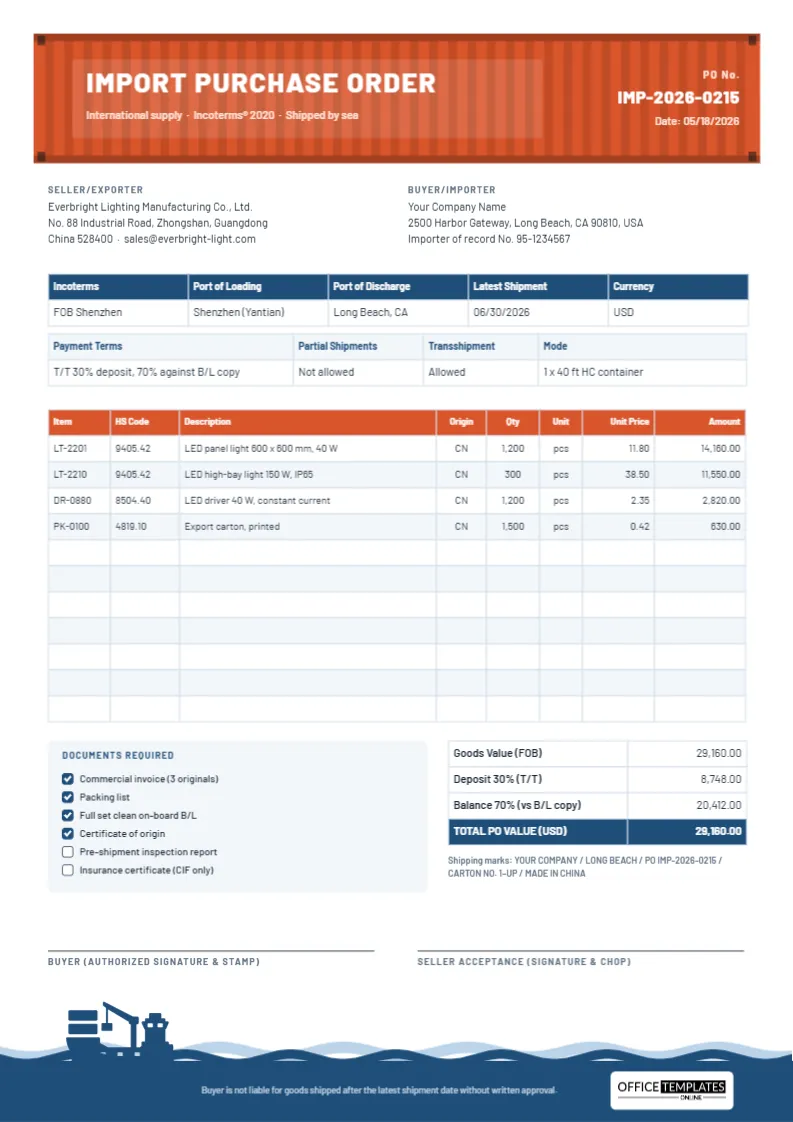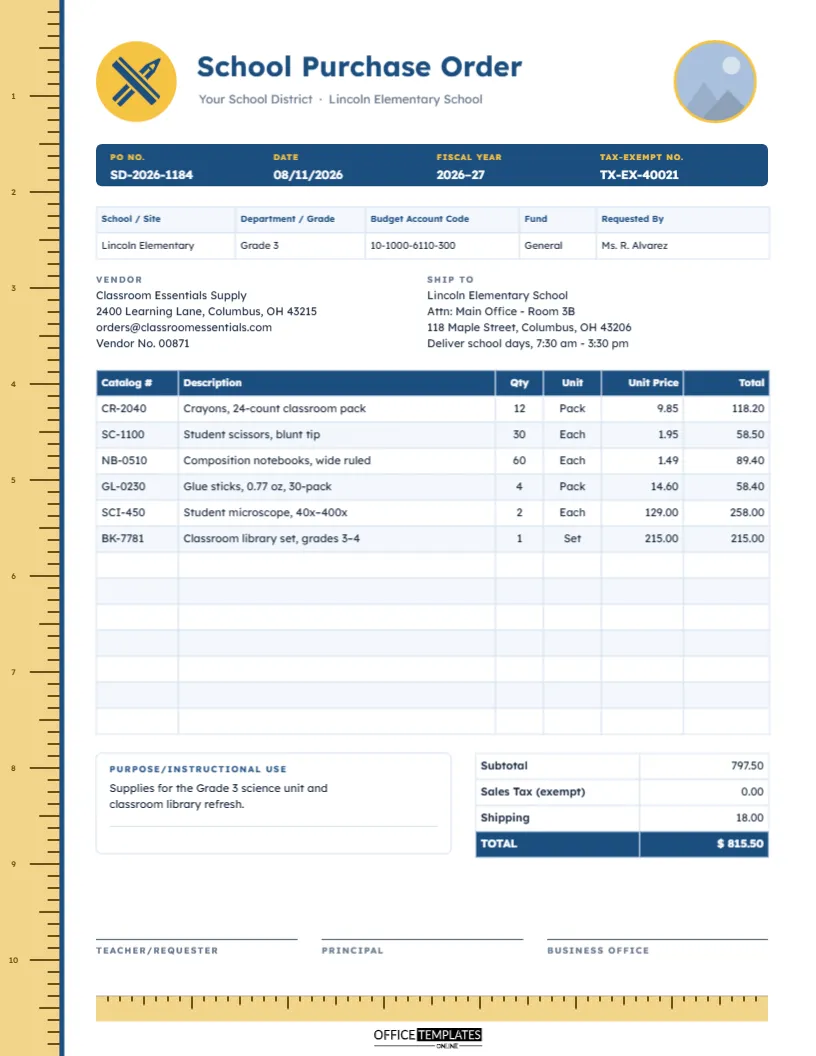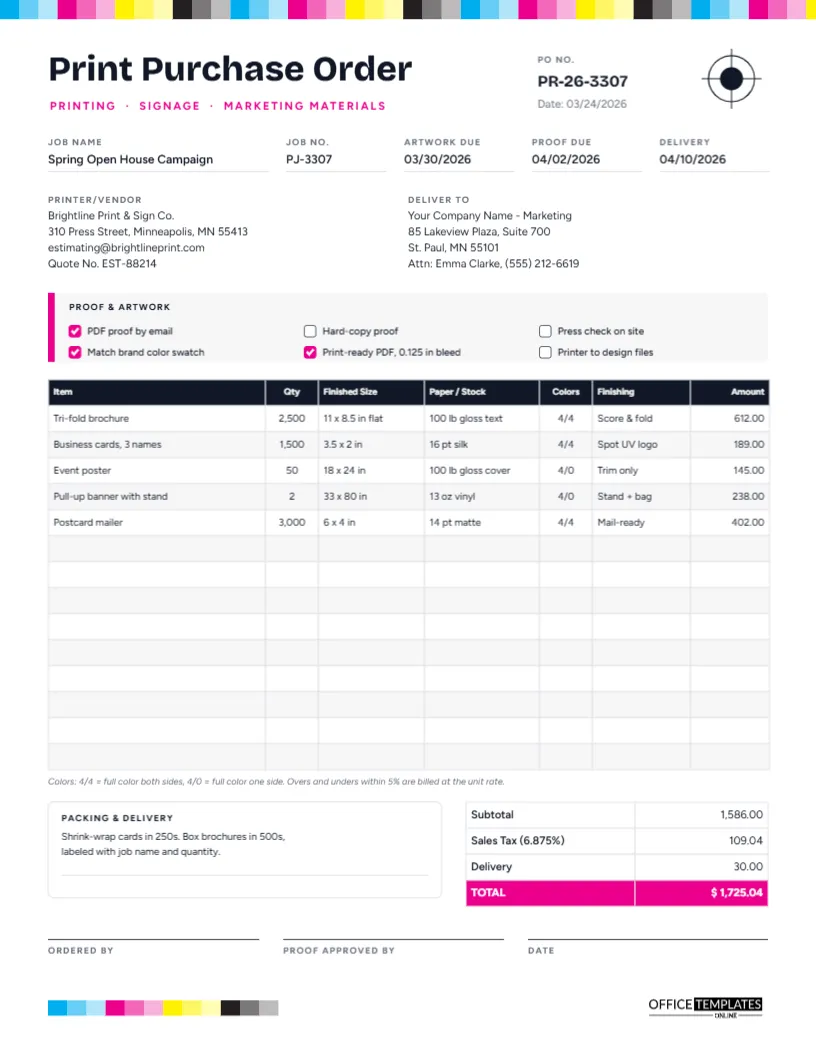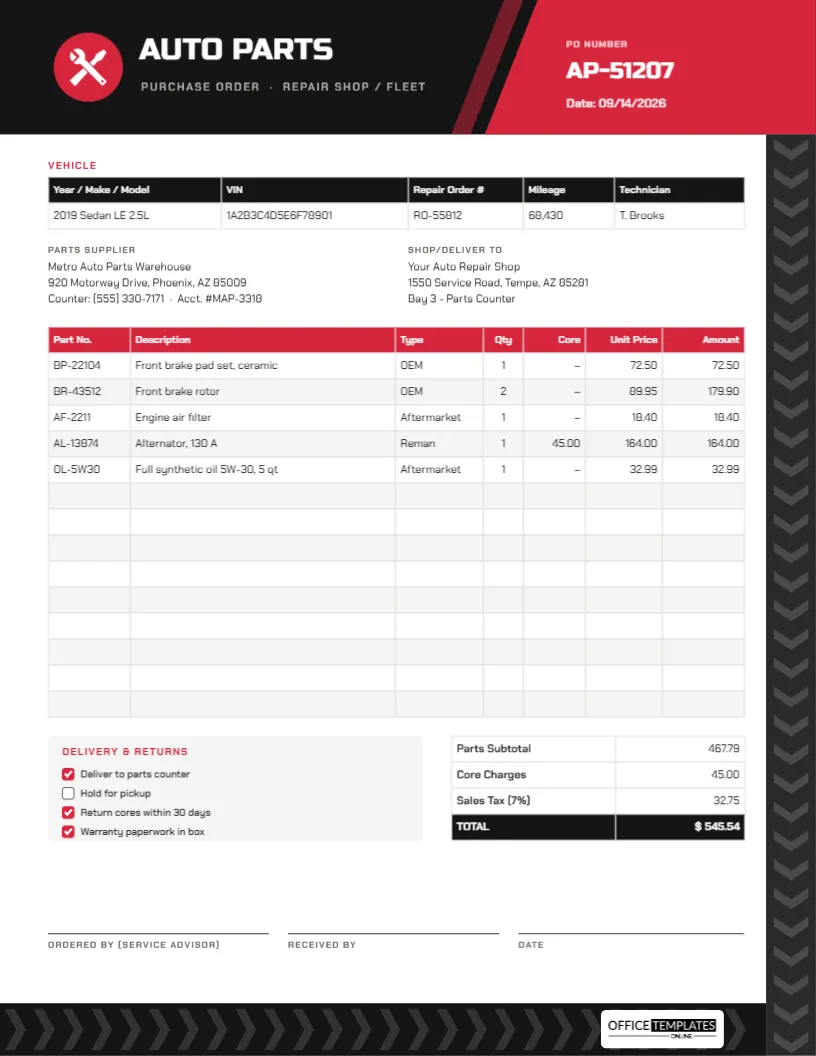
In most organisations, the person who needs something is not the person who buys it. A warehouse supervisor needs a label printer, a teacher needs microscopes, a marketing lead needs a new laptop. Before the purchasing team raises a purchase order, someone has to ask, justify the need, and get approval. That request is the purchase requisition. This Purchase Requisition Form Template makes the request clear and shows exactly where it is in the approval process.
Requisition vs. Purchase Order
The two documents are easily confused. The difference is who they are for:
| Purchase requisition | Purchase order | |
|---|---|---|
| Audience | Internal: managers, finance, purchasing | External: the supplier |
| Purpose | Ask permission to buy | Place the order |
| Prices | Estimates | Agreed prices |
| Vendor | Suggested | Chosen |
| Commitment | None until approved | Binding once accepted |
| Comes | First | After approval |
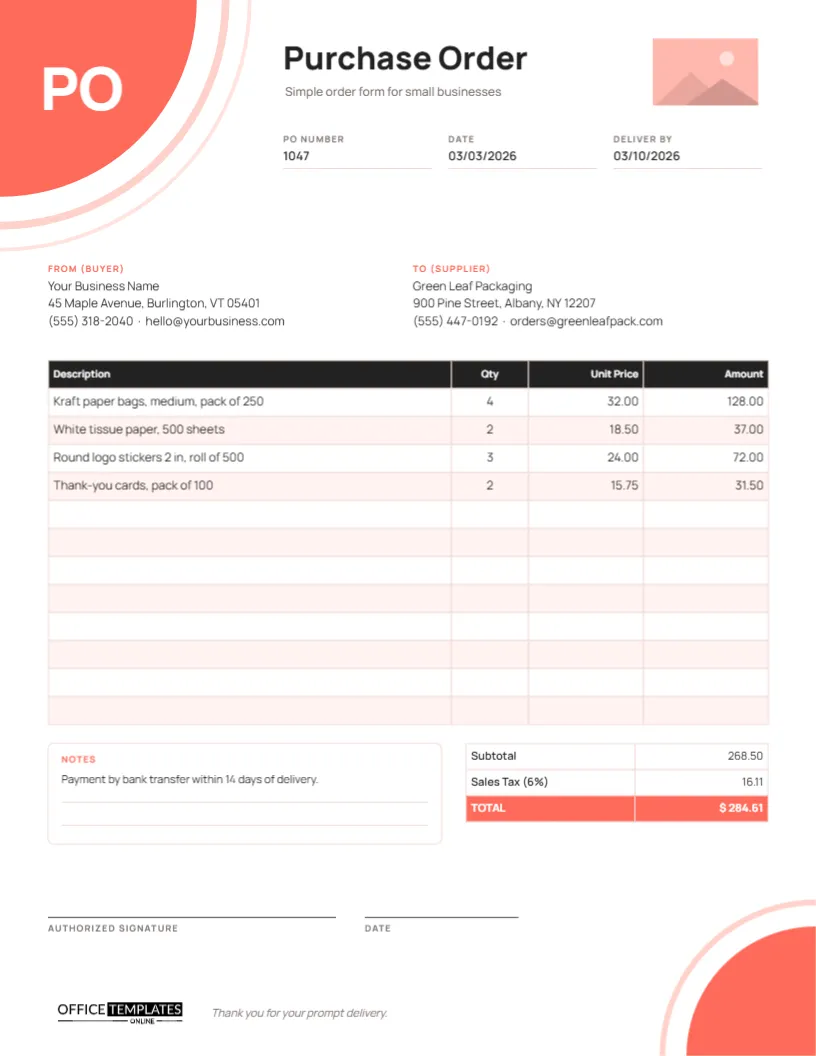
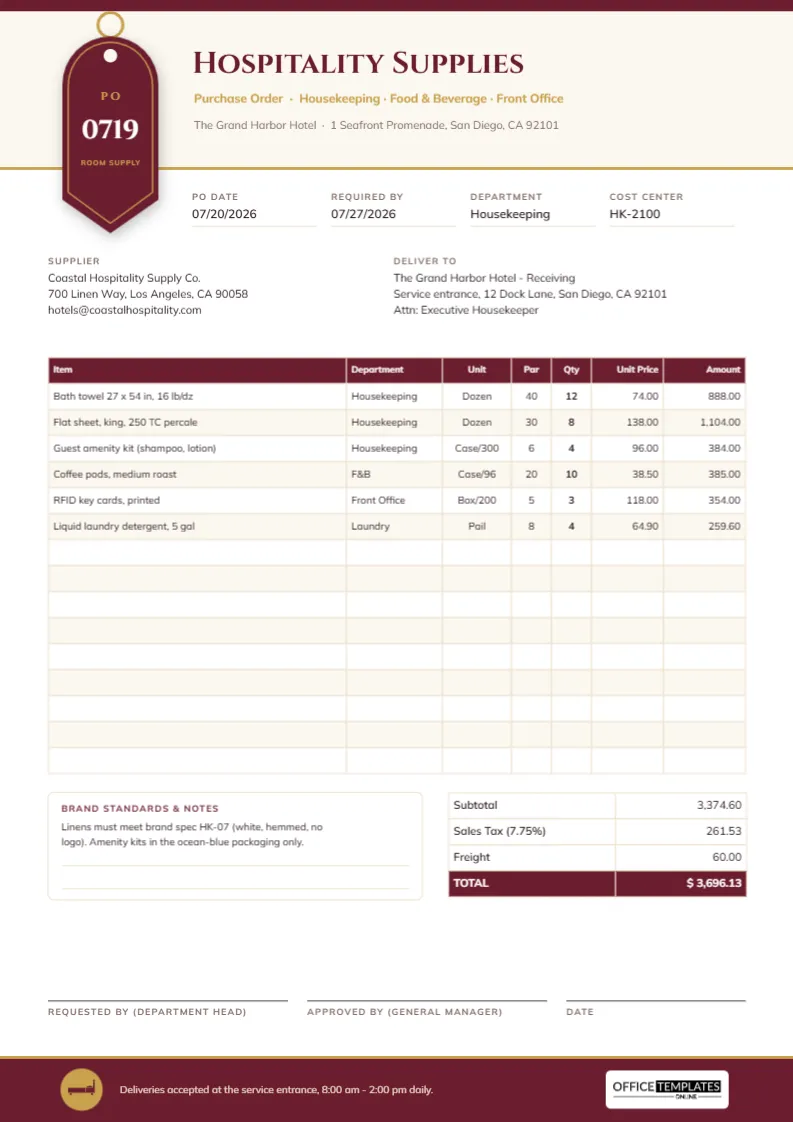
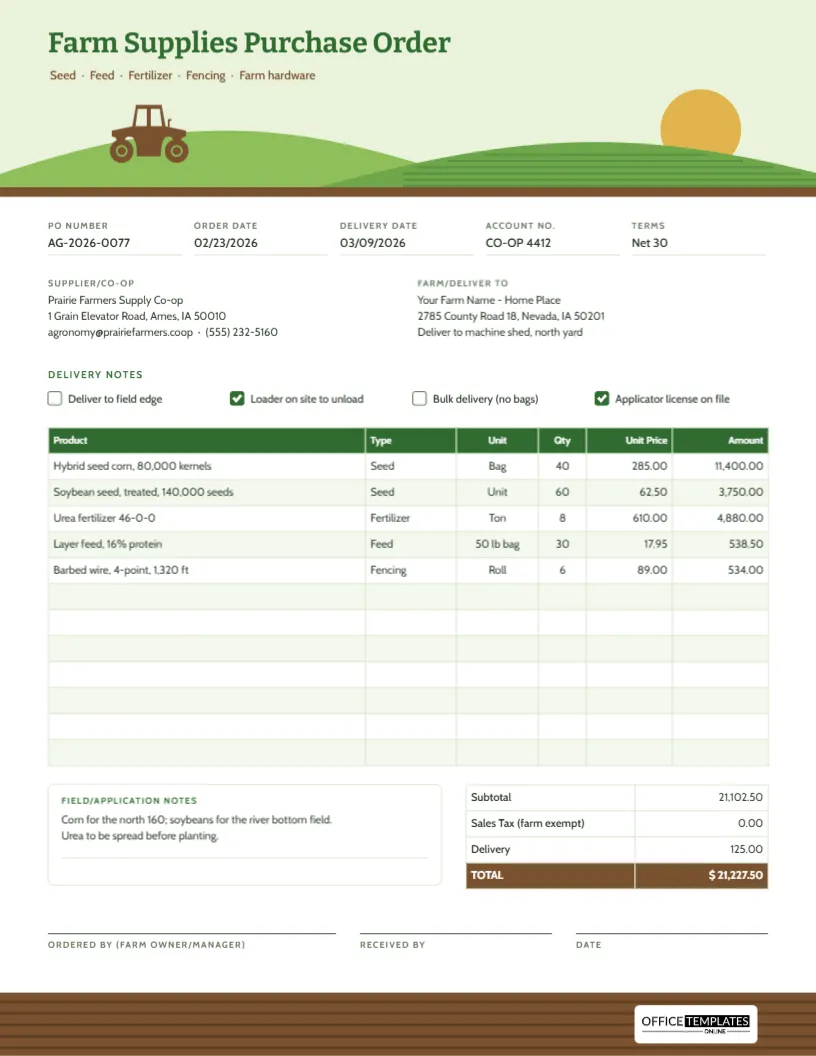
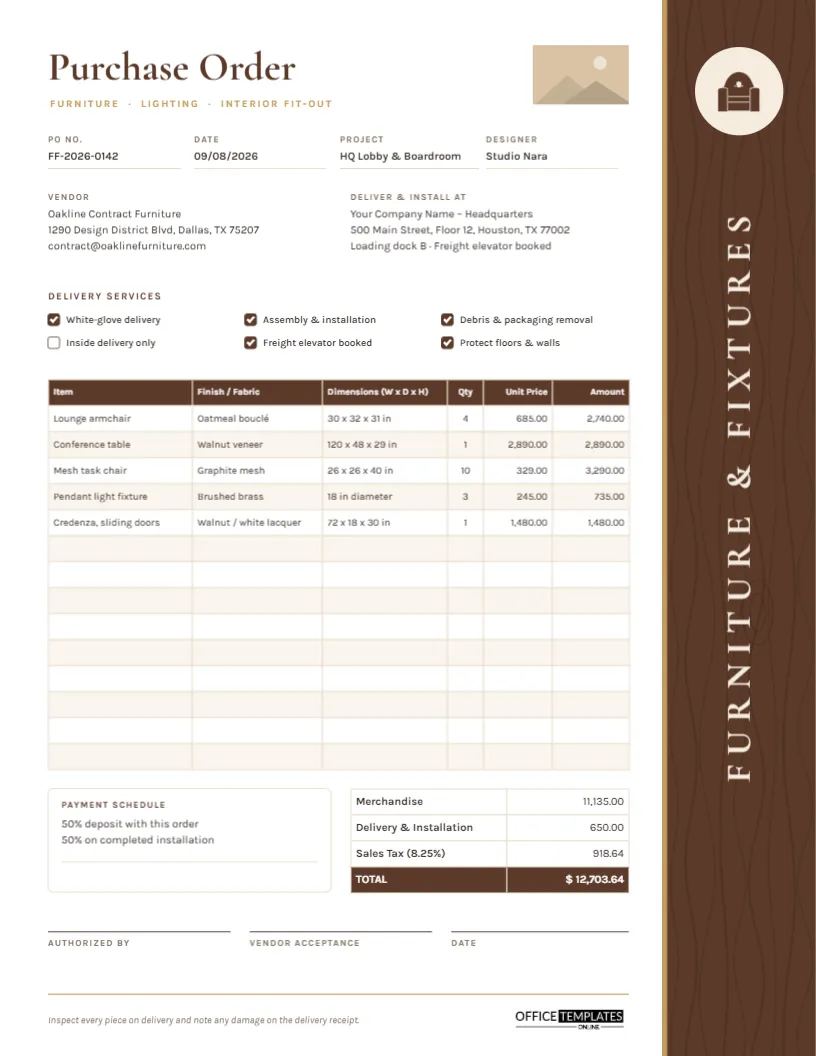
Once approved, the purchasing team converts the requisition into a purchase order and writes the PO number on the requisition so the two can always be matched.
Four Chevrons Show the Approval Path
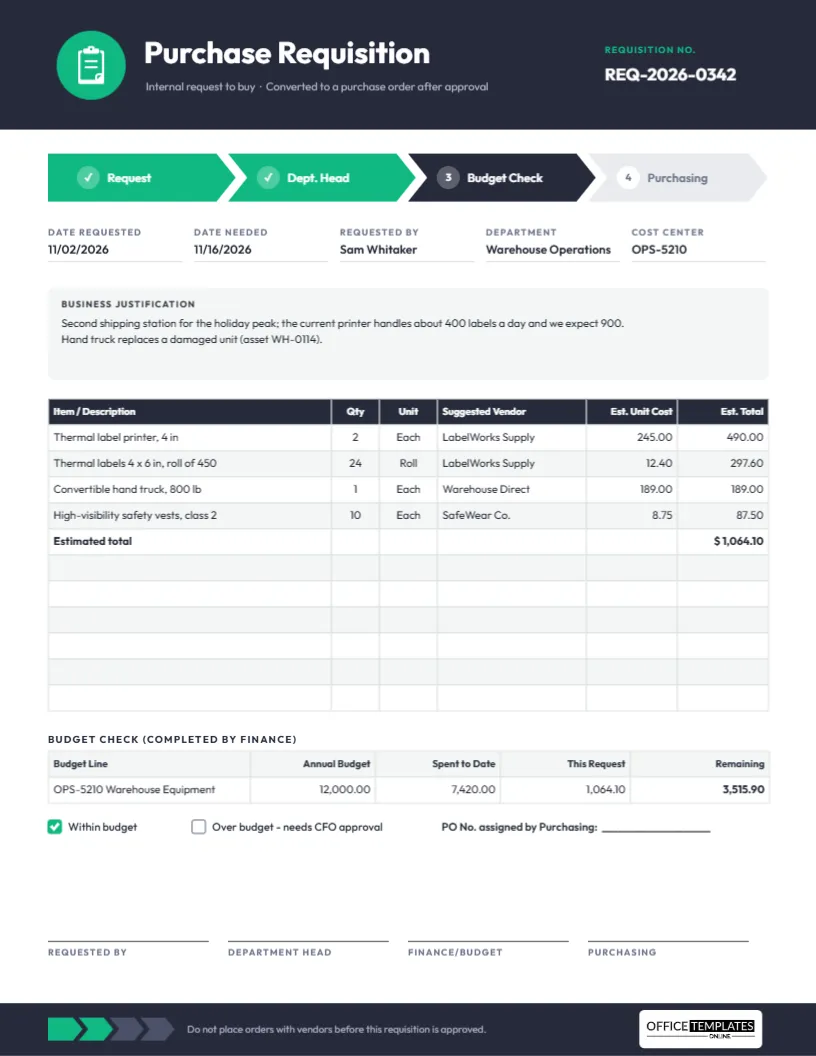
The template is US Letter portrait, 8.5 x 11 inches. A charcoal header carries an emerald circle holding a clipboard icon, the title Purchase Requisition in Outfit, and the line Internal request to buy · Converted to a purchase order after approval. The requisition number sits on the right.
Beneath the header, four arrow-shaped chevrons span the page, showing the approval route: 1 Request and 2 Dept. Head in emerald with tick marks (done), 3 Budget Check in charcoal (the current step), and 4 Purchasing in light grey (still to come). Four smaller chevrons return in the footer, the first two green, so the progress is echoed at the bottom of the page.
The form itself includes:
- Date Requested, Date Needed, Requested By, Department, and Cost Center.
- A tinted Business Justification panel.
- An 11-row request table: Item/Description, Qty, Unit, Suggested Vendor, Est. Unit Cost and Est. Total, with an estimated total row.
- A Budget Check table completed by finance, with Within budget/Over budget checkboxes.
- A line for the PO number assigned by purchasing, and four signatures matching the four chevrons.
Justifications That Get Approved Quickly
A manager reading a requisition wants to know three things: what problem this solves, why now, and why this option. Compare these examples:
- Weak: Need a new printer.
- Better: Second shipping station for the holiday peak; the current printer handles about 400 labels a day, and we expect 900. (from the sample)
- Weak: Replace hand truck.
- Better: Hand truck replaces a damaged unit (asset WH-0114). (also from the sample)
Numbers, dates, and asset references turn a request into a decision a manager can make in seconds. If you compared quotes, mention it: Cheapest of three quotes; same supplier as our existing printers.
Reading the Budget Check
The budget table lets finance show, on the requisition itself, whether the money is there. In the sample:
- Budget line OPS-5210 Warehouse Equipment has an annual budget of 12,000.00.
- 7,420.00 has already been spent.
- This request is estimated at 1,064.10 (two label printers, 24 rolls of labels, a hand truck, and ten high-visibility vests).
- Remaining after this request: 12,000.00 – 7,420.00 ? 1,064.10 = 3,515.90.
Because the request fits within budget, the box is ticked. If it did not, the Over budget – needs CFO approval box would route it to a higher approver. Calculate the remaining figure yourself and type it in, since the table does not compute it.
Moving the Chevrons as Approval Progresses
Each chevron is a separate shape with its own text. As the requisition moves on:
- Change the finished step’s fill to emerald and replace its number with a tick.
- Change the next step’s fill to charcoal to show it is current.
- Download a fresh PDF and pass it to the next approver.
If your organisation has a different route (for example, Request, Manager, IT, Finance), simply retype the chevron labels and signature captions.
Filling In a New Requisition
- Change the requisition number and the dates.
- Enter your name, department, and cost center.
- Write the justification.
- Open the request table with a double-click and enter each item, a suggested vendor, and your best estimate. A link to a product page can go in the description.
- Leave the budget check for finance, and the PO number for purchasing.
- The clipboard is an editable vector; recolour it or the emerald accents to your organisation’s colour.
Why a Written Requisition Helps Everyone
It stops purchases being made on a verbal yes that nobody remembers later. It spreads spending decisions to the people who own each budget. It gives purchasers everything they need to find the best supplier. And it creates a trail that auditors like to see: request, approval, budget check, purchase order, delivery, invoice.
Common Reasons Requisitions Come Back
Approvers send requisitions back for the same handful of reasons. Checking for them before you submit saves days:
- No cost center or the wrong one: Finance cannot check a budget it cannot find.
- Vague items:Laptop could cost 400 or 4,000; give the specification or a product link.
- Unrealistic dates: A Date Needed of tomorrow leaves no time for approval or delivery. Allow for both.
- Missing quotes: Many organisations require one or more quotes above a set amount. Attach them.
- Split requests: Breaking one purchase into several small requisitions to stay under an approval limit is usually against policy, and approvers notice.
A complete requisition moves through all four chevrons far faster than one that bounces between departments.
Printing and Routing
Print on US Letter at actual size, or route the PDF by email. Whichever you choose, keep the final signed version with the purchase order that was raised from it.
Requisition Questions
Can I request services on this form?
Yes. Describe the service and estimated hours or fee in the request table.
Who fills in the PO number?
Purchasing, once they have raised the purchase order.
Ask Once, Approve Clearly
A good requisition answers every question before it is asked. Explain the need, estimate the cost, check the budget, and watch the chevrons turn green.