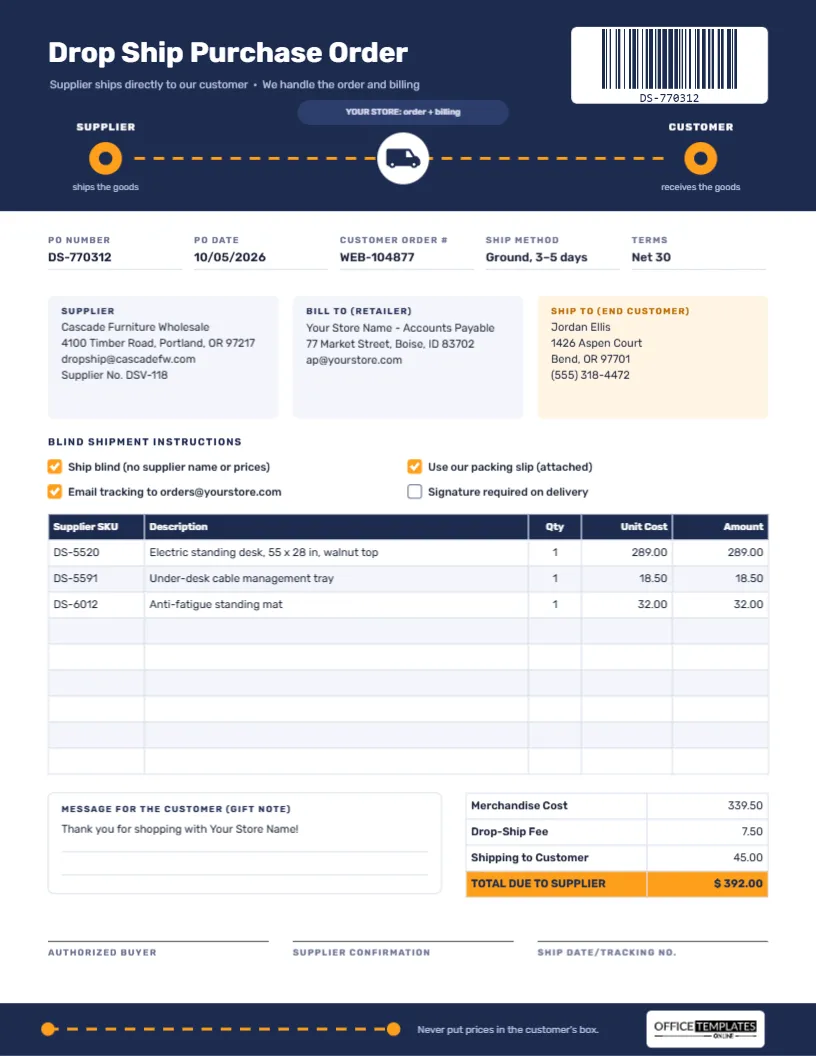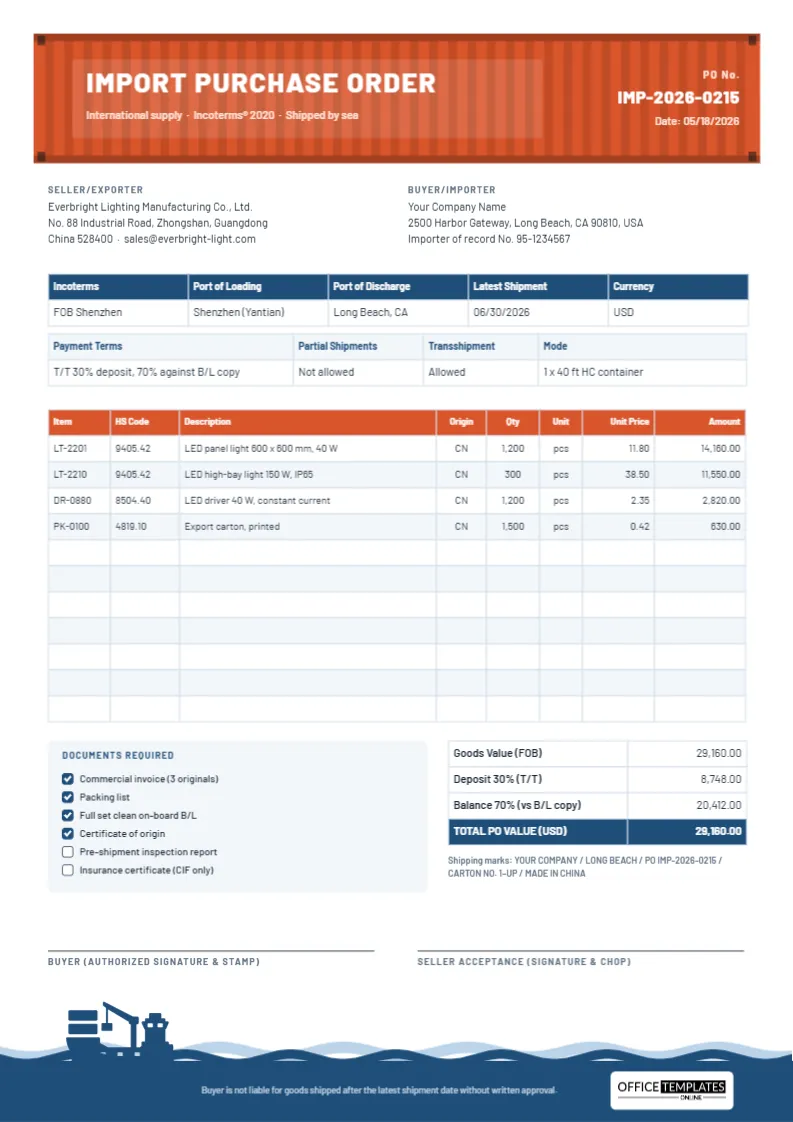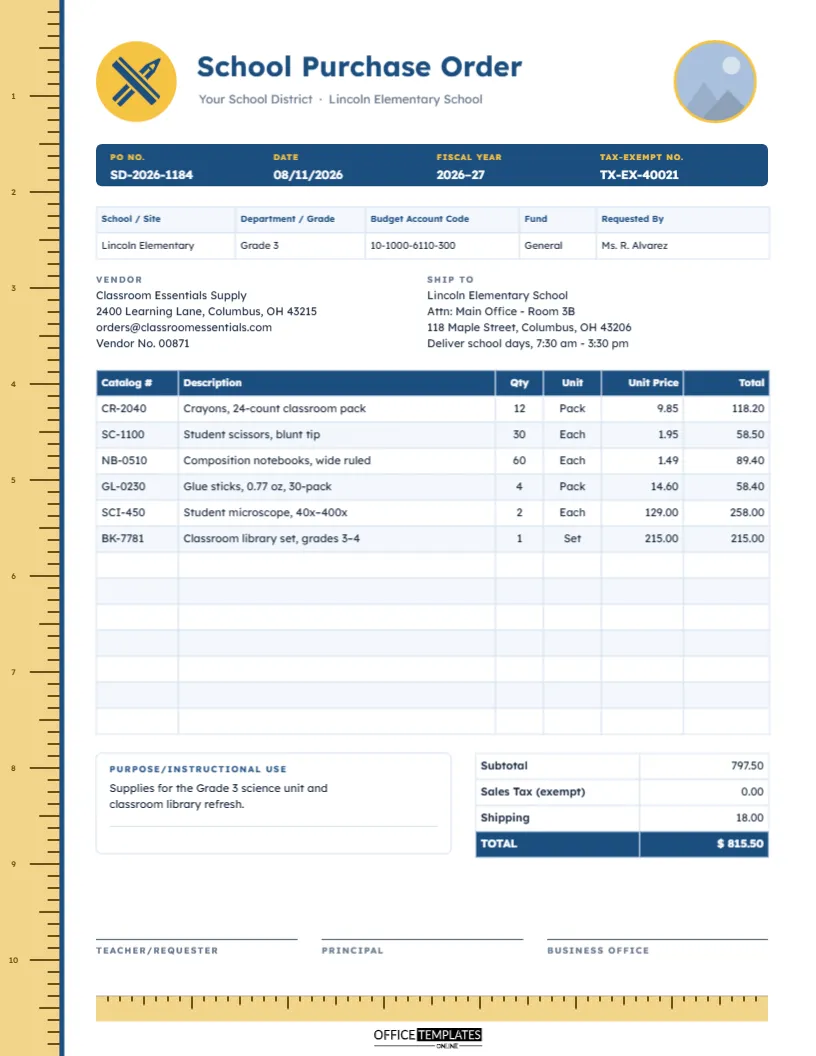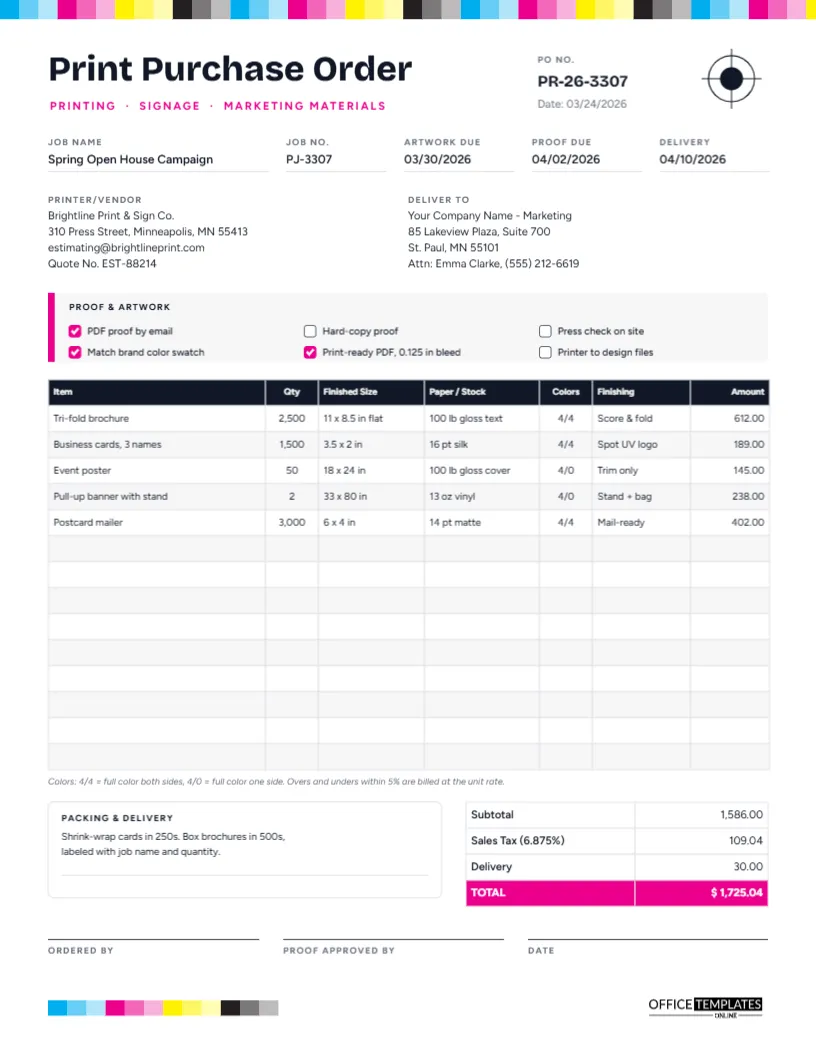
For a shop owner, buying stock from wholesalers is where margins are won or lost. The price you pay, the number of units in each case, the date the goods must ship by, and the retail price you plan to charge all belong on the same page, because together they decide whether a product will earn its shelf space. This Wholesale Purchase Order Template is built for independent retailers, boutiques, and gift shops ordering inventory from brands and distributors.
Retail Buying Terms, Explained
Wholesale orders use a vocabulary of their own. Here are the terms that appear on this template and what they mean for your order:
Pack/case pack: How many units come in one case.Ship window: The date range in which the supplier may ship the order.Ext. Extended cost: units multiplied by unit cost for the line.
| Term | Meaning |
|---|---|
| SKU | Stock keeping unit: the supplier’s (or your) code for one specific product. |
| UPC | The 12-digit barcode number printed on the product, scanned at your till. |
| You usually have to order whole cases. | |
| Cancel date | If the order has not shipped by this date, you may cancel it. |
| F.O.B. Origin | Responsibility for the goods usually passes to you when they leave the supplier’s warehouse; agree on the exact terms with your supplier. |
| ASN | Advance shipping notice: the supplier’s message telling you what has shipped and when. |
A Price Tag Holds the Title
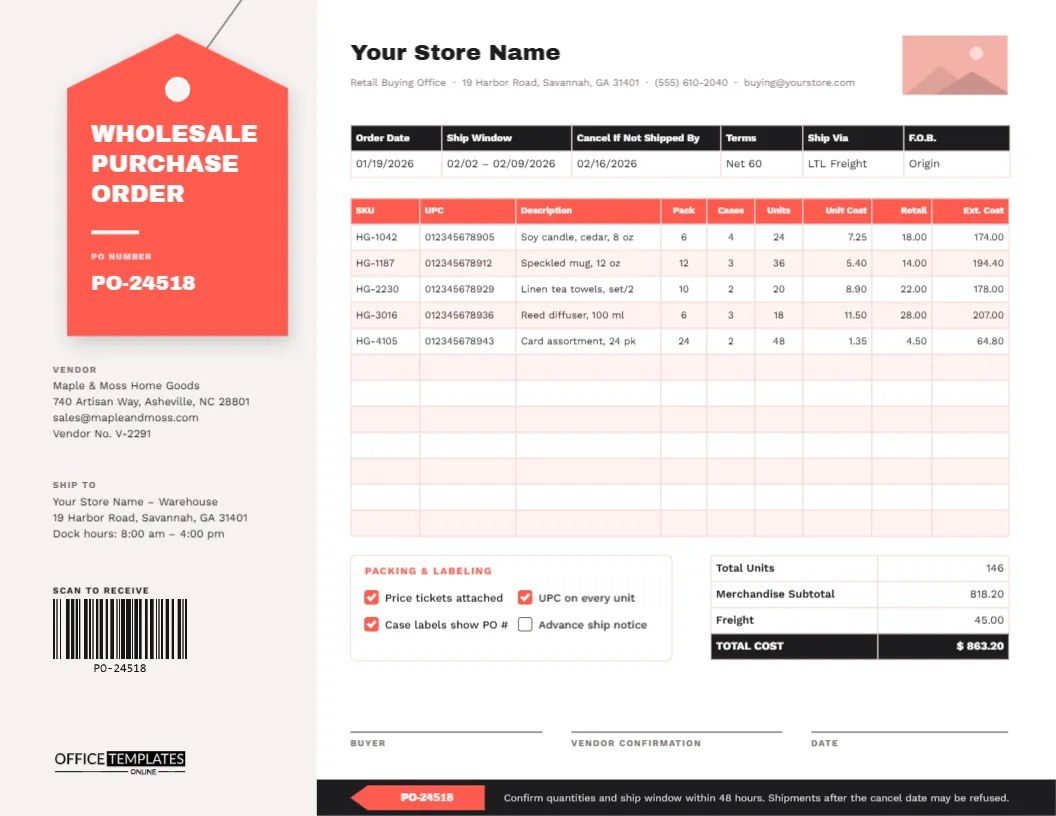
The template is US Letter landscape, 11 x 8.5 inches, giving the wide order table plenty of room. A warm grey column on the left carries the design’s signature: a large coral price tag, complete with a punched hole and a string running up to the top of the page. On the tag, Wholesale Purchase Order Template is set in chunky Archivo Black with the PO number beneath it. Below the tag are the Vendor and Ship To details, a real, scannable barcode of the PO number under the heading Scan to receive, and our logo.
The main area on the right uses Work Sans and holds your store name and buying office contact line, a rectangular logo placeholder, and:
- A black-header table for Order Date, Ship Window, Cancel If Not Shipped By, Terms, Ship Via, and F.O.B.
- A 12-row order table with a coral header: SKU, UPC, Description, Pack, Cases, Units, Unit Cost, Retail, and Ext. Cost.
- A Packing & Labeling box: Price tickets attached, UPC on every unit, Case labels show PO #, Advance ship notice.
- Totals for Total Units, Merchandise Subtotal, Freight, and TOTAL COST.
- Signatures for the buyer, the vendor’s confirmation, and the date, above a black footer with a small coral tag repeating the PO number.
Checking Margin Before You Send the Order
The Retail column is there so you can check your margin on every line before you commit. Take the sample’s first line, a cedar soy candle bought at 7.25 and sold at 18.00:
- Gross margin = (retail ? cost) ÷ retail = (18.00 ? 7.25) ÷ 18.00 = 59.7%.
- Markup = (retail ? cost) ÷ cost = (18.00 ? 7.25) ÷ 7.25 = 148%.
Many gift and home retailers aim for a margin of around 50% or more to cover rent, staff, and markdowns, though the right target depends on your category and costs. If a line falls well short of your target, negotiate the cost, raise the retail price, or leave the product out. The greeting card line in the sample, bought at 1.35 and sold at 4.50, earns a 70% margin, which is why cards are a staple in so many shops.
Units, Cases and the Sample Totals
Suppliers sell by the case, so the table separates Pack (units per case), Cases (how many you order), and Units (pack × cases). The candle line is 6 per case × 4 cases = 24 units; at 7.25 each, the extended cost is 174.00. Across the five sample lines, the order is 146 units with a merchandise subtotal of 818.20. Freight adds 45.00 for a total cost of $863.20. The UPC numbers in the sample are examples only; use the codes printed on your supplier’s line sheet.
Filling In the Order
- Type your store name and buying office details, and click the logo rectangle to Replace Image with your logo.
- Change the PO number on the tag and in the footer chip.
- Update the barcode: select it and change its value in the barcode options, so it matches your new PO number. Your receiving team can then scan it when the delivery arrives.
- Fill in the order date, ship window, cancel date, terms, carrier, and F.O.B. point.
- Open the Edit Table Data window with a double-click on the order table. Many suppliers send line sheets as spreadsheets; save one as CSV and use Import CSV to bring the lines in.
- Calculate the units, extended costs, and totals, and type them in. The table stores what you type; it does not calculate.
- Tick the packing and labeling requirements and send the order for the vendor to confirm.
Why the Cancel Date Matters
Seasonal stock is worth far less when it arrives late. Christmas decorations delivered in January, or summer linen arriving in September, will sit on shelves or go straight to clearance. A clear cancel date protects you: if the supplier misses it, you can refuse the shipment or renegotiate. The footer reminds the vendor to confirm the ship window within 48 hours, which flushes out delays before they become a problem.
Emailing the Order to Your Supplier
Print in landscape on US Letter at actual size, or fit to page on A4. Most wholesale orders are emailed, so download a PDF and attach it to your order email. Keep the PDF with your line sheets and the supplier’s order confirmation.
Retailer FAQs
Is the barcode really scannable?
Yes. It is a standard Code 128 barcode generated in the editor; change its value to your PO number, and it can be scanned like any other.
Can I remove the Retail column?
Yes, although many buyers find it useful to keep. Delete it in Edit Table Data if your supplier should not see your retail prices.
Does it work for trade shows?
It does. Print a few blank copies and fill in orders by hand at the stand, then type the final versions afterwards.
Buy the Right Stock at the Right Margin
Put your SKUs, costs, and retail prices on one page, confirm the ship window, and send an order your supplier can pick without guesswork. Tag it, scan it, and sell it.