Retail Store Manager Resume Template with Price Tag Sidebar
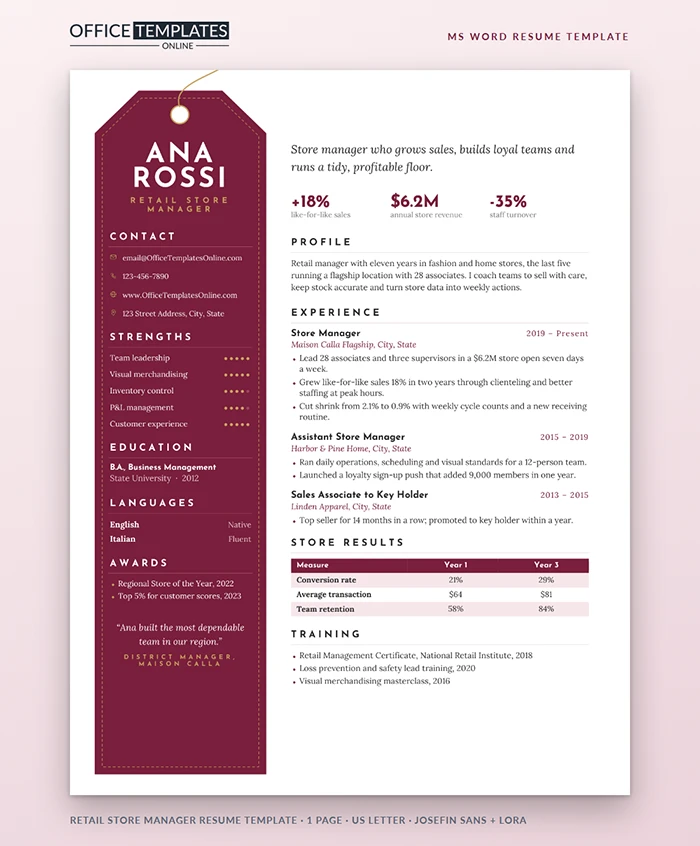
You know how a good store works: a window that stops people, clear signage, and the best stock where the eye lands. A resume works the same way. This template turns that retail logic into a page, starting with a tall burgundy price tag that holds your name.
The Window Display
A long burgundy tag runs down the left side of the page, cut at the top corners like a real swing tag, with a white eyelet, a gold string, and a stitched gold outline running just inside its edge. Your first name and surname sit stacked in large white Josefin Sans capitals, with Retail Store Manager in spaced gold letters below. Further down the tag are your contact details with gold icons, five strengths with gold dot ratings, education, languages, awards, and a short quote from a district manager.
The Front Table: Results First
On the white side of the page, the first thing a reader sees is an italic one-line pitch in Lora, followed by three large burgundy figures: like-for-like sales growth, annual store revenue, and staff turnover. These are the numbers district and regional managers ask about first, so they get the best spot on the shelf.
The Shop Floor: Experience and Store Results
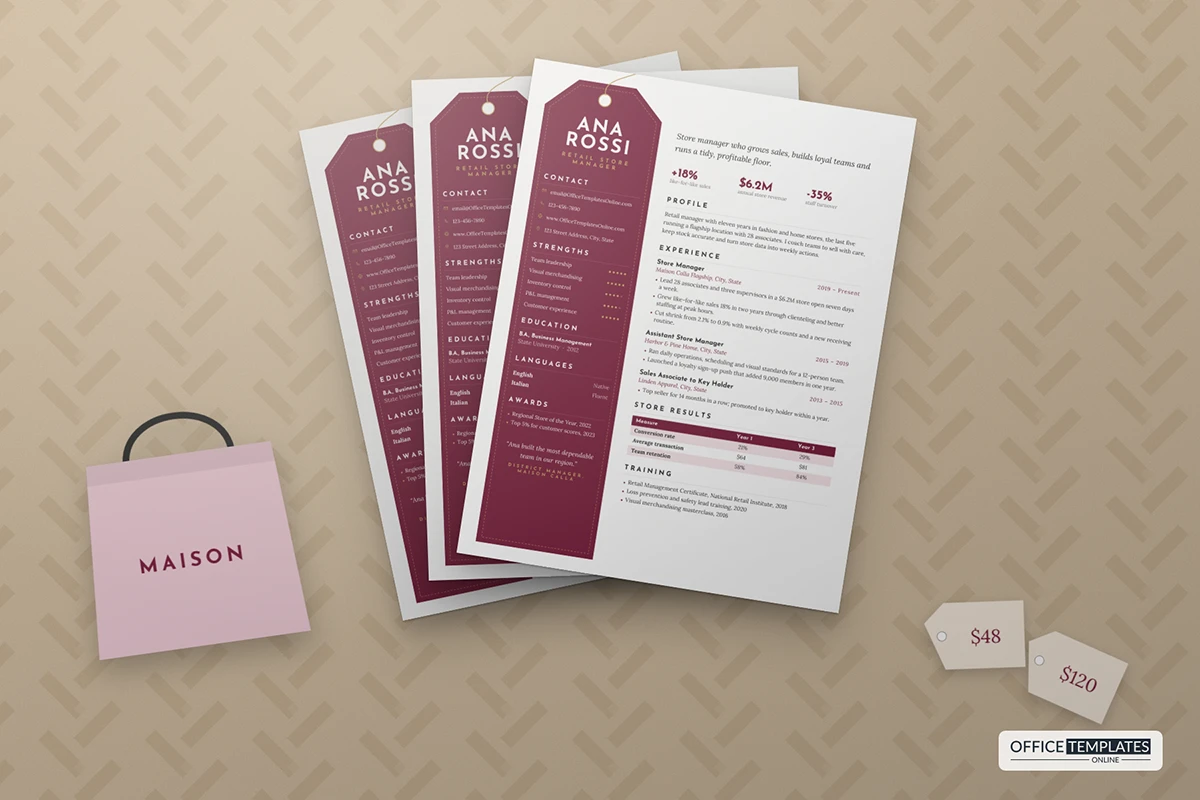
Your profile and three roles follow, each with the company in italics and dates aligned to the right. Below them, a Store Results table compares three measures between your first and third year, with a burgundy header row and blush stripes. A short training list closes the page.
Retail Numbers Worth Putting on the Tag
| Measure | What it proves | How to phrase it |
| Like-for-like sales | You grew the business, not just the floor space | +18% like-for-like in two years |
| Conversion rate | Your team turns browsers into buyers | Conversion up from 21% to 29% |
| Average transaction value | Good selling and add-ons | Average basket from $64 to $81 |
| Shrink | Tight stock control | Shrink cut from 2.1% to 0.9% |
| Staff retention | People want to work for you | Retention up from 58% to 84% |
Restocking the Template in Word
- The tag, eyelet, string, and stitching are shapes in the page header. Double-click near the top of the page to select them and change Shape Fill or Shape Outline, for example, to navy for a sports store or forest green for a garden center.
- All text on the tag is normal text in a table cell; click and type.
- Strength dots are characters. Change the color of a dot to switch it between gold and the darker off-white.
- In the results table, click any cell to type your own figures, or add a row from the Layout tab.
Stepping Up from Assistant Manager
If this is your first store manager application, use the results strip for numbers you influenced directly: a department you ran, a promotion you executed, or the team you trained. In the experience section, show the moments you acted as manager, such as covering leave, opening a new location, or leading inventory. The quote on the tag is a powerful extra here; ask a store or district manager for one sentence about how you lead, and make sure they are happy to be quoted.
Who It Fits
Store managers, assistant managers, department and area managers, visual merchandisers stepping up, and anyone in boutique, fashion, home, or specialty retail. For a supermarket or big-box role, swap the strengths for scheduling, compliance, and inventory systems.
Fonts and File
Josefin Sans and Lora are free Google Fonts. Install them so the stacked name and italic pitch look right. The page is one US Letter sheet; send a PDF so the tag color and stitching arrive exactly as designed.












