Flight Attendant Resume Template Designed as a Boarding Pass
Airline recruiters see thousands of applications for every cabin crew intake. A resume that looks like a boarding pass is memorable for the right reasons: it shows personality and an eye for detail, and it still presents your experience, languages, and certifications clearly. Here is how this design works and how to make it yours.
Boarding Pass Header
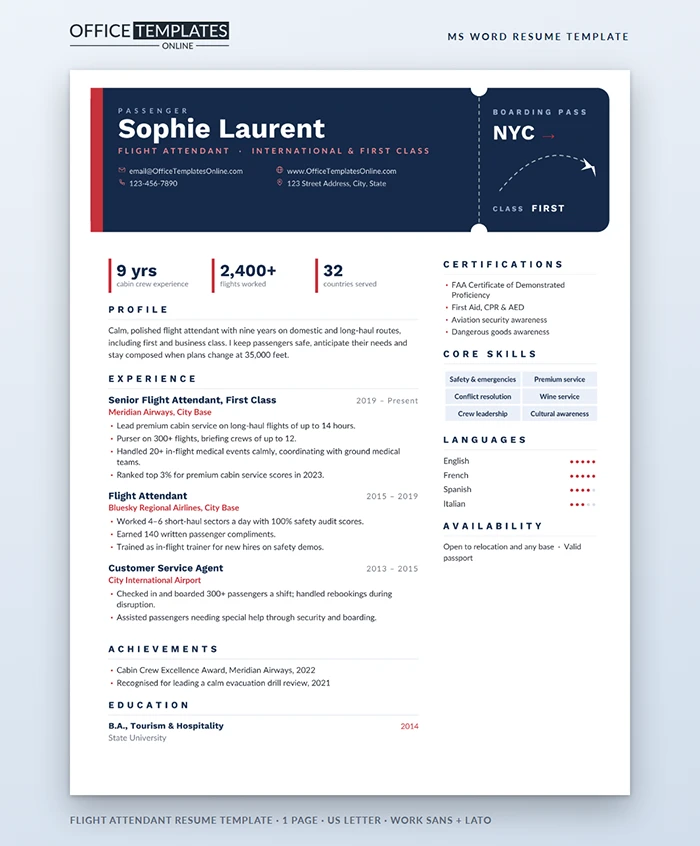
The header is a navy boarding pass with rounded corners and a red strip down its left edge. A dashed perforation line separates the main pass from a stub on the right, with small notches cut into its top and bottom edges. On the stub, Boarding Pass sits above a route from NYC to ANY, a dashed flight path arcs towards a small white plane, and Class: First sits at the bottom. On the main pass, the small label Passenger sits above your name in large white Work Sans, with your role in soft red capitals and your contact details beneath.
Below the Pass
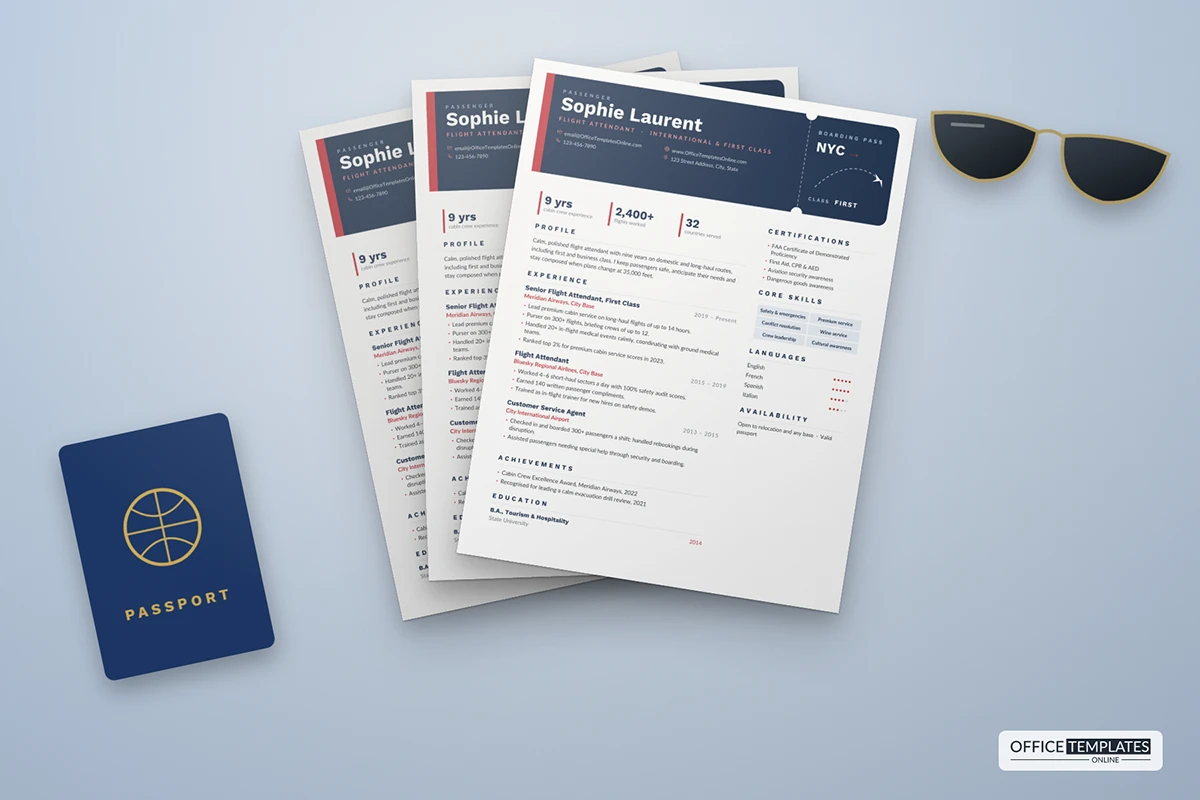
Three stats sit beside slim red markers: years of cabin experience, flights worked, and countries served. The main column holds your profile, experience, achievements, and education. The right column lists certifications, core skills as pale blue chips, languages with five-dot ratings, and your availability, including willingness to relocate and passport status.
What Airlines Screen For
- Safety mindset. List safety and first-aid certifications and any in-flight incidents you handled well.
- Customer service. Passenger compliments, premium cabin experience, and complaint handling.
- Many routes need specific languages; rate yourself honestly.
- Willingness to relocate, work any base, and handle irregular schedules.
- Purser or lead roles, briefing crews and training new hires.
Personalize the Route
The route on the stub is a fun detail you can change. Use your home airport code and the code of the airline's main hub, or the city you would love to be based in. The class label can say First, Business, or Crew. These are small text boxes in the page header, so editing them takes seconds.
Getting Into Cabin Crew
If you are applying for your first flight attendant job, your customer service experience is your strongest asset. Hotel front desk, airport ground staff, retail, and restaurant roles all show you can stay calm and kind with the public. Add first aid training, languages, and any travel experience. The sample includes an airport customer service role to show how that kind of job fits on the page.
Cabin Crew Numbers
| Figure | Why it helps |
| Years flying | Shows experience and seniority |
| Flights or sectors worked | Shows reliability and stamina |
| Countries or routes | Shows range and cultural awareness |
| Passenger compliments | Shows service quality |
Preparing for the Assessment Day
Most airlines invite shortlisted applicants to an assessment day with group exercises, a short interview, and sometimes a reach or swim test. Read your resume the night before and prepare a short story for each line: a difficult passenger you calmed, a delay you handled, a time you helped a colleague. Recruiters watch how you work with strangers in the group tasks, so be warm and inclusive, exactly as you would be in the cabin.
Changing the Pass in Word
- The pass, red strip, perforation, notches, flight path, plane, and stub text are shapes in the page header. Double-click near the top of the page to edit them or match an airline's colors.
- Your name and contact details on the pass are normal text in a table cell.
- Language dots are characters; change their color to adjust your level.
Typefaces and Photo Rules
Work Sans and Lato are free from Google Fonts. Some airlines ask for a photo separately; follow each airline's instructions rather than adding one to the page. The resume fits on one US Letter page; submit a PDF unless the airline's portal asks for Word.












