A Cafe Counter Photo and Violet Labels on a Purple Menu
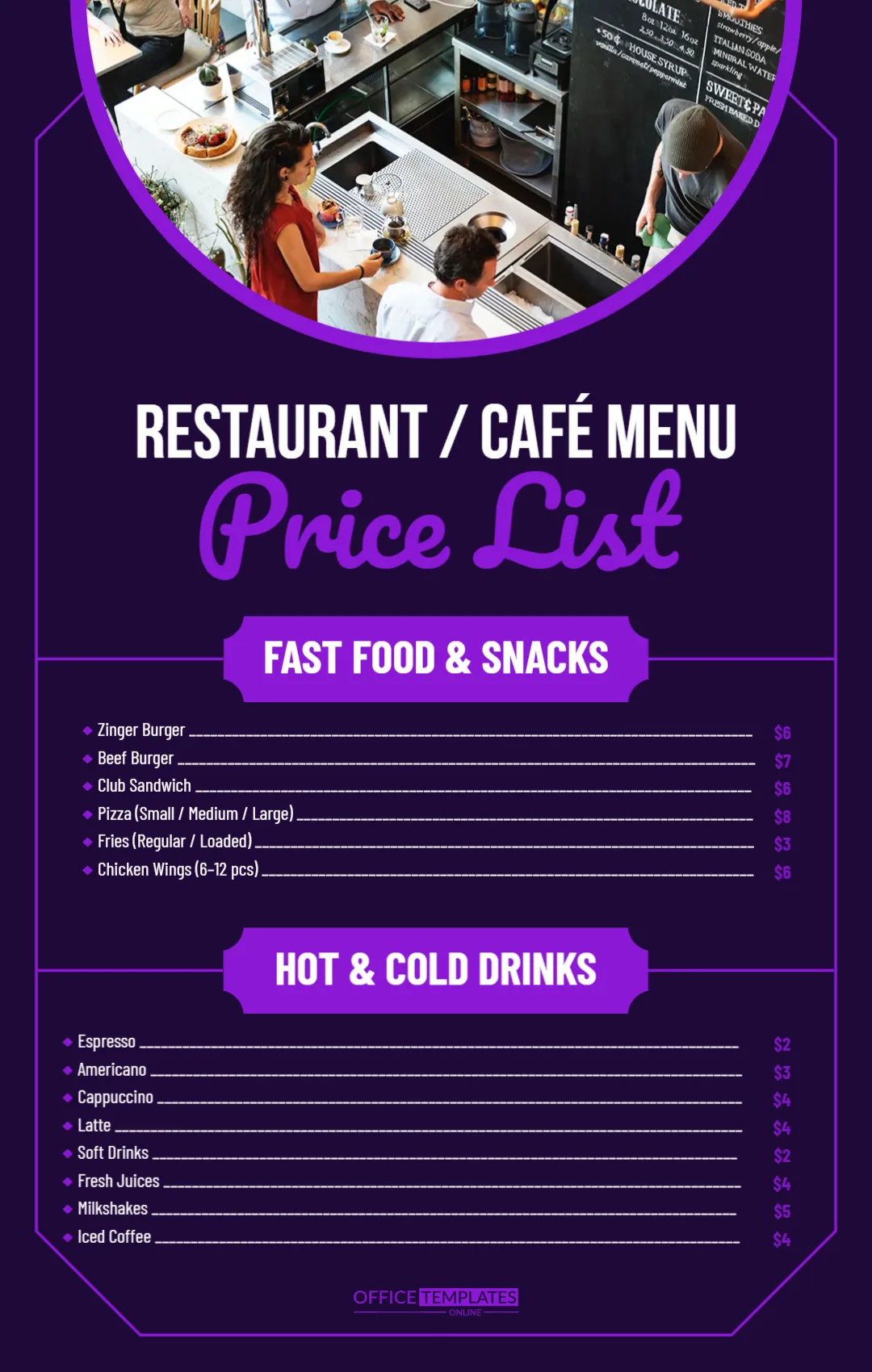
A deep purple page holds a photo of a busy cafe counter, seen from above, inside a rounded arch with a violet border. Staff prepare drinks under a chalkboard menu. RESTAURANT, CAFE MENU sits in white capitals and Price List runs in a large violet script. Two violet badges introduce a fast food and snacks list and a hot and cold drinks list, with white names and long leaders.
Arch Photo and Two Menu Sections
The page is 1080 x 1700 pixels, portrait. A thin violet frame with clipped corners runs around the lower page, and each section spans the full width.
Food, Drinks and Faint Prices
Fast Food and Snacks list a zinger burger, beef burger, club sandwich, pizza in three sizes, fries and chicken wings. Hot and Cold Drinks list espresso, americano, cappuccino, latte, soft drinks, fresh juice, milkshakes and iced coffee. The prices are set in dark purple on a dark background, which makes them hard to read, so change them to white or a light violet. Pizza and fries show one price for several sizes, so add a price per size.
Updating the Cafe Menu
- Make the prices a lighter colour.
- Add prices per pizza size.
- Add your cafe name.
- Swap the photo.
- Add opening hours.
Separate Prices for Sizes
A single price beside Small, Medium, Large confuses customers. Type three prices, such as $8, $11, $14, or split the item into three lines.
Adding Desserts
There is room under the drinks for a short dessert list. Copy a drink line and change the name and price.
Contact and Hours
There is no contact line. Add your address, phone and hours above the logo.
Using It as a Screen Menu
The tall format fits a portrait TV screen. Export a PNG and show it on a display behind the counter.
Combo Deals for Lunch
Cafes sell more with simple bundles. Add a Lunch Combo line, such as Burger, fries and a soft drink, at the end of the food list with one price. It speeds up ordering at busy times and raises the average bill.
Keeping the Cafe Menu Current
Update prices when supplier costs change.
Step by Step Editing of the Restaurant Cafe Purple Menu Design
- On the restaurant cafe purple menu design, click the main headline and type your own words, keeping a similar length.
- Retype every name, date and contact line on the restaurant cafe purple menu design, checking each against a trusted source.
- Search the restaurant cafe purple menu design for the words Lorem and Company so that no placeholder remains.
- Click any logo or photo on the restaurant cafe purple menu design, choose Replace Image and resize the new picture to fit.
- Zoom the restaurant cafe purple menu design to full size and read each line aloud before you save it.
- Keep a clean master of the restaurant cafe purple menu design without private details, so later versions start tidy.
Compare it with the coffee shop price list. You may also like the bakery price list. For comparison, open the catering price list. Find more designs next to the restaurant cafe purple menu design in price list templates.