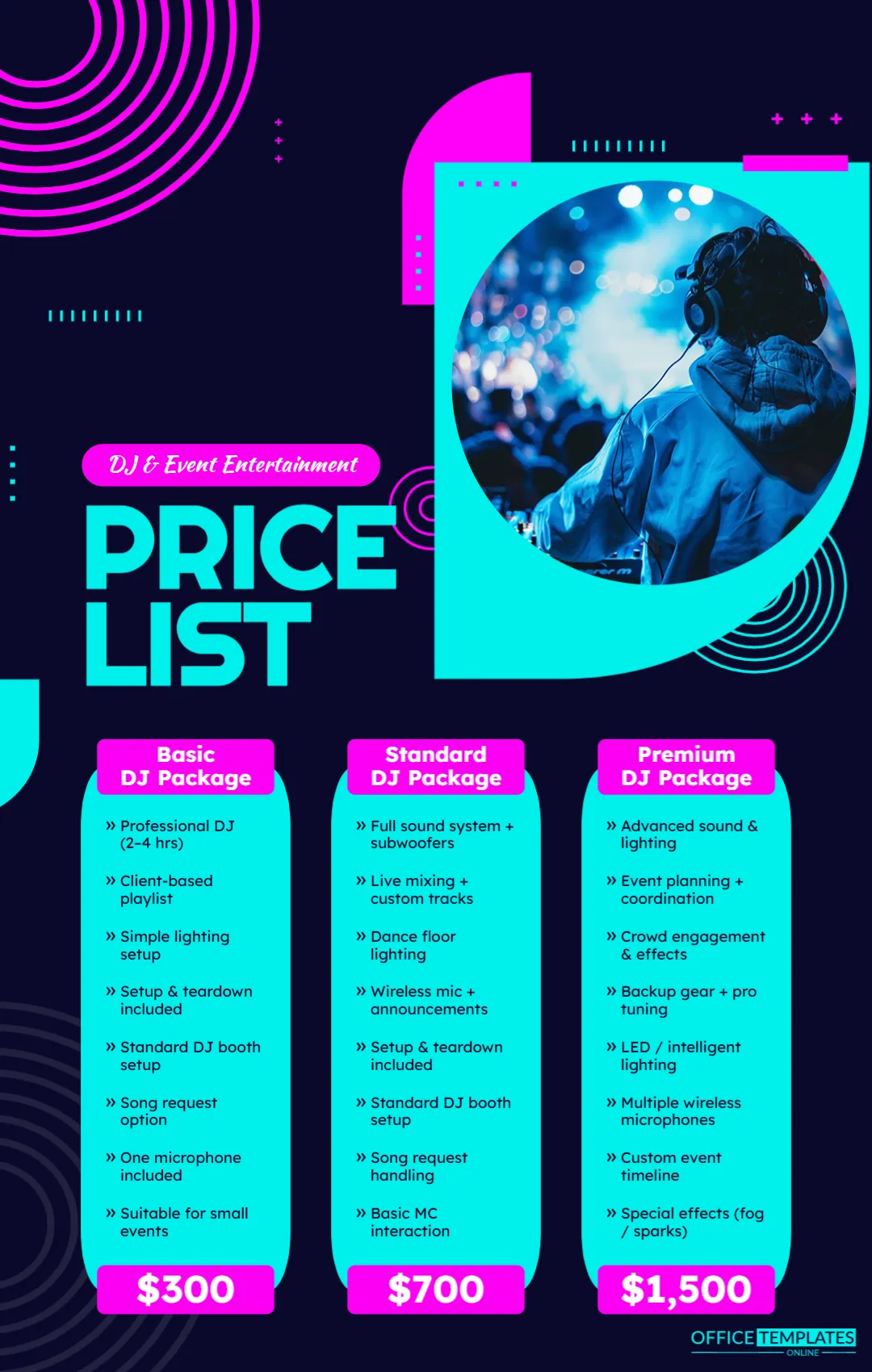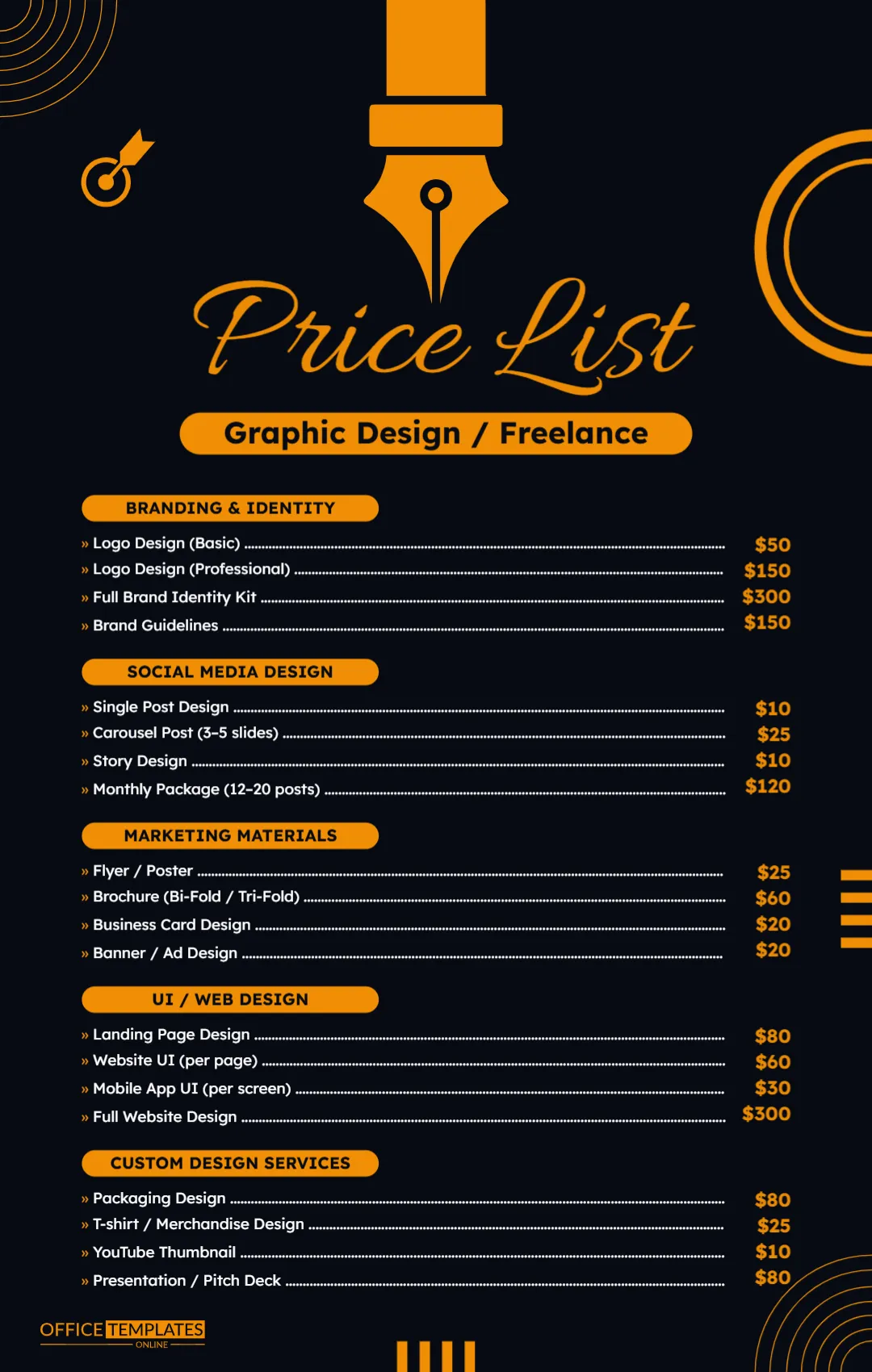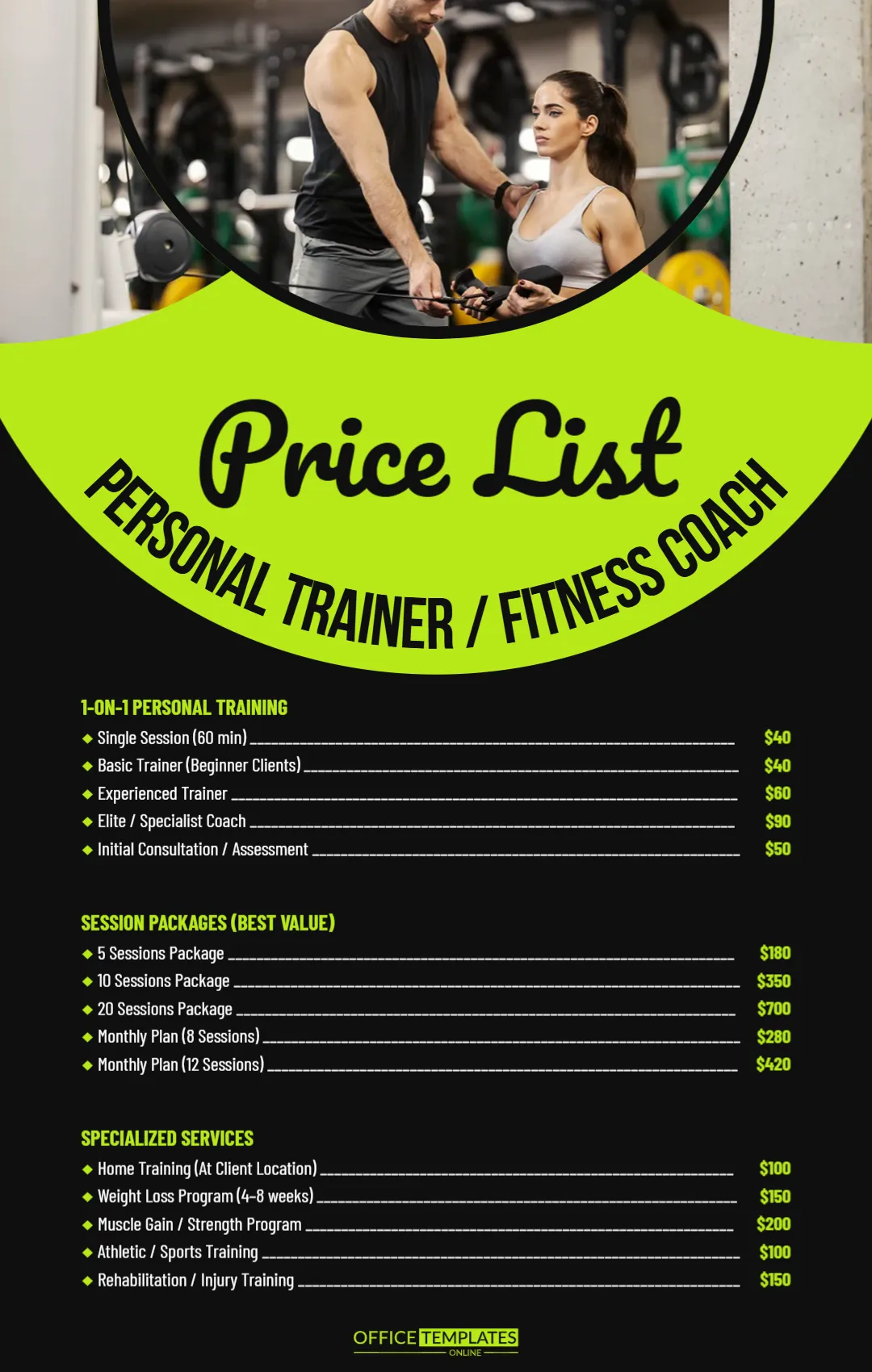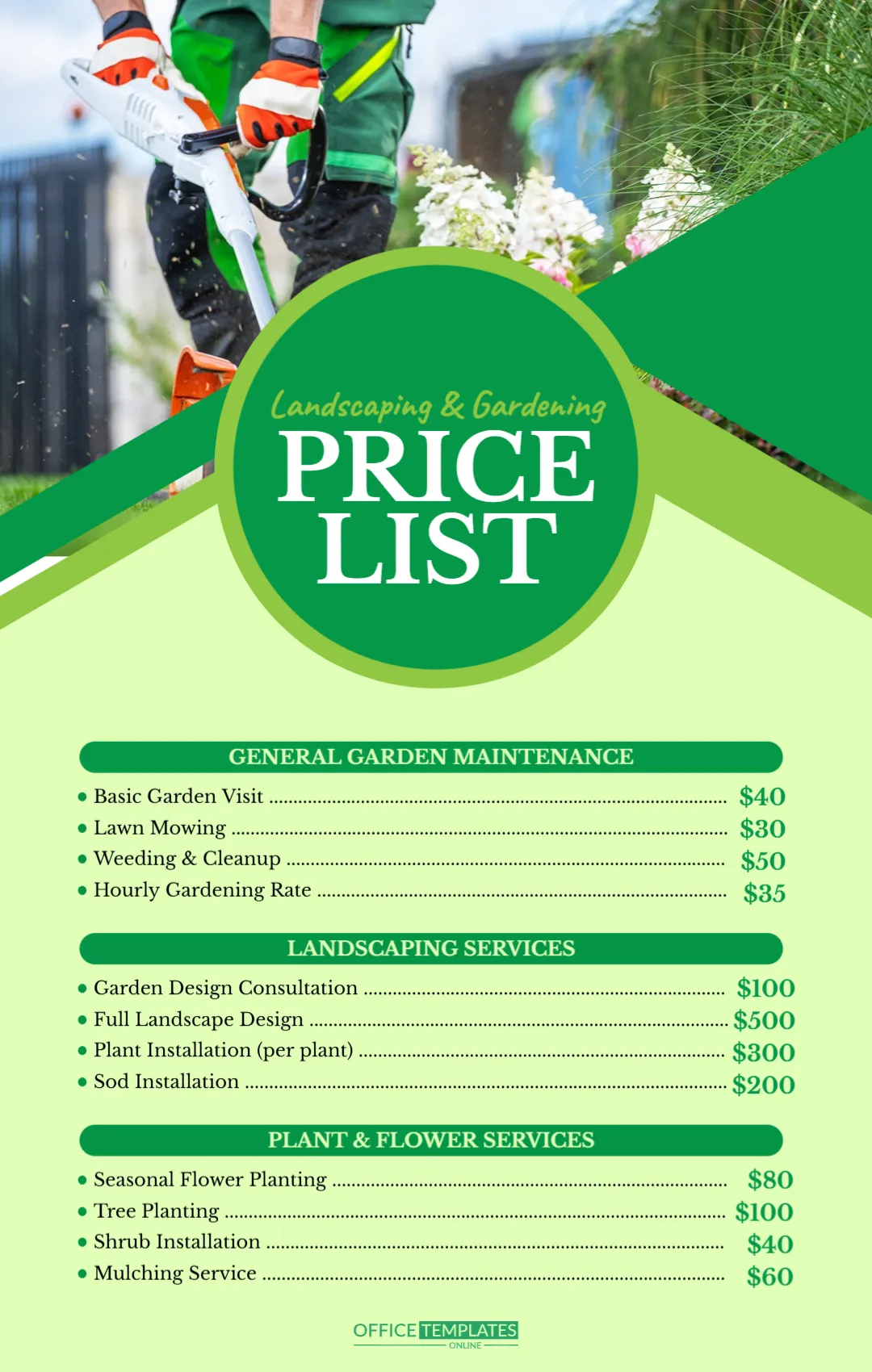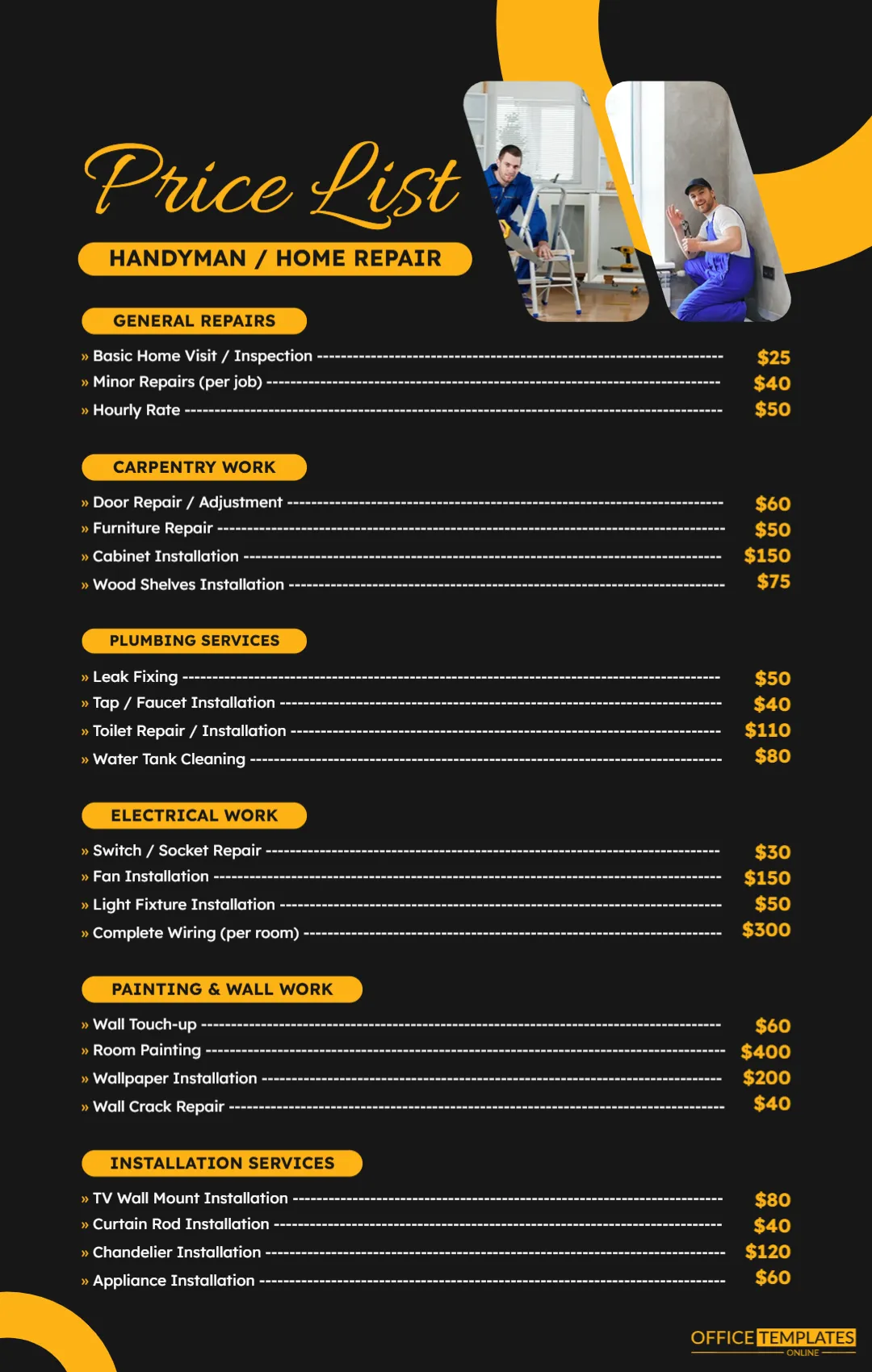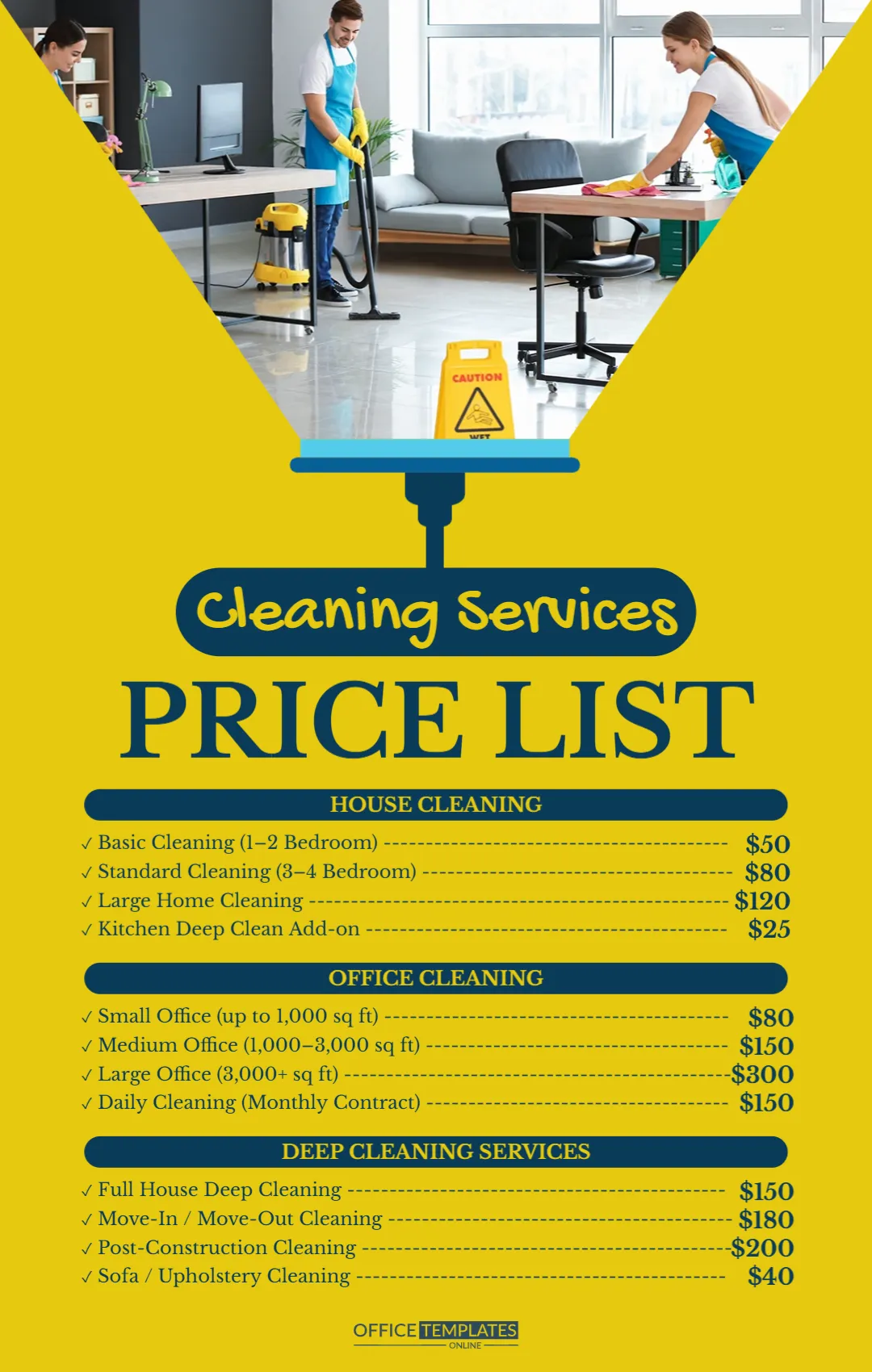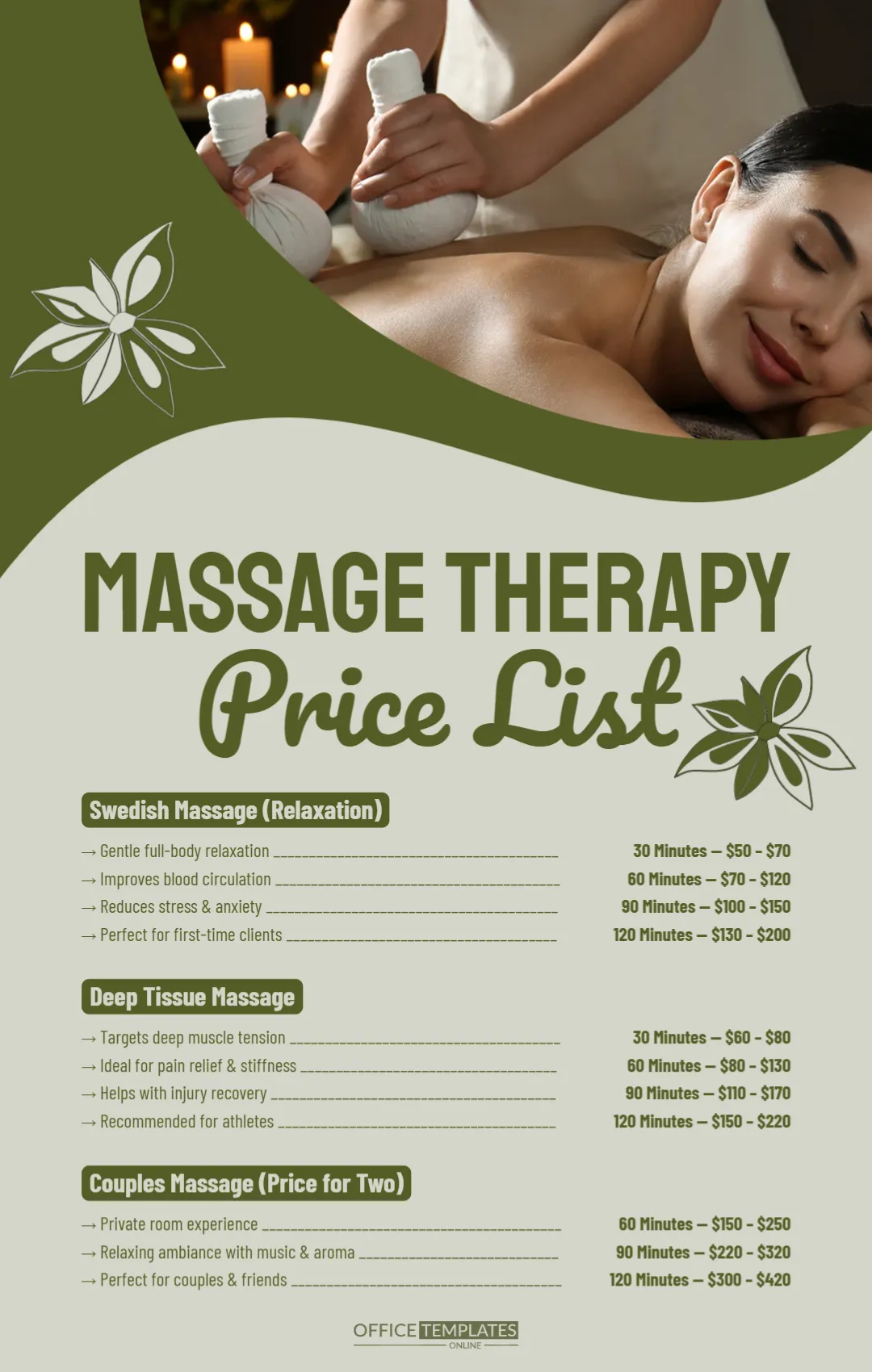
A Facial Treatment Photo and Rose Labels for a Skincare Menu
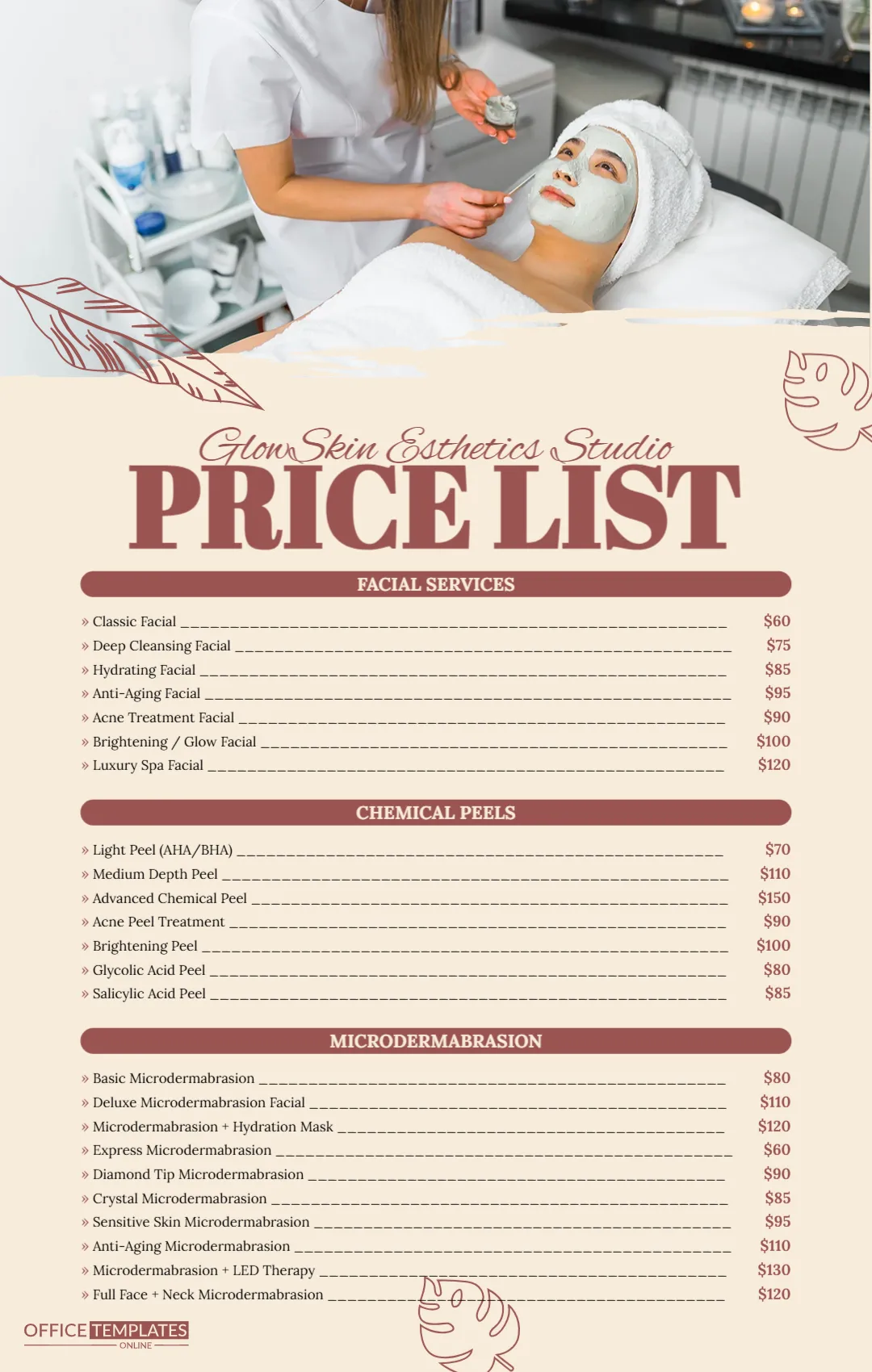
A photo of an esthetician applying a mask to a relaxed client in a white towel fills the top of the page, edged with a torn paper line. Below, a warm cream page carries rose coloured leaf drawings, the studio name GlowSkin Esthetics Studio in a script and PRICE LIST in heavy rose serif capitals. Three rose bars introduce long service lists with underscored leaders and prices. It feels clean, calm and clinical in a friendly way.
Three Long Lists on Cream
The page is 1080 x 1700 pixels, portrait. Each list has a rounded rose bar title. The microdermabrasion list holds ten lines, so the page is full, and small type keeps everything on one page.
Facials, Peels and Microdermabrasion
Facial Services list classic, deep cleansing, hydrating, anti aging, acne, brightening and luxury spa facials from $60 to $120. Chemical Peels list light, medium, advanced, acne, brightening, glycolic and salicylic peels. Microdermabrasion lists ten options, from basic and express to LED therapy and full face with neck. All prices are samples. This is a layout, not skincare advice, so describe treatments in line with your own training.
Updating the Skincare Menu
- Type your studio name.
- Change every price.
- Remove treatments you do not offer.
- Replace the header photo.
- Add a contact line.
Trimming a Long List
Ten microdermabrasion lines is a lot for clients to read. If you offer only four, delete the rest and increase the line spacing so the page breathes.
Adding Session Lengths
Clients often choose by time. Add minutes after each name, for example Classic Facial (60 min), so they can plan their visit.
Contact and Booking Details
There is no contact line in this design. Add your phone and booking link at the foot beside the logo in rose type.
Printing the GlowSkin Cream Page
Print on matte paper for a soft, spa like feel. Check that the small grey service names stay readable, and darken them a step if your test print looks faint.
Grouping Treatments by Skin Concern
Clients often know their problem but not the treatment name. A short note under each heading, such as For dull or uneven skin, helps them choose. Keep these notes general and invite clients to book a skin consultation for personal advice.
Sharing the Esthetics Price List
Post it on your booking page or print it for the treatment room.
Step by Step Editing of the Glowskin Esthetics Studio Design
- On the glowskin esthetics studio design, click the main headline and type your own words, keeping a similar length.
- Retype every name, date and contact line on the glowskin esthetics studio design, checking each against a trusted source.
- Search the glowskin esthetics studio design for the words Lorem and Company so that no placeholder remains.
- Click any logo or photo on the glowskin esthetics studio design, choose Replace Image and resize the new picture to fit.
- Zoom the glowskin esthetics studio design to full size and read each line aloud before you save it.
- Keep a clean master of the glowskin esthetics studio design without private details, so later versions start tidy.
Compare it with the beauty salon and spa price list. You may also like the massage therapy price list. For comparison, open the lash and brow price list. Looking beyond the glowskin esthetics studio design? See all price list templates.