Software Engineer Resume Template with Code Editor Header
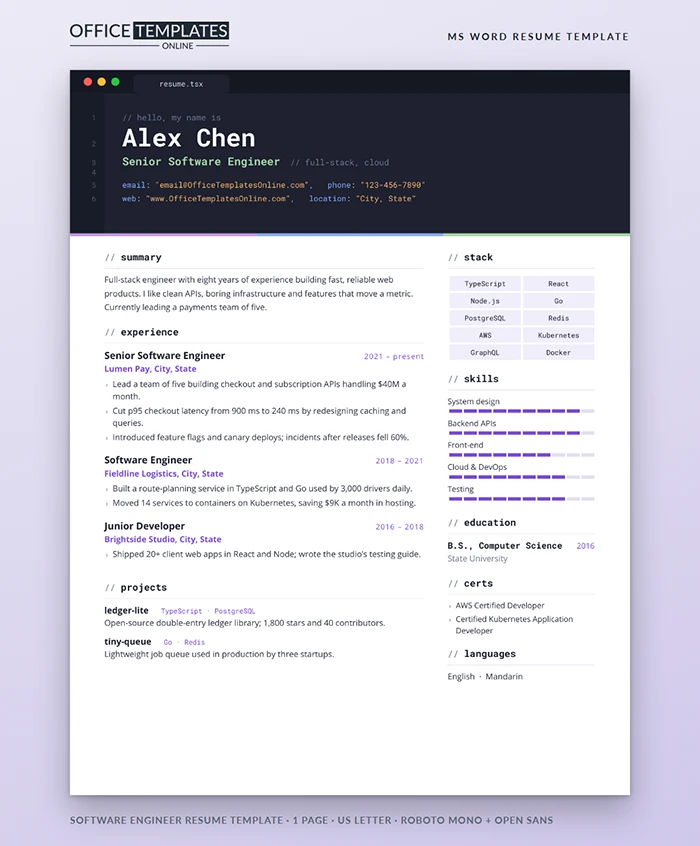
Developers spend their days in an editor, so this resume opens in one. The header looks like a dark code window, complete with traffic-light buttons, a file tab, and line numbers, and your name and contact details are written like code. It is a small joke that every engineer reading it will get, wrapped around a layout that is clean and easy to scan.
Inside the Editor Header
The top of the page is a dark slate panel with a title bar, three colored window dots, and a resume.tsx tab. A slim gutter on the left shows line numbers from 1 to 6. Line 1 is a grey comment, line 2 is your name in large white Roboto Mono, line 3 is your title in green with a short comment after it, and lines 5 and 6 show your email, phone, website, and location as blue keys with orange string values. A strip in purple, blue, and green underlines the whole header.
Below the Header
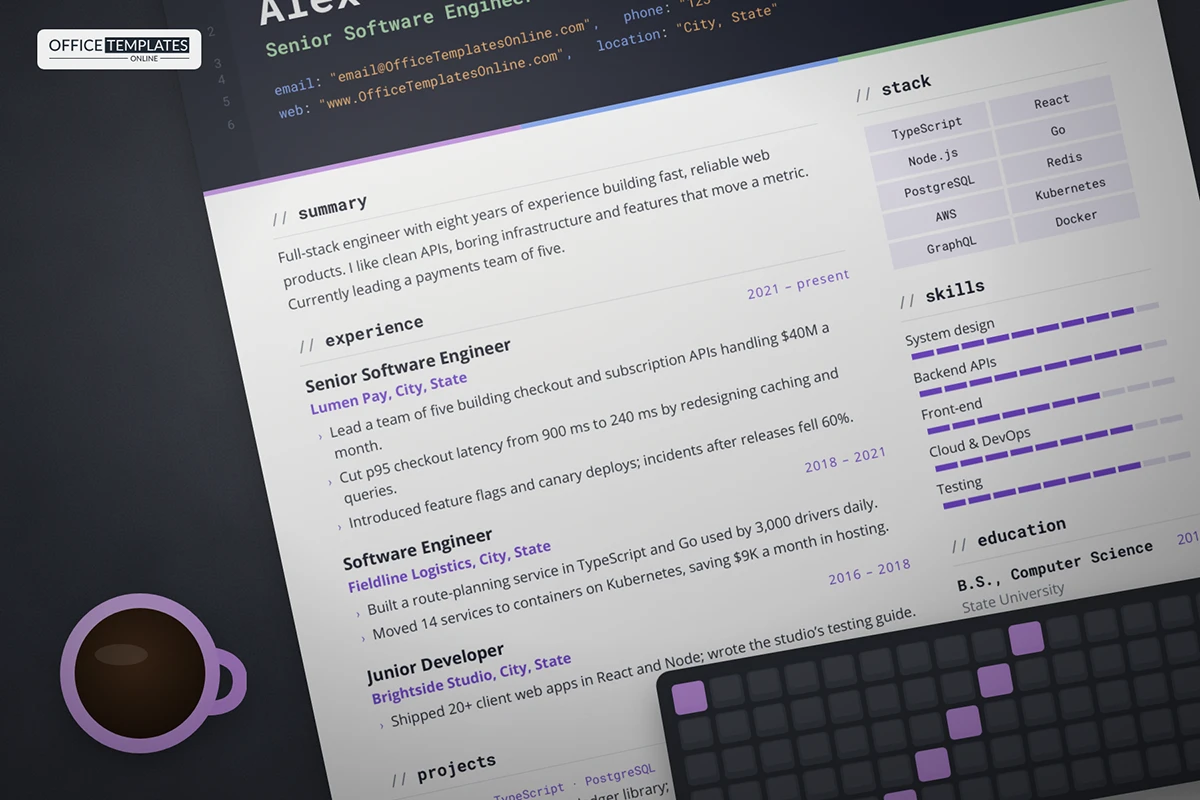
Section headings are written as code comments, such as // experience, with a fine rule underneath. The main column holds a summary, three roles, and a projects section where each project name is followed by its stack in small purple monospace. The right column lists your tech stack as shaded chips, five skills on ten-step purple gauges, education, certifications, and languages. Body text uses Open Sans so long bullets stay readable.
Commit History: From Download to Send
- Feat: personalize header: Replace the name, title, and comment with your own; keep the comment short.
- Refactor: rewrite bullets: Lead with impact, such as latency cut, revenue handled, or incidents reduced.
- Chore: update stack chips: List the eight to ten technologies the job asks for, most important first.
- Docs: add projects: Two projects with stack and one line on adoption or results.
- Test: proofread: Check every link and that the page still ends on one sheet.
- Release: export PDF: Send the PDF, keep the Word file for the next edit.
Stack Chips by Specialism
| Focus | Chips to consider |
| Front-end | TypeScript, React, Next.js, CSS, Testing Library, Figma |
| Back-end | Go, Java, Node.js, PostgreSQL, Redis, gRPC |
| DevOps and cloud | AWS, Terraform, Kubernetes, Docker, CI/CD, observability |
| Mobile | Swift, Kotlin, React Native, Firebase, app store releases |
Editing the Code Window in Word
- The dark panel, title bar, window dots, tab, gutter, and colored underline are shapes in the page header. Double-click near the top of the page to select them; use Shape Fill for a lighter theme.
- The header lines and line numbers are text in a two-column table. Each colored word is a separate run, so you can retype a value without losing the colors.
- Each gauge is a ten-cell table; shade more or fewer cells in Table Design to set a level.
What Hiring Engineers Actually Skim For
Engineering managers usually scan for three things: the scale you have worked at, the problems you solved, and whether you ship. Scale shows up in numbers such as requests per second, users, or dollars processed. Problems are best named plainly, like a slow checkout or a flaky deploy. Shipping is proven by releases, adoption, and open-source activity. If a bullet does not answer one of those questions, cut it or rewrite it. Your projects section is a good place to link to code that backs up your claims.
Notes on Fonts and ATS
Install Roboto Mono and Open Sans from Google Fonts before editing. The header text is real text, not an image, so applicant tracking systems can still read your name and contact details. If a recruiter asks for a plain version, delete the header shapes and the page still works in black and white.












