Registered Nurse Resume Template with Heartbeat Wave Header
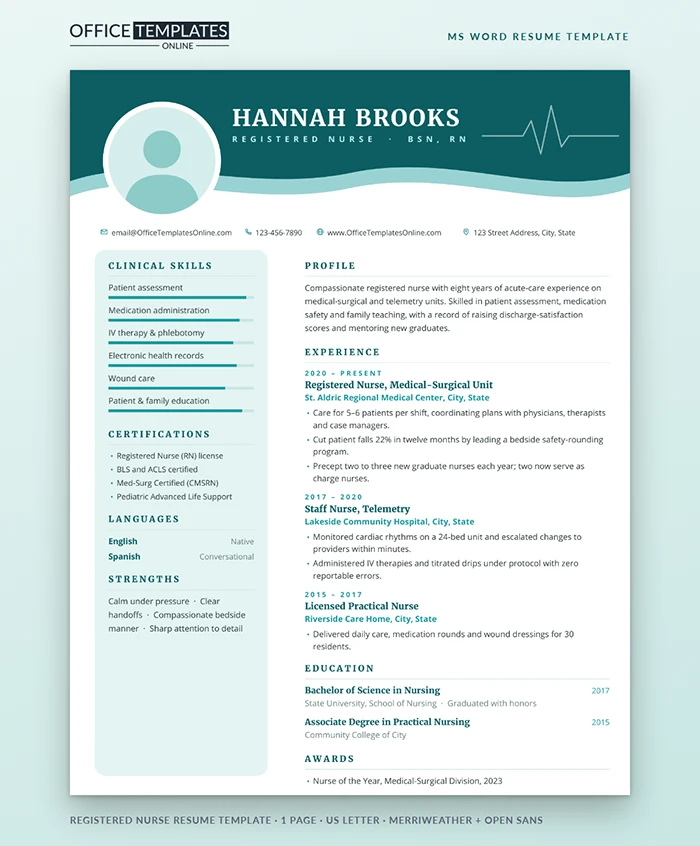
Nurses already know a reliable way to work through a problem: assess, diagnose, plan, implement, evaluate. That same process is a good way to fill in a resume, so this page follows it. Start with what the template looks like, then plan your content, make the edits, and check the result before you send it.
Assess: What You Are Working With
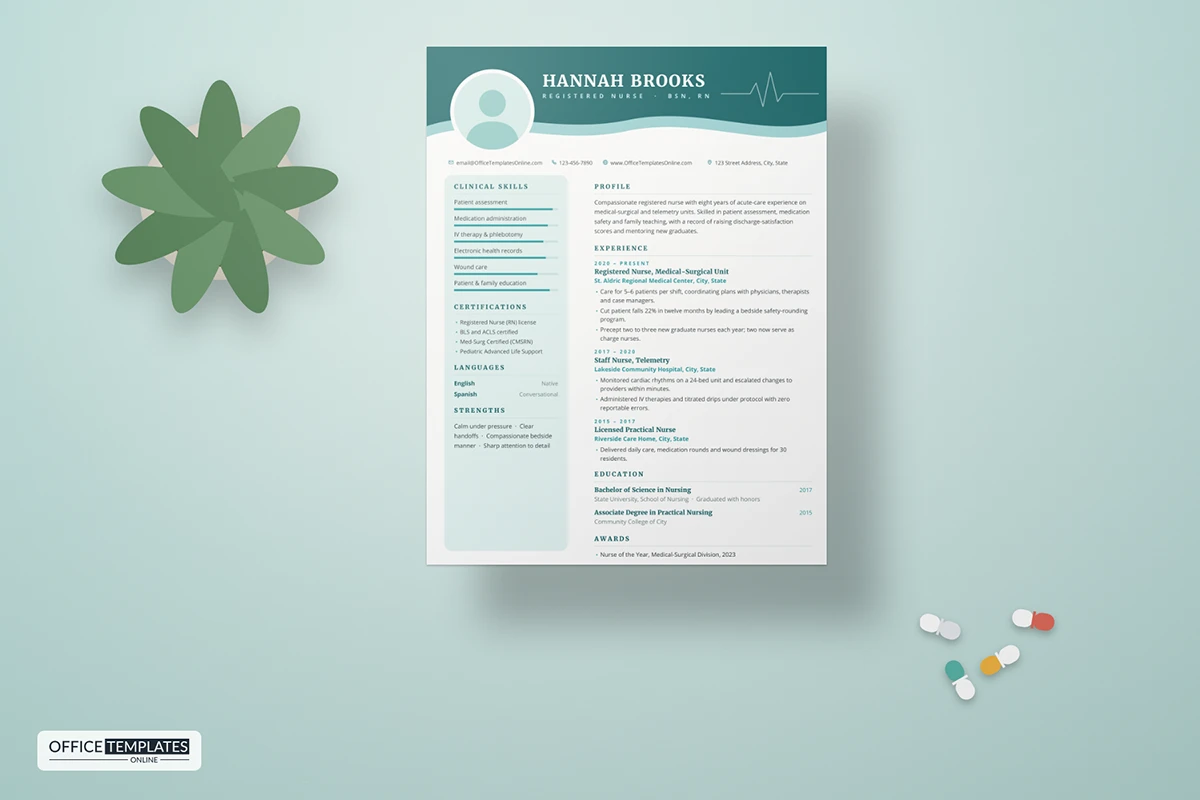
The top of the page is a deep teal wave, layered over a lighter aqua wave, with a thin white heartbeat line tracing across the right side. Your name sits on the wave in bold white Merriweather, with your credentials in spaced pale-aqua capitals beneath. A round photo in a white ring overlaps the edge of the wave, which gives the header depth without clutter.
Under the header, a single line of contact details runs across the page with teal outline icons. The left side holds a soft aqua card with rounded corners for clinical skills, certifications, languages, and strengths. The right side is white and holds your profile, experience, education, and awards. Open Sans keeps the body text clear at small sizes.
Diagnose: Which Version of You to Show
Before you type, decide which unit you are applying to. A telemetry posting cares about rhythm interpretation and drips; a pediatric unit cares about family teaching and weight-based dosing; an outpatient clinic cares about scheduling, triage calls, and patient education. Read the posting twice and circle the five skills it repeats. Those five belong in the skill bars and in your first job's bullets.
Plan: Where Each Detail Goes
| Area of the page | What to put there | Tip |
| Name and credentials | Full name, then RN, BSN, or other letters | Use the order your license board uses |
| Clinical skills card | Six skills with bars | Match the wording of the posting |
| Certifications | BLS, ACLS, PALS, specialty credentials | Remove anything that has lapsed |
| Experience | Unit, facility, dates, two or three results | Lead each bullet with a number |
| Awards | One strong recognition | Patient-nominated awards carry weight |
Implement: Making the Edits in Word
- Click into the name, credentials, contact line, and every section and type over the sample text.
- Right-click the round photo and choose Change Picture. If the new picture shows square corners, select it and use Picture Format, then Crop, Crop to Shape, and Oval. Delete it if photos are not expected where you apply.
- Each skill bar is a small two-cell table. Drag the line between the teal and pale cells to change the level.
- The waves, heartbeat line, white ring, and aqua card are shapes in the page header. Double-click near the top of the page to select them and use Shape Fill to change a color.
Evaluate: A Quick Check Before You Send
- Your license type and state match what the employer asks for.
- Every job shows the unit type, not just the hospital name.
- At least two bullets contain a number: patients, percentages, or time saved.
- The page still fits on one sheet after your changes.
- You saved a PDF copy for online applications.
New Graduate Nurses
If you have just passed your licensing exam, the layout still works. Put clinical rotations in the experience section, naming the unit, the hospital, and the number of hours, and add one or two bullets about what you handled on your own. Your capstone or preceptorship belongs at the top. Use the awards line for a dean's list place or a scholarship, and keep the skill bars to skills your instructors signed you off on.
Fonts and Printing
The template uses Merriweather for headings and Open Sans for text, both free from Google Fonts. Install them before editing. The page is US Letter and the teal header runs to the edges, so a PDF is the safest way to send it. If you print copies for a job fair, a laser printer gives the cleanest solid color.












