Project Manager Resume Template with Gantt Chart Header
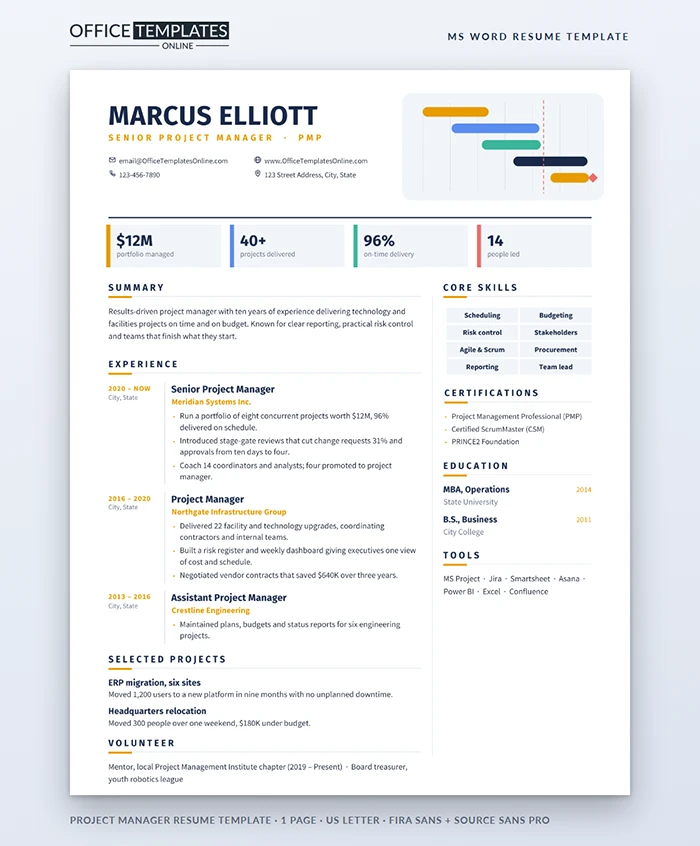
Every project manager has drawn a Gantt chart. It is the one picture that instantly says I plan things and get them done. This resume puts a small, tidy version of that chart next to your name, so a hiring manager understands your trade before reading a single bullet.
A Resume Built Like a Schedule
At the top left, your name is set in heavy Fira Sans in deep navy, with your title and certification in spaced amber capitals and a neat two-by-two block of contact details underneath. To the right, a rounded pale panel holds five colored task bars in amber, sky blue, mint and navy, a coral dashed today line and a small diamond milestone. A navy rule closes the header.
Below it, four milestone tiles sit in a row, each with a colored left edge that matches a bar in the chart. They hold your headline numbers: portfolio value, projects delivered, on-time rate, and team size.
Reading the Rest of the Page
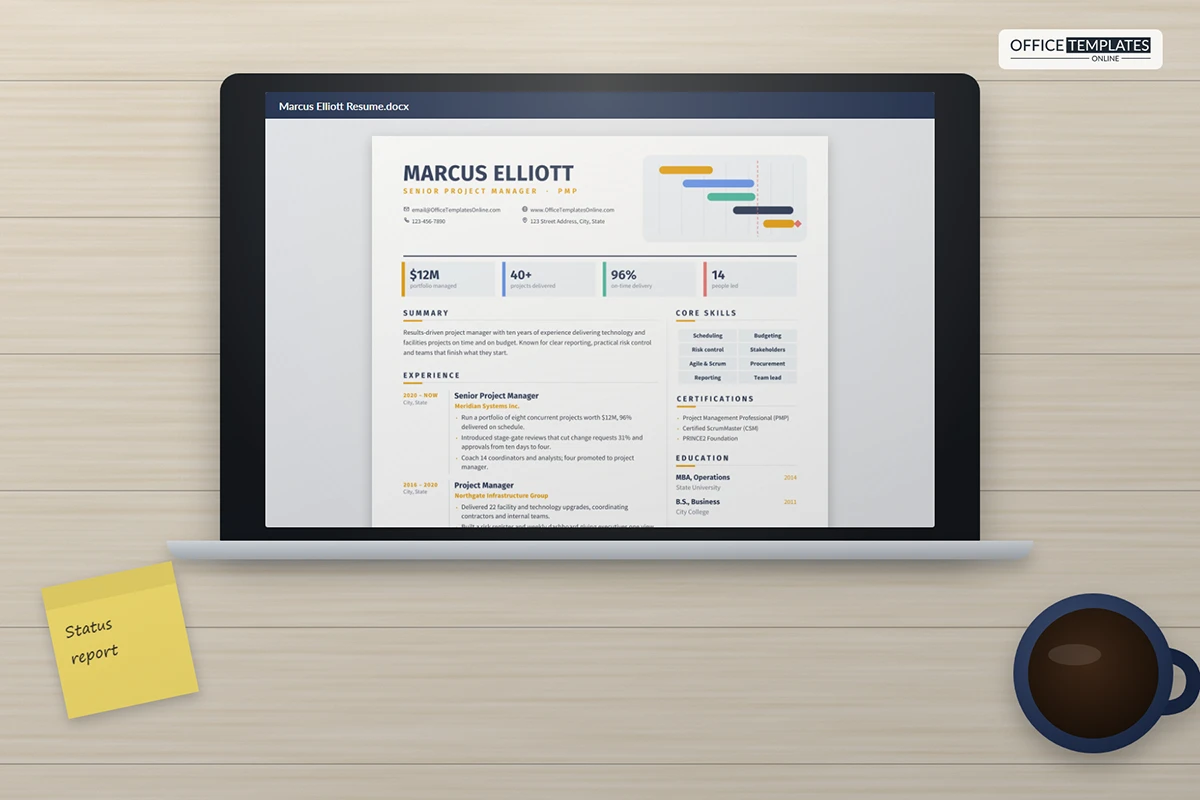
The main column holds a summary, then experience laid out as a timeline: dates and location on the left, a thin rule, and the role, company, and results on the right. Selected projects and volunteering follow. A narrow right column, separated by a fine line, carries core skills as eight shaded chips, certifications, education, and tools. Section headings have a short amber underline that runs into a longer grey rule.
A RACI Chart for Your Job Search
| Task | Responsible | Accountable | Consulted |
| Tailor the summary to each posting. | You | You | A mentor in the industry |
| Check the numbers in the tiles. | You | You | A former manager |
| Proofread the whole page. | A trusted friend | You | Spell check in Word |
| Prepare stories behind each bullet. | You | You | Your project files |
Turning Your Results into Milestone Tiles
Pick four figures that are easy to explain and hard to argue with. Budget managed, and the number of projects shows scale. On-time or on-budget rates show reliability. Team size shows leadership. If you work in an agile environment, swap one tile for sprint predictability or release frequency. Keep each label to three or four words so the tiles stay tidy.
Changing the Chart, Tiles and Chips
- The task bars, today line, diamond, panel, and rules are shapes in the page header. Double-click near the top of the page, then click a bar to recolor it with Shape Fill or drag it to change its length.
- The milestone tiles are table cells. Type over the numbers and labels; the colored edge is a cell border you can change in Table Design.
- Skill chips are cells in a small table. Press Tab in the last chip to add a new row.
Write Your Summary Like a Status Report
Executives love a status report that fits on one slide: where things stand, what is at risk, what happens next. Your summary can follow the same pattern. Open with your scope (the size and type of projects you run), add your track record (a delivery rate or budget figure), and finish with what you are looking for next. Three short sentences are enough. Leave out vague strengths such as excellent communicator; the tiles and bullets prove that better than adjectives can.
Is This the Right Layout?
It suits IT, construction, operations, marketing, and product project managers, as well as program managers and PMO leads. If you are moving into project management from another role, keep the Gantt header, use the tiles for coordination results, and list the projects you ran even if they were part of a different job title.
Fonts are Fira Sans and Source Sans Pro, both free on Google Fonts. The file is one US Letter page; export a PDF for applications.












