Physician CV Template in Classic Navy and Gold
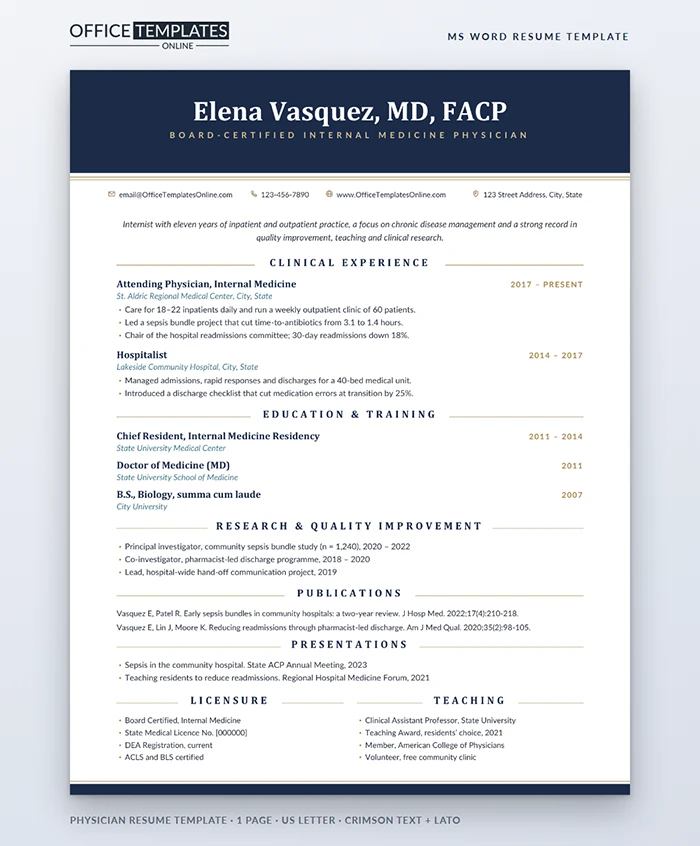
A physician's CV is read by department chairs, credentialing committees, and recruiters who have seen thousands of them. They expect a classic document: clear sections, exact dates, complete credentials, and nothing that distracts from your training and practice. This template gives them exactly that, with a few refined details that make it feel considered rather than generic.
A Traditional CV, Refined
A deep navy band runs across the top of the page with your name, degrees, and fellowship letters centered in white Crimson Text, a classic serif. Your specialty sits underneath in spaced gold capitals. Two thin gold hairlines mark the bottom of the band, and your contact details follow in a single centered line. The page closes with a slim navy footer band and its own gold hairline, so the document feels framed.
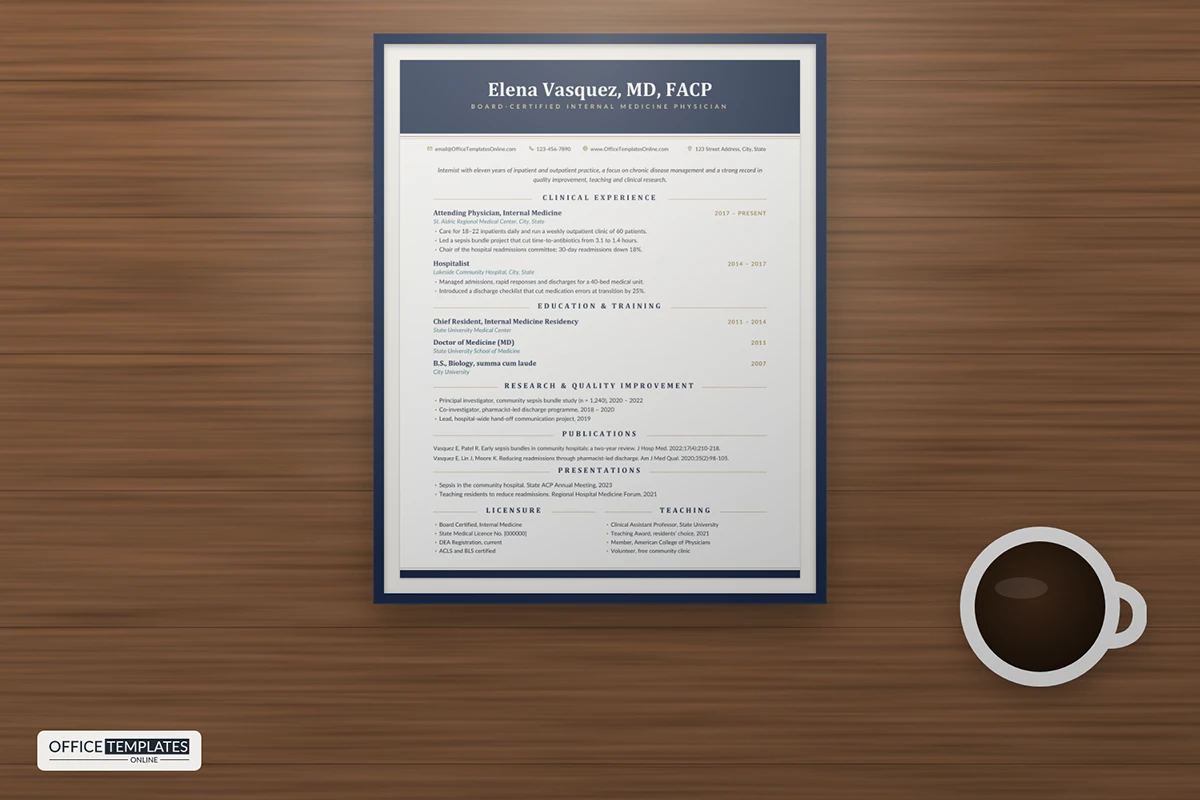
The body is a single, wide column. Each section title is set in spaced capitals and centered between two fine gold rules. Positions show your title in bold serif, the institution in teal italics, and the dates aligned to the right in gold. A short italic summary under the header introduces your focus in one or two sentences.
Sections Included
| Section | What it holds | Order tip |
| Clinical Experience | Attending and hospitalist roles with key achievements | Newest first |
| Education & Training | Residency, fellowship, medical school, undergraduate | Highest level first |
| Research & Quality Improvement | Studies, projects, and your role | Most significant first |
| Publications | Citations in journal style | Newest first |
| Presentations | Talks at meetings and forums | Newest first |
| Licensure and Teaching | Boards, licenses, DEA, academic roles, memberships | Side by side at the end |
Formatting Publications Correctly
The publications section uses a hanging indent, so the first line of each citation sits flush, and the rest is indented, just like a reference list. Follow the style most common in your specialty, usually AMA or Vancouver: authors, title, journal abbreviation, year, volume, issue, and pages. Bold your own name if you like, and keep the order consistent. If you have many papers, include only the most relevant five to eight on this page and attach a full bibliography as a second document.
Showing Clinical Impact
Hospitals increasingly hire physicians who improve systems as well as treat patients. Under each role, add one or two measurable results: time-to-antibiotics improved, readmissions reduced, length of stay shortened, patient satisfaction raised. Quality improvement work also belongs in its own section, where you can name the project, your role, and the outcome. These lines often start the most interesting conversations at interview.
Residents and Fellows
If you are finishing training, put education and training first, with expected completion dates. List clinical rotations or electives that match the job, along with research, chief resident duties, and teaching awards. Licensure can show eligible or pending with a date. Program directors and recruiters understand the stage you are at; what they want to see is clear progression and commitment to the specialty.
Editing the CV in Word
- The navy bands and gold hairlines are shapes in the page header. Double-click near the top of the page to select and recolor them; burgundy or forest green both work well with gold.
- Each centered section title is a small three-cell table; type over the title and the gold rules adjust automatically.
- Add another position by copying an existing entry, including its title, institution, and bullets.
- The licensure and teaching lists sit in two columns at the end; extend either list with Enter.
Length, Paper and Format
This template is designed as a one-page summary CV, ideal for job applications and locum agencies. If your full CV runs to several pages, use this page as the first page and continue in the same style. Crimson Text and Lato are free from Google Fonts. Send a PDF for credentialing portals and print on bright white paper for interviews.












