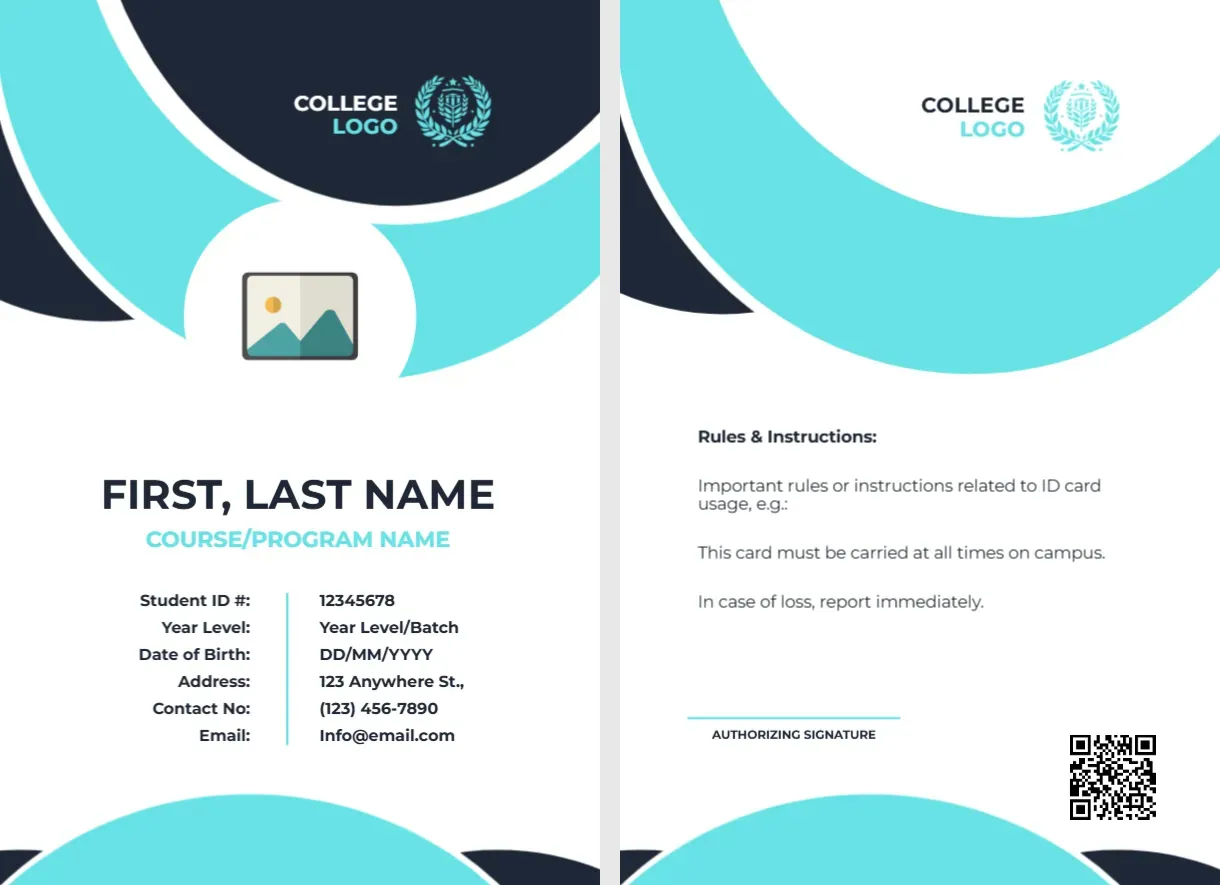
Aqua Circles and a Six Row Details Table for Students
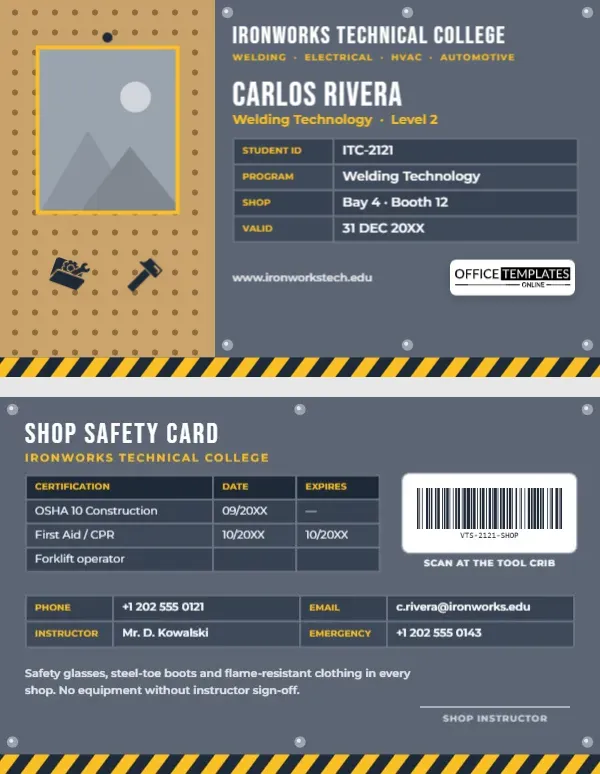
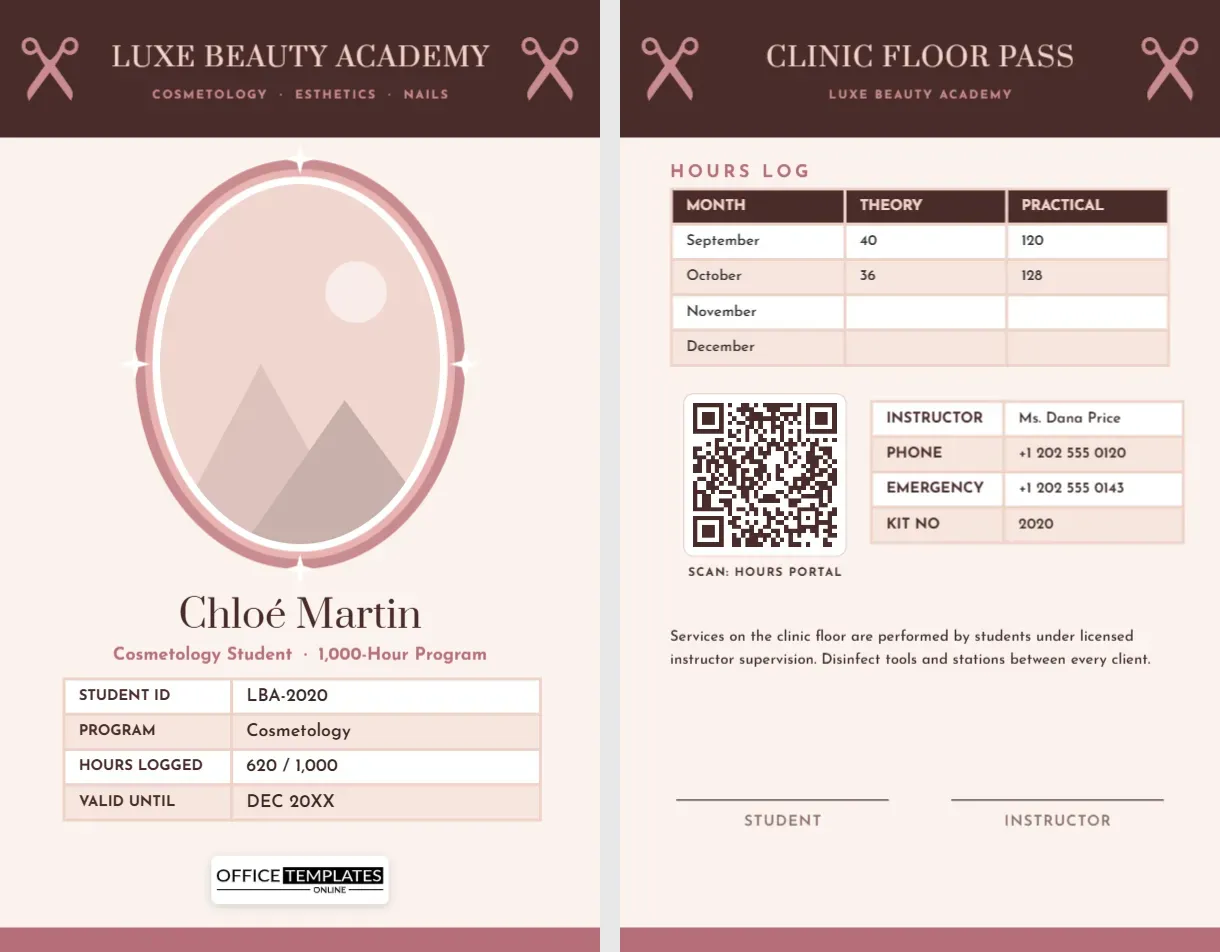
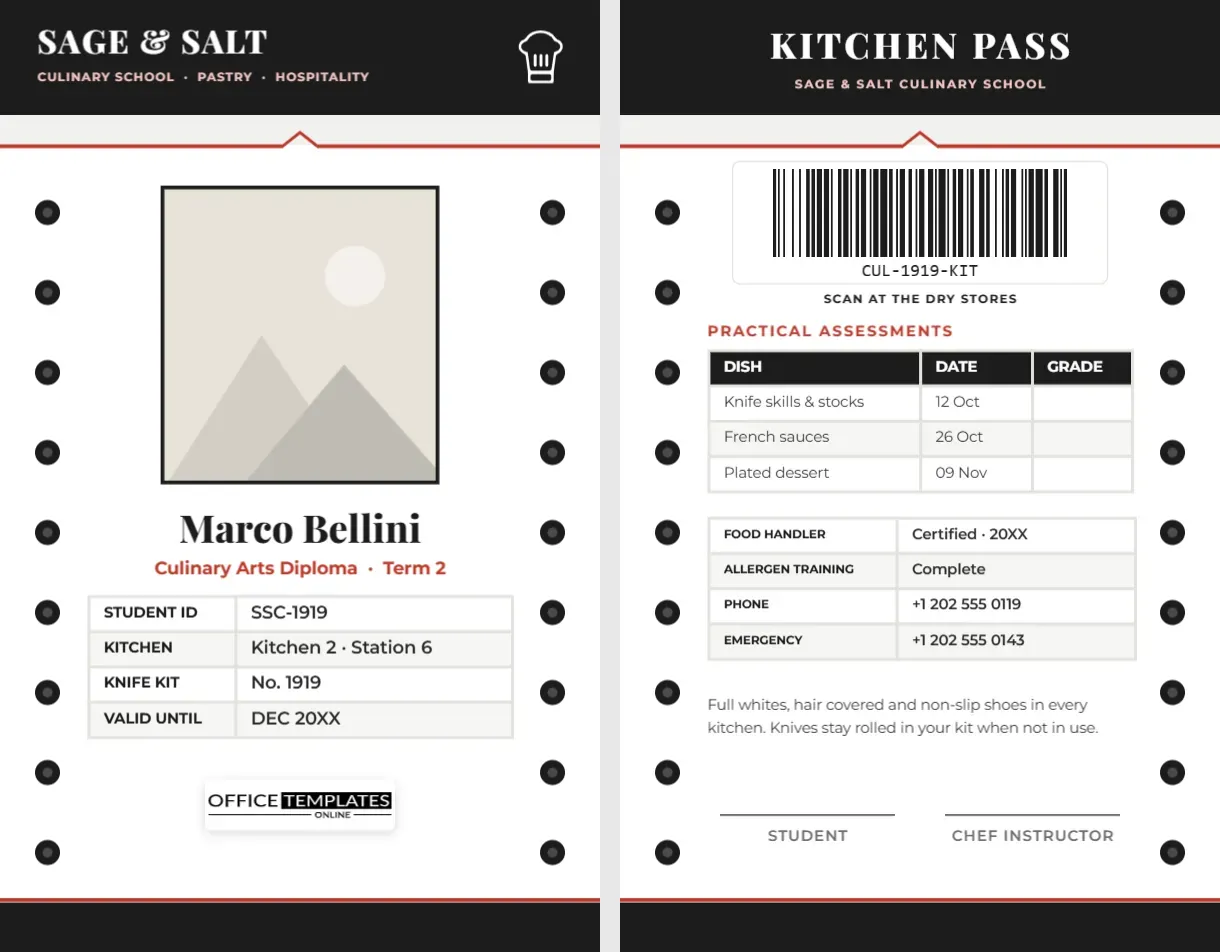
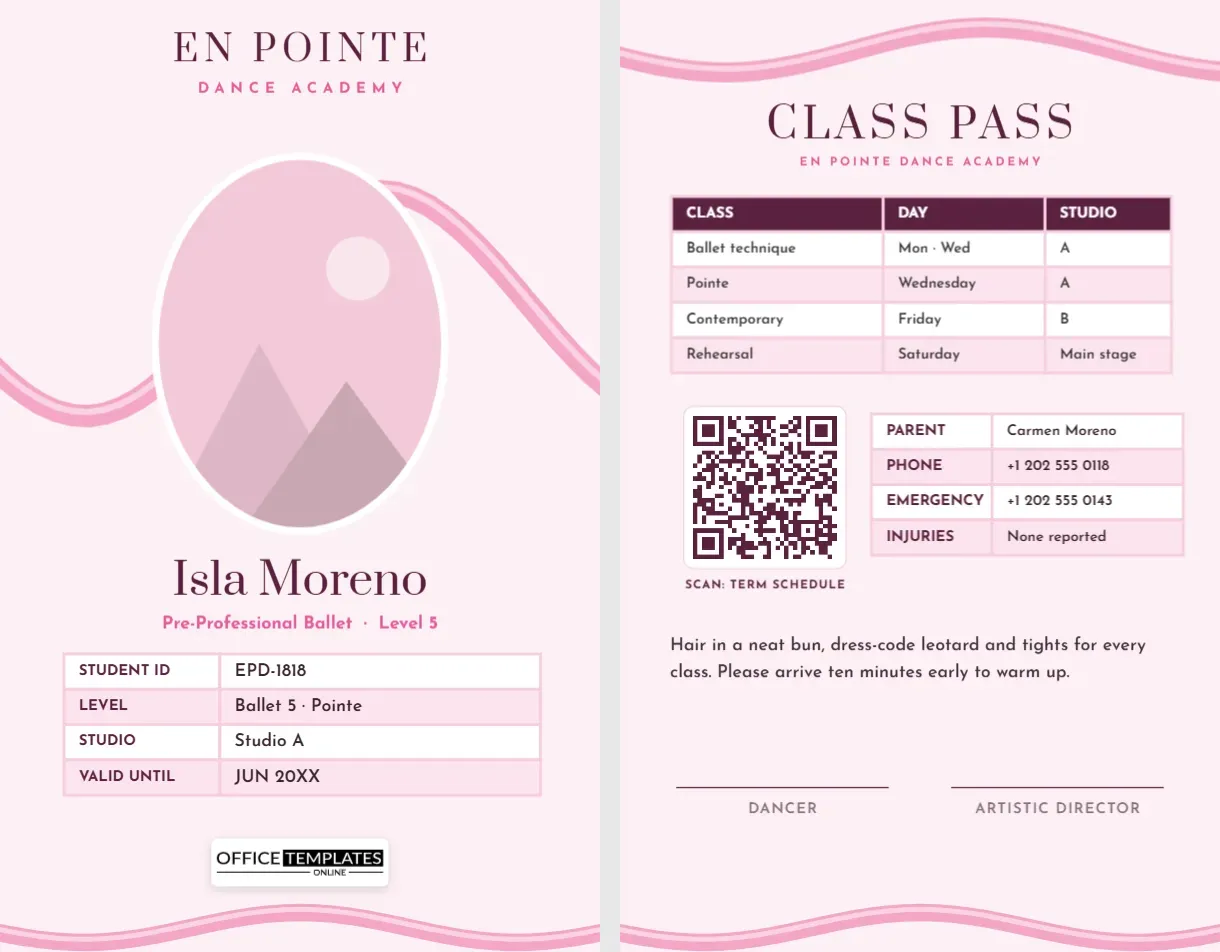
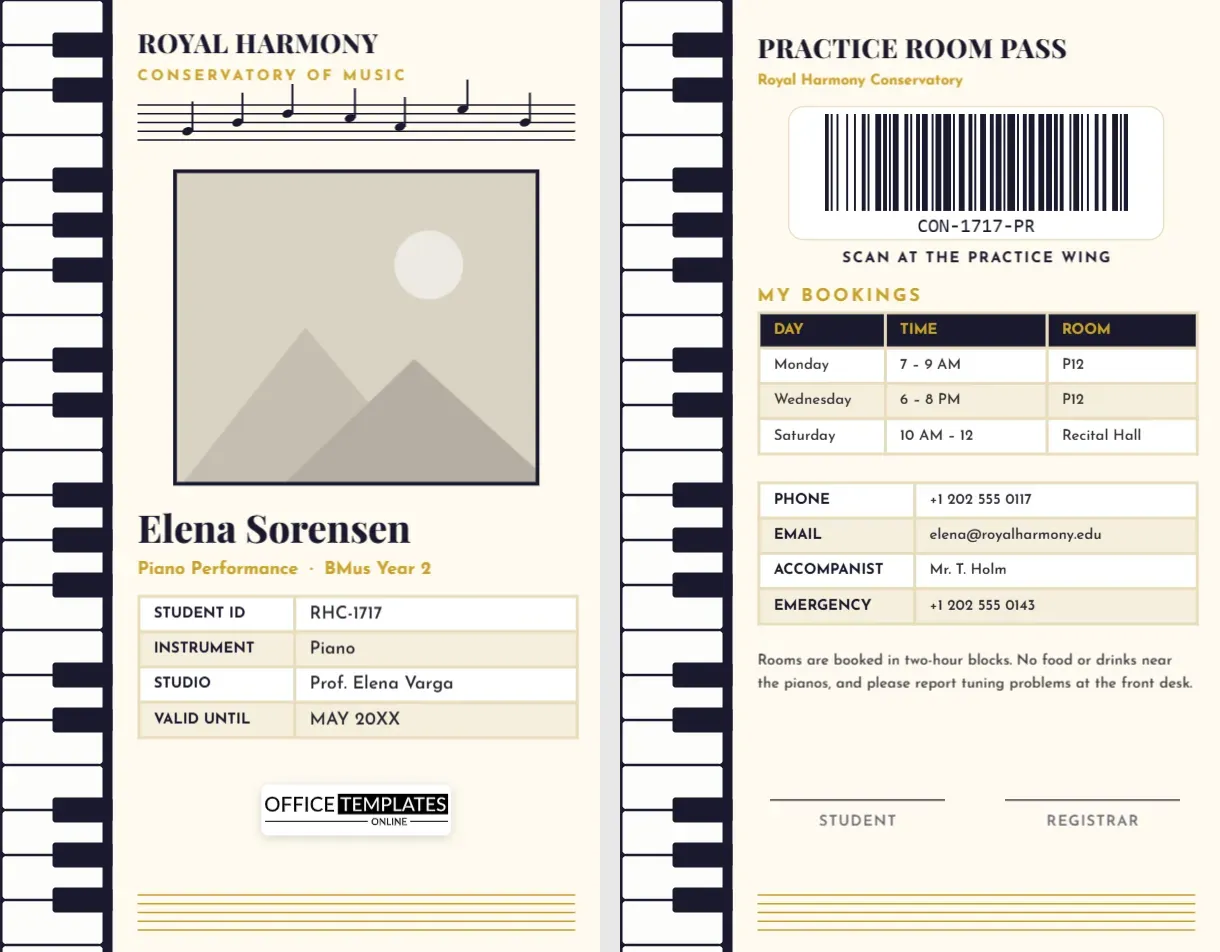
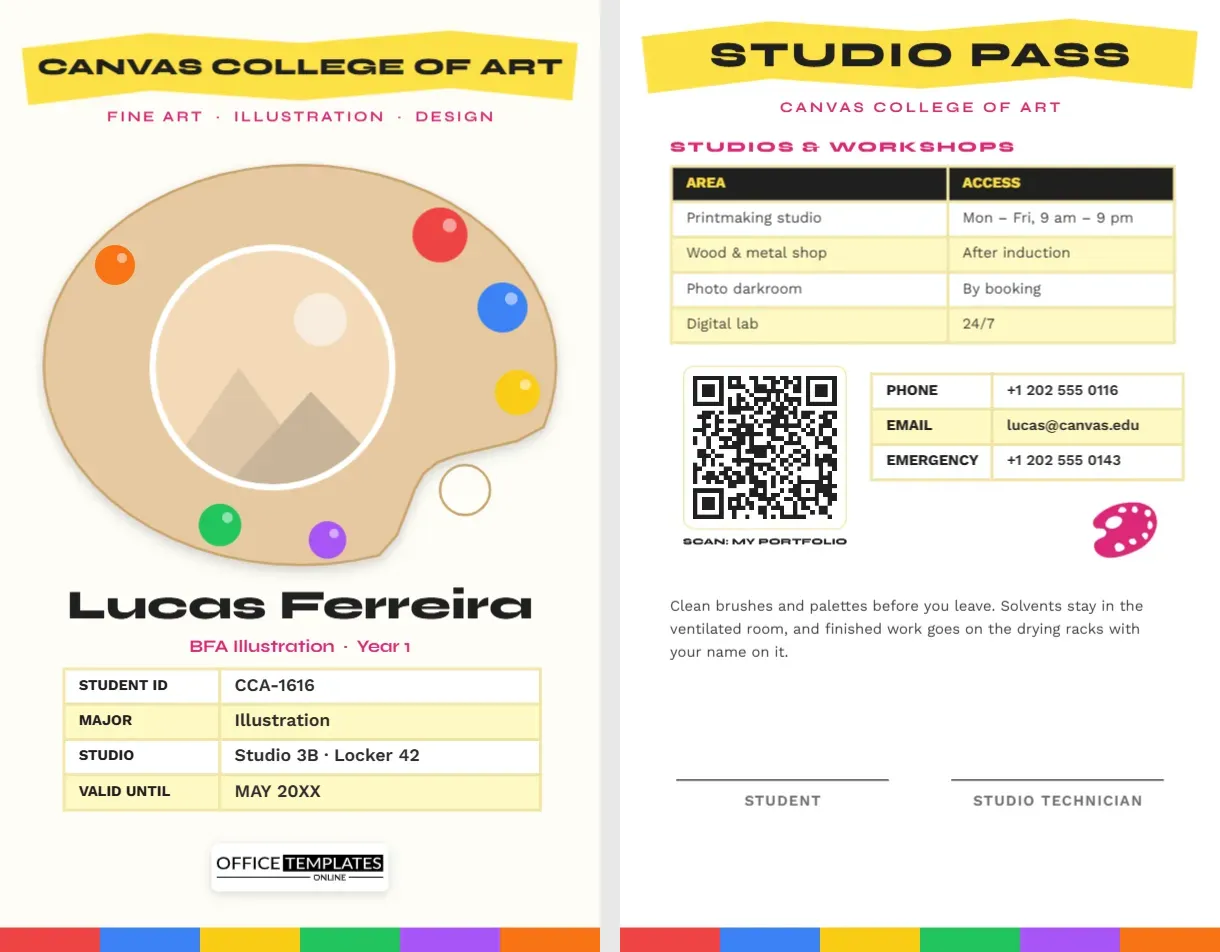
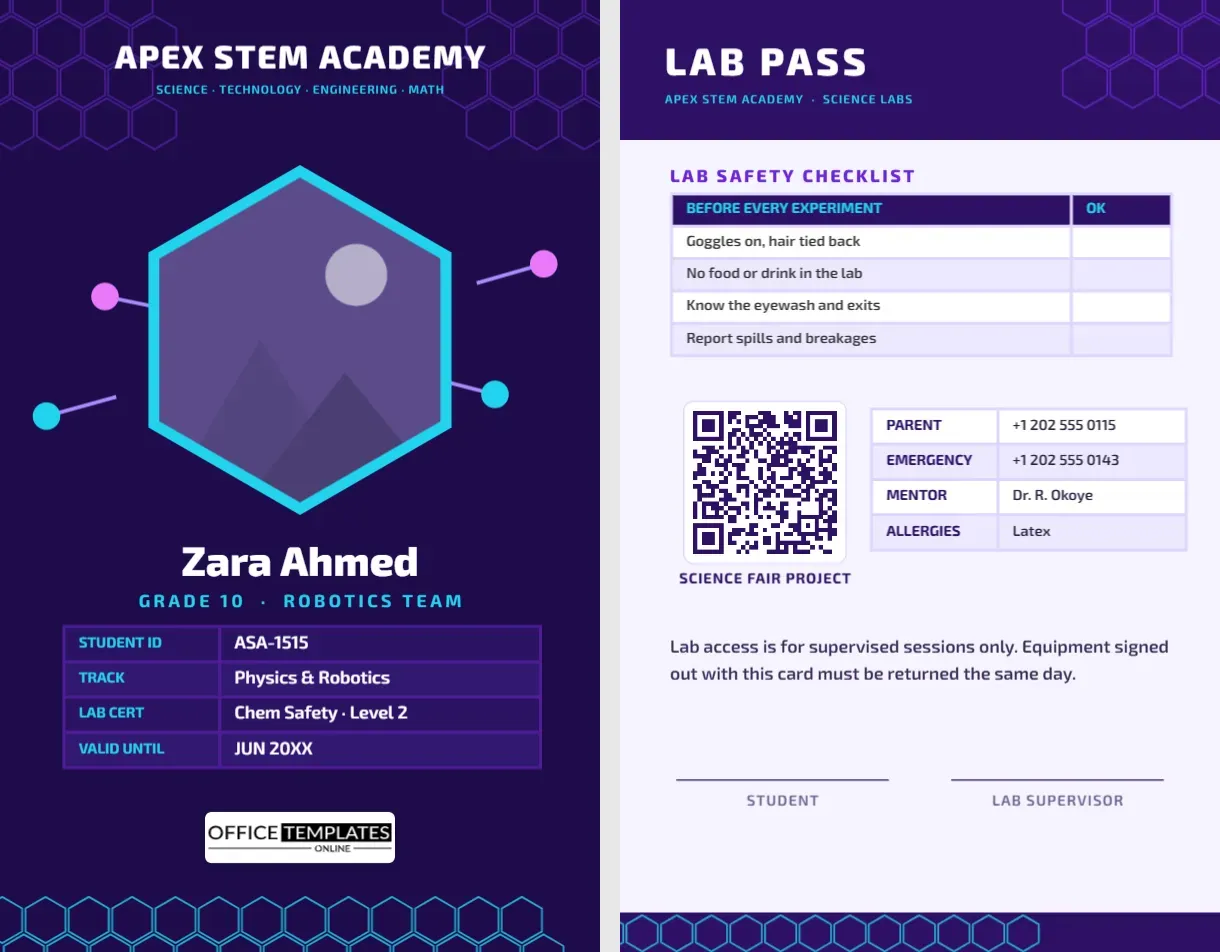
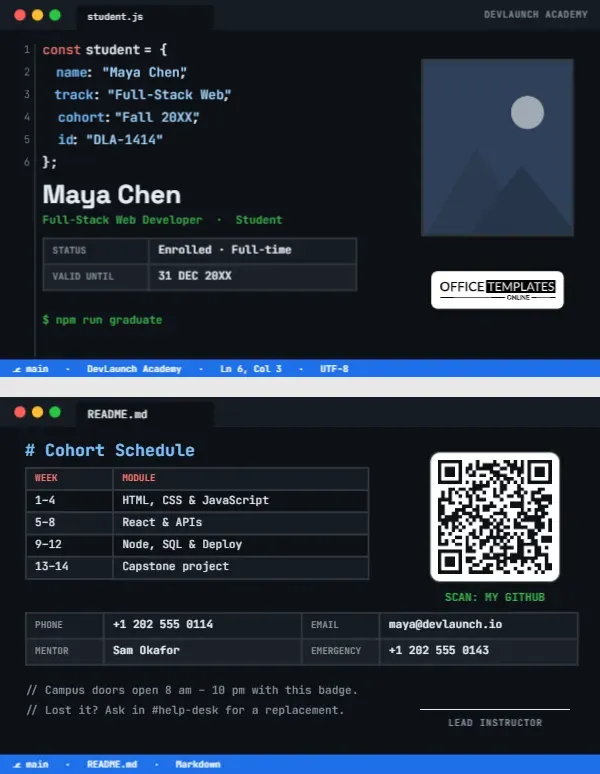
The front of this portrait card has overlapping navy and aqua circles, a COLLEGE LOGO with a laurel crest at the top and a round photo placeholder in a white circle. FIRST, LAST NAME sits in dark type with COURSE/PROGRAM NAME in aqua below. A six row table lists Student ID, Year Level, Date of Birth, Address, Contact No and Email. The back has rules, a signature line, a QR code and a matching logo.
A Reversible Aqua Card
The card is 2.63 x 3.88 inches. The front holds more information than a typical school card, which suits colleges where staff and security need to check more details.
Rows to Fill in
Replace FIRST, LAST NAME, the course, and the six rows: Student ID, Year Level or batch, DD/MM/YYYY, a street, a phone and an email. Edit the email, which prints as [email protected] with a capital I, and replace the Rules and Instructions on the back.
Preparing the Aqua College Card
- Insert the round photo.
- Type name and programme.
- Fill the six table rows.
- Fix the email case.
- Rewrite the rules.
Showing the Course on the Card
The programme line tells staff what the student studies. It helps library and lab staff decide access, and it adds identity to the card.
Privacy and the Address Row
The front prints an address, a phone and an email. Consider whether to print a home address, as cards can be lost, and many colleges prefer the campus address or none.
Aqua and Navy for a Fresh Look
Aqua with navy looks fresh and technical. It suits science, business and design colleges, and the soft circles avoid the stern look of dark panels.
Circles Around the Photo
The white circle around the photo creates a clean frame. Use a close head shot, and keep the shoulders level so that the crop looks tidy.
Rules and Instructions on the Back
The back lists rules, such as carry the card on campus at all times and report loss at once. Add a security phone number, since time matters when a card is lost.
Aligning the Table Columns
The labels sit in a right aligned column, and the values in a left aligned column beside a thin rule. Keep long values short, so they do not wrap.
Issuing Cards at Enrolment
Photograph new students on enrolment day and print the cards at once. A queue and a standard backdrop keep photos consistent.
Step by Step Editing of the College Student Id Card Teal Circles Course Details Design
- On the college student id card teal circles course details design, click the main headline and type your own words, keeping a similar length.
- Retype every name, date and contact line on the college student id card teal circles course details design, checking each against a trusted source.
- Search the college student id card teal circles course details design for the words Lorem and Company so that no placeholder remains.
- Click any logo or photo on the college student id card teal circles course details design, choose Replace Image and resize the new picture to fit.
- Zoom the college student id card teal circles course details design to full size and read each line aloud before you save it.
- Keep a clean master of the college student id card teal circles course details design without private details, so later versions start tidy.
You may also like the black and red college card. For comparison, open the community college card. Consider the engineering student card. The rest of the series around the college student id card teal circles course details design is in student ID card templates.