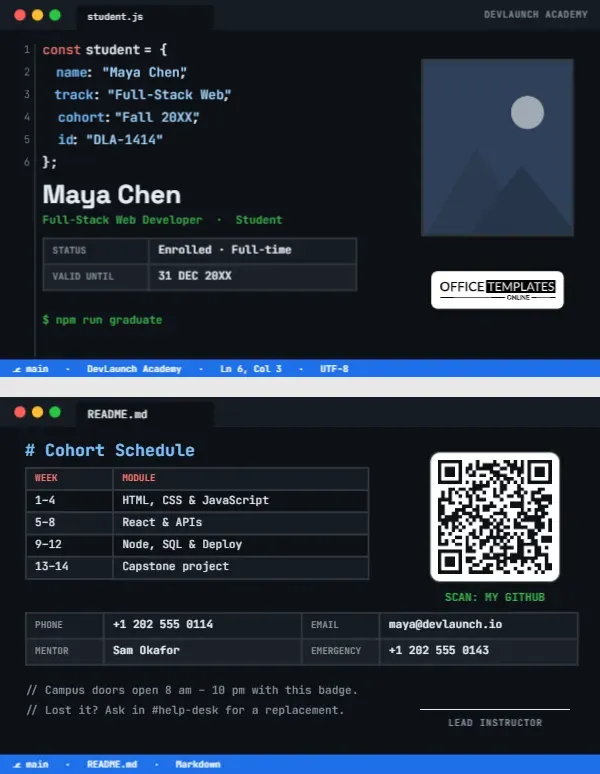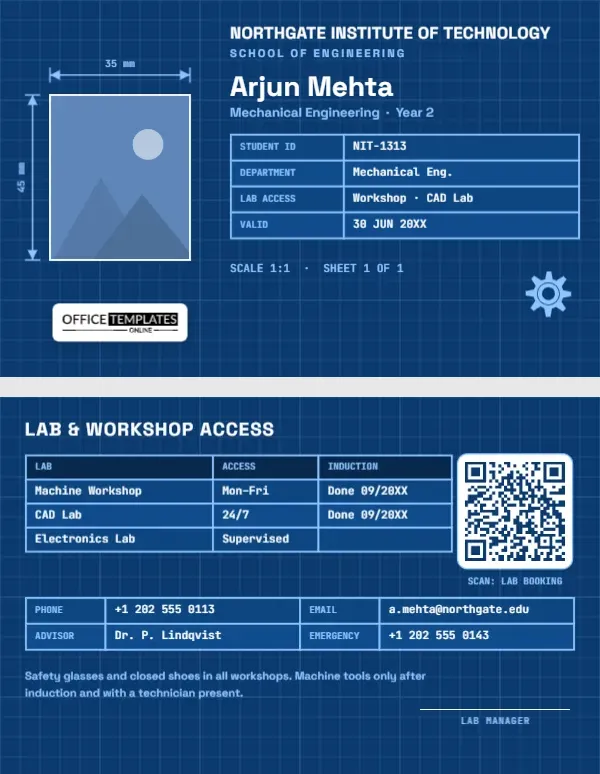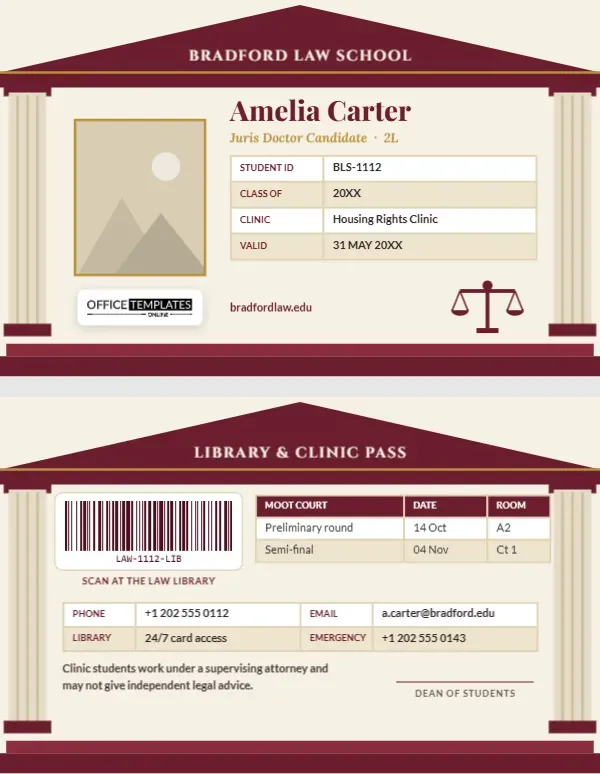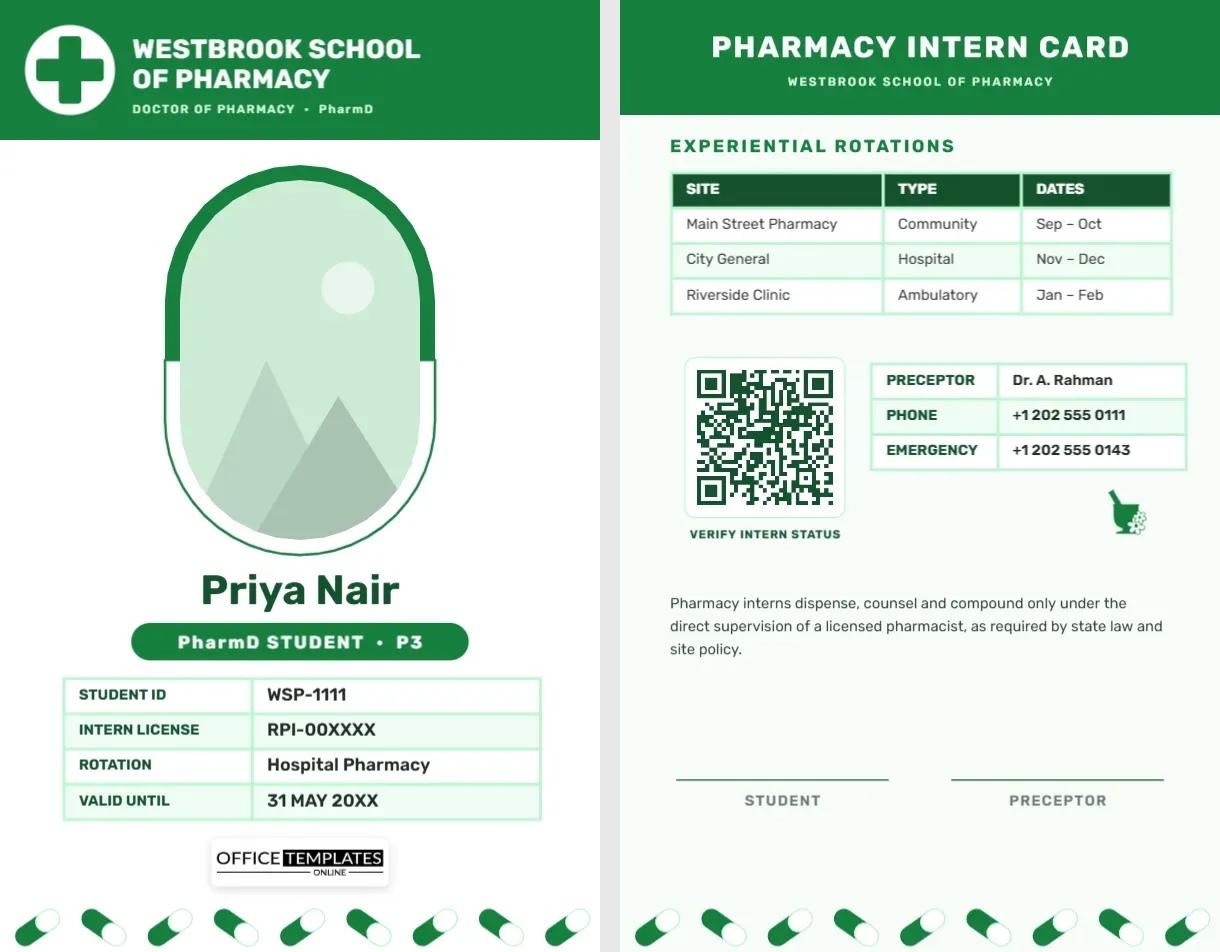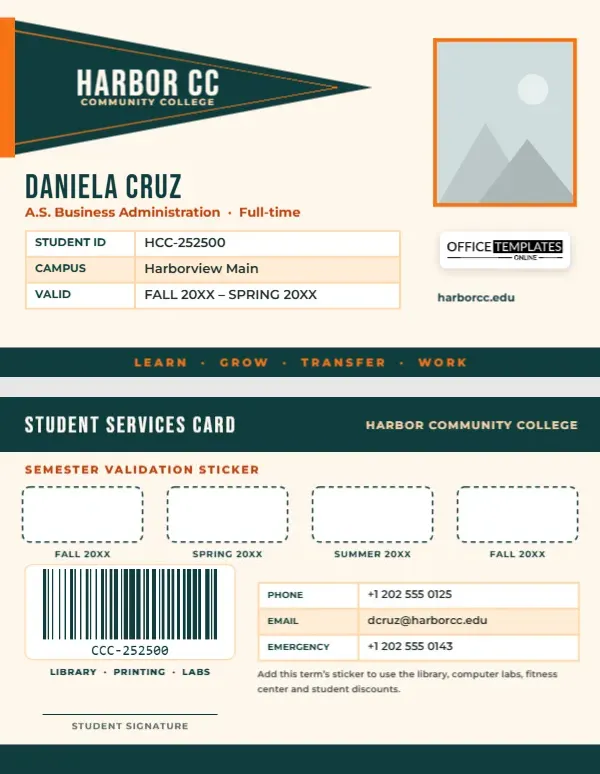
Community colleges serve an enormous range of students: recent high school graduates planning to transfer, working adults retraining for a new career, parents studying part-time and retirees taking classes for pleasure. Their student ID needs to work for all of them, in the library, the computer labs, the fitness centre, and at local businesses that offer student discounts. Many colleges keep the same card for several years and validate it each term with a sticker. This Community College Student ID Card is built for exactly that, with a classic felt pennant on the front and sticker boxes on the back.
A Felt Pennant for Hometown Pride
The card is landscape, 3.375 inches wide by 2.125 inches high, on a warm cream background. A deep teal triangular pennant, the kind that hangs on dorm walls and in stadiums, points across the top-left of the card, with an orange edge where it would be stitched to a pole and a thin orange stitching line around it. HARBOR CC is set on the pennant in tall cream Bebas Neue letters with COMMUNITY COLLEGE beneath.
The student’s photo sits at the top right with an orange border. Below the pennant, the student’s name is set in teal capitals, DANIELA CRUZ on the sample, with A.S.Business Administration · Full-time in orange. A table shows the student ID, campus, and the terms the card is valid for. Our logo sits on a white plate under the photo, with the college website below it, and a teal band along the bottom carries the words LEARN · GROW · TRANSFER · WORK in orange.
Student Services on the Back
A teal header reads STUDENT SERVICES CARD. Below it, four dashed rounded boxes labelled FALL, SPRING, SUMMER and FALL are waiting for semester validation stickers. A barcode labelled Library · Printing · Labs is ready for the college’s library and print systems. A contact table lists phone, college email and emergency number, and a note reminds the student to add each term’s sticker to use the library, computer labs, fitness centre and student discounts. A student signature line sits above the teal band.
What Students Use Their Card For
| Service | How the card helps |
|---|---|
| Library | Borrowing books, laptops and calculators; study room booking |
| Computer labs and printing | Logging in, paying for prints |
| Testing centre | Identity check before exams |
| Fitness centre and events | Entry for current students |
| Local discounts | Transit passes, software, cinemas and restaurants |
| Transfer visits | Proof of enrolment at university open days |
How Semester Stickers Work
Printing a new plastic card every term is expensive, so many colleges issue one card and validate it each semester with a small sticker showing the term. The sticker proves that the student is currently enrolled, which matters for library borrowing, labs and discounts. The four dashed boxes on the back give each sticker a proper home, so the card stays tidy for two full academic years. Colleges that use digital validation instead can replace the boxes with a QR code linked to the student portal.
Customising the Harbor CC Card
- Photo: with the orange-bordered frame selected, Replace Image brings in the student’s portrait.
- College name: retype HARBOR CC on the pennant and the college name on the back; short names look best on the pennant.
- Programme: change the orange line to the student’s programme, such as A.A. Transfer Studies or Nursing Prerequisites · Part-time.
- Tables:Edit Data updates the ID details and contacts; add a campus or advisor row with + Row.
- Sticker boxes: retype the term labels for your calendar, such as WINTER or QUARTER names.
- Barcode: enter the student’s library number in the Barcodes & QR panel.
Supporting Every Kind of Student
Community college students often balance study with work and family. The card design keeps the essentials simple and readable, and the back points students to services many do not know they can use: free tutoring in the library, career services, food pantries, childcare, and counselling. Some colleges add a QR code to a student resources page on the back. It is a small change that can make a big difference to a student who is struggling to stay enrolled.
Transfer Pathways and Career Programmes
Many community college students plan to transfer to a four-year university after earning an associate degree, while others complete career certificates and go straight into work. The programme line on the front can reflect either path. Students visiting partner universities can show the card to prove enrolment at transfer fairs and open days, and career programme students can show it to employers offering internships.
Colleges, Adult Education and Dual-Enrolment Programmes
Community and junior colleges, technical colleges, adult education centres, dual-enrolment programmes for high school students, continuing education departments and college satellite campuses can all use this card. Change the pennant text to your campus name and the band slogan to your college motto.
Printing Pennant Colours
Teal, orange and cream print well on PVC. Make sure the sticker boxes on the back are left unlaminated if you plan to use adhesive stickers, or print on PVC so stickers adhere cleanly. Check that the thin orange stitching line on the pennant is visible.
Replacing a Lost Card
Students lose cards, especially when juggling jobs and classes. Keep the design file so the ID office can reprint a card in minutes, and carry the existing semester stickers over by printing a note of which terms were validated. Many colleges charge a small replacement fee; linking the card number to the student record means the old barcode can be deactivated immediately so no one else can use it at the library or printers.
Community College Questions
Can I use four quarters instead of semesters?
Yes. Retype the box labels to FALL, WINTER, SPRING, and SUMMER quarters.
Can the pennant say the full college name?
For long names, reduce the font size or use a two-line name on the pennant.
Can staff use the same design?
Duplicate it and change the programme line to the staff member’s department and title.
Open the template, fill in the college pennant, add the student’s programme, and give them a card that stays valid term after term.