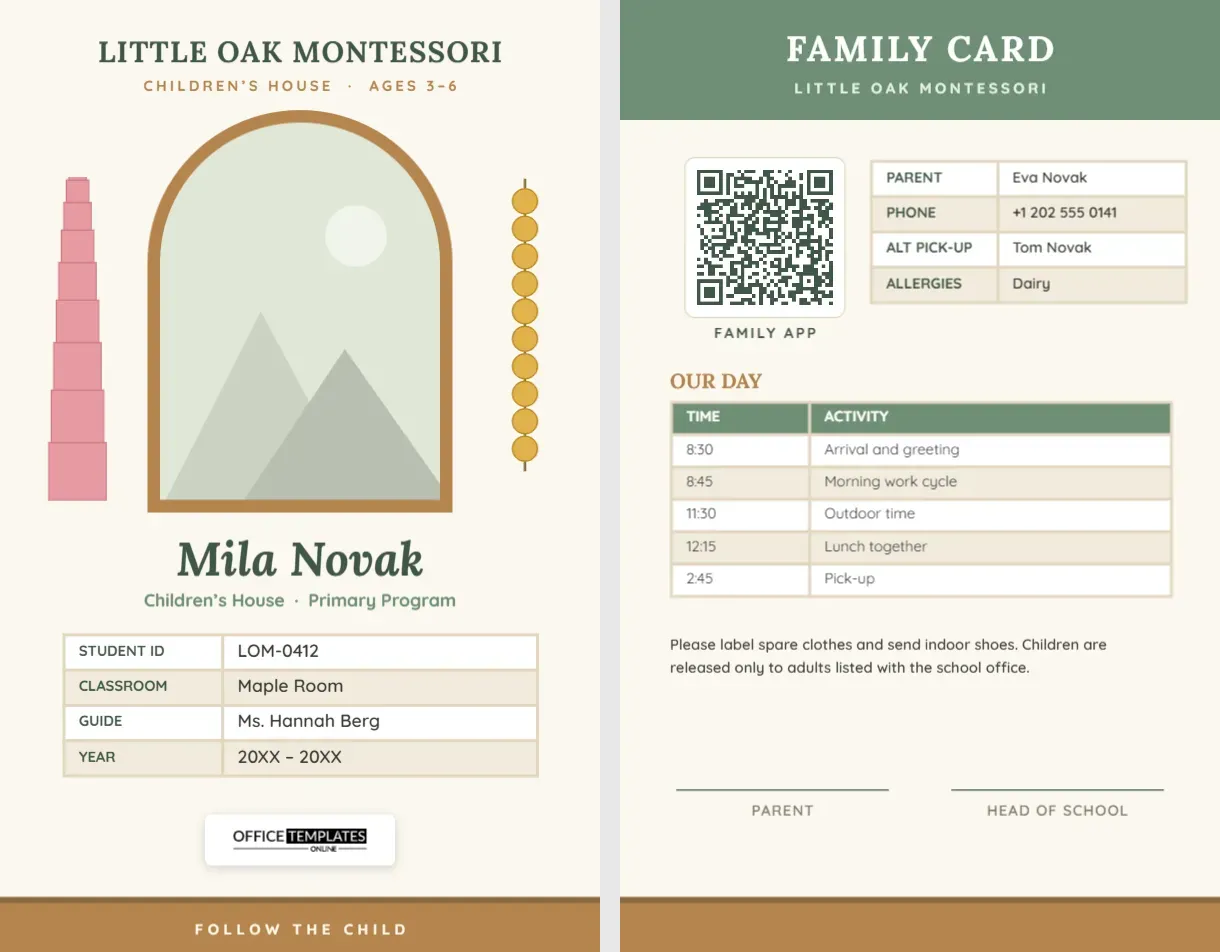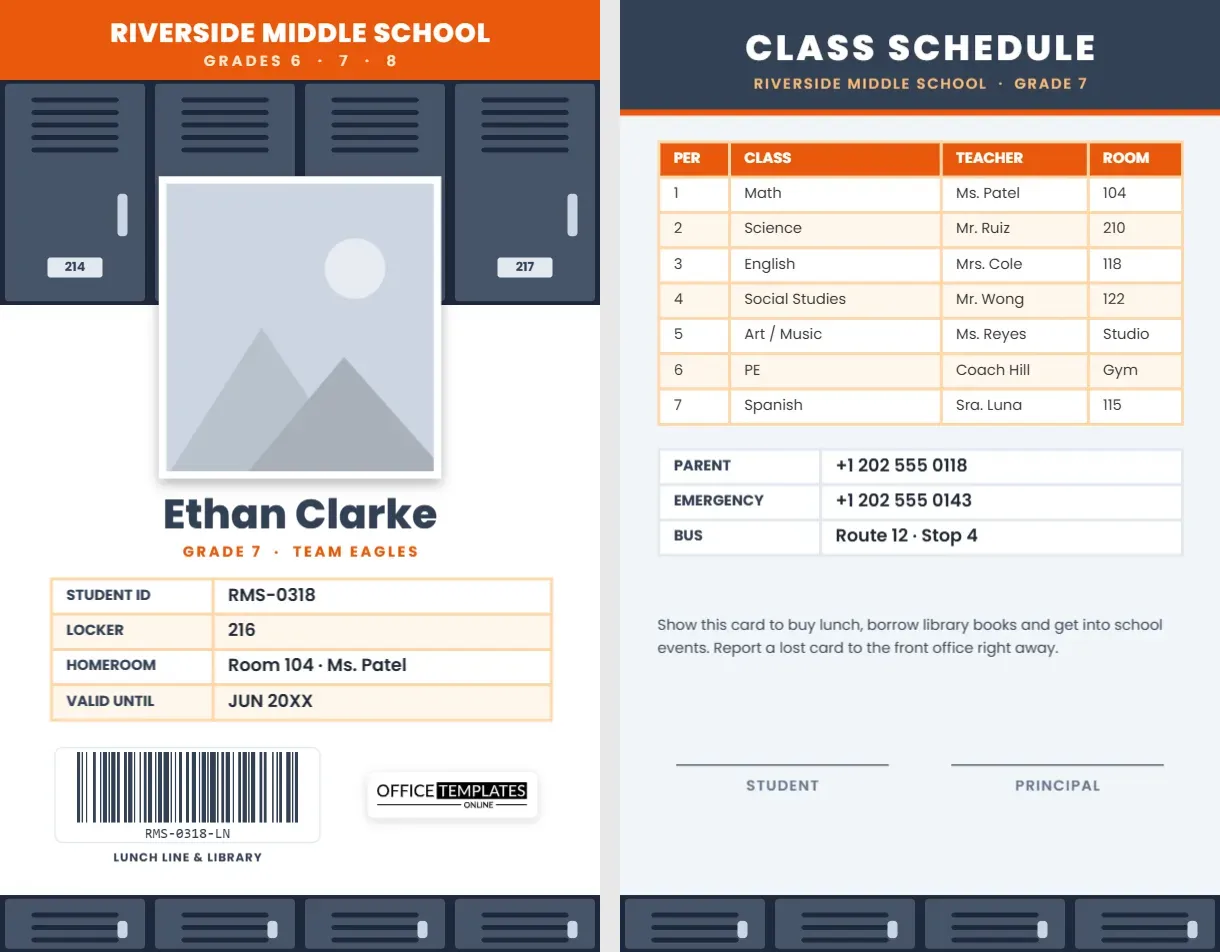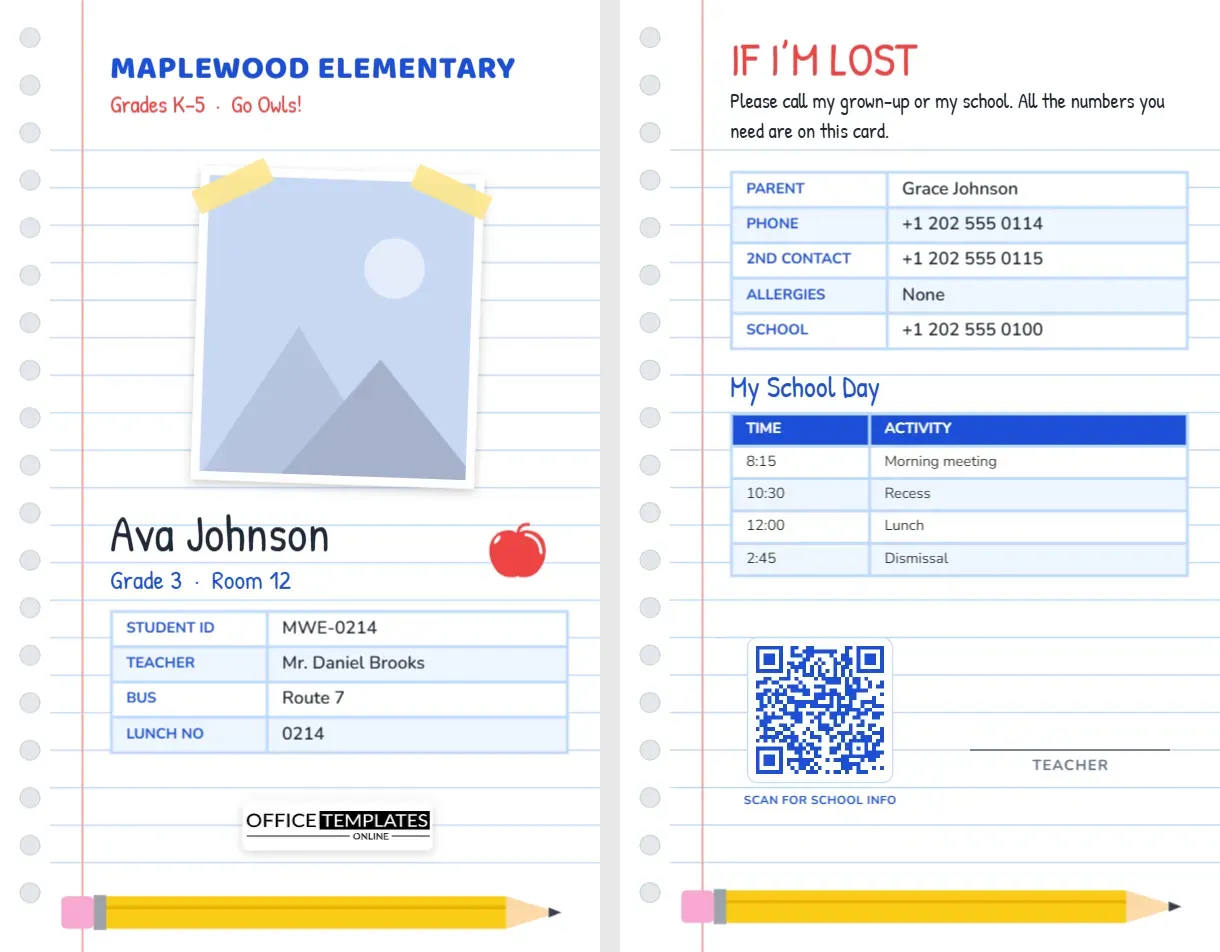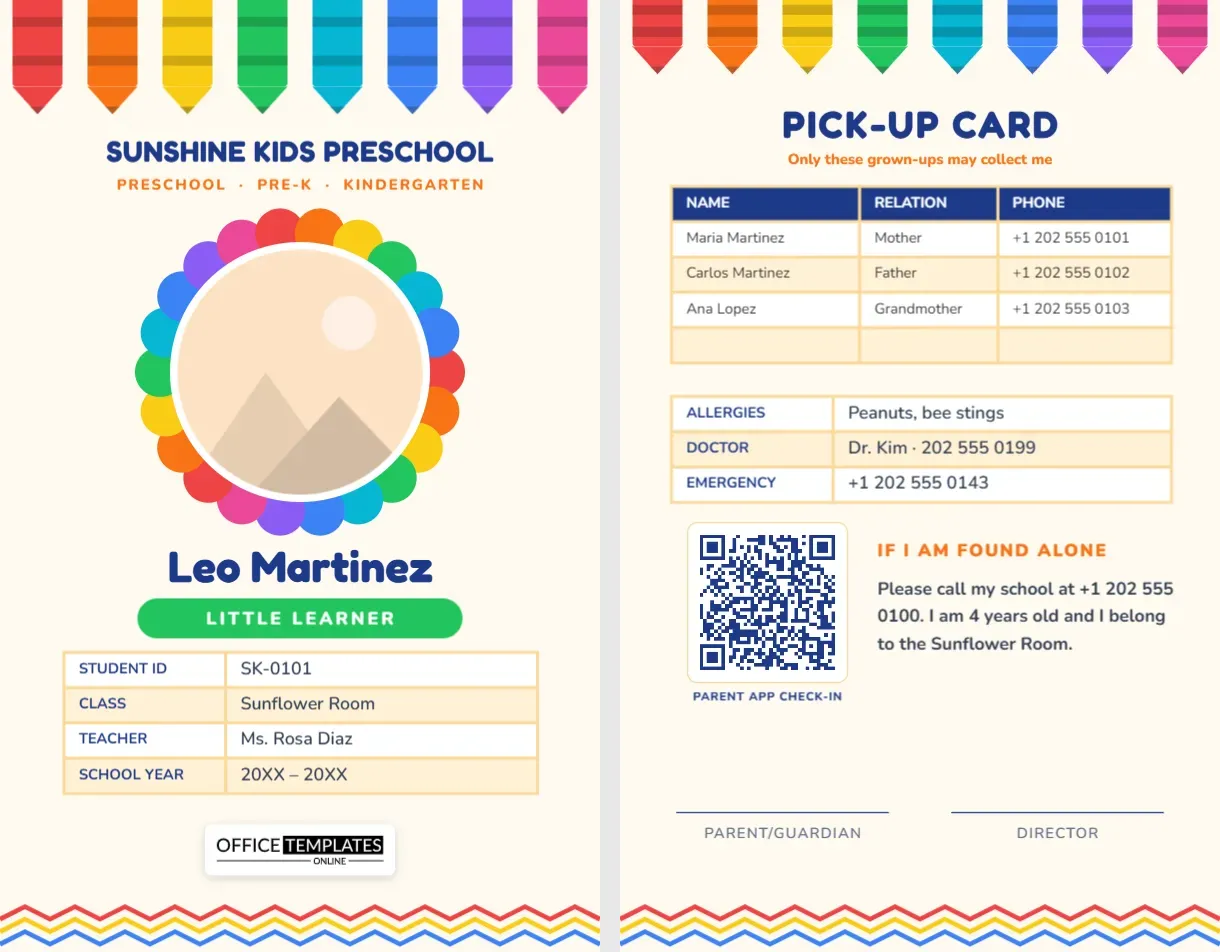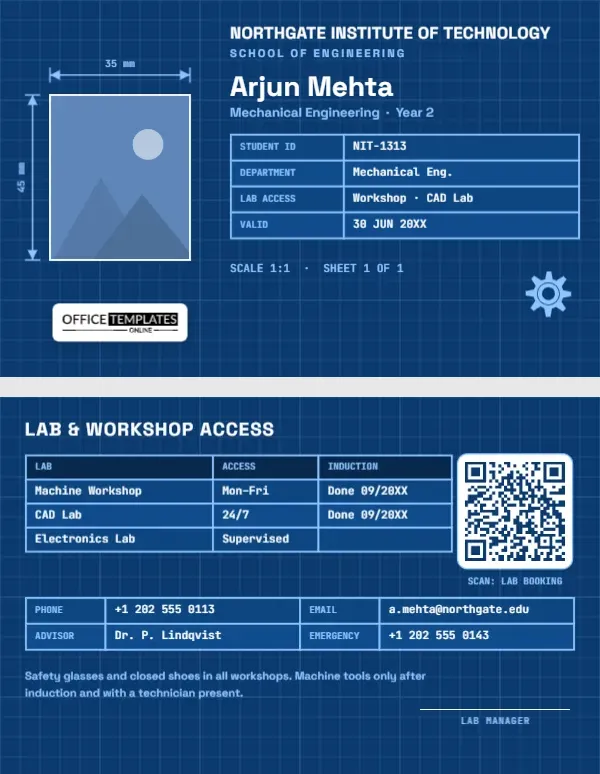
Engineering students live by precise drawings, tolerances, and safety rules, and their ID card is the key to the places where that happens: machine shops, CAD labs, electronics benches, and project spaces. This engineering student ID card is designed as a technical drawing on blueprint paper. The student’s photo is dimensioned like a part, 35 mm by 45 mm, and the details sit in a title block just like the one in the corner of every engineering drawing.
A Card Drawn on Blueprint Paper
The whole card is blueprint blue with a fine white grid, heavier lines every fifth square, like drafting paper. The card is horizontal, in the standard CR80 size of 3.375 by 2.125 inches. On the left, the student’s photo sits in a thin white outline, and dimension lines with arrowheads and extension lines run above and beside it, labelled 35 mm and 45 mm in a monospaced font. Those are the dimensions of a standard passport-style photo, a nice detail for students who spend their days measuring things.
On the right, NORTHGATE INSTITUTE OF TECHNOLOGY is set in white Space Grotesk with SCHOOL OF ENGINEERING in pale blue. The student’s name, Arjun Mehta, on the sample, is followed by Mechanical Engineering · Year 2. The details sit in a title-block table with light blue borders: student ID, department, lab access, and validity date, typed in JetBrains Mono. Beneath it, SCALE 1:1 · SHEET 1 OF 1 completes the drawing joke; a gear icon sits in the corner, and our logo is on a white plate below the photo.
Lab and Workshop Access on the Back
The back stays on blueprint paper, headed LAB & WORKSHOP ACCESS. A table lists labs with access hours and induction status: the machine workshop on weekdays (induction done), the CAD lab 24/7 (done), and the electronics lab under supervision (pending). A QR code labelled Scan: lab booking can link to your equipment reservation system. A contact grid gives phone, email, academic advisor, and emergency number, and a safety note reminds the student that safety glasses and closed shoes are required in all workshops and that machine tools may only be used after induction with a technician present. A lab manager signature line completes the card.
Typical Engineering Lab Inductions
| Space | Induction covers | Common PPE |
|---|---|---|
| Machine workshop | Lathe, mill, drill press, emergency stops | Safety glasses, closed shoes, no loose clothing |
| Welding bay | Processes, fume extraction, fire safety | Helmet, gloves, flame-resistant clothing |
| Electronics lab | ESD, soldering, power supplies | Safety glasses, ESD strap |
| Composites and chemistry lab | Resins, solvents, ventilation | Gloves, goggles, lab coat |
| Makerspace | 3D printers, laser cutters | Safety glasses; never leave laser cutters unattended |
Dimensioning Your Own Card
- Photo: the dimensioned rectangle holds the portrait; select it and bring in a new picture with Replace Image.
- Institution and school: retype the institute name and the school line.
- Discipline: change Mechanical Engineering · Year 2 to civil, electrical, chemical, aerospace, or software engineering.
- Title block and lab table: both are editor Tables. Edit Data opens them for typing, and extra labs can be added with + Row.
- QR code: link it to your booking system or makerspace calendar in the Barcodes & QR panel.
- Gear icon: an editable vector that recolours from its swatch; replace it with a circuit or bridge icon if you like.
The Story Behind Blueprints
True blueprints were made with a cyanotype process that turned the paper blue and left lines white. They were the standard way of copying technical drawings for decades, before modern printers and CAD took over. The term blueprint survived as shorthand for any detailed plan. The white-on-blue look is instantly associated with engineering and architecture, which is why it makes such a fitting design for an engineering student’s card.
Title Blocks Explained
Every formal engineering drawing includes a title block, usually in the lower right corner, with the drawing’s title, number, scale, sheet number, material, designer, and approval signatures. It turns a drawing into a controlled document. On this card, the table plays the same role for the student: it is the part of the card that holds the official information, while the rest of the drawing carries the picture and identity.
Faculties, Polytechnics and Formula Student Teams
University engineering faculties, polytechnics, technical colleges, engineering technology programmes, robotics and Formula Student teams, architecture and construction management students, and high school pre-engineering or STEM academies can all use this card. Makerspaces can also adapt it as a member card with the equipment each member is inducted on.
Printing Blueprint Blue
Large areas of blueprint evenly on PVC and on good colour laser printers. Check that the fine grid lines are visible but faint, and that white text remains crisp. If your lab doors use proximity chips, order PVC cards with the chip embedded and print this design on top.
Using the Card for Tool Checkout
Many engineering departments lend expensive tools and instruments: oscilloscopes, multimeters, torque wrenches, microcontroller kits, and cameras. A student ID with a scannable code makes checkout quick and creates a record of who has what. Add a QR code or barcode to the front if your store uses one, and list the equipment categories a student is cleared to borrow in the lab table on the back. Returning equipment on time, clean, and complete is part of professional engineering practice, and technicians remember students who look after shared tools. Reporting a fault honestly, rather than quietly returning a damaged instrument, protects the next student who uses it.
Engineering Student Questions
Can the dimensions show inches?
Yes. Double-click the labels and change them to 1.4 in and 1.8 in, or any units you prefer.
Can I add my project team?
Add a row to the title block with + Row for your capstone or competition team.
Is the grid one object?
The grid is grouped with the blue background, so it stays in place behind everything else.
Open the template, dimension your photo, fill in the title block, and walk into the workshop with a card drawn to specification.