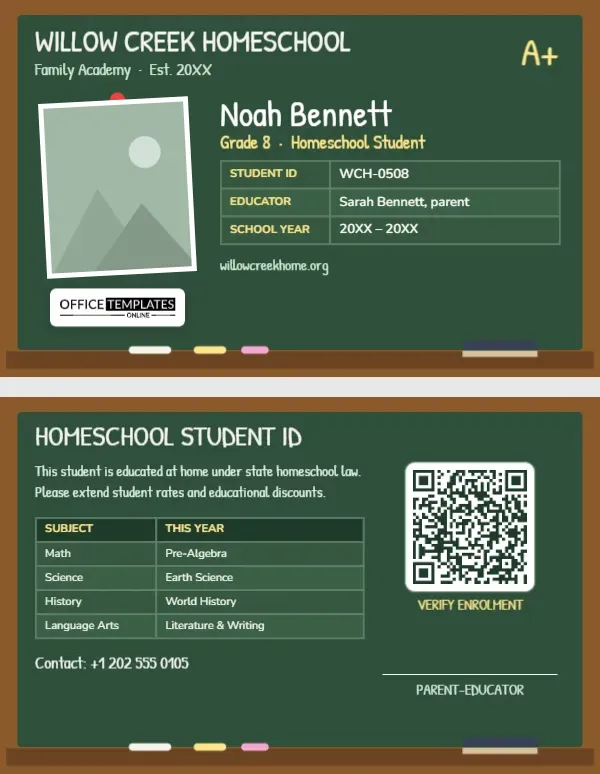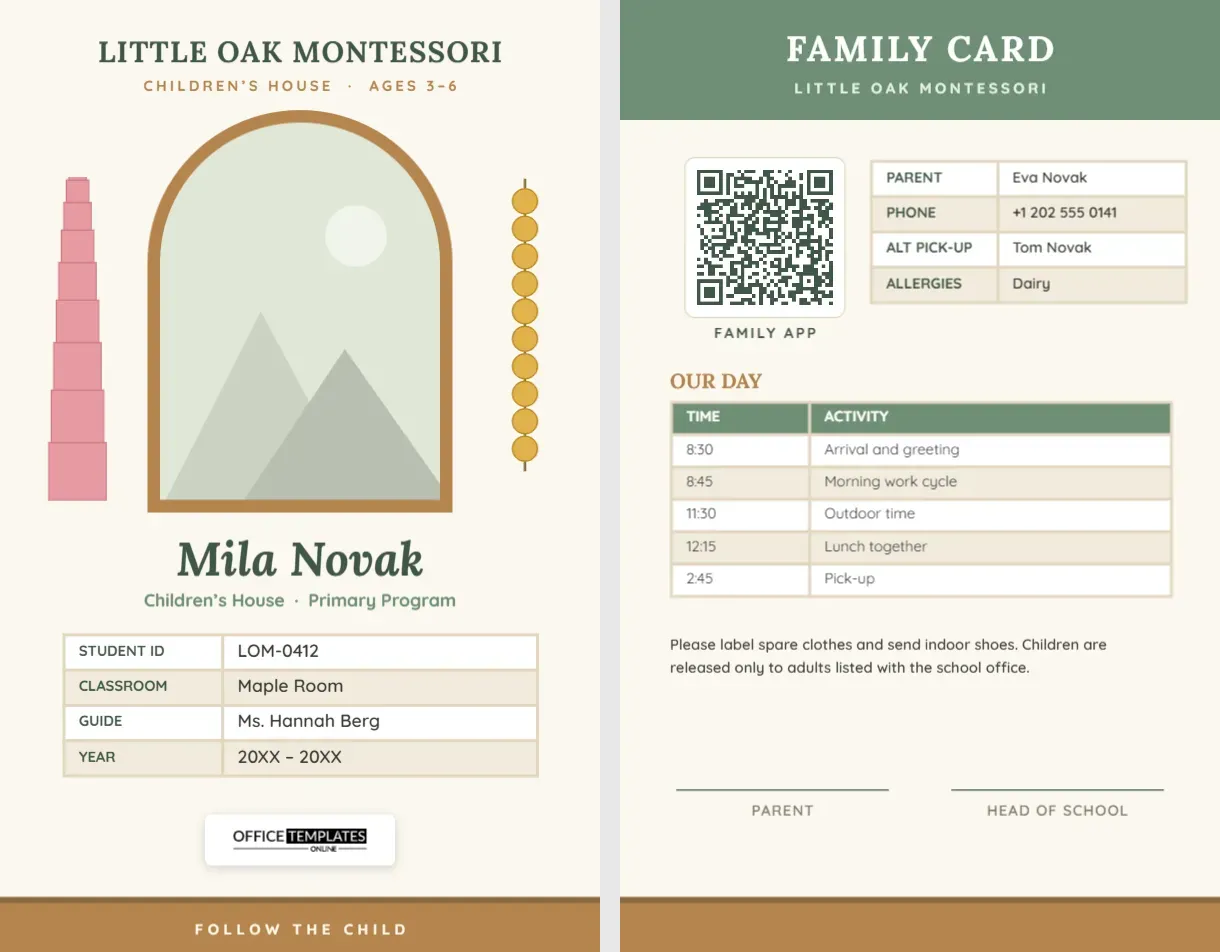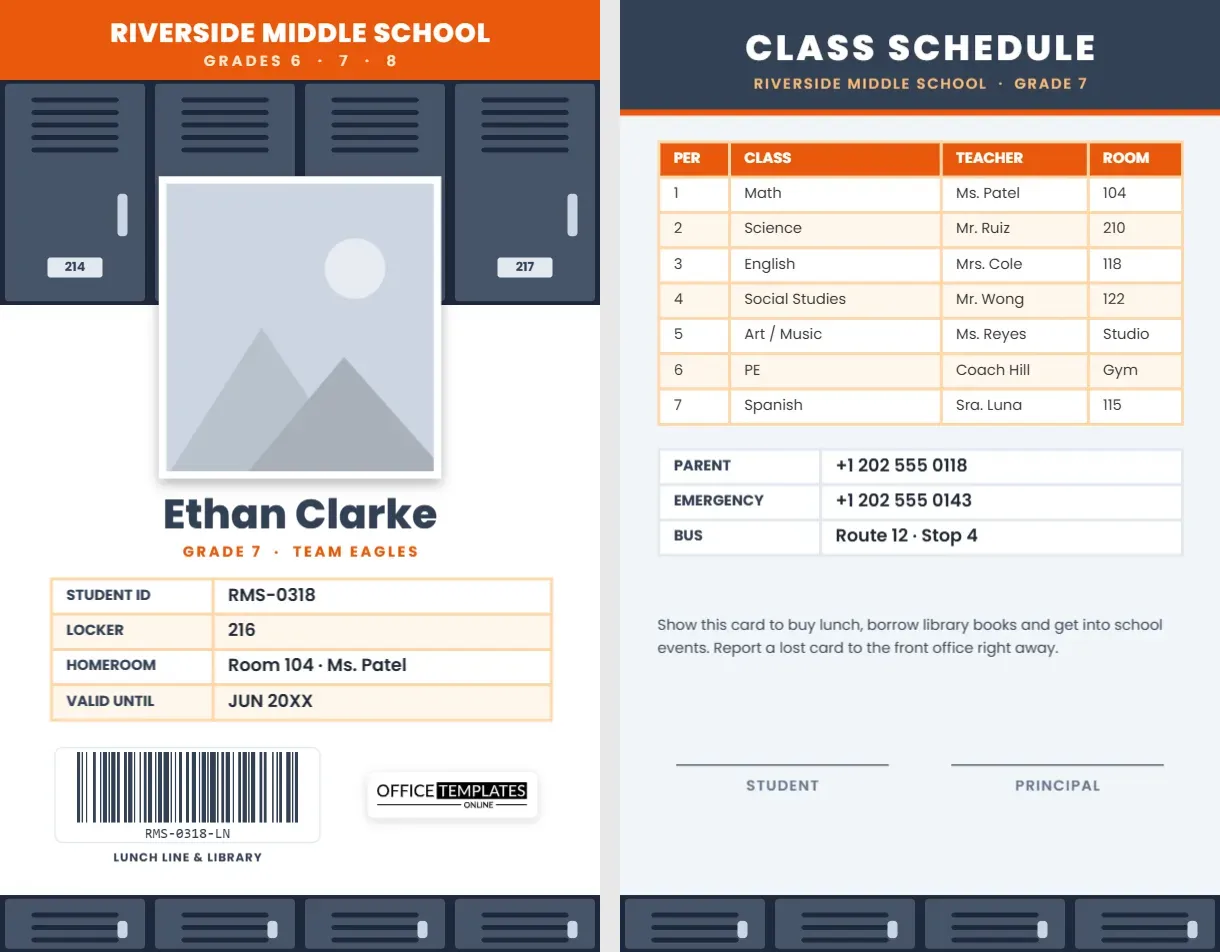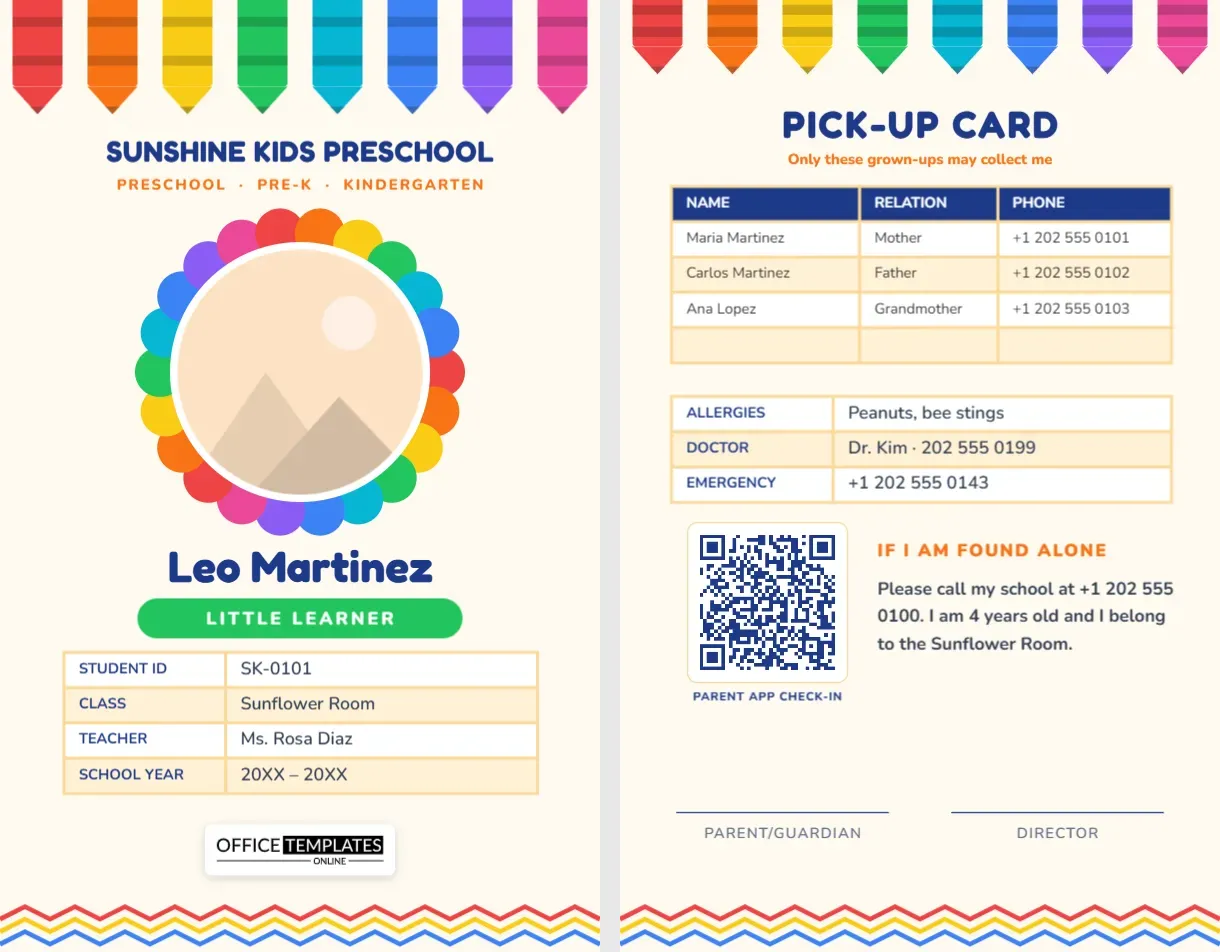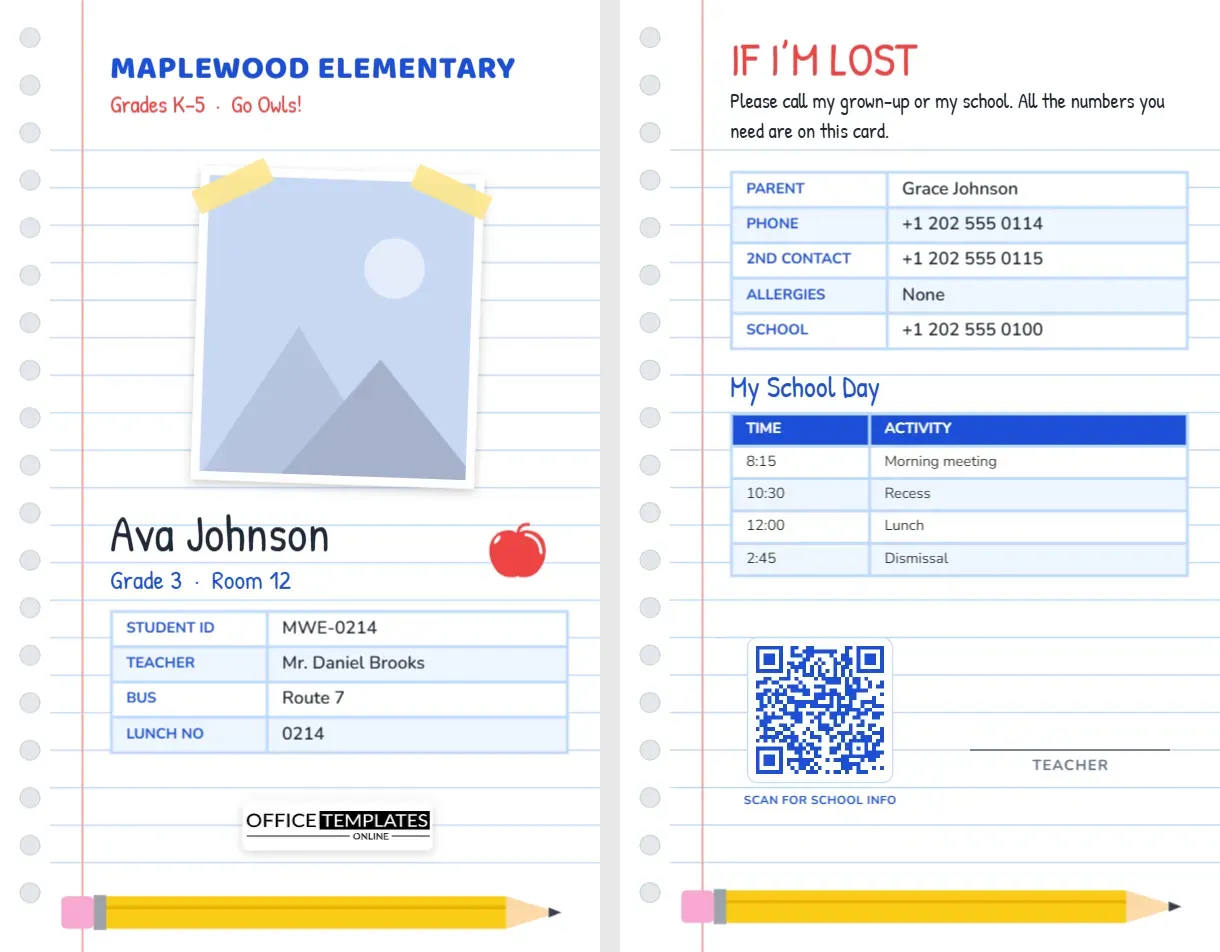
Elementary school children carry more responsibility than we sometimes realise: they ride buses, buy lunch with a number, borrow library books and head out on field trips with dozens of classmates. A student ID card helps with all of it, and when it looks like something from their own desk, children are proud to carry it. This Elementary School Student ID Card is designed as a page torn from a spiral notebook, with a taped-in photo, a shiny red apple, and a yellow pencil, and its back is written in the voice of the child: If I’m lost.
Straight Off the Notebook Page
The whole card is a sheet of ruled notebook paper: pale blue lines run across it, a pink margin line runs down the left side, and a column of spiral binding holes sits along the left edge. At the top, MAPLEWOOD ELEMENTARY is set in bold blue Baloo 2, with Grades K-5 · Go Owls! in red handwriting-style Patrick Hand beneath.
The student’s photo is fixed to the page with two strips of yellow tape and tilted slightly, as if a teacher had stuck it into a class album. The child’s name is written in large handwriting on the ruled lines, Ava Johnson on the sample, followed by Grade 3 · Room 12 in blue, with a red apple for the teacher sitting on the line beside it. A four-row table lists the student ID, teacher, bus route, and lunch number. Our logo sits on a white plate, and a long yellow pencil with a pink eraser lies across the bottom edge.
It is a portrait CR80 card measuring 2.125 by 3.375 inches, the standard badge size.
Written in the Child’s Voice: The Back
The reverse keeps the notebook paper and speaks directly to any adult who finds a lost child. IF I’M LOST is written in red handwriting, followed by Please call my grown-up or my school.All the numbers you need are on this card. A table lists the parent’s name and phone, a second contact, allergies, and the school’s number. A small table titled My School Day shows morning meeting, recess, lunch, and dismissal times, which helps substitutes and new classmates alike. A QR code for school information and a teacher signature line sit above the pencil.
Everyday Uses in an Elementary School
- Lunch line: the lunch number on the front speeds up the cafeteria for children who cannot yet remember their PIN.
- Bus: drivers and aides can check the route number at a glance.
- Library: librarians can scan or type the student ID when children borrow books.
- Field trips: the back gives chaperones everything they need if a child wanders off.
- Substitute days: the schedule table helps a new adult keep the day on track.
- Early dismissal: office staff can confirm the parent’s name before releasing a child.
How to Personalise the Notebook Card
- The taped photo: select the tilted picture and choose Replace Image. The white border and tilt stay in place, and the tape strips still peek over the corners.
- School and mascot: retype MAPLEWOOD ELEMENTARY and the red line with your grades and mascot cheer.
- Name and class: the handwriting lines are plain text boxes; double-click to type the child’s name and room.
- Details and schedule: select a table, then use the toolbar’s Edit Data button to type the student ID, bus and lunch numbers, or school day times.
- QR code: link it to your school website, a family handbook or the lunch account page in the Barcodes & QR panel.
- Apple: the apple is an editable vector; recolour it green or gold from its colour swatch.
Teaching Children to Use Their ID
A card only helps if children know what it is for. Spend a few minutes in the first week showing the class where the card lives (backpack pocket or lanyard), what the numbers mean and who they may show it to: teachers, bus drivers, lunch staff, police officers and other school helpers. Practise the if I’m lost routine: stay where you are, find a helper with a name badge, and show them your card. Children who have practised feel calmer if it ever happens for real.
For Primary Schools and Families
Public and private elementary schools can print cards for every class; parent-teacher associations can offer them at back-to-school nights; homeschool co-ops with younger children can adapt the design; and parents can make one for a child’s backpack even when the school does not issue IDs. Summer programmes and after-school clubs for five- to eleven-year-olds also use it well.
Print Tips for Young Students’ Cards
The design is mostly white with fine blue lines, so it prints cheaply on any colour printer. Check that the ruled lines are visible but light, and that the pink margin does not disappear. Laminate cards or use PVC, and round the corners so they are gentle in small hands. A clear badge holder with a zip closure on a backpack keeps the card safe and visible for bus drivers.
Colour-Coding Cards by Grade
Schools with several hundred young students sometimes colour-code IDs so staff can tell grades apart at a glance in the lunchroom or on the playground. With this design, that is easy: change the colour of the school name, the handwriting line and the table labels for each grade, for example red for kindergarten, blue for first grade and green for second grade. The notebook paper stays the same, so the cards still look like one family. A colour key on the staff room wall helps new lunchtime helpers learn the system quickly.
Questions Parents Ask
Should my child’s home address be on the card?
Most schools leave it off for privacy. The parent and school phone numbers are enough for anyone who needs to help.
Can I use this for a child with a medical condition?
Yes. Replace the allergies row with the condition and add a row with + Row for the medicine or action plan location.
Is the handwriting font easy to read?
Patrick Hand is clear and friendly. The important numbers are in the tables, which use a plain, highly readable font.
Open the template, tape in the student’s photo, fill in the lost-child card, and send every child to school with a notebook page that could be brought home.