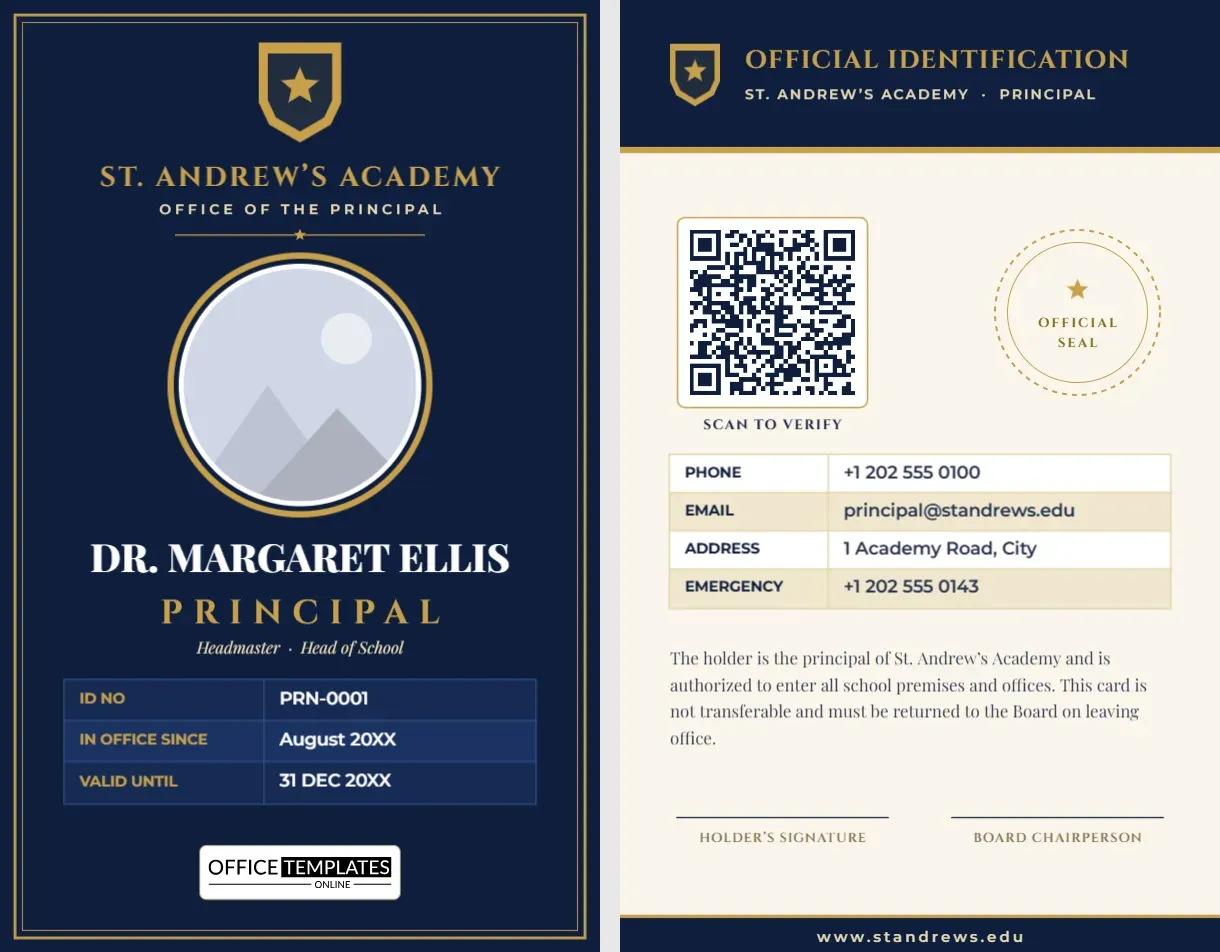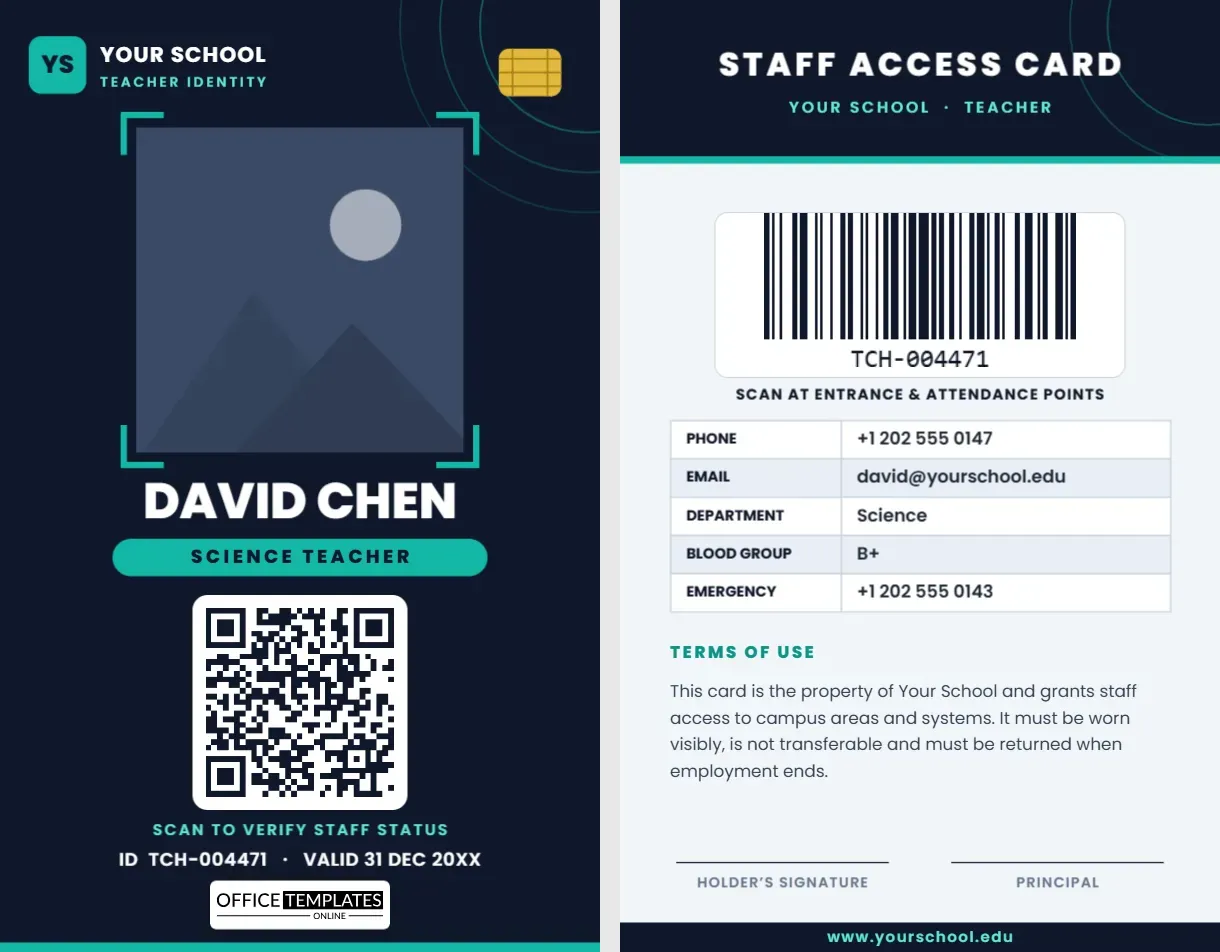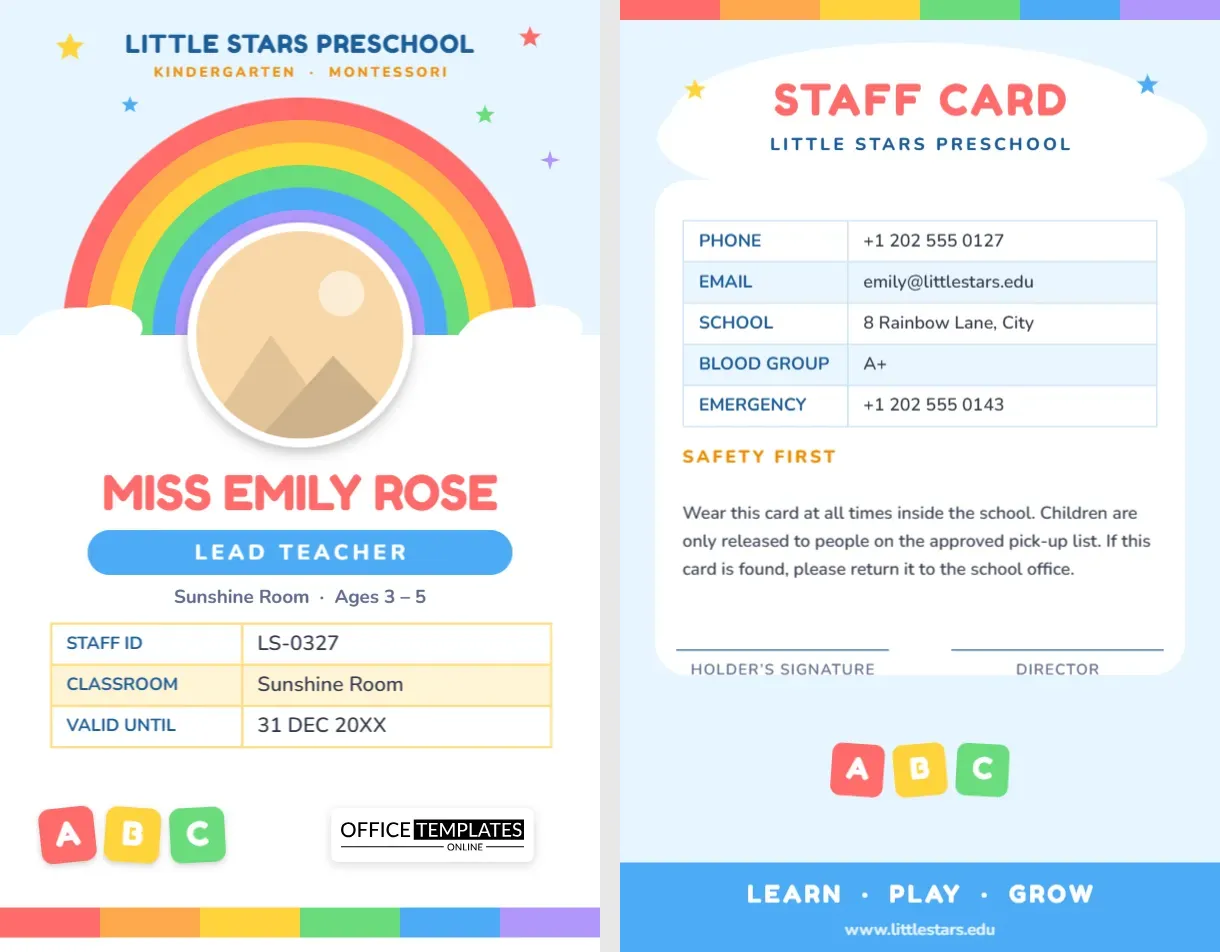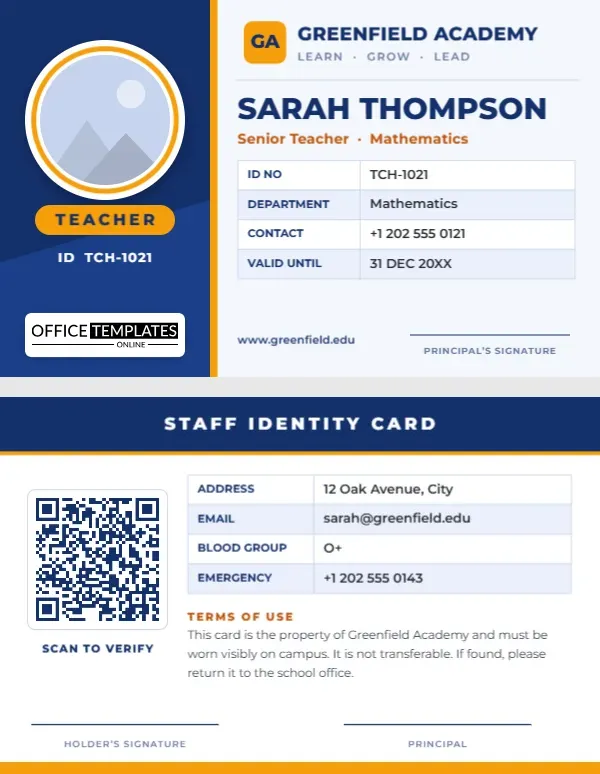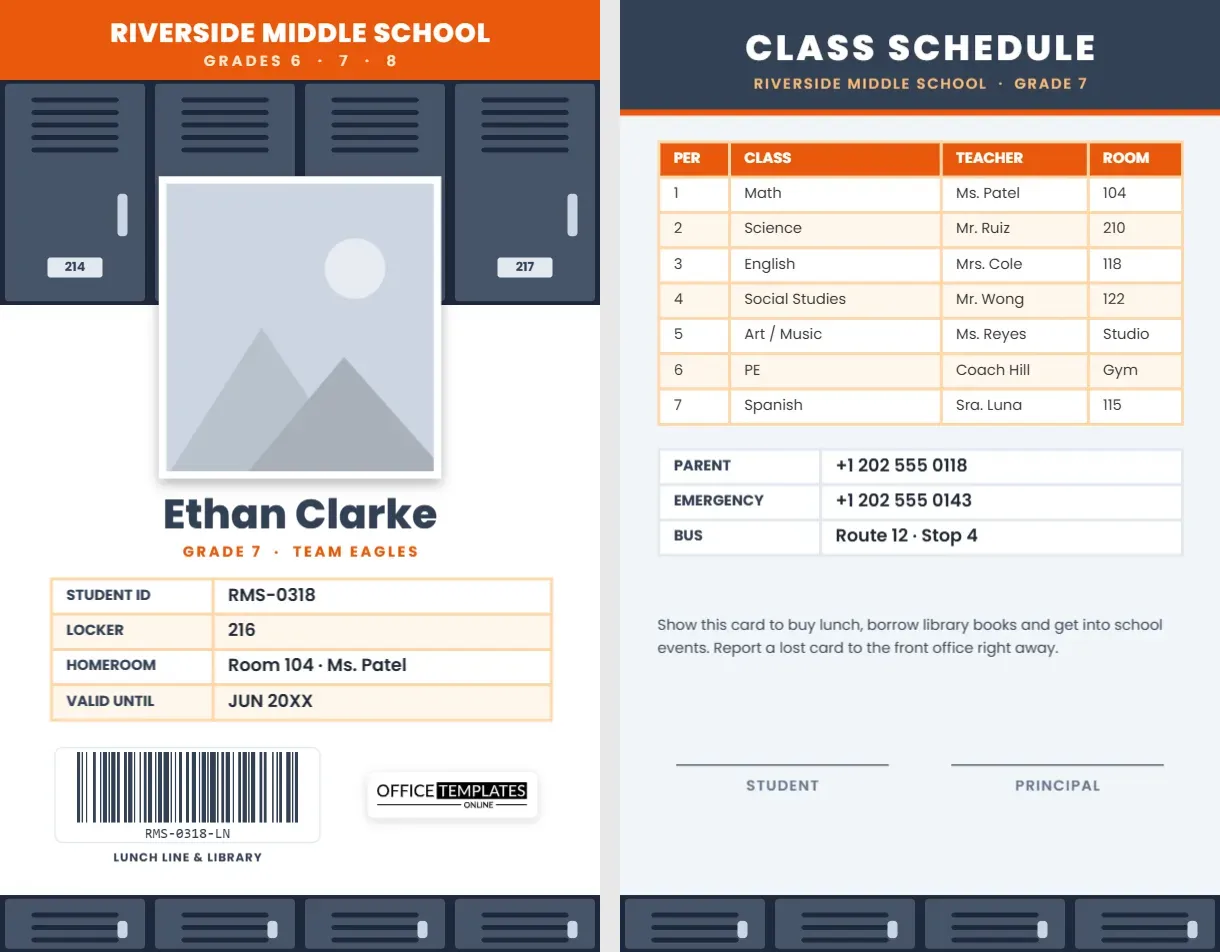
Middle school is the first time many students juggle seven classes, a locker combination, a lunch account, and a bus route all at once. A good student ID card can carry a surprising amount of that load. This Middle School Student ID Card is designed around the most middle-school thing there is, a row of hallway lockers, and it turns the back of the card into a full class schedule, so students always know where they need to be next.
Lockers, a Number and a Barcode
A bold orange band across the top carries RIVERSIDE MIDDLE SCHOOL in white Poppins, with Grades 6 · 7 · 8 underneath. Directly below is a wall of four slate-blue lockers with ventilation slots, handles, and number plates reading 214 to 217. The student’s photo, framed in white with a soft shadow, is set in front of the lockers as though the student were standing in the hallway.
Under the photo, the student’s name is set in bold slate type, Ethan Clarke on the sample, with GRADE 7 · TEAM EAGLES in orange; many middle schools group students into teams, so this line is easy to adapt. A four-row table lists the student ID, locker number, homeroom, and validity date. Near the bottom, a barcode labelled LUNCH LINE & LIBRARY sits beside our logo, and a row of shorter lockers closes the card as a footer.
The card uses the CR80 portrait format, 2.125 x 3.375 inches.
A Full Class Schedule on the Back
The back has a slate header reading CLASS SCHEDULE and the school and grade in orange. The centrepiece is a real seven-period table with columns for period, class, teacher, and room:
| Period | Class | Teacher | Room |
|---|---|---|---|
| 1 | Math | Ms. Patel | 104 |
| 2 | Science | Mr. Ruiz | 210 |
| 3 | English | Mrs. Cole | 118 |
| 4 | Social Studies | Mr. Wong | 122 |
| 5 | Art/Music | Ms. Reyes | Studio |
| 6 | PE | Coach Hill | Gym |
| 7 | Spanish | Sra. Luna | 115 |
Under the schedule, a contact table shows a parent’s number, an emergency number, and the bus route and stop, followed by a short note on what the card is used for and two signature lines for the student and principal.
Why a Schedule Card Helps Sixth Graders
The move from elementary to middle school is a big one. Students change rooms every period, meet a different teacher each hour, and have only a few minutes between bells. In the first weeks, many sixth graders keep their printed schedule in a pocket and still get lost. Printing it on the back of their ID means it is always with them, and it also helps substitute teachers, counsellors, and office staff find a student quickly. When schedules change at the semester, simply update the table and print a new card.
Updating the Riverside Card for Your School
- Photo: the white-framed picture in front of the lockers is the photo slot; choose Replace Image after clicking it.
- School name and grades: edit the text in the orange band.
- Team line: change TEAM EAGLES to your team or house name, or to the student’s homeroom.
- Tables: the ID details, schedule, and contacts are all editor Tables; select one and press Edit Data. For an eight-period day, add a row with + Row.
- Barcode: enter the number your cafeteria and library systems use in the Barcodes & QR panel. Keep it short for reliable scanning.
- Lockers: the locker wall is one group; recolour it to match your school’s real lockers or colours.
Lunch Lines, Library Desks and Doors
Many middle schools use barcode or PIN systems for school meals and library loans. Putting the barcode on the front of the card means students can hold it up without flipping it over, and cafeteria staff can scan faster. Some schools also use student IDs for door entry after hours, for sports events and for school dances. Make sure the number in the barcode matches your student information system exactly; a single missing digit will make it fail.
Schools and Programmes That Can Use It
Public and private middle schools, junior high schools, K-8 schools for their upper grades, charter schools, and intermediate schools can all use this design. Youth programmes with rotating classes, such as Saturday academies and summer enrichment programmes, can use the schedule side in the same way.
Printing and Replacing Student Cards
A batch of middle school IDs is best printed on PVC with a card printer, since these cards live in pockets and backpacks. Test-scan the barcode with your cafeteria scanner before printing the whole year group. Keep the template file so the office can reprint a lost card in a minute; many schools charge a small replacement fee to encourage students to look after theirs.
Helping Students Look After Their Cards
Middle schoolers lose things, and ID cards are no exception. A few habits cut replacements dramatically: a lanyard or retractable clip attached to the backpack rather than loose in a pocket; a clear holder that protects the barcode from bending; and a quick ID check at the start of homeroom for the first few weeks. Some schools let students personalise their lanyard, which makes the card more likely to come home at the end of the day. If a student keeps losing cards, printing the schedule side separately for their binder is a simple fix. Counsellors can also keep a spare printed copy of each schedule card in the office for students who arrive without theirs.
Middle School FAQ
Can I show an A/B day schedule?
Yes. Add a column with Edit Data for the second day, or list A and B classes in the same cell, such as Art/Music.
Should the locker combination be on the card?
No. The sample only shows the locker number. Keep combinations private.
Can the front show a QR code instead of a barcode?
Delete the barcode and add a QR code from the Barcodes & QR panel in the same place.
Open the template, add the student’s photo, locker, and schedule, and help every middle schooler find their way from first bell to last.