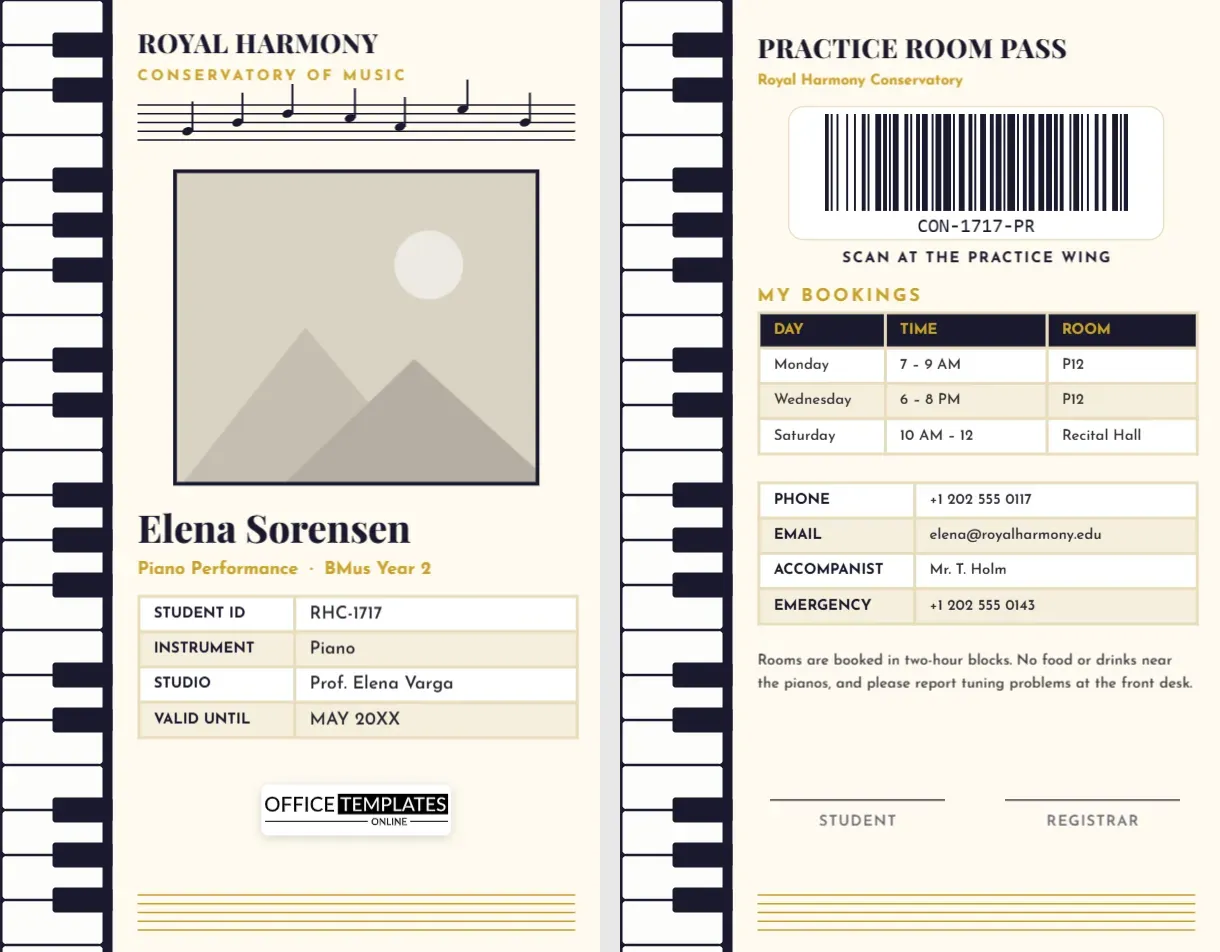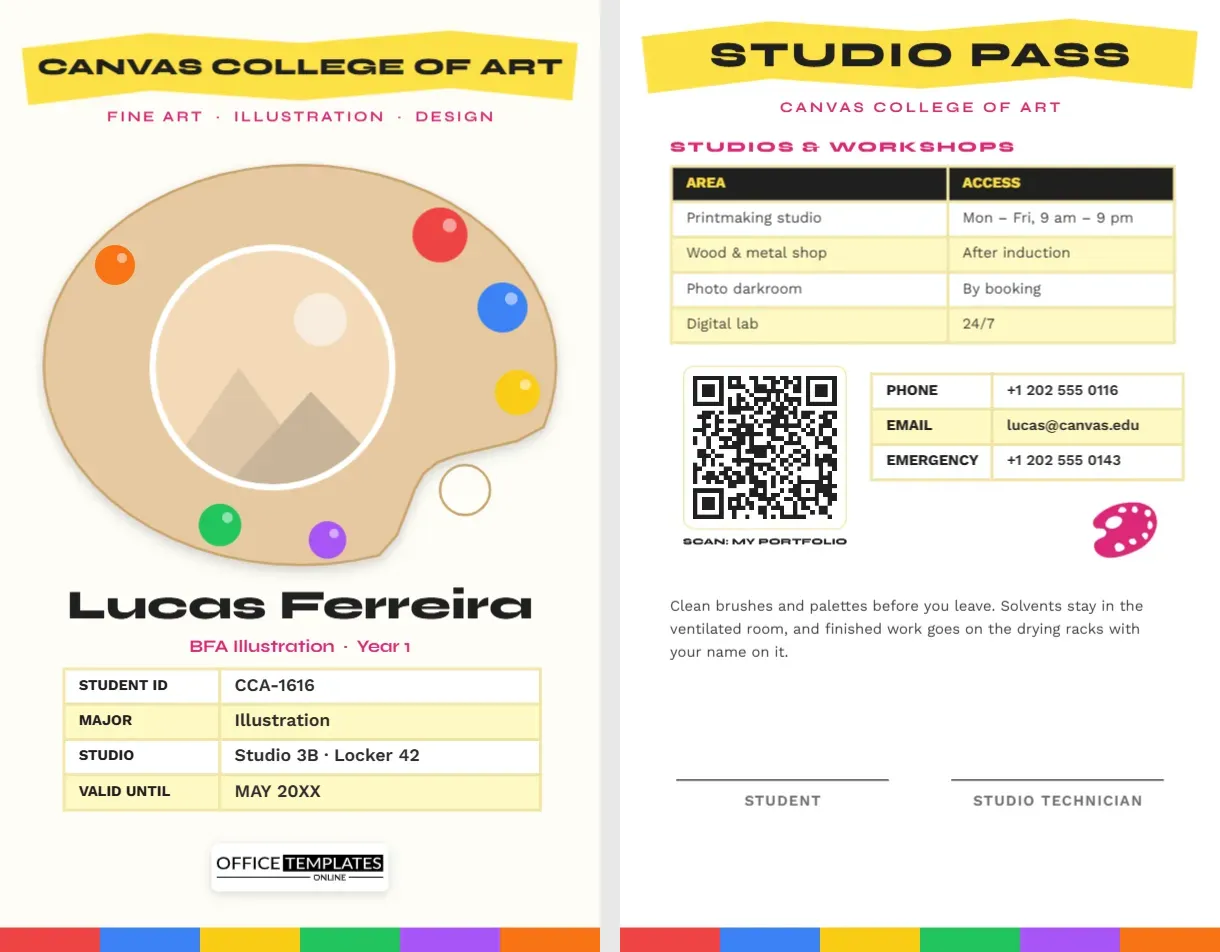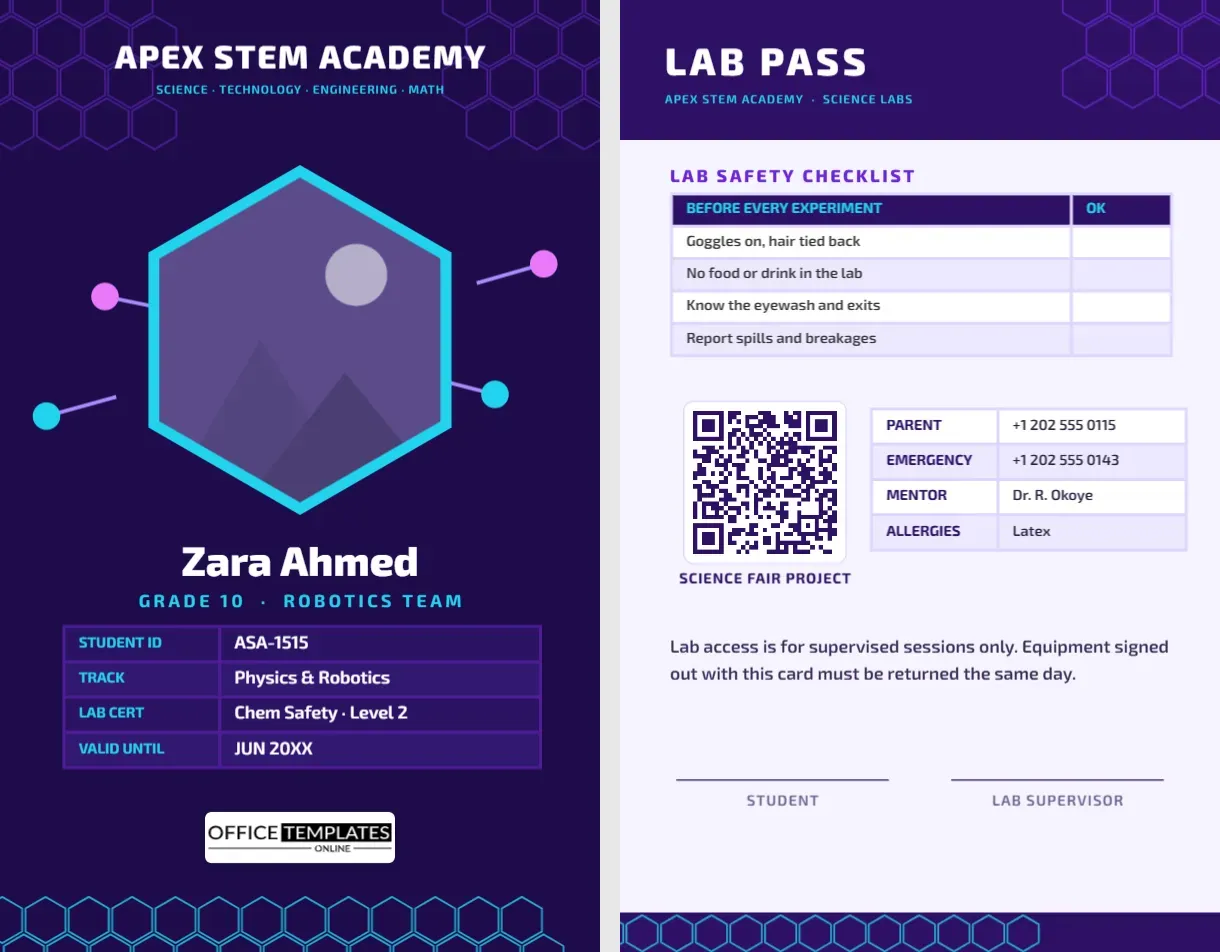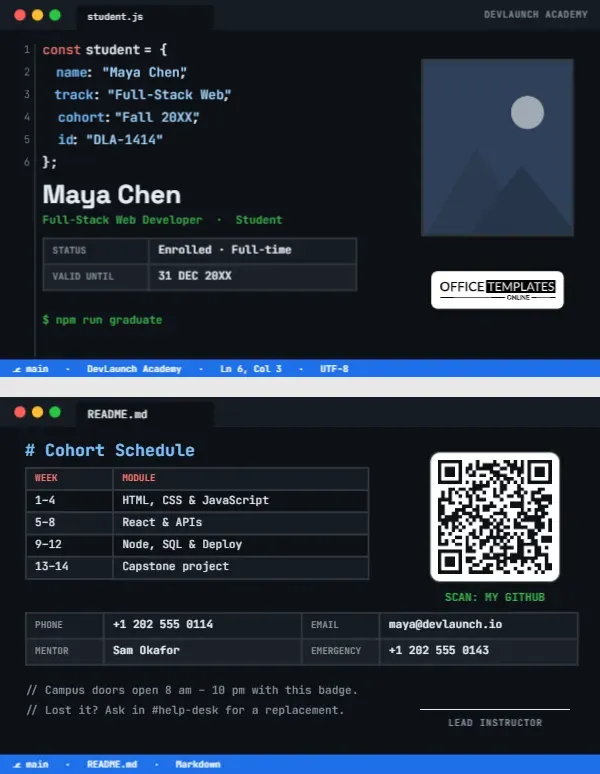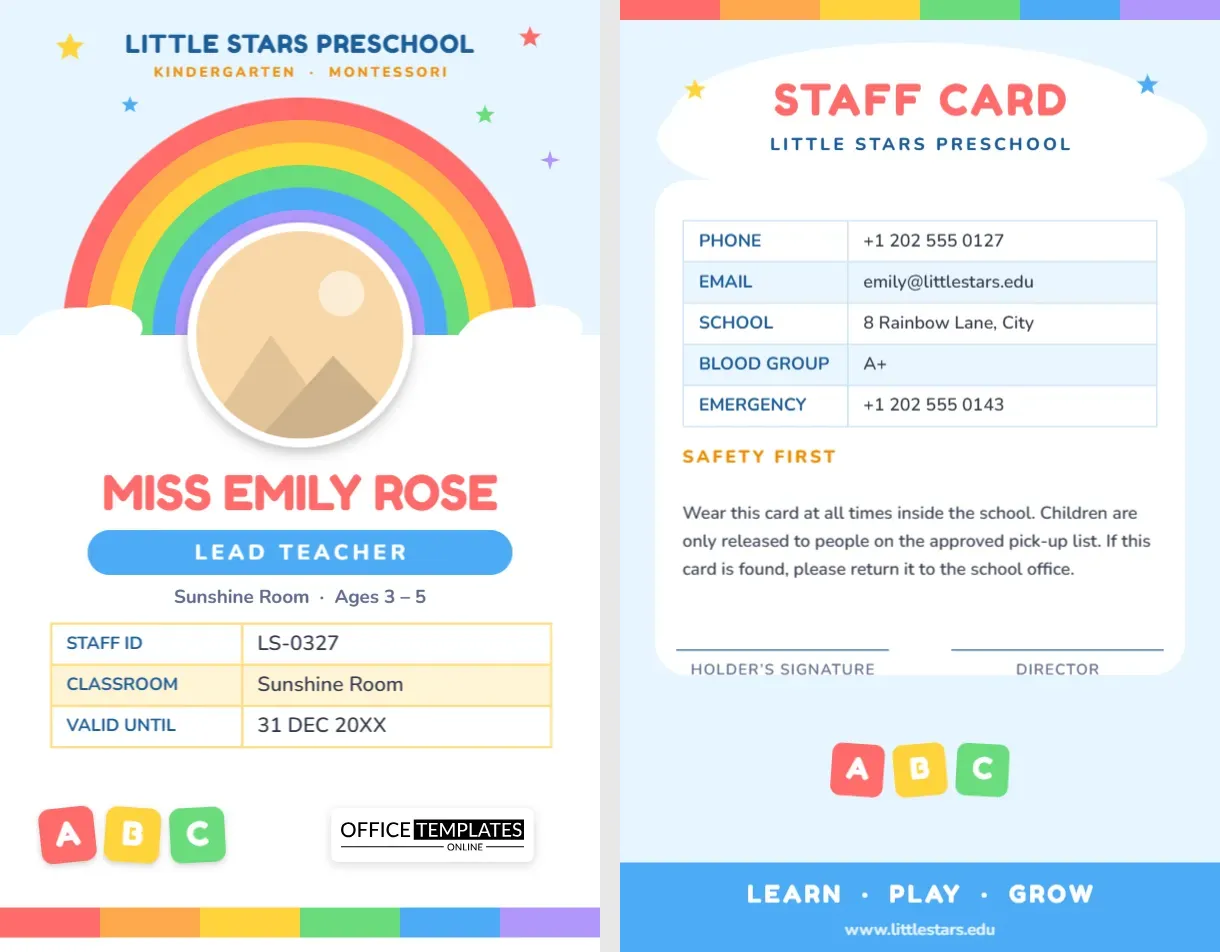
An ID card that little ones are not afraid of
Walk into a preschool and you will notice something: the adults matter more to the children than the buildings do. A three-year-old decides within seconds whether a new face is safe. That is why a preschool teacher ID card should never look like a stern security pass. This template uses a rainbow, soft clouds and colourful alphabet blocks to say “friendly” to children while still giving parents and visitors every detail they need.
Who this card is for
- Preschool and nursery teachers
- Kindergarten and pre-K class teachers
- Montessori guides and assistants
- Daycare room leaders
- Early-learning centre directors
- Playgroup and after-hours care staff
- Substitute staff covering a room for a day
A tour of the front
The front is a portrait card, 2.125 x 3.375 inches, the same size as a credit card. Starting from the top:
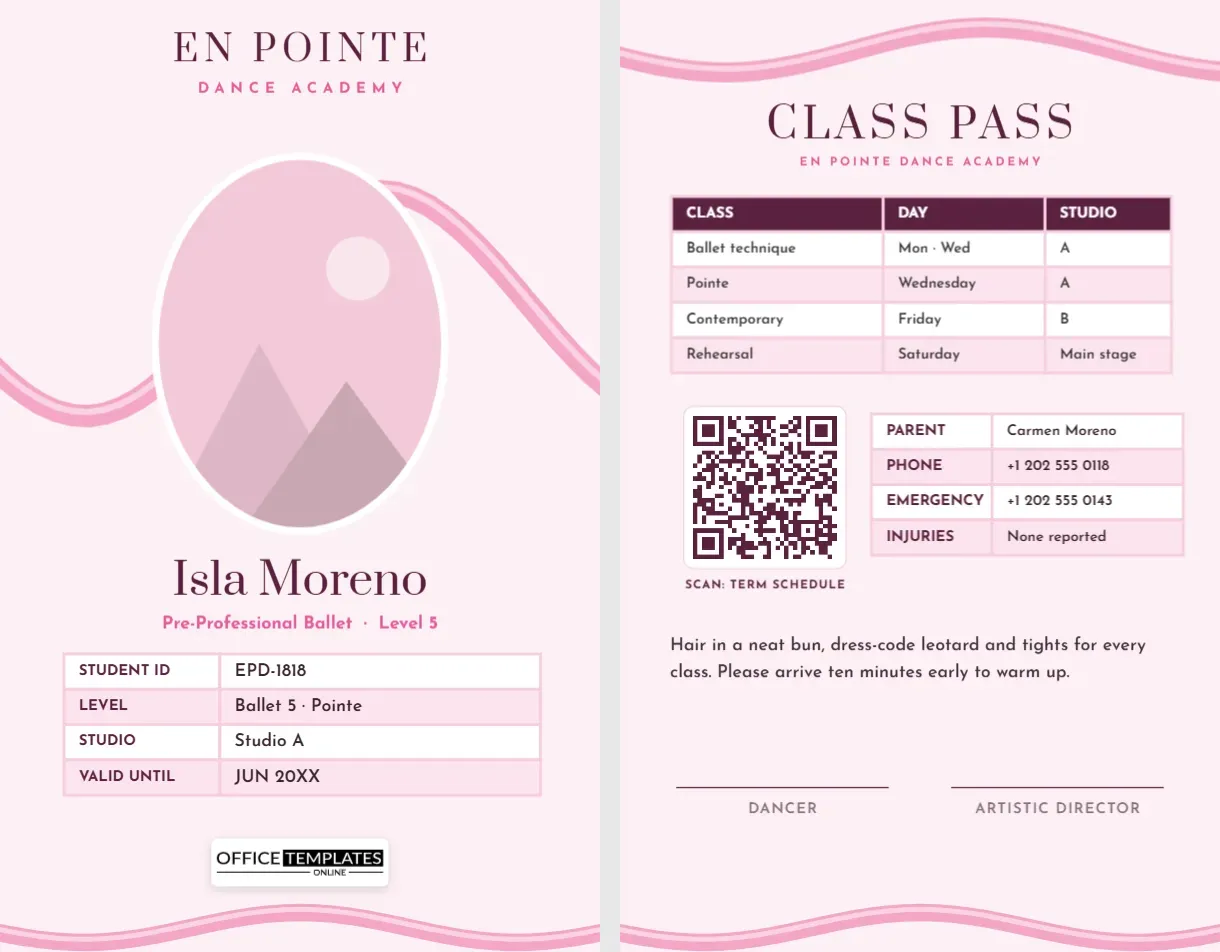
- School name banner. “Little Stars Preschool” is set in a rounded display font, with a smaller line for “Kindergarten · Montessori”. Replace both with your centre’s name and programme.
- Rainbow and clouds. Six coloured bands arch over the photo, and two clouds hold the ends. Stars in yellow, coral, blue and green scatter around the header.
- Round photo. The teacher’s picture sits inside the arch in a white circle with a soft shadow. It is a pattern-filled shape, so a replacement photo is cropped to fit and never stretches the frame.
- Name and role. The name appears in big rounded letters, followed by a blue pill saying “Lead Teacher” and a line for the room and age group.
- Details table. Staff ID, classroom and valid-until date sit in a three-row table with warm yellow shading.
- ABC blocks and logo. Three tilted toy blocks add play to the bottom, next to our small logo credit that you can remove.
The back: what parents and staff need
Page two is a “Staff Card” with the same rainbow colours. A table lists phone, email, school address, blood group and emergency contact. Under a “Safety First” heading, a short paragraph reminds everyone that the card must be worn at all times, and that children are only released to people on the approved pick-up list. There are two signature lines, one for the teacher and one for the director. A bright blue footer with a “Learn · Play · Grow” line and the website closes the card.
Choosing colours for early years
Bright does not have to mean loud. This design uses a full rainbow because it appeals to children, but the surrounding white panel keeps it tidy for parents. If your school has a colour scheme, recolour the bands to two or three tones. Select a band, change its fill, and repeat. You can also delete the stars if you prefer a calmer look.
How to set it up
- Click the photo circle, choose Replace Image and upload a clear, smiling headshot with a plain background.
- Type the teacher’s name, keeping the “Miss”, “Mr.” or first-name style your centre uses.
- Update the role pill: Lead Teacher, Assistant Teacher, Room Leader, Montessori Guide or Toddler Carer.
- Fill in the table with the staff ID, room and expiry date.
- On the back, replace the contact details and the safety wording with your own policy.
- Download the card as a PDF, PNG or JPG and print.
Safeguarding notes for early-years settings
Children’s centres take identification seriously, and a well-designed card supports that. A few habits help:
- Give every adult in the building a card, including cooks, cleaners and volunteers, in a different colour so roles are clear.
- Print the name in a size that a parent can read from across the room.
- Put an expiry date on every card and collect them when a contract ends.
- Do not print the child-related information on the card. Keep pick-up lists on file at the desk.
- Keep spare blank cards for temporary staff and supply teachers.
Printing for a busy classroom
Preschool cards live a hard life: they get tugged, chewed, painted and dropped in sand. Print on PVC if you can, or laminate paper cards with a thick pouch and round the corners. Use a soft lanyard without a metal clip, and consider a breakaway lanyard for safety around small children. Choose a gloss finish for the front so the colours stay bright, and test one card before printing the set.
Frequently asked questions
Is this suitable for a Montessori school?
Yes. The wording is generic, and you can rename the room to “Casa”, “Toddler Community” or any Montessori term you use.
Can I use it for daycare staff who are not teachers?
Absolutely. Change the pill to Carer, Assistant or Nurse and update the details table.
Can I add my logo?
Yes. Upload your logo as an image in the editor, place it near the school name and delete our logo credit.
Will the fonts look good when printed?
The display font and the body font are Google Fonts, and both remain sharp at card size.
Taking a good staff photo for the card
The photo is the first thing a parent looks at, so it is worth ten minutes. Ask the teacher to stand in front of a plain wall or door in natural daylight, with the light coming from the front rather than from behind. A relaxed smile works better than a stiff pose, and it suits an early-years setting where warmth matters. Crop the picture to the head and shoulders and keep the eyes roughly a third of the way down the frame. Because the photo sits in a circle, avoid pictures where the face is right at the edge. Save it as a JPG or PNG of at least 600 pixels on the short side so it stays sharp when printed.
Other early-years roles you can create from this card
- Teaching assistant. Change the pill to “Teaching Assistant” and the room line to the class they support.
- Nursery nurse. Use the pill for “Nursery Nurse” and add a first-aid line to the table.
- Music or story-time visitor. Use “Guest Teacher” and add the visit date in place of a long expiry.
- Volunteer parent. Duplicate the page, recolour the bands in one calm shade and use the pill for “Volunteer”.
Keeping one design for everyone, with a different pill colour for each role, makes the whole staff team look like part of the same family.
A cheerful, clear card helps children trust the adults in the room and helps parents trust the centre. Open the template, add your teacher’s photo and print a rainbow ID card today.