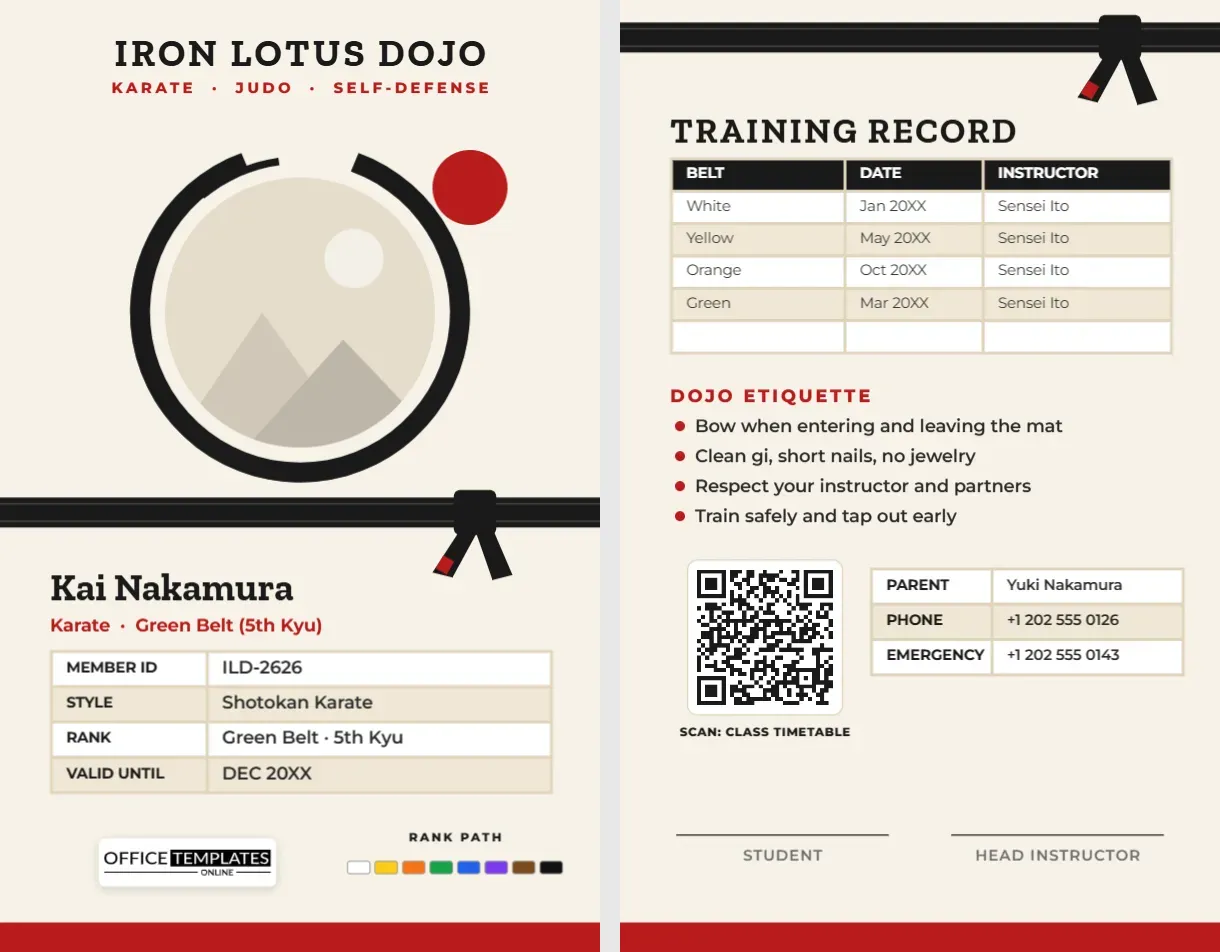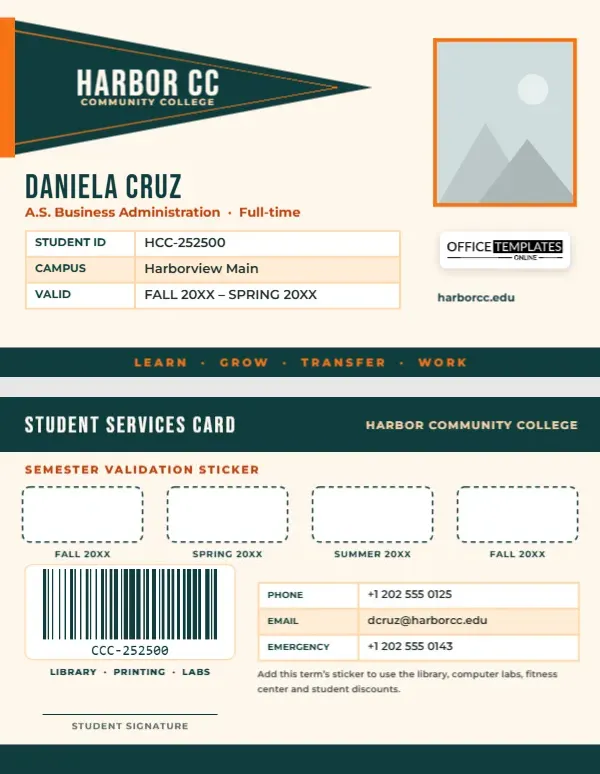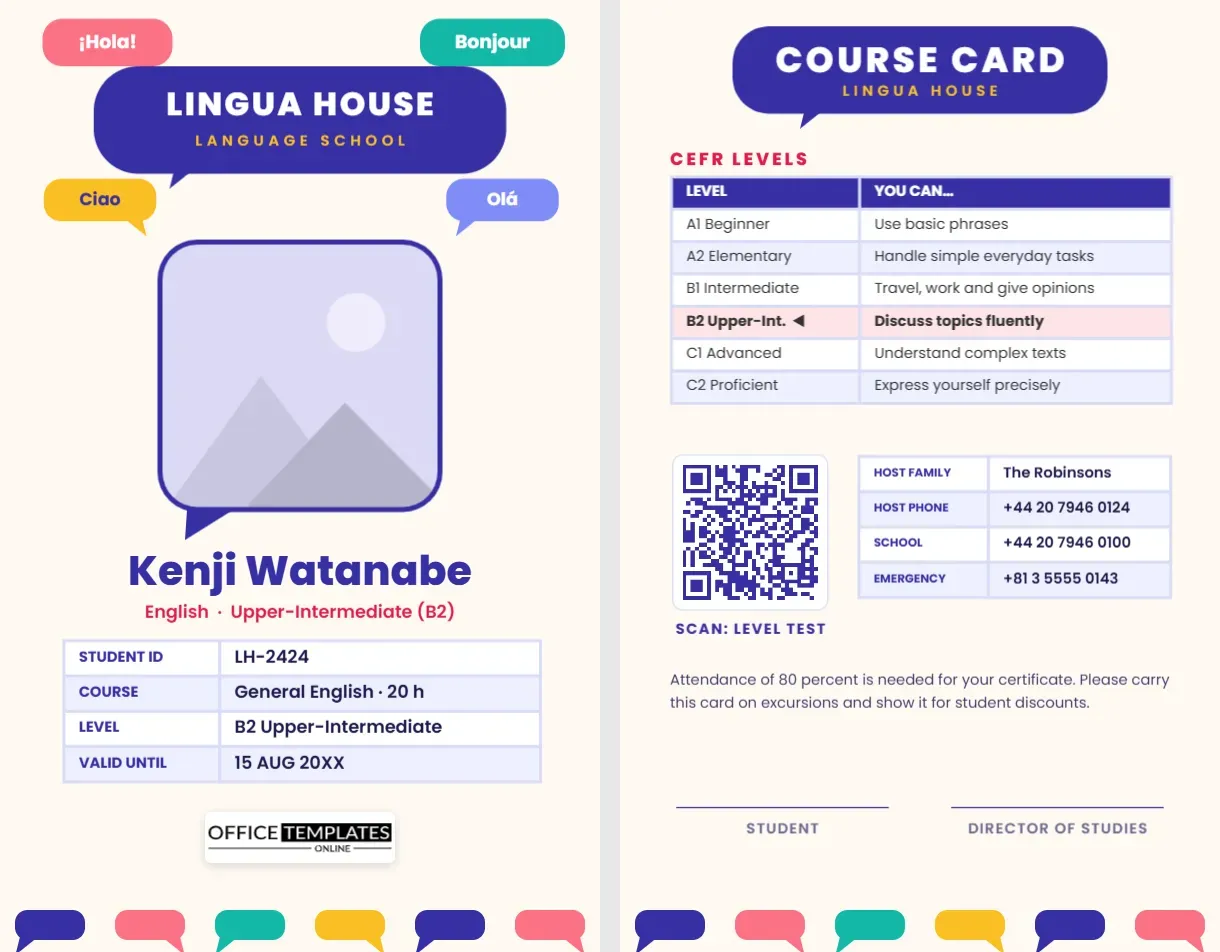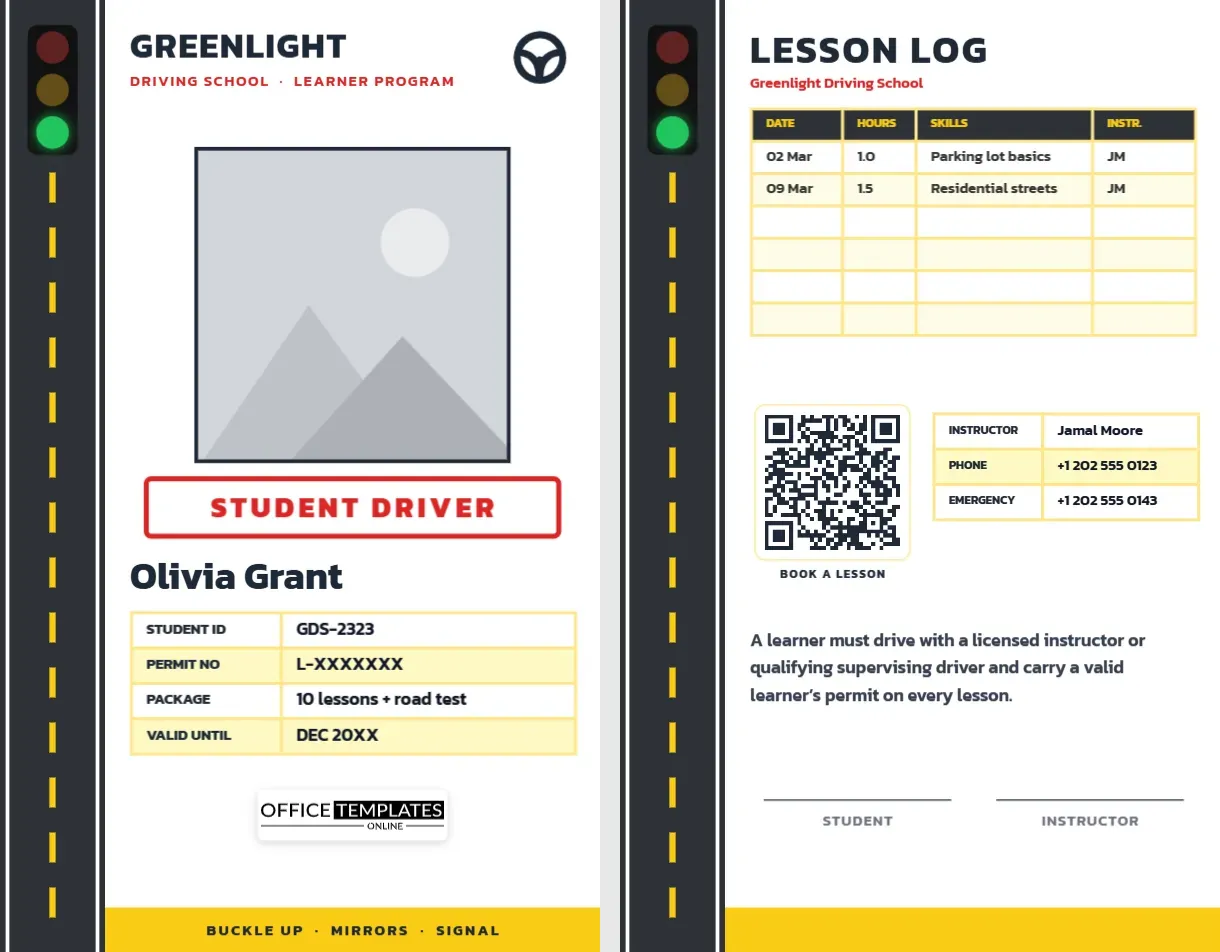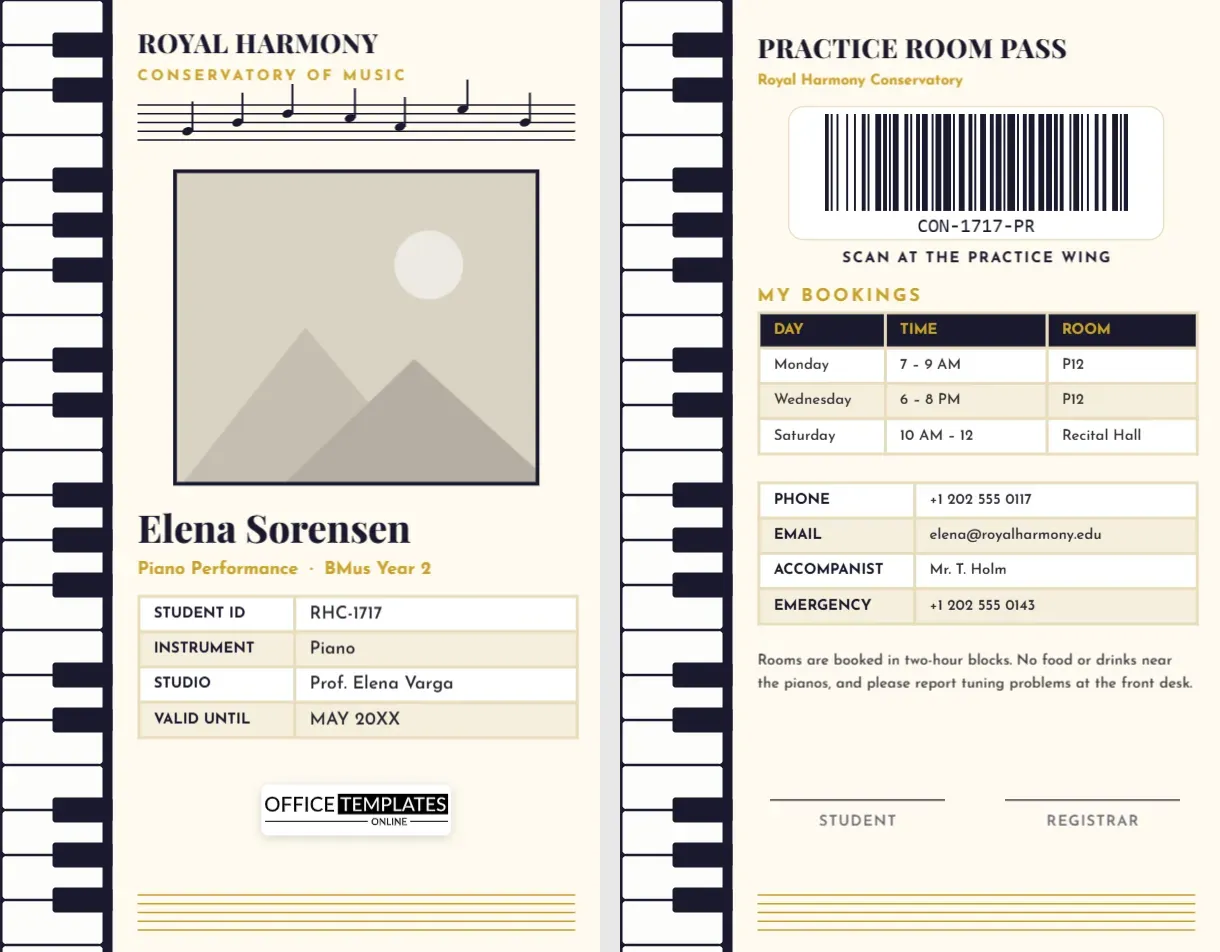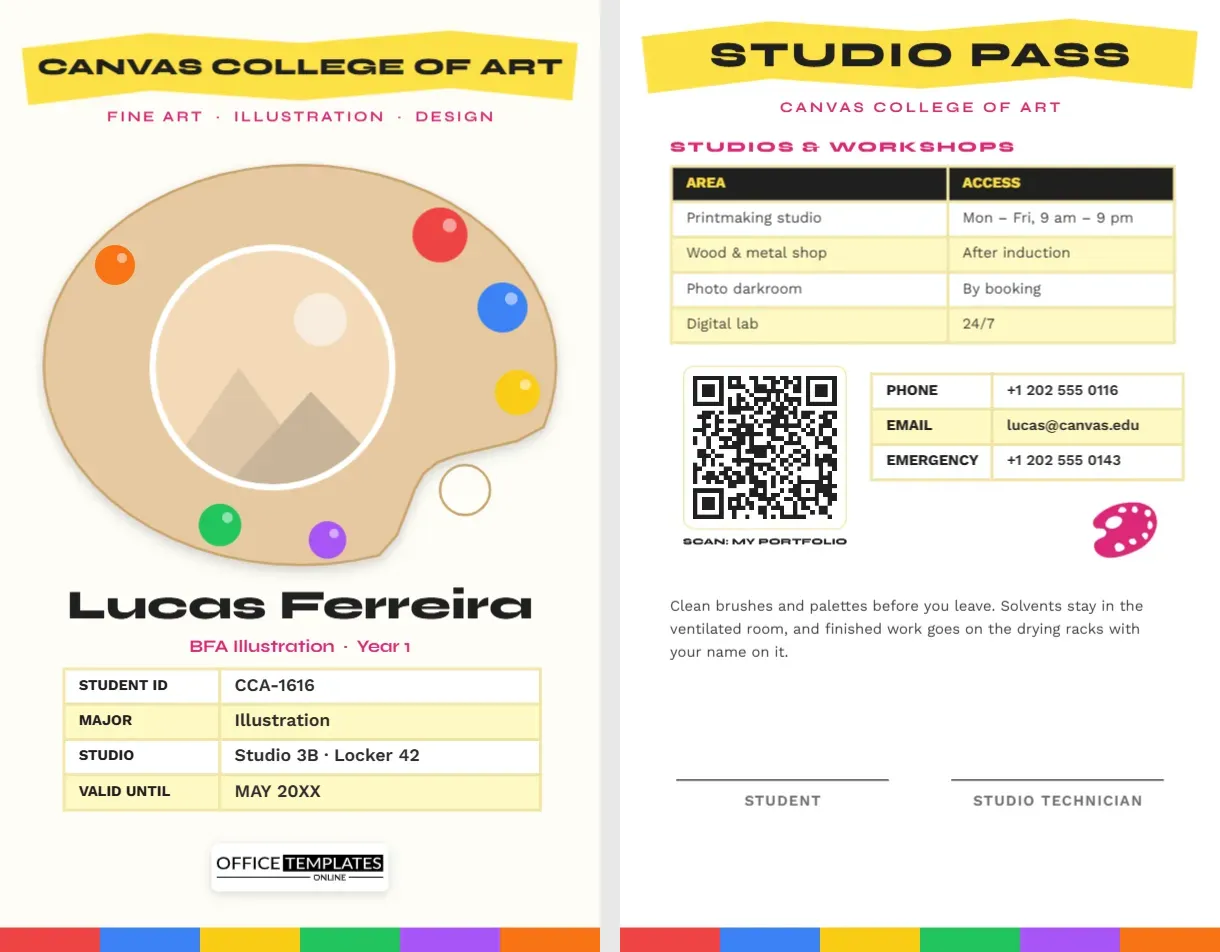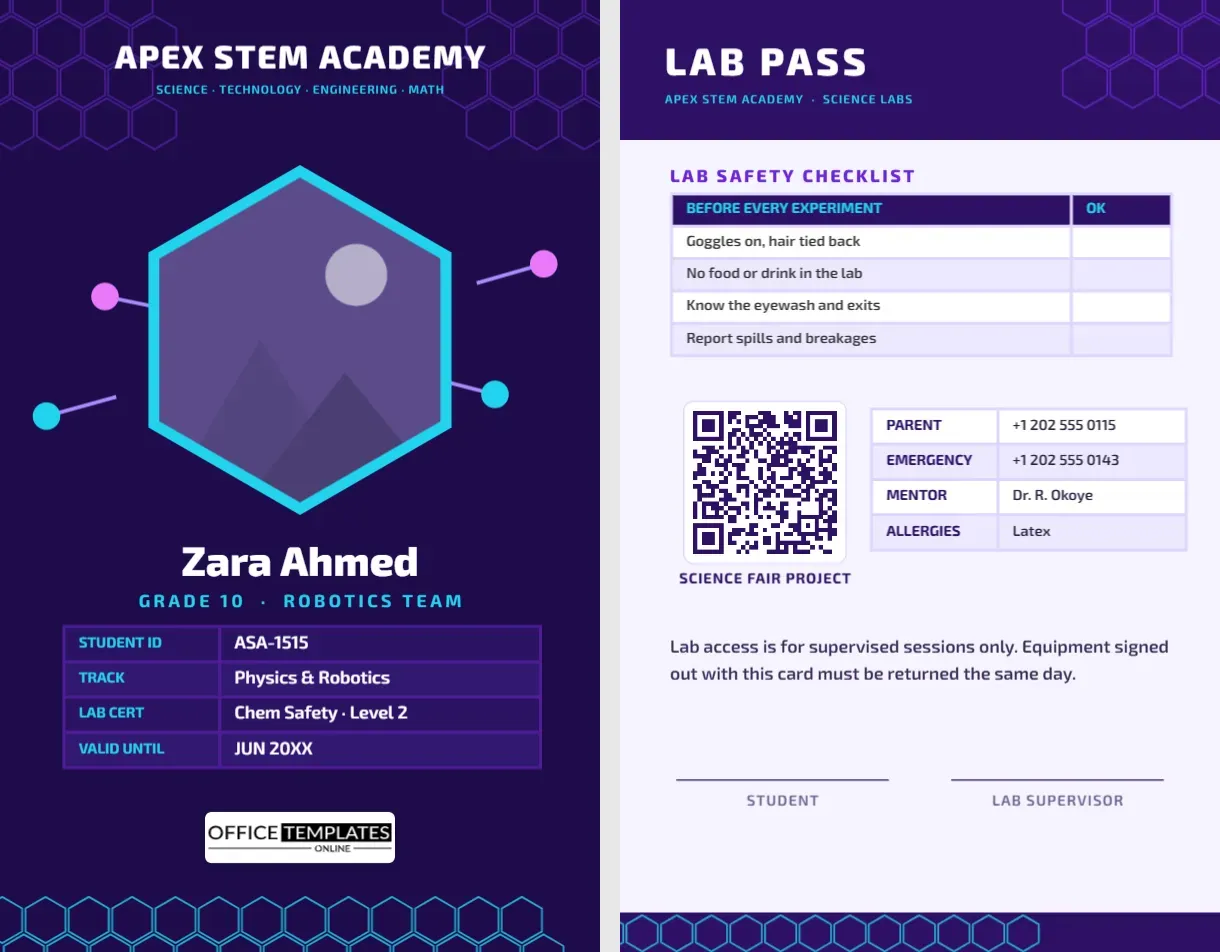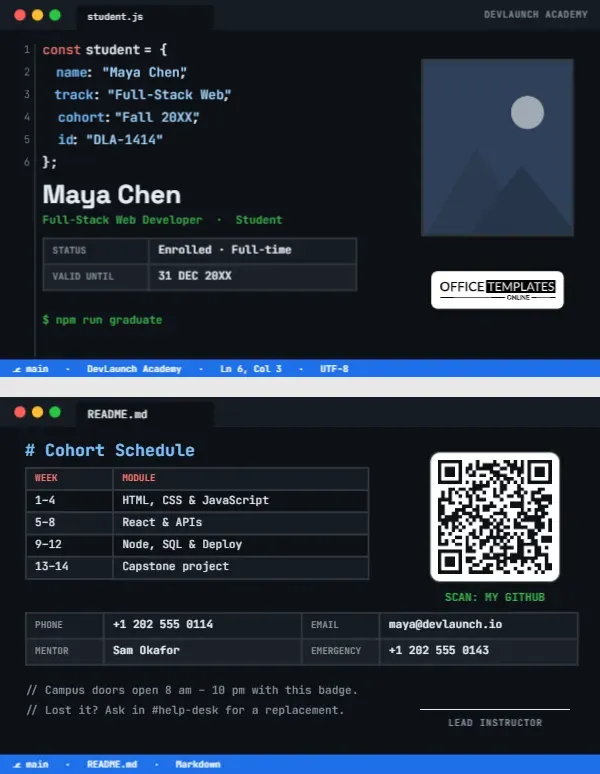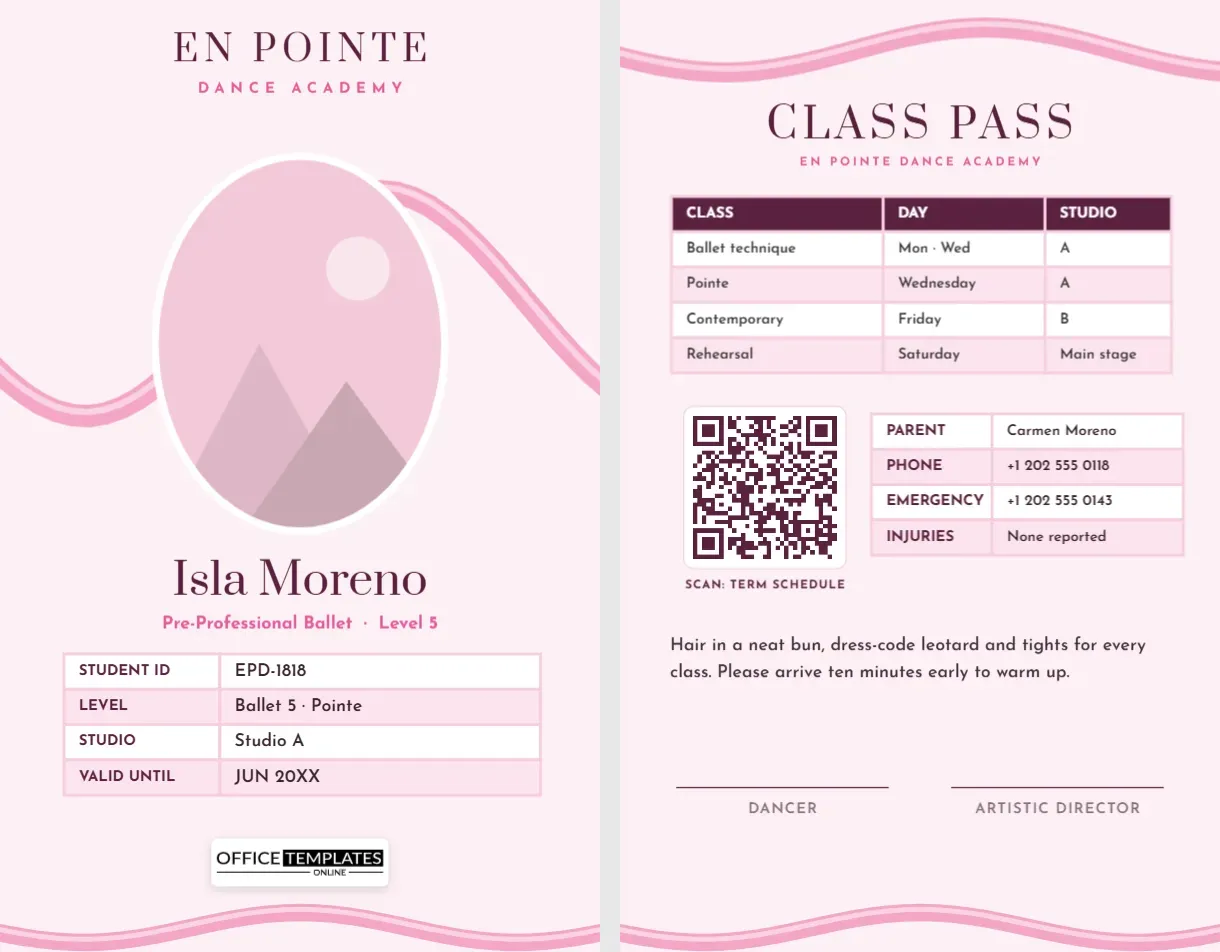
Dance studios are busy places: dozens of classes a week, students of every age changing between studios, parents waiting in the lobby, and rehearsals that grow more intense as the recital approaches. A student ID card brings a little order to all that movement, and for young dancers it is also a small source of pride. This Dance Academy Student ID Card is as graceful as the art itself: a pink satin ribbon, like a pointe shoe ribbon, sweeps across the card and around an oval portrait of the dancer.
A Ribbon in Motion
The card’s background is a soft blush pink. At the top, EN POINTE is set in Prata, an elegant high-contrast serif, with DANCE ACADEMY spaced widely beneath it in rose. A wide satin ribbon, pink with a paler highlight along its edge, flows across the card in a long S-curve, passing behind the portrait so the photo appears to be wrapped in it.
The dancer’s photo is an oval with a white border, the shape of a classic portrait frame. Below it, the name is set in Prata, Isla Moreno on the sample, with Pre-Professional Ballet · Level 5 in rose. A table lists the student ID, level (Ballet 5 · Pointe), studio, and validity date. Our logo sits on a white plate, and a narrower ribbon ripples along the bottom edge.
The card is 2.125 by 3.375 inches, a vertical CR80 card that fits the clear lanyard pockets used at most studios.
The Class Pass
A ribbon waves along the top of the back, above CLASS PASS and the academy name. A weekly timetable in a real table shows class, day and studio: ballet technique on Monday and Wednesday in Studio A, pointe on Wednesday in Studio A, contemporary on Friday in Studio B and rehearsal on Saturday on the main stage. A QR code labelled SCAN: TERM SCHEDULE can link to the full timetable or the studio app. A contact table lists parent, phone, emergency number and any injuries, which is important information for teachers. A note about hair, dress code, and warming up, and signature lines for the dancer and artistic director, complete the card.
Dress Code by Level
| Level | Typical dress code | Hair |
|---|---|---|
| Pre-ballet (ages 3-5) | Pink leotard, pink tights, ballet slippers | Bun or neat ponytail |
| Levels 1-3 | Level-colour leotard, pink tights | Classical bun |
| Levels 4-6 and pointe | Black or level-colour leotard, pointe shoes as approved | Classical bun, no loose hair |
| Contemporary and jazz | Fitted dancewear, jazz shoes or bare feet | Tied back |
| Boys’ classes | White fitted T-shirt, black tights, ballet shoes | Neat and tidy |
Studios vary; edit the note on the card to match your academy’s handbook.
Making the En Pointe Card Yours
- Oval photo: choose the oval frame and click Replace Image; a photo in class uniform with hair in a bun looks best.
- Academy name: retype EN POINTE and DANCE ACADEMY; hip-hop, tap, and ballroom schools can change the tagline too.
- Level: update Pre-Professional Ballet · Level 5 and the LEVEL row as students progress.
- Tables: the level details and the weekly classes change through Edit Data; + Row adds a rehearsal or private lesson.
- QR code: link it to your studio app, schedule page, or costume information in the Barcodes & QR panel.
- Ribbons: each ribbon is one group; recolour it to your studio colours, or lavender for a softer look.
Why Studios Use Student Cards
Large studios can have hundreds of students, and teachers do not always know every child in the lobby. Cards make check-in and pick-up safer, help substitute teachers, and help front-desk staff direct students to the right studio. At competitions and recitals, backstage volunteers use cards to check who belongs in each dressing room. For older students, the card also tracks level and pointe approval, which teachers take seriously for safety reasons.
Recital Season Checklist
As the recital approaches, students juggle extra rehearsals, costume fittings, and photo days. A few habits help: note every extra rehearsal in the table on the back, label costumes and shoes with the dancer’s name, pack a small kit with hair pins, a spare pair of tights, and a snack, and bring the card to the theatre for backstage check-in. Parents appreciate a clear schedule, and teachers appreciate dancers who arrive ready.
Ballet Schools, Competition Teams and Recreational Studios
Classical ballet schools, recreational dance studios, competition teams, performing arts schools, university dance departments, adult dance programmes and summer intensives can all use this design. Competition teams can change the back to list competitions, routines and costume numbers.
Print Care for Soft Pinks
Blush pinks can print too pale or too salmon on some printers. Print a test and adjust the background shade if needed. The white border around the oval photo should stay bright. Laminate cards for young dancers; they will be dropped into dance bags with water bottles and shoes.
Pointe Readiness and Safety
Going on pointe is a milestone every ballet student looks forward to, but it depends on strength, technique, and age, not just enthusiasm. Most teachers wait until a student has trained consistently for several years, attends multiple classes a week, and shows strong ankles, core, and alignment. Once approved, students must have shoes fitted by an experienced fitter and bring them to the teacher before wearing them in class. Recording Pointe on the card’s level row shows substitutes that the dancer has been cleared, which avoids confusion and keeps young feet safe.
Parents in the Lobby
Studio lobbies get crowded between classes. Encourage parents to use the QR code on the card for schedule changes instead of queuing at the front desk, and ask younger dancers to wait inside the studio until their grown-up arrives. A clear system reduces stress for teachers and families alike.
Dance Parent Questions
Can the card show my child’s allergies?
Yes. Add a row with + Row in the contact table or change the INJURIES row to ALLERGIES.
Can the ribbon be removed?
The ribbons are separate groups, so you can delete them, but they are what makes the design special.
Can teachers wear the same design?
Yes. Duplicate it and change the level line to FACULTY and the back to teaching schedules.
Open the template, place your dancer in the oval portrait, add this term’s classes, and let the ribbon lead the way to the studio.