Why more schools are putting codes on staff cards
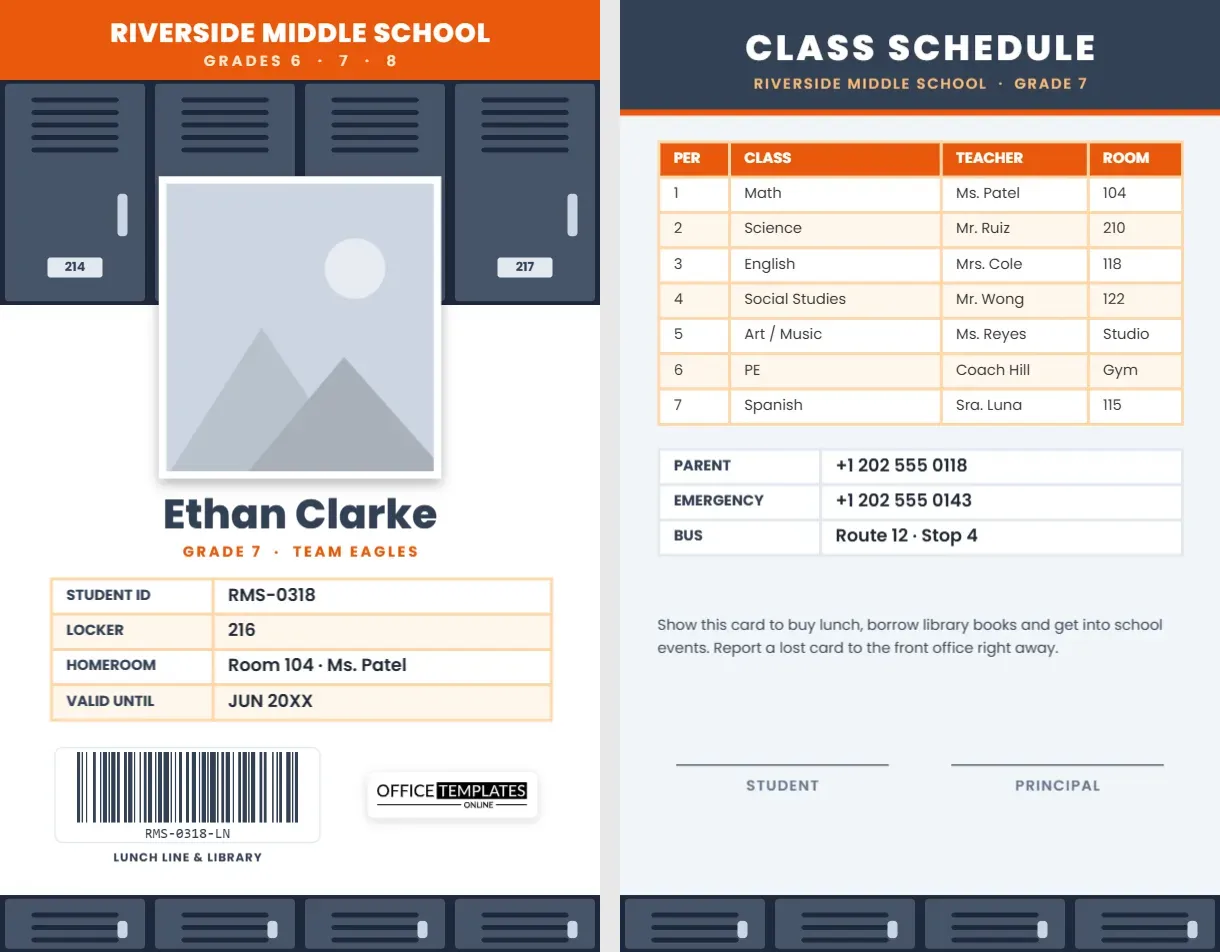
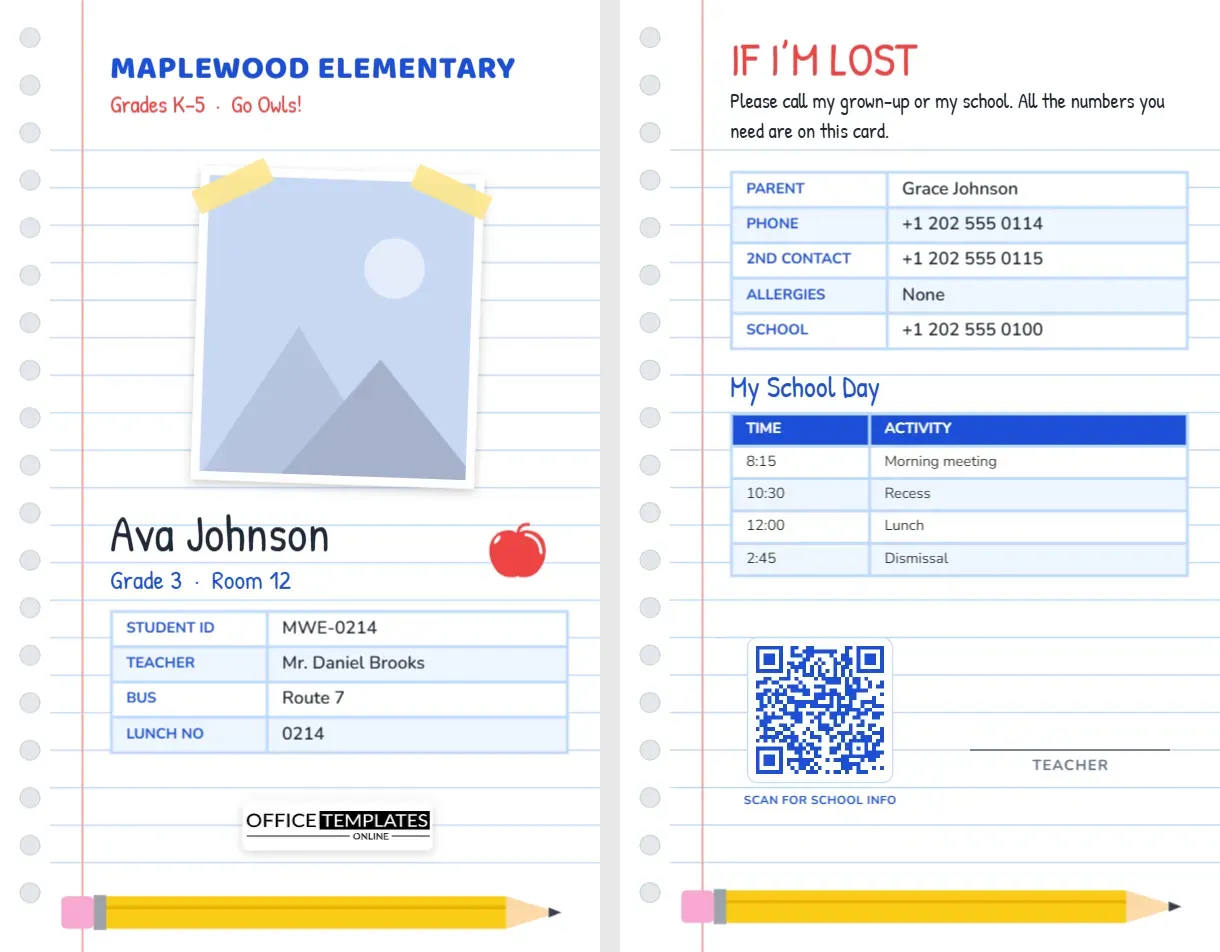
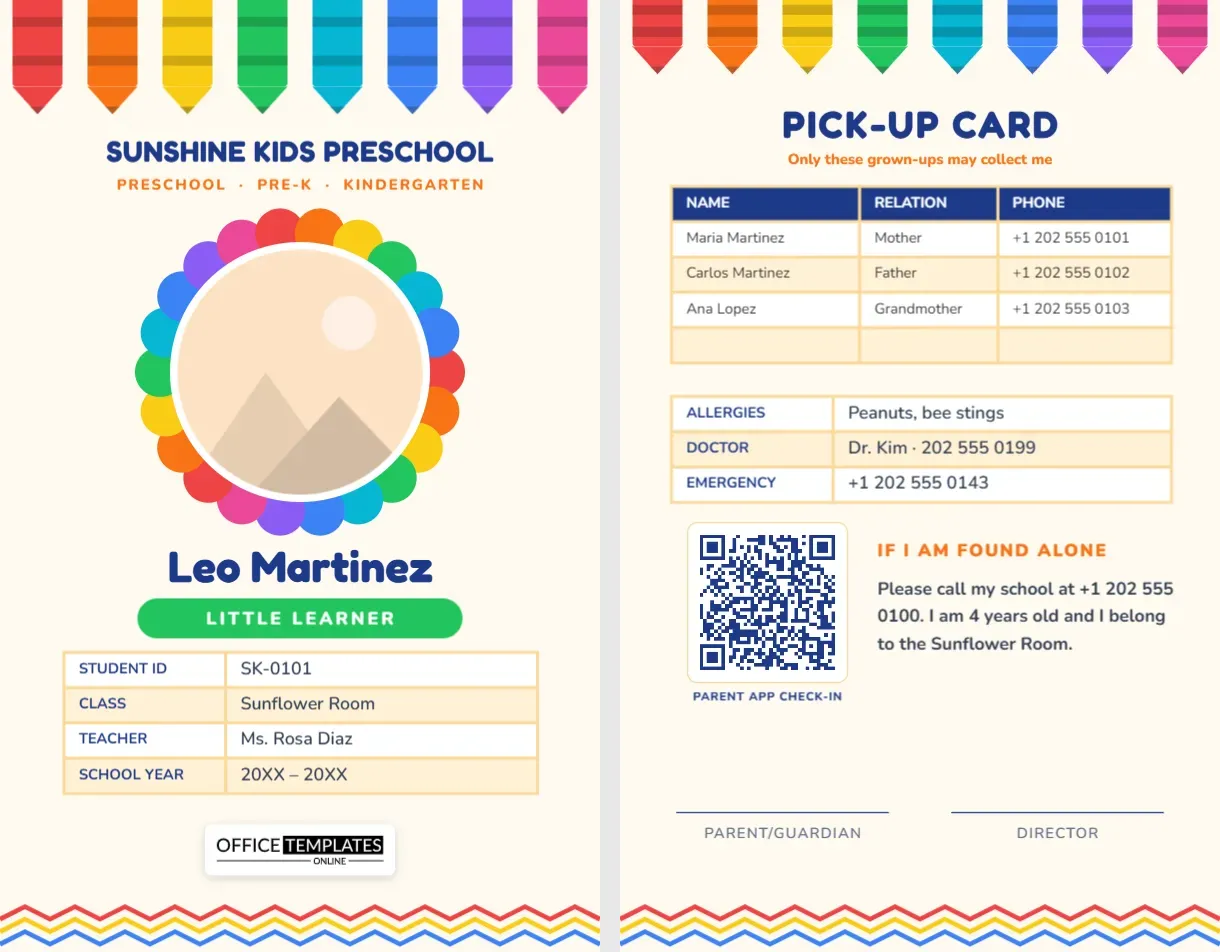
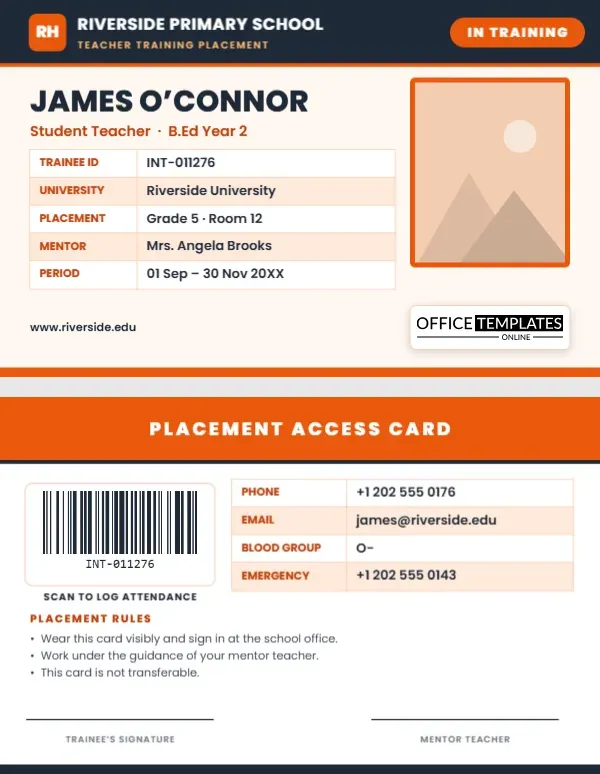
A teacher’s ID card used to prove one thing: that a person works at the school. Today it is also used to mark attendance, open doors, borrow equipment and link a person to a staff record. A printed teacher ID card with a QR code and barcode makes all of that possible without buying expensive hardware. A phone can scan the QR code; a cheap USB scanner can read the barcode. This template gives you a smart, modern card with both codes ready to edit.
Design overview
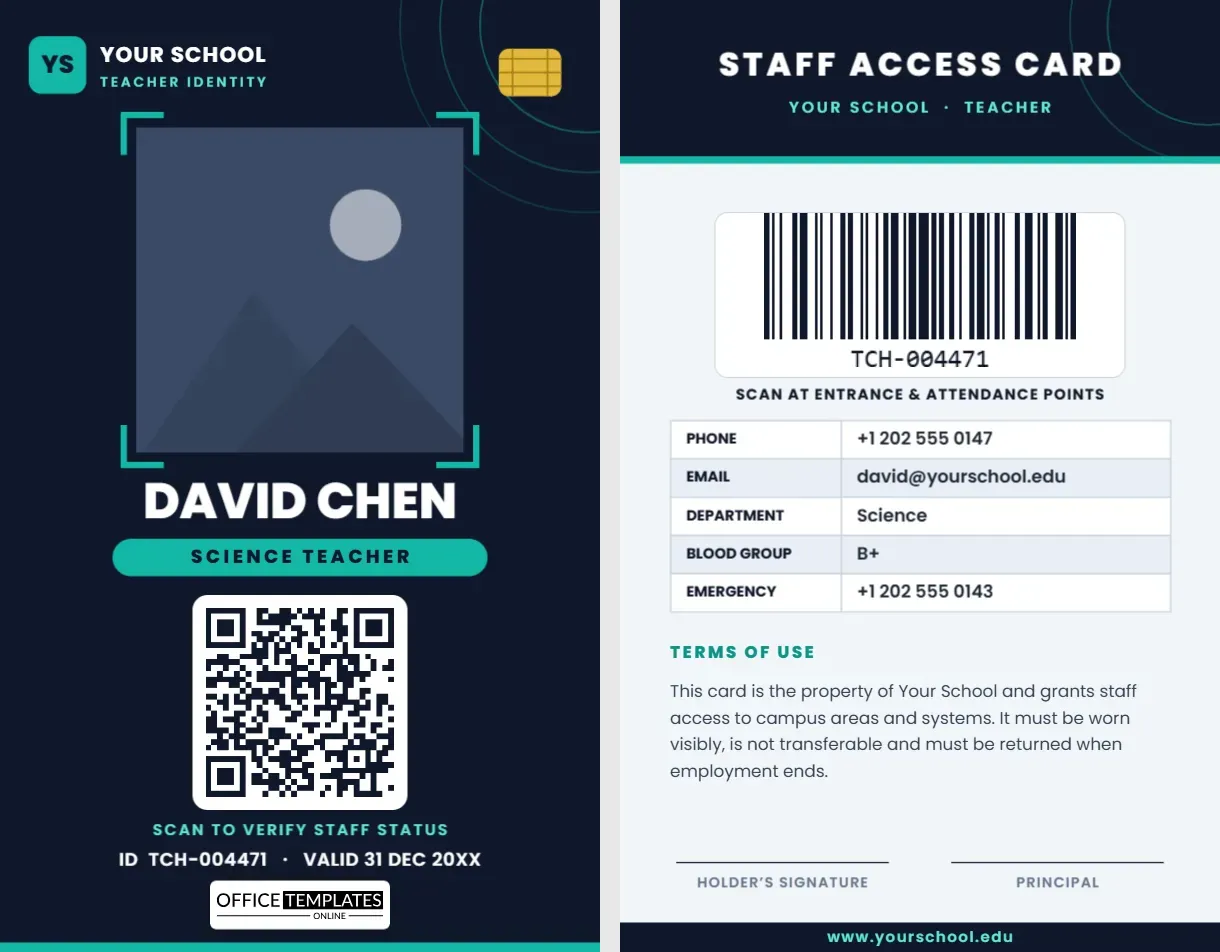
The card is a dark slate portrait card with teal highlights, styled to look at home next to a smartphone. Fine circular lines in the top corner suggest a signal, and a small gold chip icon adds a smart-card feel. Text is white on a dark background for strong contrast, and the photo sits inside a set of teal corner brackets that draw the eye to the face.
The front, from top to bottom
- Brand row. A teal tile with two letters, the school name and a “Teacher Identity” strapline.
- Photo. A large, portrait-style slot framed by four teal corners. It is filled with a placeholder pattern, so Replace Image swaps the picture and keeps the frame’s size.
- Name and role. The name in heavy capitals, followed by a teal pill such as “Science Teacher”.
- QR code. A big QR code on a white plate, with a “Scan to verify staff status” caption. It is large enough to scan from a phone held at arm’s length.
- ID line. Staff ID and expiry date on a single line.
- Logo plate. Our logo, on a small white badge, as a template credit that you can delete.
The back: a scan-first layout
Page two opens with a dark header that says “Staff Access Card”. A wide barcode sits on a white plate in the centre, with the caption “Scan at entrance and attendance points”. Under it, a table lists phone, email, department, blood group and emergency contact. A terms paragraph, two signature lines and a dark footer with the school website complete the card.
What each code does best
- QR code: Opens a web address. Ideal for a staff profile, a verification page or a timetable.
- Barcode: Stores the ID number. Ideal for attendance scanners, library desks and equipment loans.
Using both means you are never stuck: if a phone is not handy, the barcode still works at the front desk.
Setting up your own codes
Both codes are created with the editor’s built-in tools, which is different from pasting in a picture. To change the QR code, click it and type your link in the QR panel. To change the barcode, click it and enter the new ID number, choose the format and decide whether the number shows below the bars. The image regenerates in place and keeps its size and position.
Choosing what the QR code points to
- A staff directory page that shows the name, photo and current status of the holder.
- A page on your school website with the teacher’s subjects and timetable.
- A contact form that reaches the school office, useful if the card is found.
Choosing the barcode value
Use the same ID number that your attendance or library system already uses, so scans match your records. A value of ten or twelve characters produces a well-proportioned barcode that scans quickly.
Practical security habits
- Never put a password or a personal phone number inside a QR code.
- Give every card a unique ID and retire the number when a teacher leaves.
- Keep the verification page updated so a scan shows “active” or “expired”.
- Reissue cards on a fixed cycle, for example every academic year.
Customize the card in six steps
- Replace the placeholder photo with a clear headshot.
- Type the teacher’s name and subject.
- Click the QR code and paste in your verification link.
- Go to page 2 and set the barcode to the staff ID.
- Update the table and terms, then change colours if you wish.
- Download the file as PDF, PNG or JPG.
Printing so the codes scan
Print at 300 dpi or higher and use the actual size setting so the codes are not shrunk. Matte finishes reduce glare, which helps scanners. A dark card background is fine because the codes sit on white plates. Always test a printed sample with the exact scanner or phone your staff will use before printing the whole batch. The card is 2.125 x 3.375 inches, standard CR80, and fits any portrait lanyard holder.
Quick answers about the codes
Do I need special software to read the codes?
No. Any modern phone camera reads a QR code, and most inexpensive barcode scanners read CODE128 out of the box.
Can I use only the QR code?
Yes. Delete the barcode on page 2 and enlarge the table, or replace it with another element.
Is the chip icon a real chip?
No, it is a graphic that gives the card a smart-card look. It does not add any electronic function.
Where a smart card fits in a paperless school
Many schools are trying to reduce paper registers, sign-in sheets and key logs. A scannable card is a simple first step. Staff can scan the barcode at a front-desk reader to mark arrival, scan a QR code at a room door to log a lesson, or show the card when borrowing a projector or laptop. Because both codes carry only an ID or a web address, the sensitive data stays in your own system. That makes a printed card a low-cost bridge between a paper world and a digital one.
If a code will not scan
- Check contrast. Dark bars on a white plate scan best. Do not recolour the plate to a mid-tone.
- Check size. Keep the QR code at least 0.4 inches wide and the barcode at least 0.9 inches wide when printed.
- Check the finish. A very glossy surface can reflect a ceiling light straight into the scanner. Try a matte laminate.
- Check the value. A barcode with a character your scanner does not support will fail. Use letters, numbers and hyphens only.
- Check the distance. Phones scan QR codes best at 10 to 20 centimetres.
A card that can be scanned in a second saves minutes every day. Open the template, enter your teacher’s details and codes, and download a smart ID card ready for printing.