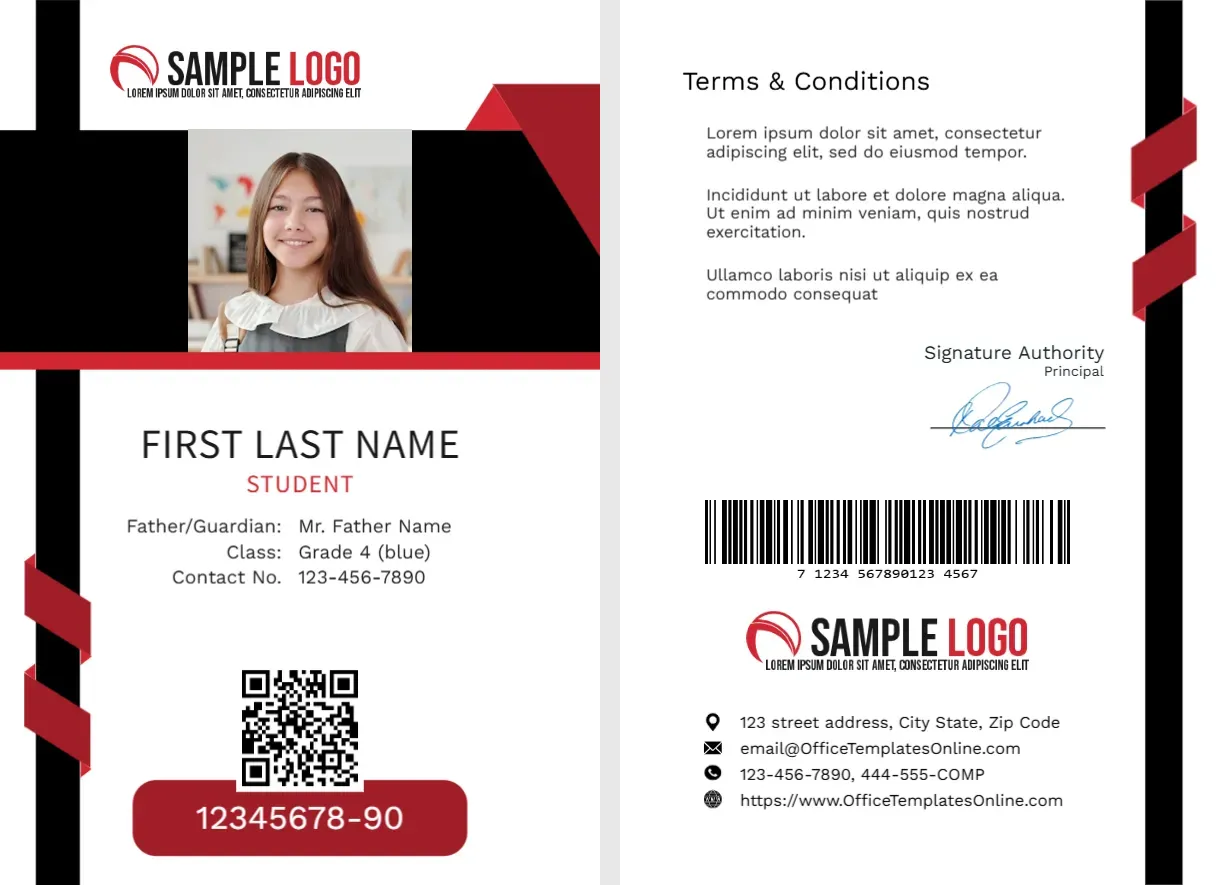
Black Side Bars and Red Ribbons Around a Wide Photo Band
The front of this portrait card has black bars down both edges, with red ribbon twists at the lower left and a red corner at the top right. A white SAMPLE LOGO sits over a wide black band holding a photo of the student, with a red line beneath. FIRST LAST NAME sits in dark type with STUDENT in red, then guardian, class and contact lines, a QR code and a red pill with 12345678-90.
A College Card With a Printed Reverse
The card is 2.63 x 3.88 inches. The wide photo band shows a head and shoulders shot, so use a landscape crop rather than a tight square.
Fields That Fit a School Better
The lines Father/Guardian, Class and Contact No. read Mr. Father Name, Grade 4 (blue) and 123-456-7890, which are school style entries. For a college use, change them to course, year and email, or delete the guardian line. Edit the red pill and the back text.
Preparing the College Card
- Insert a wide photo.
- Rename the labels.
- Type name and course.
- Set the ID number.
- Edit the back contacts.
A Mature Look for Adult Learners
Black and white with red ribbons feels grown up. Colleges, institutes and training centres often choose such a palette because it looks professional and not childish.
Relabelling for Higher Education
College students need a course and a year more than a guardian and a grade. Change the labels in the editor, and add an email line if the card will serve campus services.
Red Ribbons as an Accent
The ribbons twist round the black bars at the left. They add a little movement, and they draw the eye to the lower part of the card.
A Pill for the Student Number
The red pill makes the number easy to read for library and lab staff. Print it large, and match it to the barcode on the back.
Wide Photo Band Tips
A wide band suits a photo with space at both sides. If your photos are tight crops, add a plain colour behind them in the editor, so the band looks even.
Back Terms and Barcode
The back carries terms, a signature, a barcode, a second logo and contacts. Keep the terms short, and name an office to return lost cards to.
Cards for Part Time Students
Part time and evening students need cards too. Add a line for the programme type, so security staff understand access hours.
Step by Step Editing of the College Student Id Card Black Red Ribbon Design
- On the college student id card black red ribbon design, click the main headline and type your own words, keeping a similar length.
- Retype every name, date and contact line on the college student id card black red ribbon design, checking each against a trusted source.
- Search the college student id card black red ribbon design for the words Lorem and Company so that no placeholder remains.
- Click any logo or photo on the college student id card black red ribbon design, choose Replace Image and resize the new picture to fit.
- Zoom the college student id card black red ribbon design to full size and read each line aloud before you save it.
- Keep a clean master of the college student id card black red ribbon design without private details, so later versions start tidy.
Have a look at the cyan college student card. Another option is the community college card. A related layout is the high school student card. Looking beyond the college student id card black red ribbon design? See all student ID card templates.