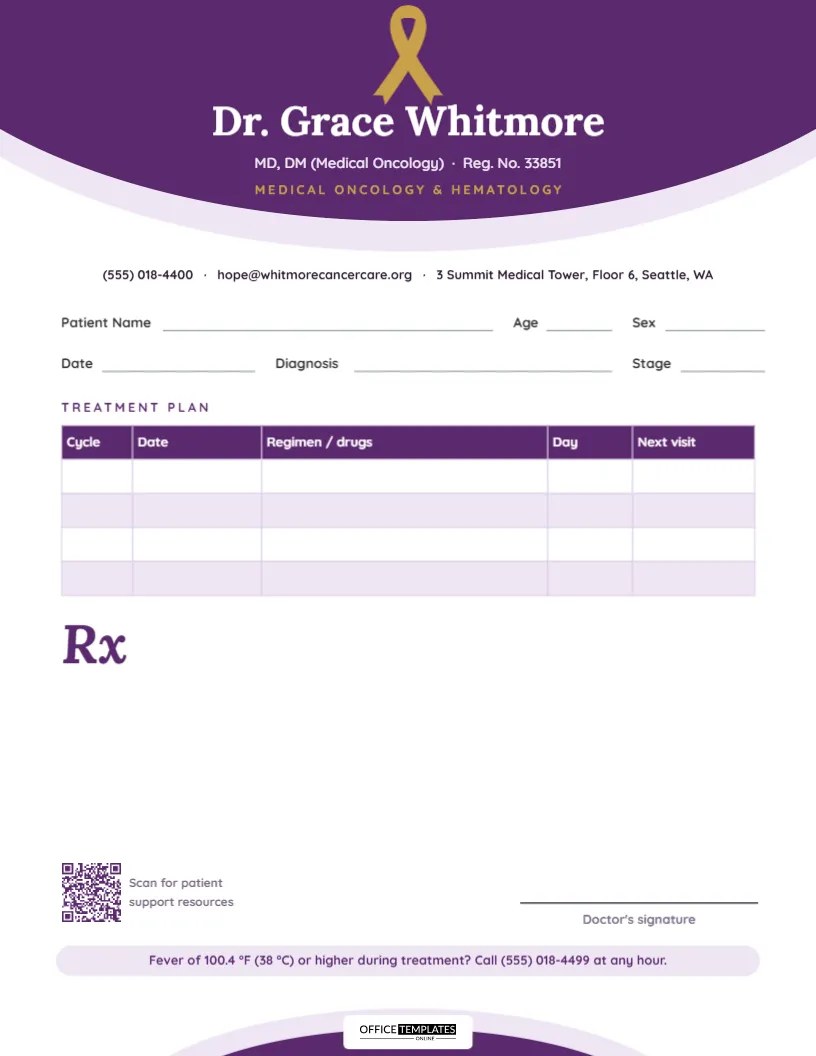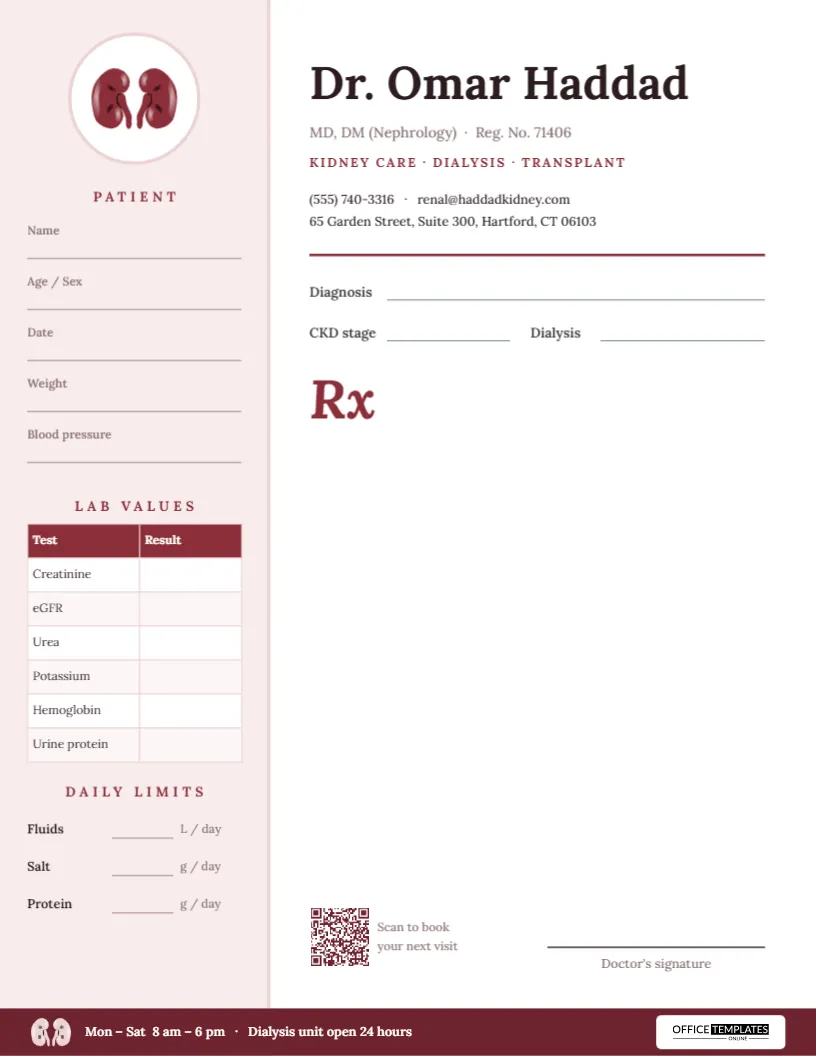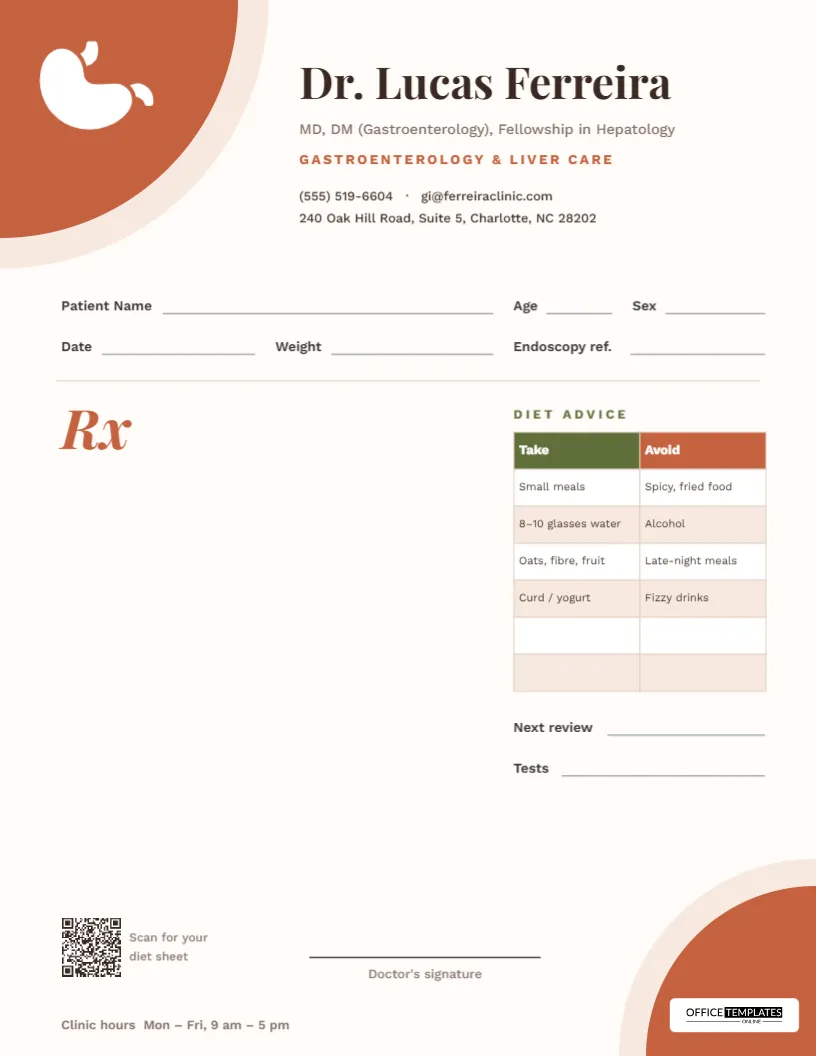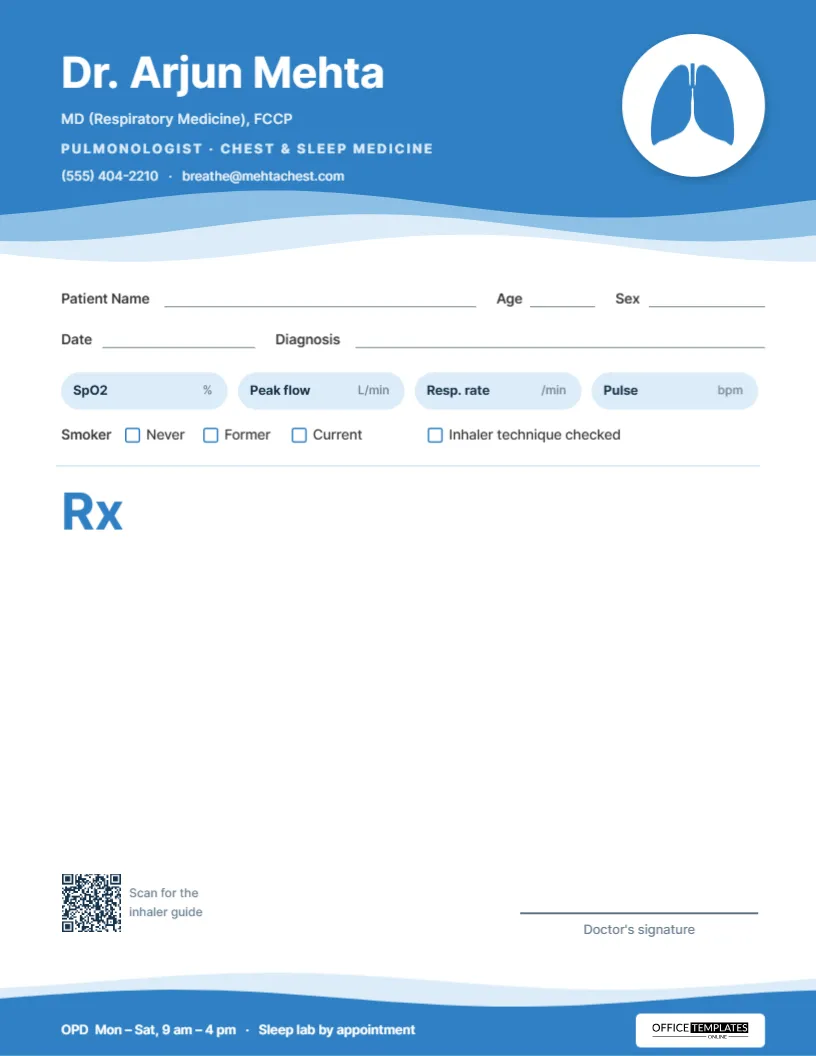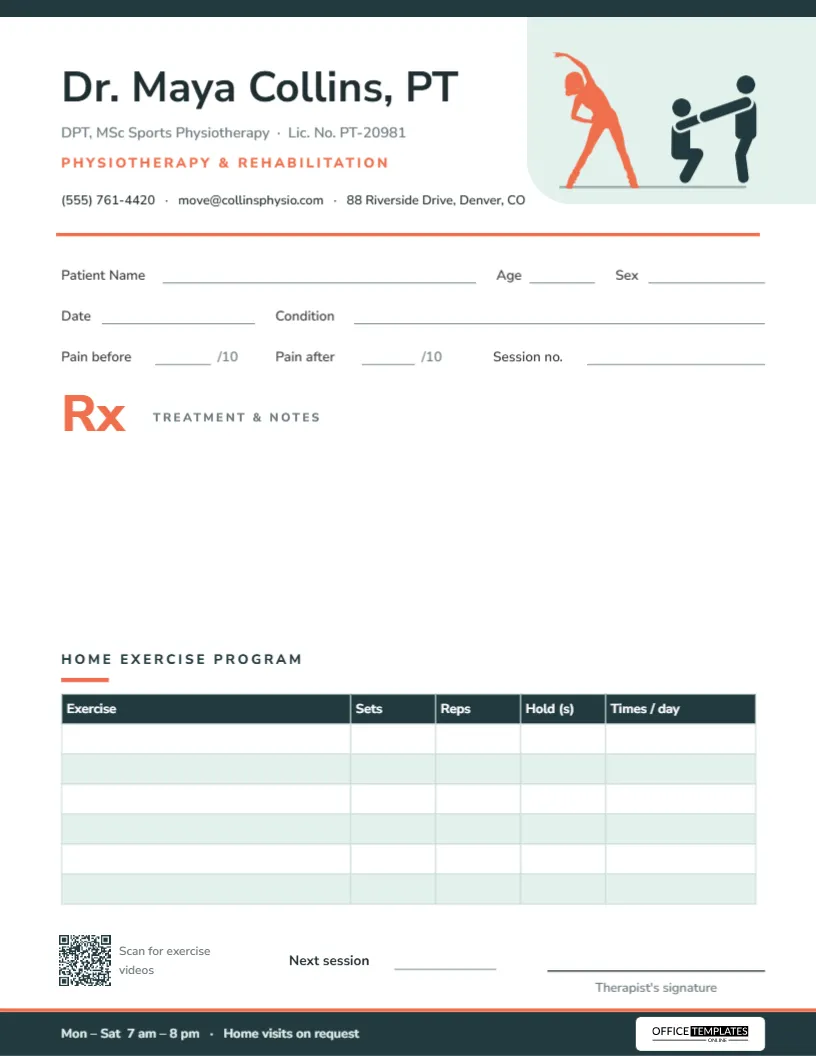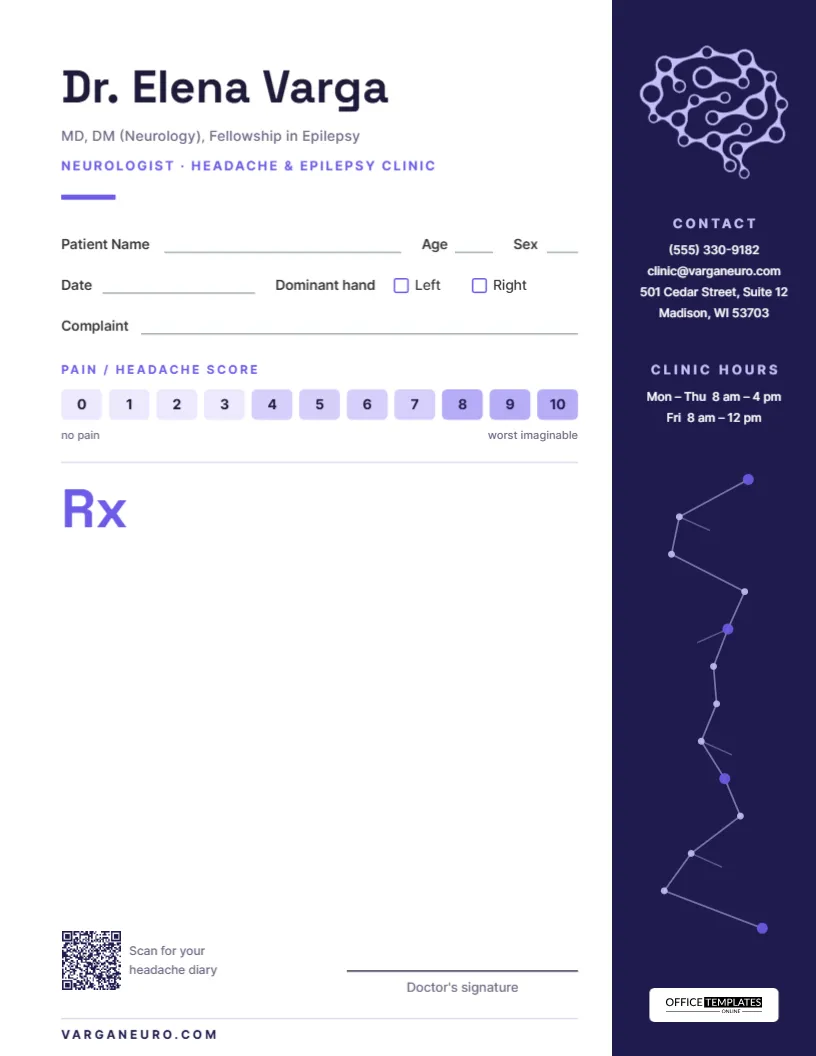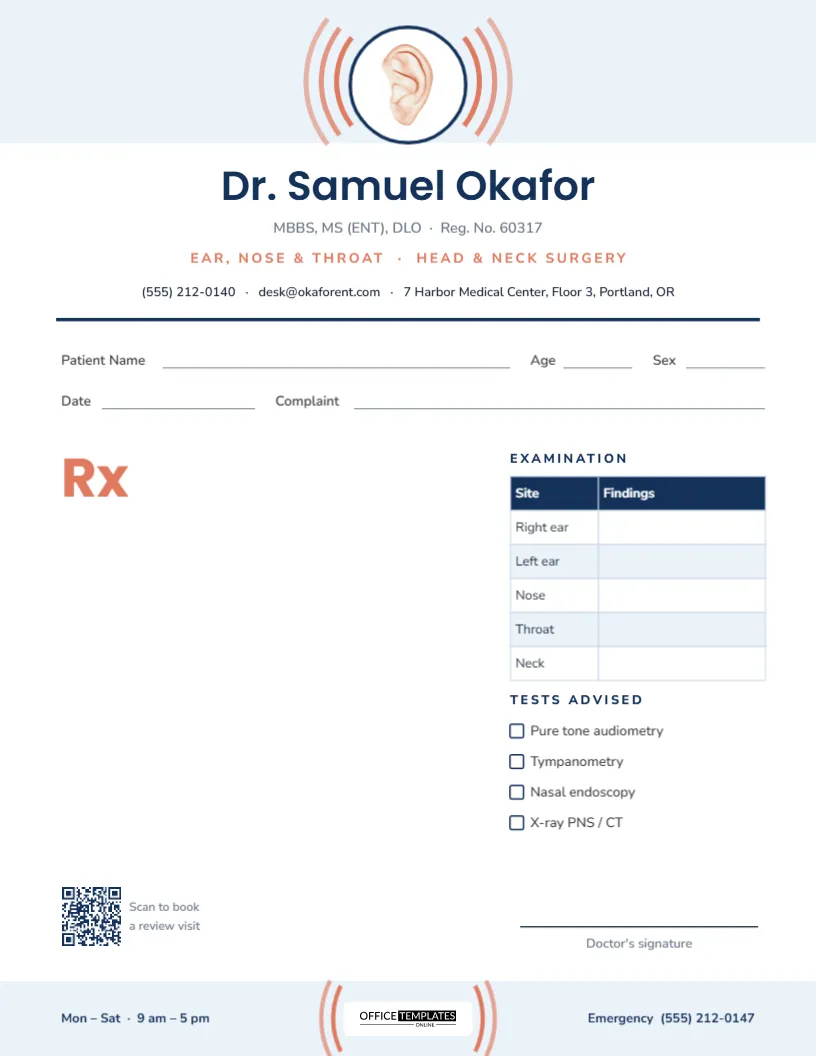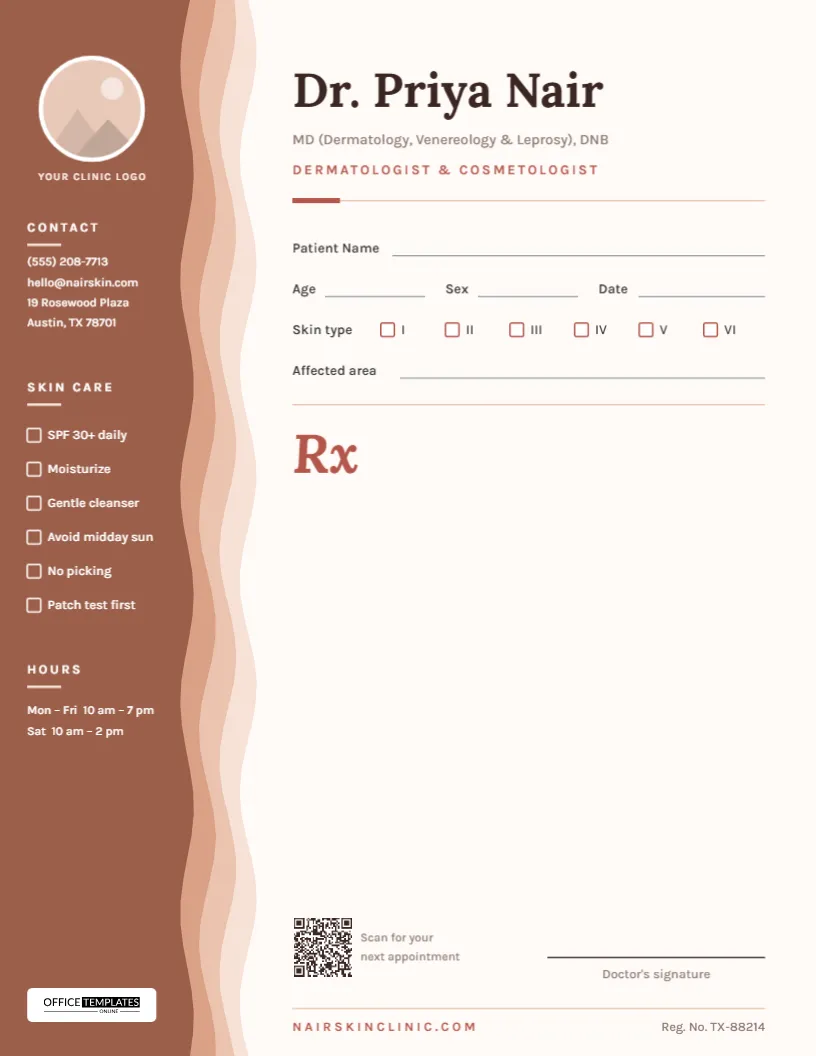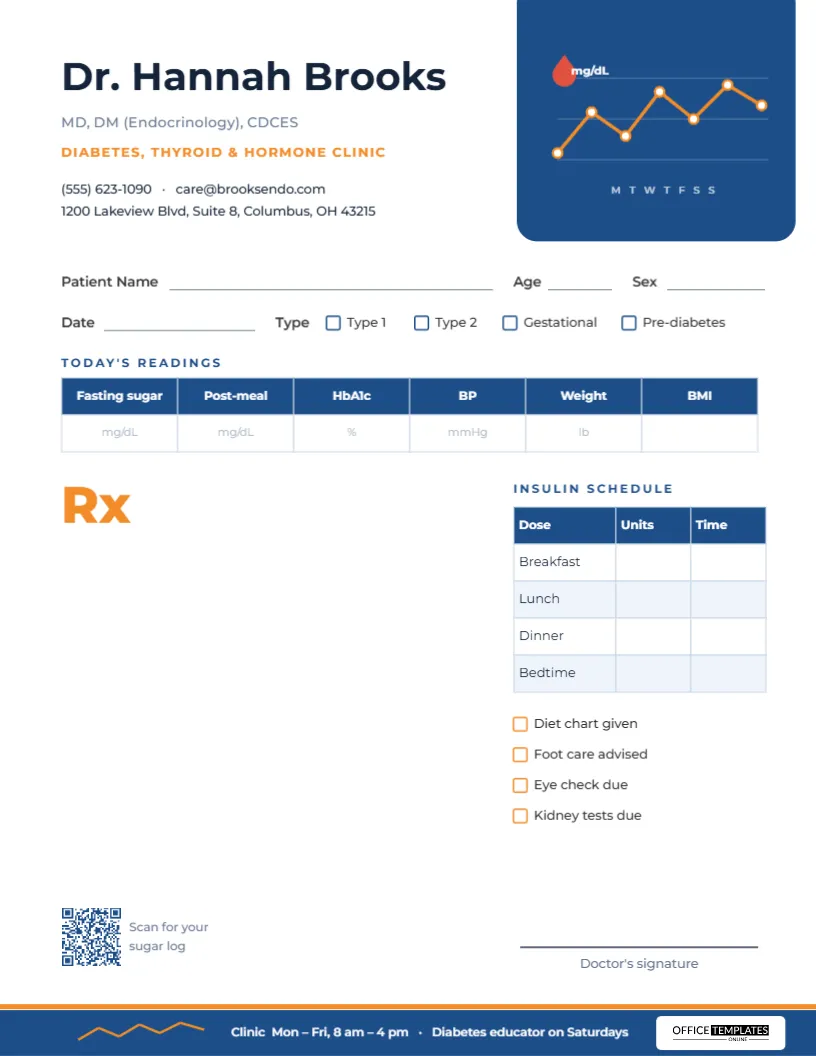
A diabetes consultation is built on numbers. Fasting sugar, post-meal sugar, and HbA1c show how the last weeks and months have gone; blood pressure and weight shape the long-term risk; insulin doses have to be written precisely for each meal. This diabetes prescription pad template (made for diabetologists and endocrinologists) organises those numbers in two editable tables, so the prescription reads as a complete snapshot of the visit rather than a list of medicines.
The Glucose Chart Card
The most distinctive part of the design is a deep blue card that hangs from the top edge of the page on the right, with rounded lower corners. Inside it, a small line chart plots a week of readings in orange, with white-ringed data points, faint gridlines, day initials along the bottom, and a red drop marked mg/dL in the corner. The chart is purely decorative, grouped into a single object, but it tells anyone who picks up the sheet exactly what kind of clinic issued it.
To the left of the card, the doctor’s name is set in bold Montserrat with the qualifications in grey, Diabetes, Thyroid & Hormone Clinic in orange capitals, and two lines of contact details. The footer mirrors the header: a blue strip with an orange top edge, a tiny orange trend line on the left, the clinic hours and the Office Templates Online logo on a white plate.
Reading the Page From Top to Bottom
- Patient details: Patient Name, Age, Sex, and Date.
- Type: tick boxes for Type 1, Type 2, Gestational, and Pre-diabetes.
- Today’s readings: a six-column table for the visit’s measurements.
- Rx: an orange Rx mark and a blank area on the left for oral medicines and other treatment.
- Insulin schedule: a small table on the right for insulin doses.
- Care reminders: four tick boxes under the insulin table.
- Sign-off: a QR code captioned Scan for your sugar log and the signature line.
Columns in the Readings Table
The Today’s Readings table has a blue header and one row for the values. Faint grey units are printed in each cell as a guide:
| Column | Printed unit | Note |
|---|---|---|
| Fasting sugar | mg/dL | Change to mmol/L if your country uses it |
| Post-meal | mg/dL | Usually measured about two hours after eating |
| HbA1c | % | Some labs report mmol/mol instead |
| BP | mmHg | Blood pressure targets matter as much as sugar |
| Weight | lb | Switch to kg if you prefer |
| BMI | (blank) | Calculated from height and weight |
Double-click the table to open Edit Table Data, where you can change the units, rename a column (for example, Random sugar or Creatinine), or use + Add Row to record readings from several visits on one sheet.
Writing Insulin Doses Clearly
Insulin errors are among the most serious prescribing mistakes, and a structured table helps prevent them. The Insulin Schedule table lists Breakfast, Lunch, Dinner, and Bedtime down the left, with columns for Units and Time. Write the insulin name in the Rx area, then the number of units against each dose in the table. Writing units in full rather than abbreviating them, and avoiding trailing zeros, are widely recommended habits that the table’s layout supports.
Four Reminders Worth Ticking
Under the insulin table are four boxes: Diet chart given, Foot care advised, Eye check due, and Kidney tests due. They cover the routine checks that are easy to skip in a busy clinic: annual eye screening, foot examination, and kidney function tests. Rename them to suit your practice; Dental check, Lipid profile, or Hypoglycemia education are useful alternatives.
Connecting the Visit to Home Monitoring
Most of diabetes management happens between appointments: finger-prick checks, continuous glucose monitor readings, meal choices and insulin adjustments made at home. The QR code in the bottom-left corner, labelled Scan for your sugar log, is there to close that gap. Link it to a printable log sheet on your website, a spreadsheet template, the portal where patients upload meter data, or a short video on recognising and treating a low. Patients who arrive with a completed log make the readings table much more meaningful, and the conversation about dose changes much shorter.
The end of the footer line, Diabetes educator on Saturdays, is another nudge towards education. Replace it with whatever support your clinic offers, such as group classes, a dietitian’s hours, or a helpline for sick-day advice.
Personalize Before You Print
- Type your name, qualifications, specialty, and contact details.
- Adjust units in the readings table for your region.
- Edit the footer hours and the diabetes educator line.
- Replace the QR code’s sample link with your own glucose log, app, or education page.
- Download a print-ready PDF, or a PNG for digital records.
Paper, Ink and Pads
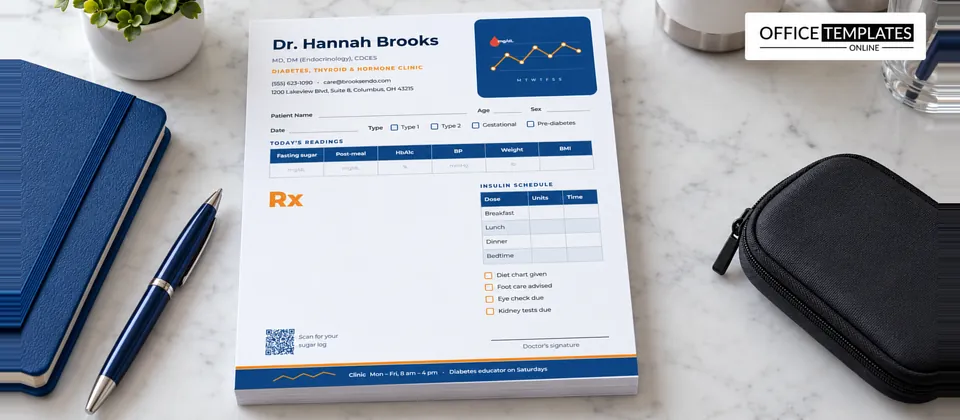
The pad is US Letter, 8.5 x 11 inches, portrait. The blue chart card and footer are the only large colored areas, so it prints well on most office printers. For tables with thin lines and small units, use a smooth 24 lb paper and a laser printer. Glued pads of 50 or 100 sheets work well in a consulting room; loose sheets suit clinics that also staple a copy into the patient’s file.
Diabetes Clinic FAQ
Can a general physician use this pad?
Yes. Many family doctors manage diabetes; change the specialty line to suit.
Can I remove the insulin table for patients on tablets only?
Yes. Save a second version without it, and use whichever one fits the patient.
Is the chart in the header real data?
No, it is a decorative illustration. It does not change, so it will never be mistaken for the patient’s readings.
Can it be used for thyroid patients?
Yes. Rename the readings columns to TSH, Free T4, and similar, and remove the insulin table.
Can I switch the design to mmol/L for a UK or Canadian clinic?
Yes. Open the readings table and replace mg/dL with mmol/L in the first two cells, and change the mg/dL label on the chart card if you want it to match.
Diabetes care is a long conversation measured in numbers. Put those numbers on every prescription, and each visit will build clearly on the last.