Doctor Prescription Pad Templates for Every Specialty
Part of: Business & Office
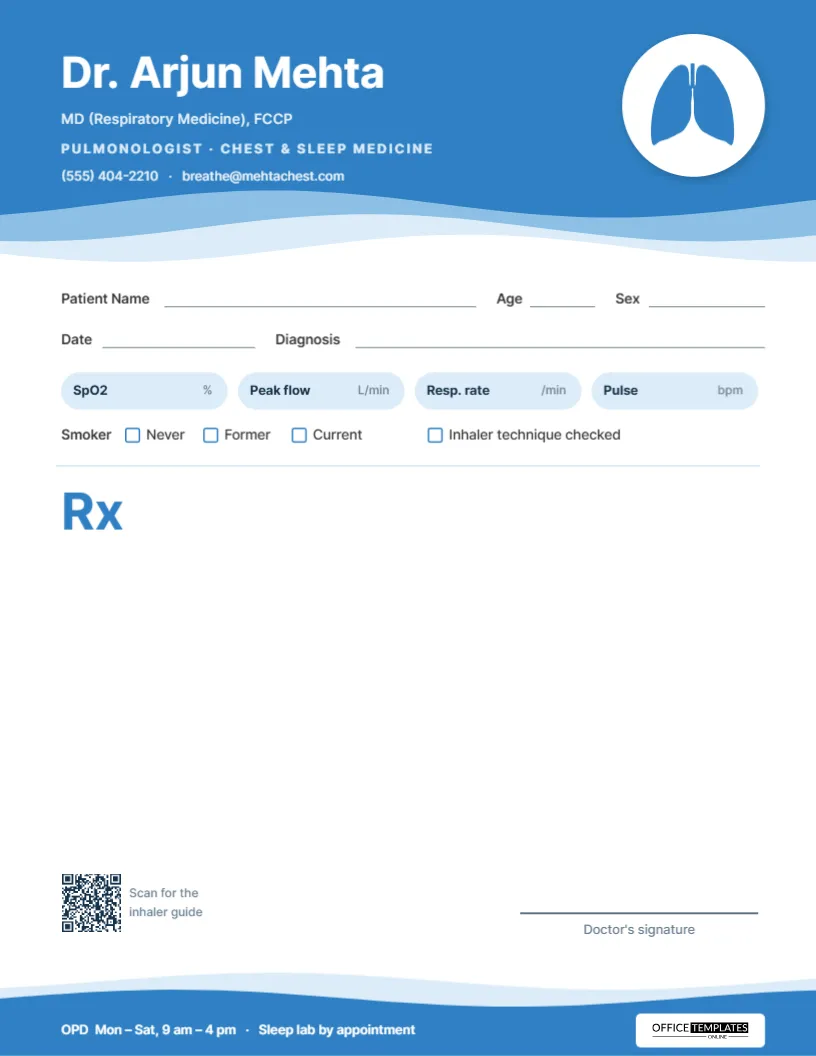
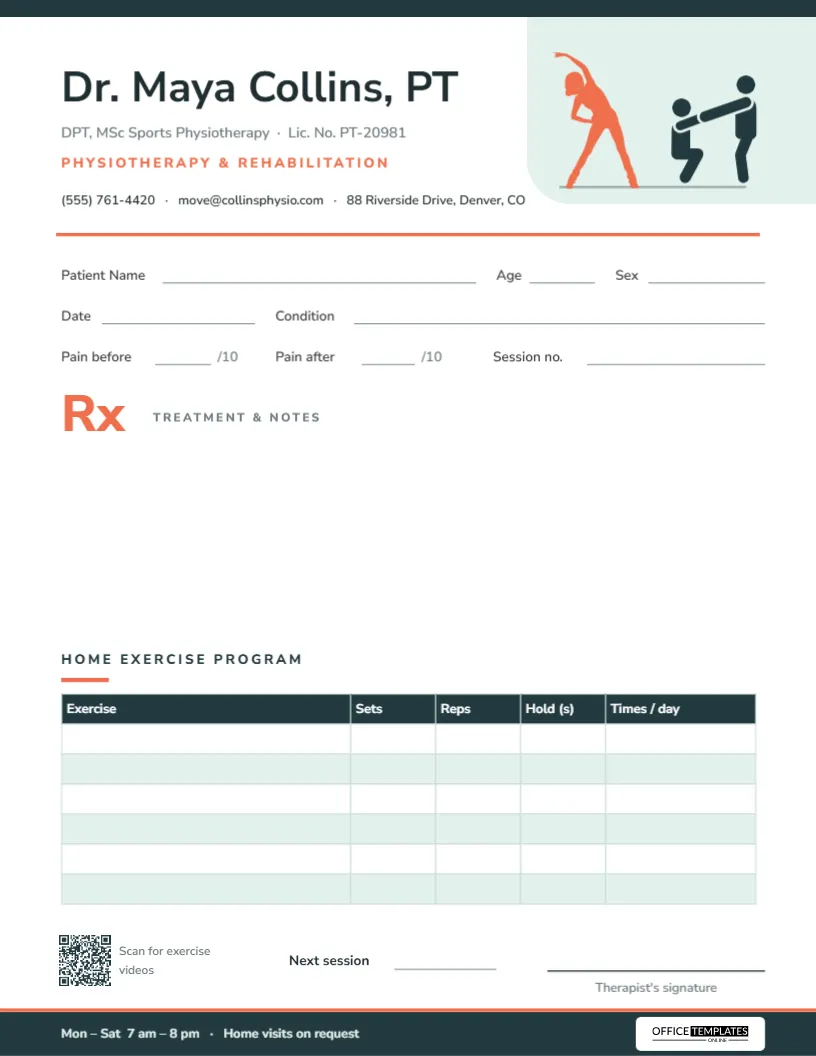
A prescription pad should look like the practice that issues it. These editable templates give doctors a clean, organized layout with space for vitals, examination notes, advice and the prescription itself, built around the needs of each specialty.
Add your name, qualifications, clinic address and registration details, then download the design as a PDF to print on a pad or to take to your print shop. These are layout templates only, and every section can be renamed, moved or removed to suit how you work.
Layouts Built Around the Specialty
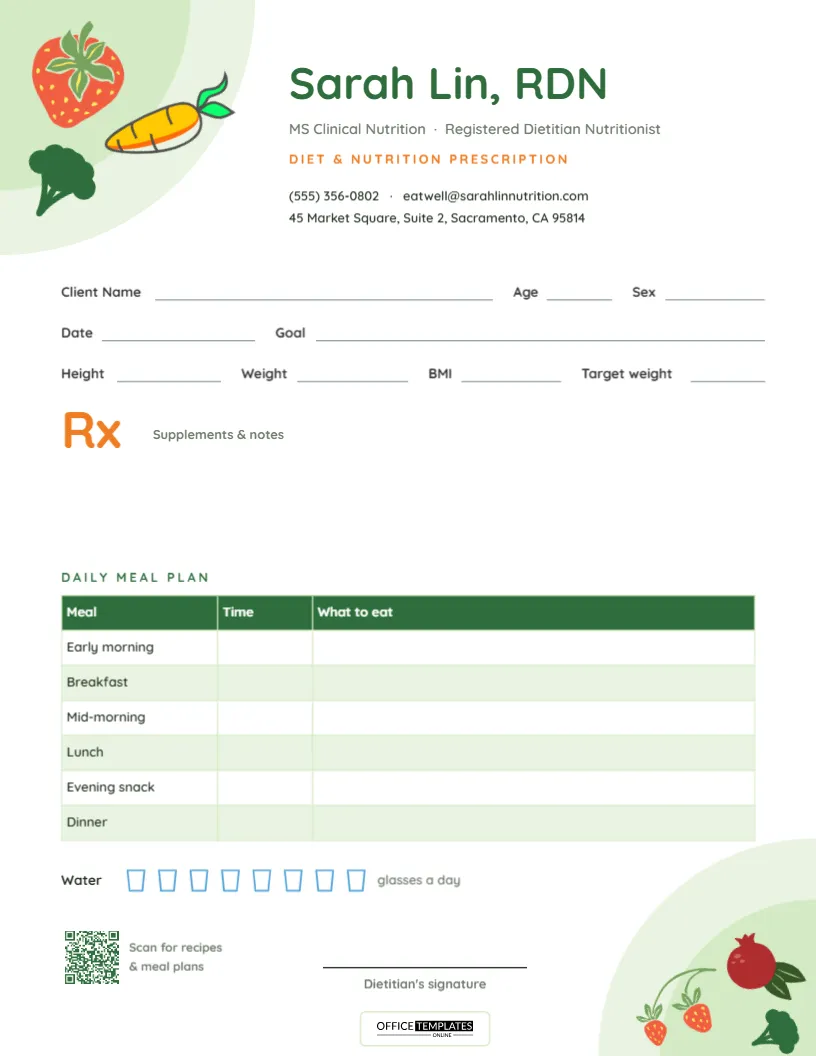
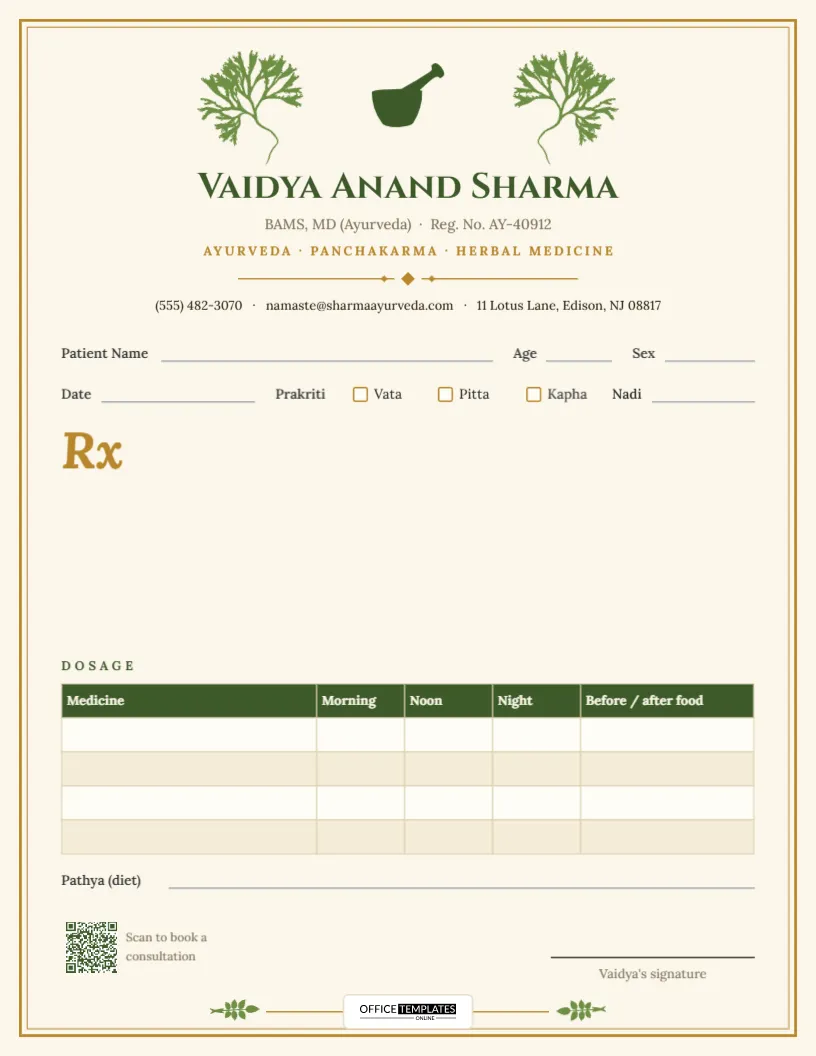
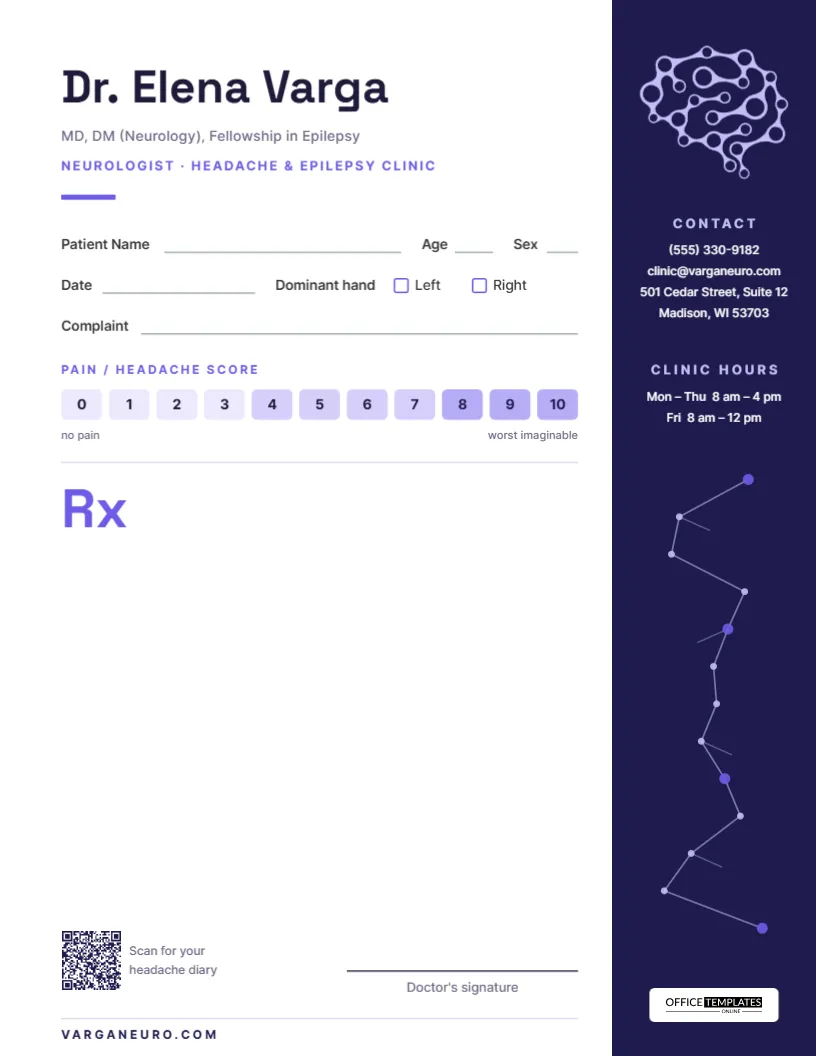
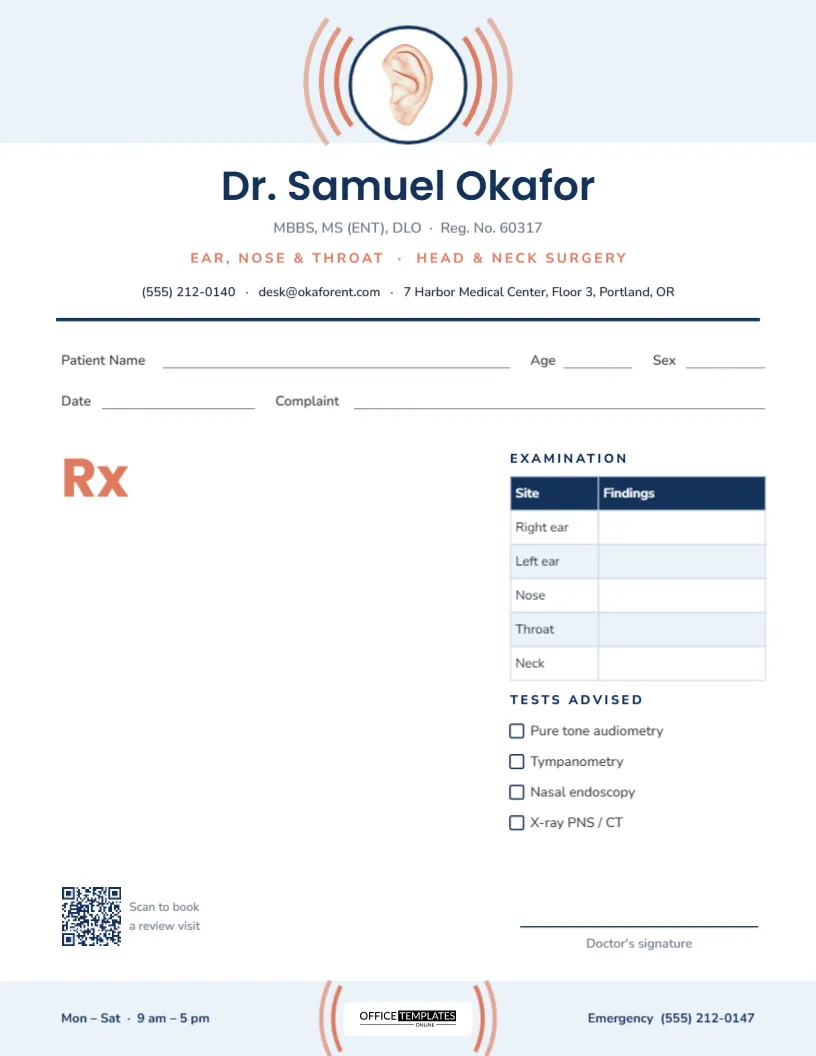
Each specialty tends to record different information, so the templates include sections that match the work.
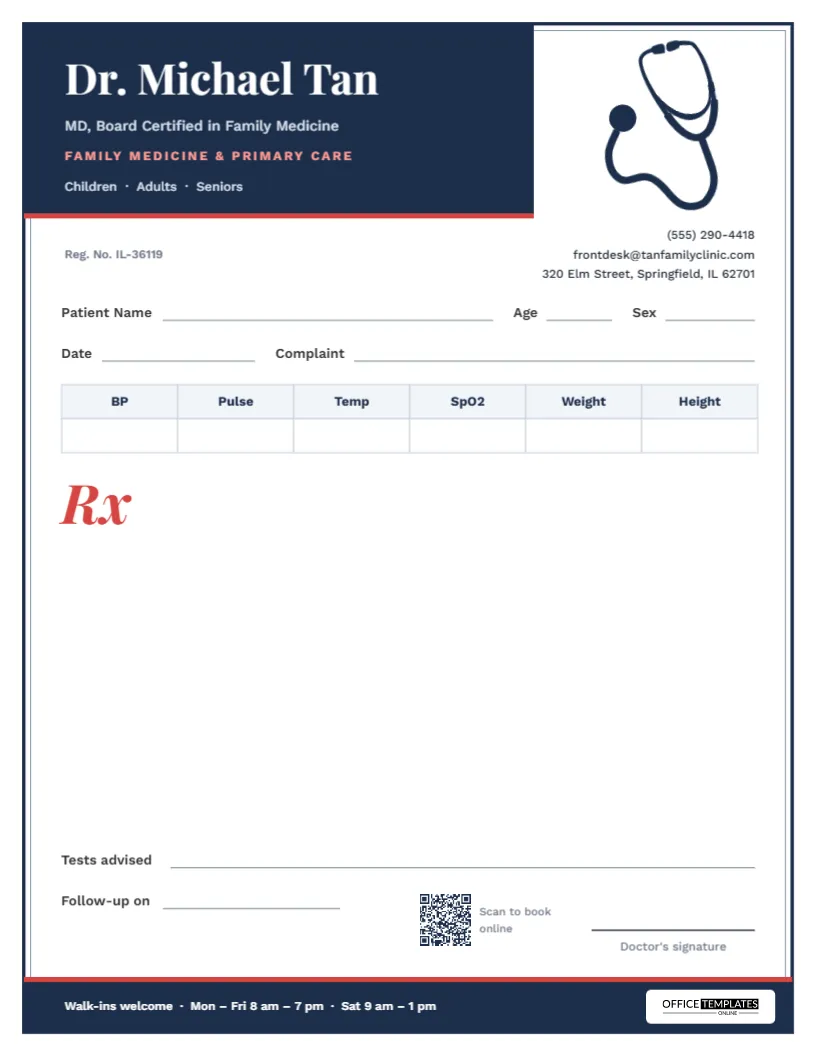
- Family physician: vitals table and a stethoscope motif.
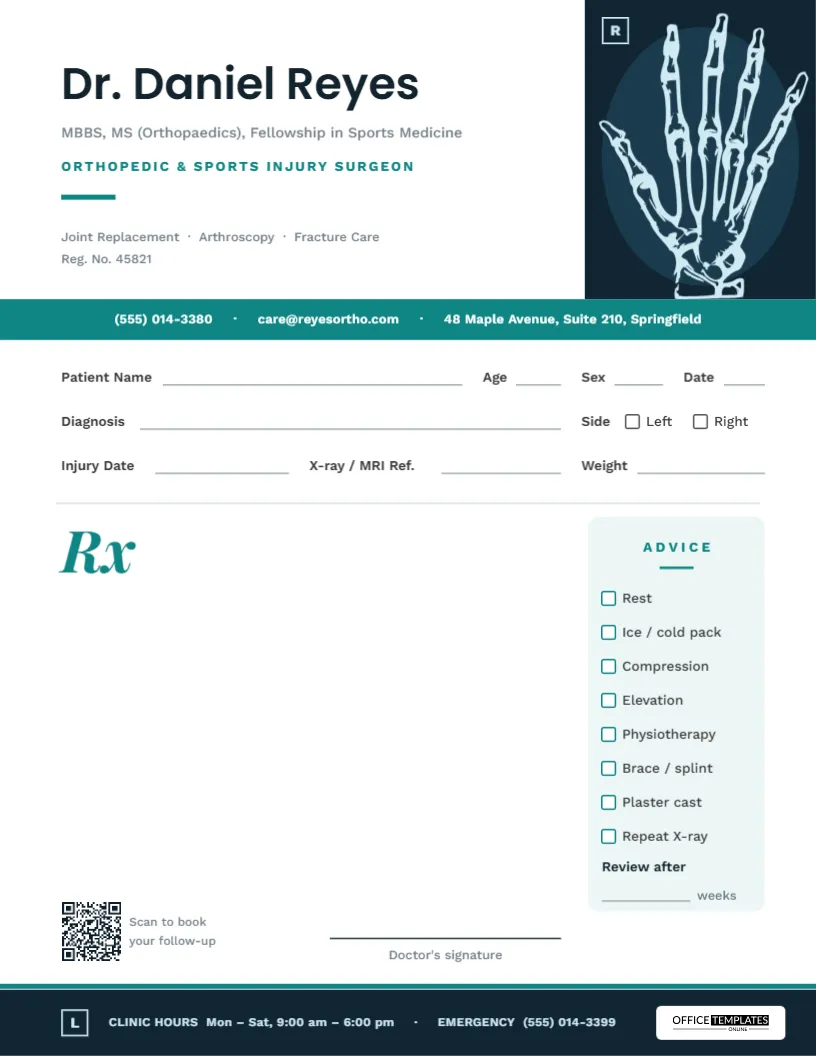
- Orthopedic: X-ray header and an advice checklist.
- ENT: examination table for ear, nose and throat findings.
- Neurologist: pain score scale.
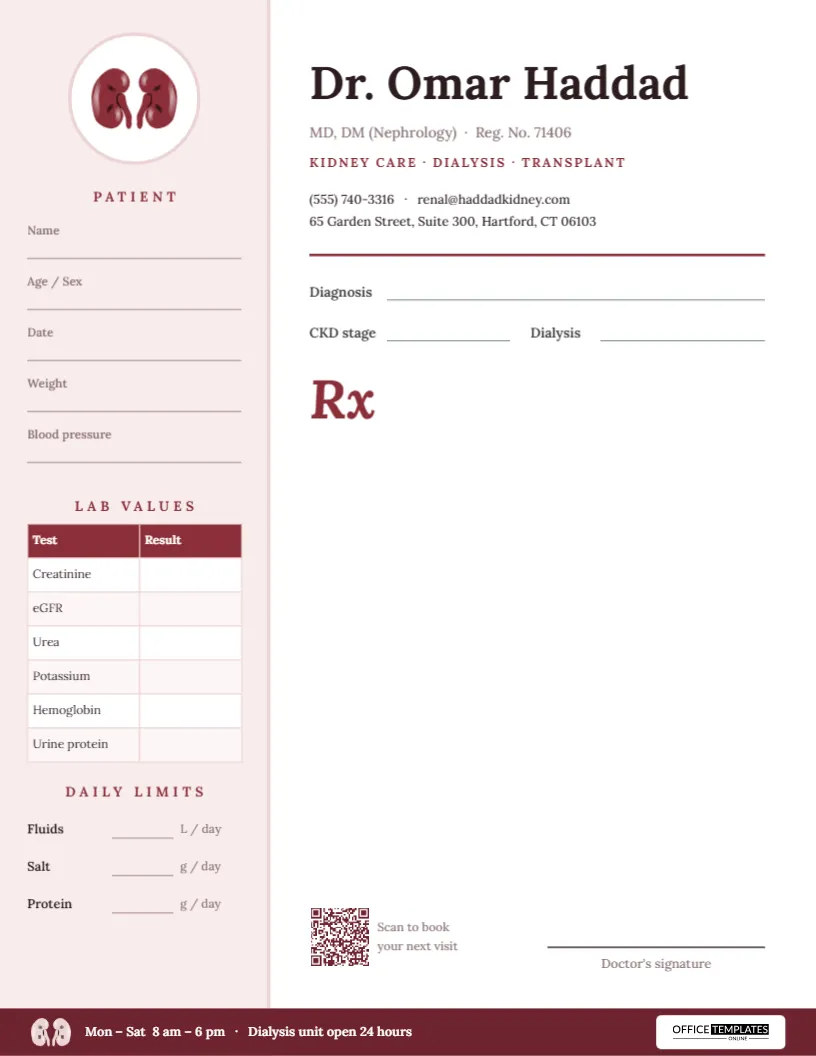
- Nephrologist: lab values column.
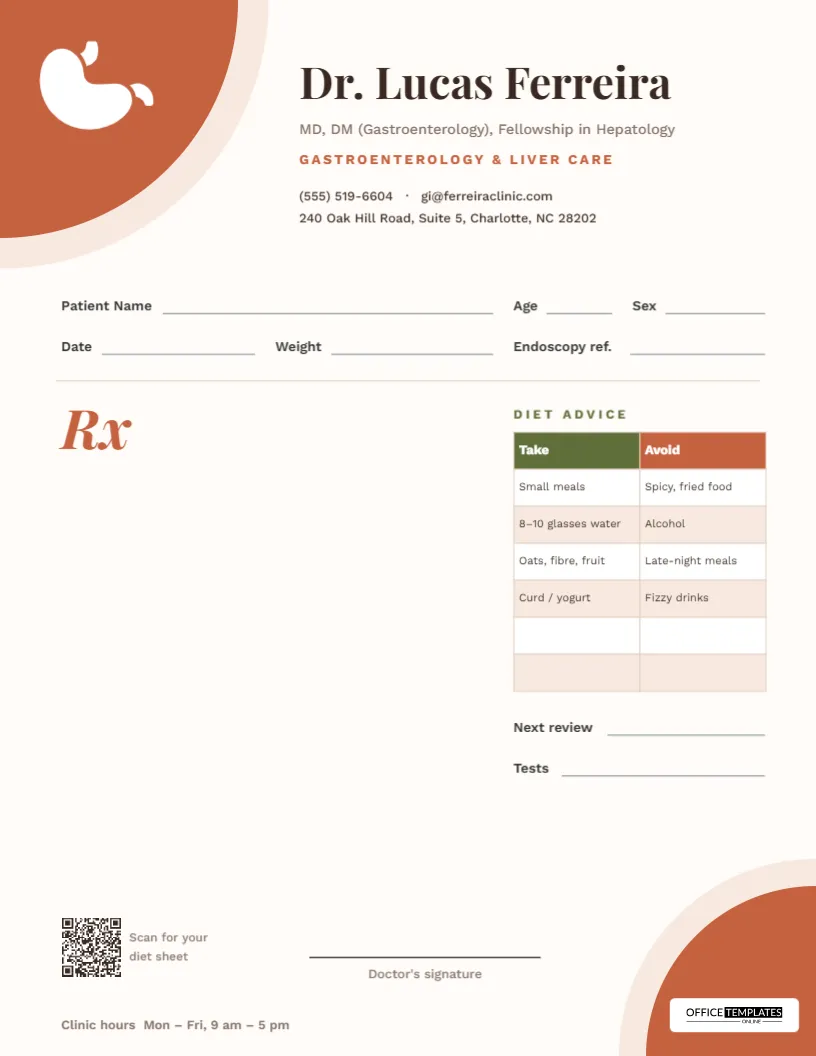
- Gastroenterologist: diet table with take and avoid columns.
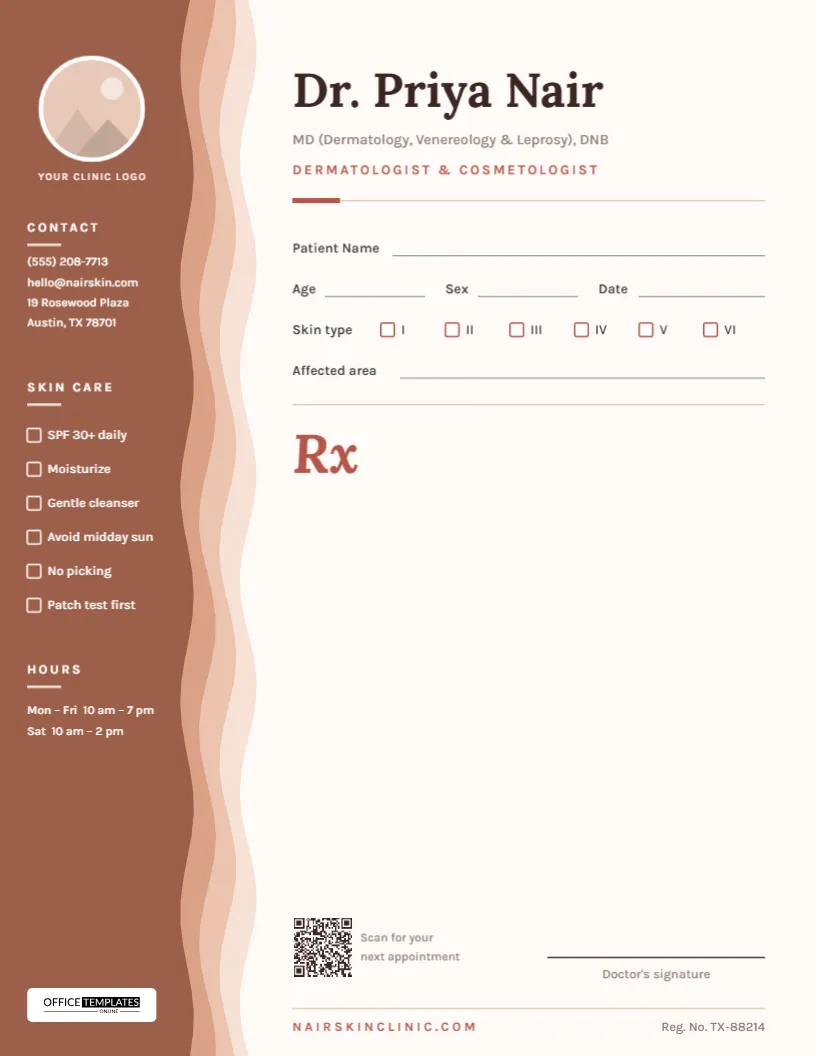
- Dermatologist: a skin-layer sidebar.
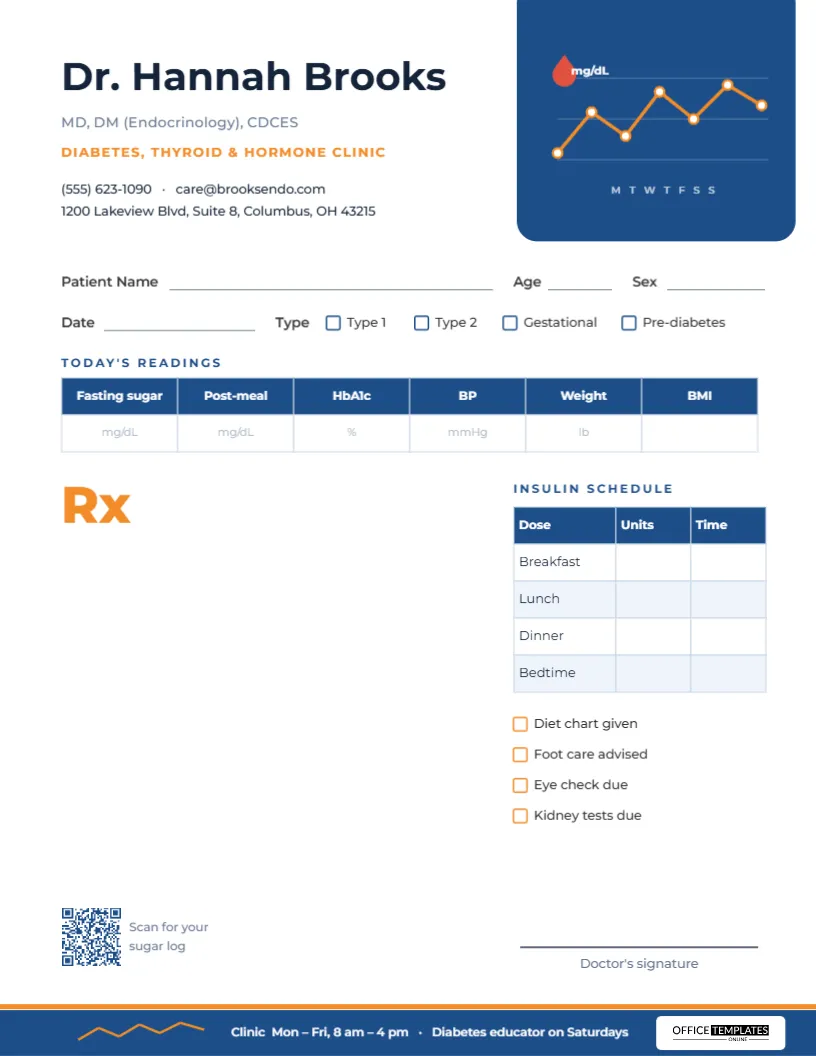
- Diabetes clinic: sugar readings and an insulin plan.
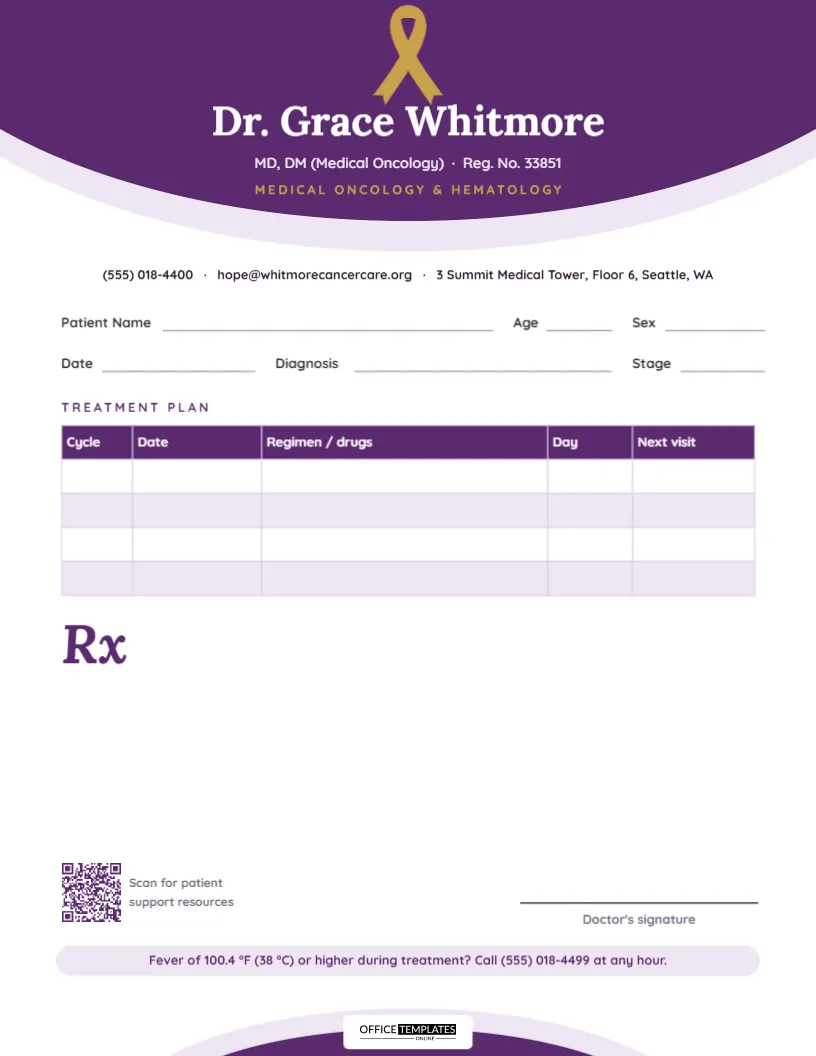
- Oncologist: treatment plan table.
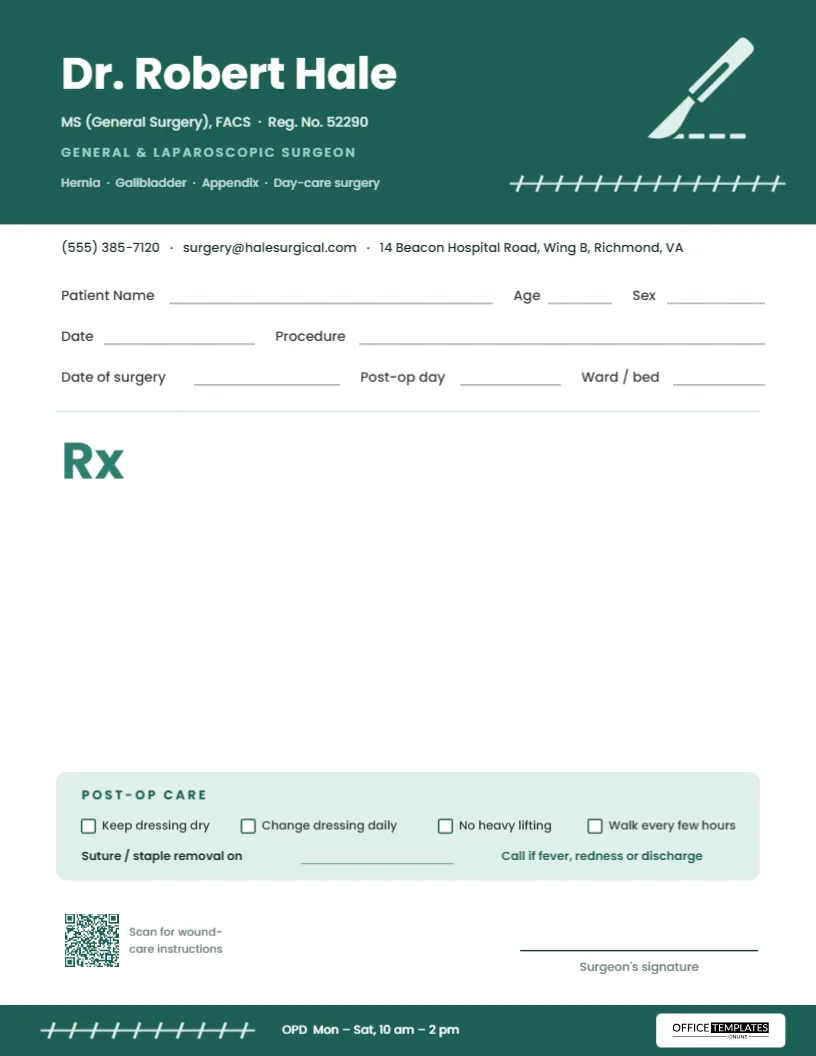
- Surgeon: post-operative care strip.
Details to Include at the Top
- Doctor's name and qualifications.
- Specialty and clinic name.
- Medical registration number, if your authority requires it.
- Clinic address, phone and opening hours.
- Space for the patient's name, age, date and file number.
An Important Note
These are design templates only. Requirements for prescriptions, such as required fields, signatures, stamps and electronic formats, vary by country and by medical authority. Check your local rules before printing, and make sure the final pad meets them.
Printing Your Pad
| Option | Best for |
|---|---|
| Print at the clinic on A5 paper | Small practices and short runs |
| Print shop pads with glued edges | Daily use at the desk |
| Carbonless duplicate pads | Keeping a copy for patient records |
For other clinic stationery, see letterheads and business cards.
Why Layout Matters in a Clinic
A well organized pad saves seconds on every patient, and seconds add up over a busy day. When the vitals table, the examination section and the advice box have fixed places, notes become faster to write and easier for pharmacists and patients to read. A clean, consistent layout also reduces the chance of misreading a dose, which is the most important benefit of all.
Sections You May Want on a Pad
| Section | Purpose |
|---|---|
| Header with clinic details | Identifies the doctor and how to reach the clinic |
| Patient information | Name, age, sex, date and file number |
| Vitals strip | Blood pressure, pulse, temperature, weight |
| Clinical notes | Complaint, findings and diagnosis |
| Prescription area | Medicine, dose, frequency and duration |
| Advice and follow-up | Diet, rest, tests and next visit date |
| Signature and stamp | Authorizes the document |
Writing Clearly on a Printed Pad
- Print the form with enough space for handwriting, at least 8 mm per line.
- Use block capitals for medicine names when handwriting.
- Write dose, route and frequency in the same order every time.
- Avoid unapproved abbreviations that pharmacists could misread.
Printing Quality and Paper Choice
A5 is the most popular size, because it fits a desk and an envelope. Use paper of 80 to 100 gsm for clean writing and light ink. If you issue duplicate copies, choose carbonless paper so one copy stays in your records. Keep a light background so that ink and stamps remain visible, and avoid dark graphics behind the writing area.
Keeping Your Own Records
Whatever pad you use, record the visit in your patient file the same day. A short digital note with the date, diagnosis and medicine list makes follow-ups easier. Store patient information securely and follow your local privacy rules.
Choosing a Layout by Specialty
A family physician benefits from a general layout with vitals and space for advice. Specialists often add sections that match their work, such as a diet table for gastroenterology, a pain scale for neurology or a treatment plan table for oncology. Start with the template closest to your practice, then trim what you do not use so the pad stays uncluttered.
Branding the Pad So Patients Remember You
A pad is also a quiet piece of marketing. Patients take the page home, show it to family and keep it for follow-up visits. Use a clear header with your name, qualifications and clinic phone number, a small logo and a calm color that matches your waiting room. Avoid heavy graphics behind the writing area, and add a short line such as emergency contact or clinic hours at the bottom, so the page remains useful long after the visit.
Prescription Pad FAQs
Can I add my logo?
Yes. Upload your clinic logo and place it in the header.
Can I edit the sections?
Yes. Rename or remove the sections so the pad matches your routine.
Are these prescription pads legally valid?
They are design layouts. Validity depends on your local medical authority, which may require a registration number, a signature or an official format.
Can I order printed pads from a print shop?
Yes. Download the PDF and ask your print shop for glued pads in your chosen size and paper weight.
What paper size is best for a prescription pad?
A5 is the most common because it fits a desk and an envelope. A6 is also used for compact pads.
Can I order carbonless duplicate pads?
Yes. Take the PDF to a print shop and ask for carbonless pads so one copy stays in your records.
Can I remove sections I do not use?
Yes. Delete or rename any section in the editor so the pad matches your routine.
Can I add my digital signature or stamp?
You can upload an image of a signature or stamp and place it on the pad, or leave a clear space to sign and stamp by hand after printing.
Explore Related Categories
Business and office templates for the documents every team needs, from letterheads, business cards and envelopes to cover pages, price lists, purchase…
Professional letterhead templates help businesses, organizations, consultants, and professionals maintain a consistent brand image across official correspondence. A well-designed letterhead enhances credibility…
Cover page templates for business reports, project proposals, marketing plans, research papers, case studies and portfolios. Add the title, company and date,…
Business card templates help professionals create a strong first impression when networking, meeting clients, and promoting their services. Our editable business card…
Cover page templates help students, professionals, researchers, and businesses create polished front pages for reports, assignments, proposals, presentations, portfolios, and academic projects.…
Fact sheet templates for products, programs, funds, venues, safety information, biographies and school projects. Put the key numbers, dates and details on…
Assignment cover page templates for subjects such as law, psychology, economics, physics, computer science, philosophy and environmental science. Add your course, name,…
Holiday and seasonal templates for every date on the calendar, from Eid and Mother's Day to Halloween, Independence Day, Labor Day and…
Card and invitation templates for the moments people remember, including birthdays, parties, get well wishes, condolences, announcements, gift tags and event tickets.…
Certificate, ID card and voucher templates for schools, businesses, clubs and events. Create award and employment certificates, student and staff ID cards,…
Marketing and promotion templates for small businesses, shops and teams, including flyers, promotion banners, signs, outdoor signs, door hangers, job hiring posters,…
Education templates for teachers, schools, tutors and homeschooling families. Build report cards, progress reports, behavior charts, classroom posters, schedules, homeschool planners and…