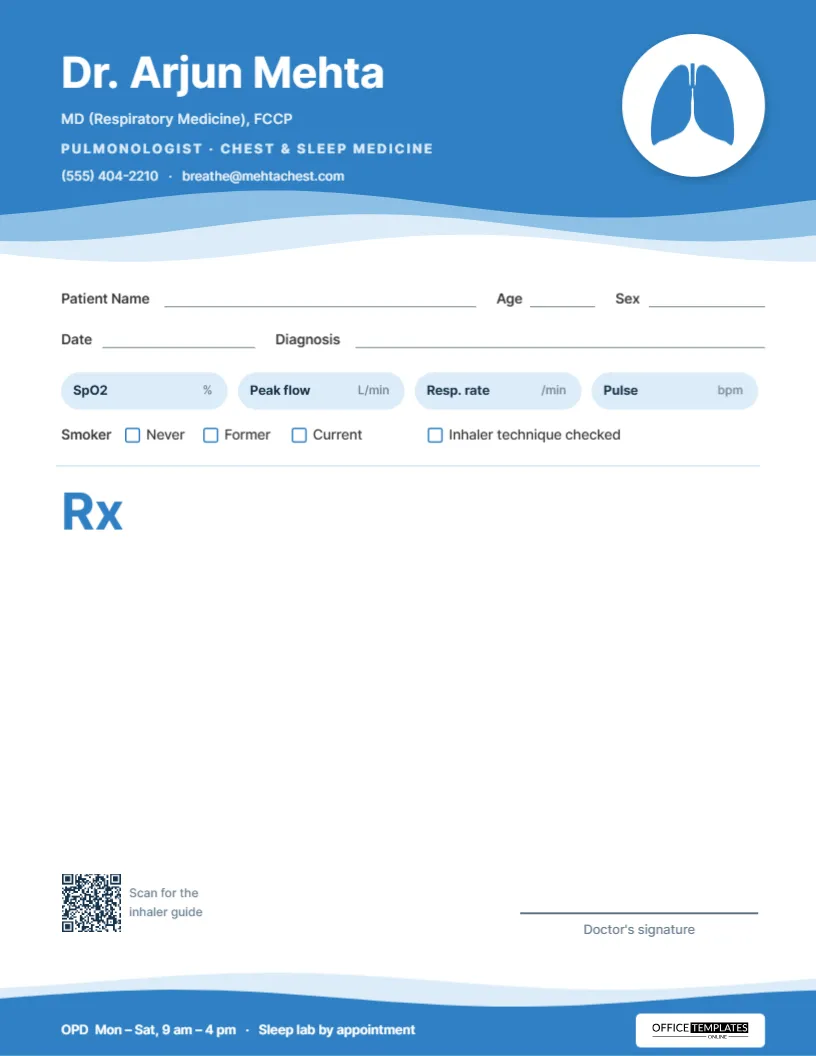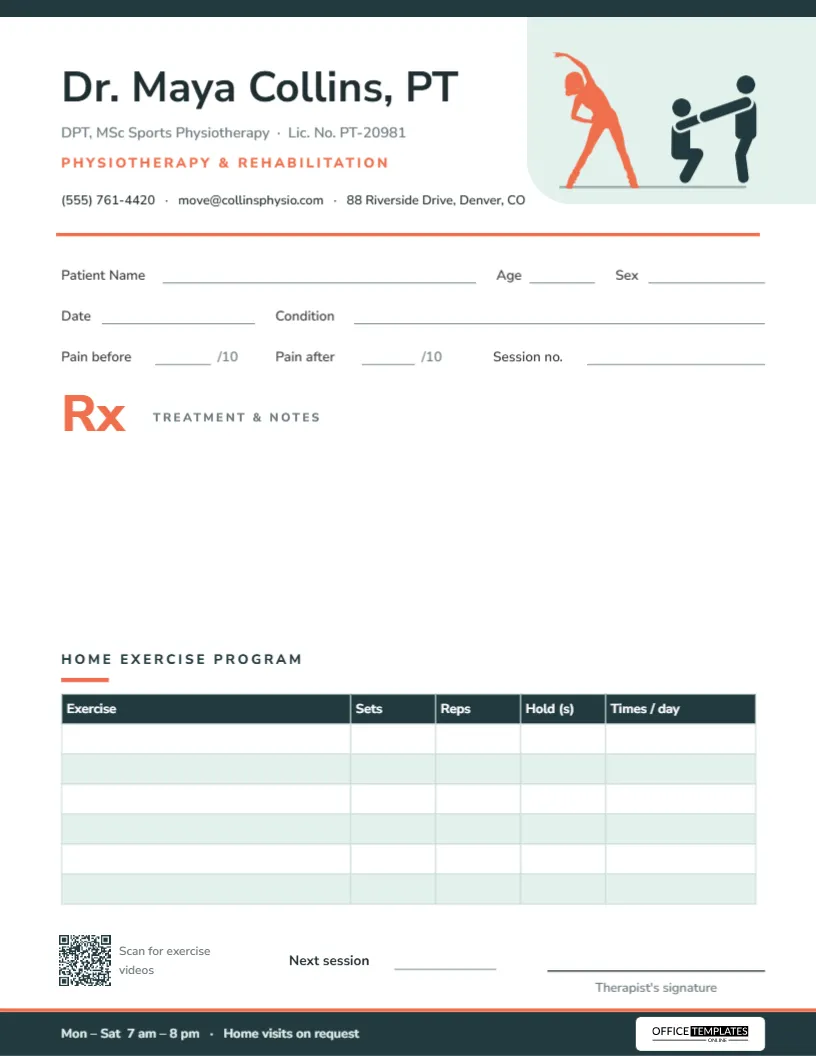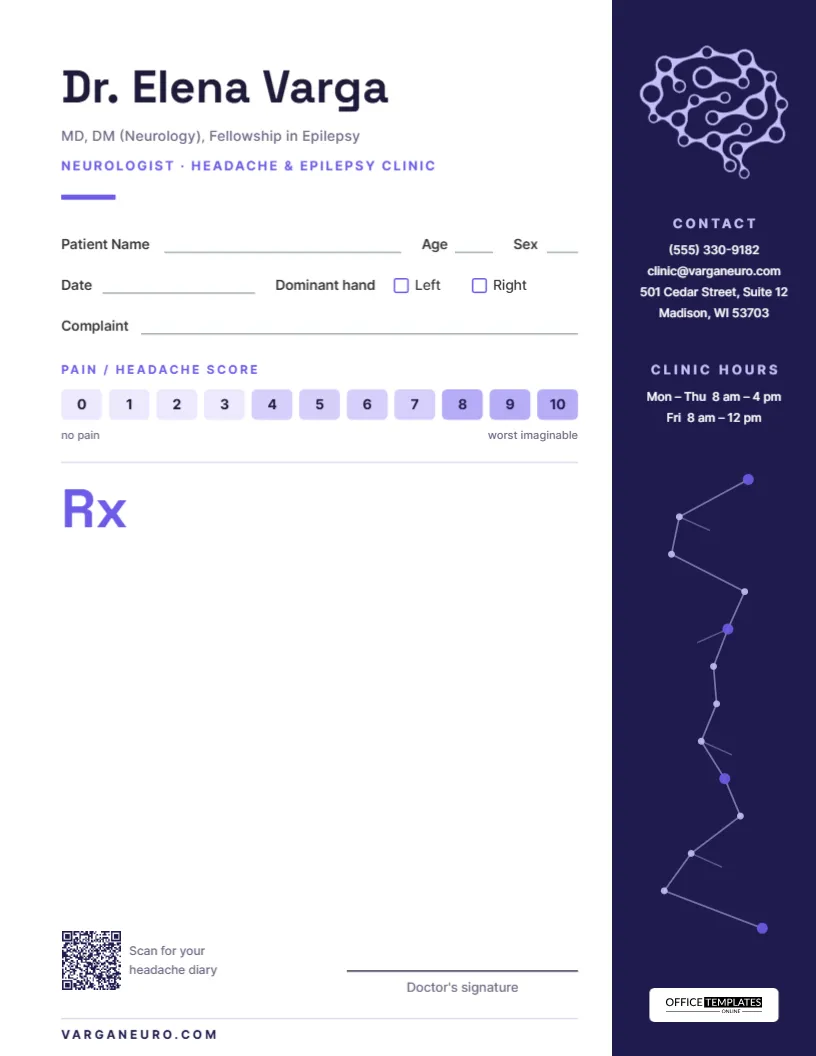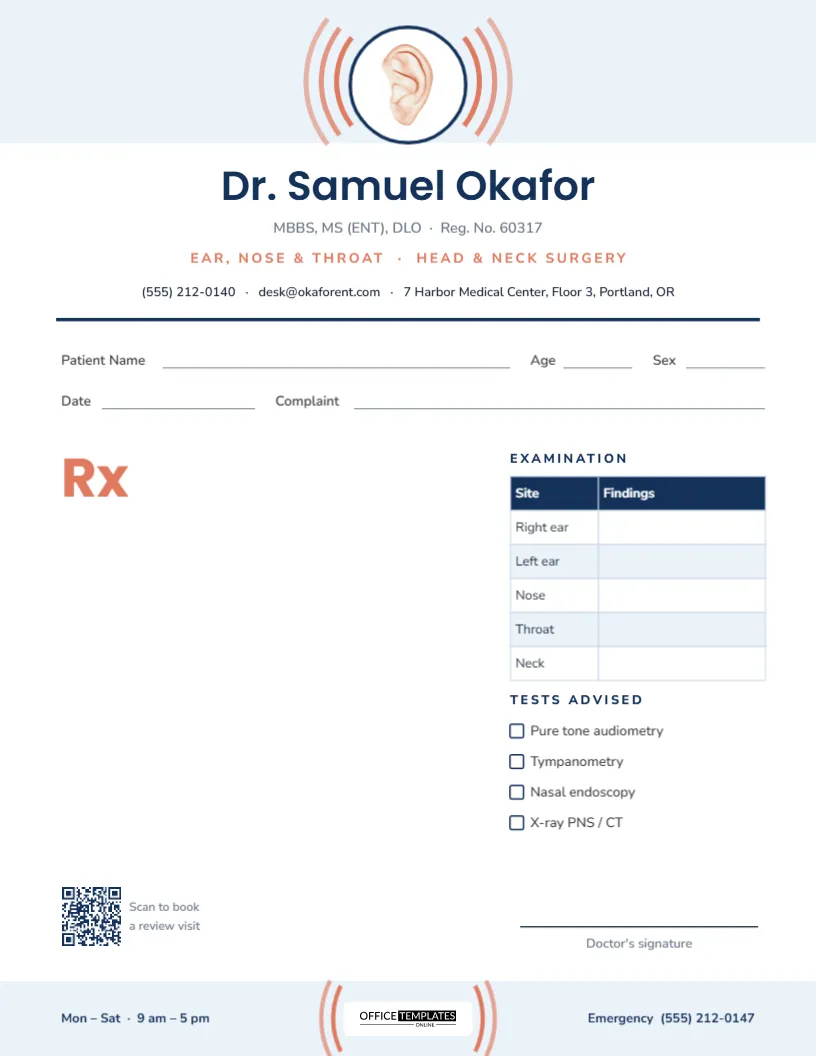
An orthopedic consultation rarely ends with medication alone. Most patients leave with a mix of instructions: a painkiller or anti-inflammatory, a splint or brace, a course of physiotherapy, a date for the next X-ray, and a reminder to keep the limb raised. This orthopedic prescription pad template is built around that reality. It gives you a clean space for the prescription itself, dedicated fields for the injury and imaging details your notes depend on, and a tick-box advice column so the non-drug instructions take seconds to record instead of a paragraph of handwriting.
A Header That Looks Like It Came off the Lightbox
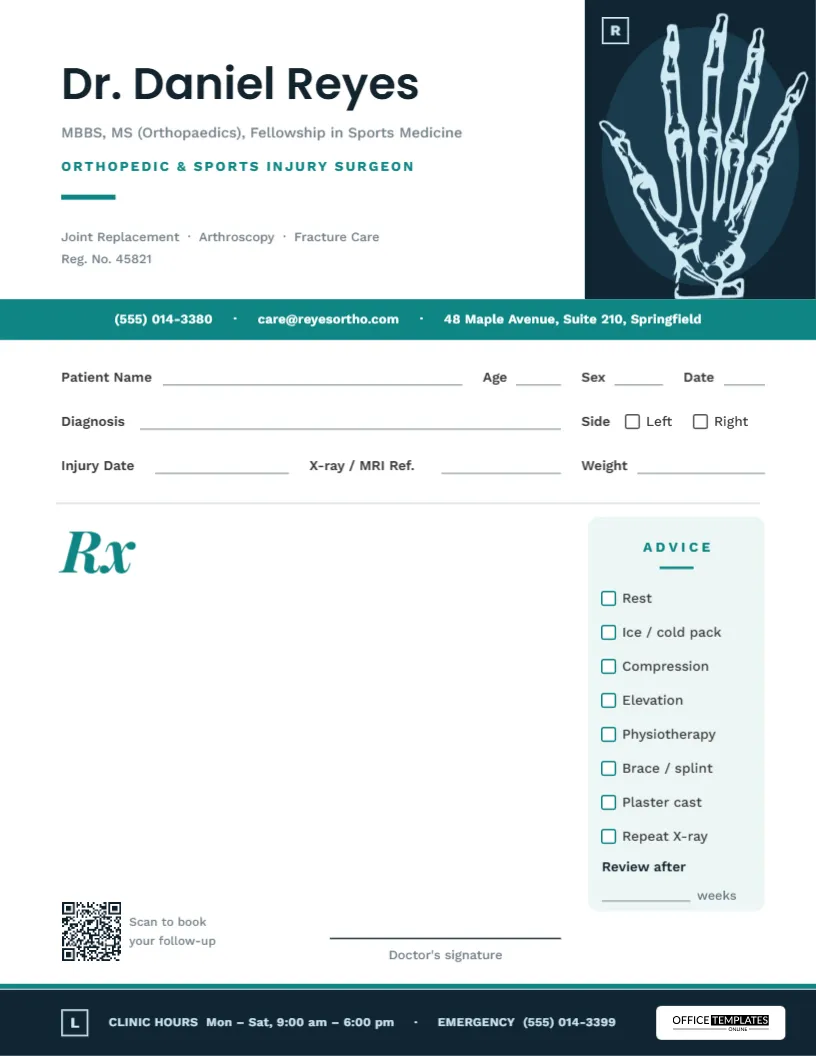
The top right corner of the page holds a dark blue-black panel styled like a sheet of X-ray film. Inside it, the skeleton of a hand glows in pale blue against a soft oval of lighter exposure, and a small boxed R marker sits in the corner exactly where a radiographer would place the side marker on a real film. It is instantly recognizable as orthopedics without resorting to clip art.
To the left of the film, the doctor’s name is set large in a modern sans-serif (Poppins), followed by qualifications in grey, the specialty in spaced teal capitals (Orthopedic & Sports Injury Surgeon), a short teal accent bar, and two smaller lines for areas of practice and a registration number. A full-width teal band then runs across the page with the clinic phone number, email, and address in white.
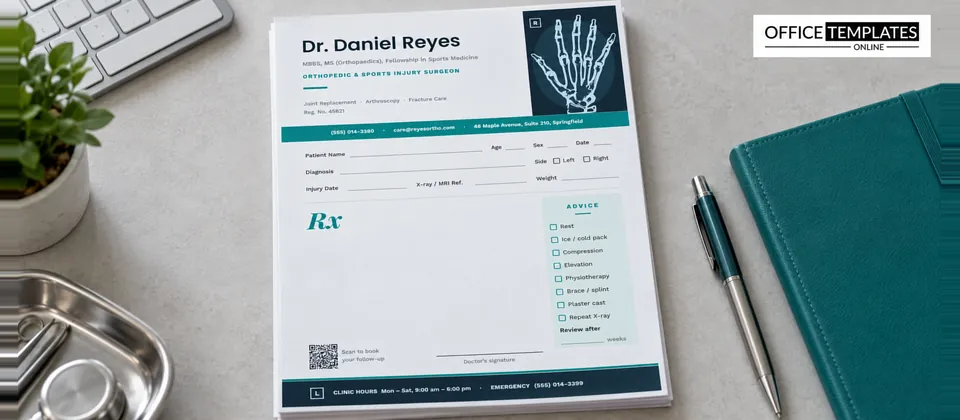
At the foot of the page, a matching dark film strip carries the clinic hours and an emergency number in pale blue, with an L marker that mirrors the R in the header, so the top and bottom of the sheet read as one design. The Office Templates Online mark sits on a small white plate on the right of that strip.
Fields Chosen for Musculoskeletal Cases
Below the teal band are three rows of labelled writing lines, and each one earns its place in an orthopedic setting:
- Patient Name, Age, Sex and Date: the essentials on any prescription.
- Diagnosis: a long line for entries such as undisplaced distal radius fracture or grade II lateral ankle sprain.
- Side: tick boxes for Left and Right. Laterality errors are a known risk with limbs and joints, and a box is harder to overlook than a word squeezed into the diagnosis.
- Injury Date: useful for fracture healing timelines, insurance forms, and workplace injury claims.
- X-ray / MRI Ref.: the study or film number, so anyone reading the prescription later can match it to the images.
- Weight: relevant for dosing and for load-bearing advice after lower-limb injuries.
A thin grey rule closes the patient block, and below it a large teal italic Rx in Playfair Display opens the prescription area, which is left completely blank for handwriting or typed entries.
What Each Box in the Advice Column Is For
The pale teal panel on the right lists eight common orthopedic instructions with tick boxes, plus a Review after ___ weeks line at the bottom. Here is how clinics typically use each one:
| Advice box | Typical use | What to add in the Rx area if needed |
|---|---|---|
| Rest | Acute sprains, strains and post-procedure recovery | Duration, and whether work or sport should stop |
| Ice/cold pack | Swelling in the first days after an injury | How often and for how long each session |
| Compression | Soft-tissue injuries, post-operative swelling | Bandage or stocking type |
| Elevation | Hand, wrist, knee and ankle injuries | Positioning instructions, especially at night |
| Physiotherapy | Rehabilitation after immobilization or surgery | Number of sessions or a referral note |
| Brace/splint | Stable fractures, ligament injuries, tendon problems | Type of brace and when it may be removed |
| Plaster cast | Fractures needing rigid immobilization | Cast care reminders and warning signs |
| Repeat X-ray | Checking alignment or healing | View required and timing |
Every label is editable text, so a spine clinic might swap Plaster cast for Posture advice, and a sports medicine practice might replace Repeat X-ray with Return-to-play review.
Signature and the Follow-Up QR Code
At the bottom of the prescription area, there is a signature line labelled Doctor’s signature, with space above it for a clinic stamp. To the left sits a QR code with the words Scan to book your follow-up. Patients who need a review in two or six weeks can scan it on the way out instead of queuing at reception. Click the code in the editor to open the QR code panel with its link already filled in, replace the sample address with your own booking page, website, or phone link, and update it.
Making It Your Clinic’s Pad
- Click the doctor’s name and type your own, then edit the qualifications line beneath it.
- Change the specialty line if you work in a narrower field, for example, Pediatric Orthopedics, Spine Surgery, or Hand & Upper Limb Surgery.
- Update the areas of practice and the registration or license number.
- Replace the phone, email, and address in the teal band, and the hours and emergency number in the footer strip.
- Adjust the advice list and the patient fields to match how you document cases.
- Point the QR code to your booking link.
- Download the finished pad as a print-ready PDF, or as a PNG or JPG if you want to use it in a digital prescription workflow.
If your brand colour is not teal, select the contact band, the Rx mark, the checkbox outlines, and the accent bars and give them your own colour; the dark film panel works with most accents, from navy to burgundy.
Printing Prescription Sheets and Pads
The template is US Letter, 8.5 x 11 inches, in portrait orientation, the same size as the other pads in this collection. Print it at 100% scale on uncoated paper, around 24 lb bond (90 gsm), which takes ballpoint ink and rubber stamps without smudging. The dark header and footer use a fair amount of ink, so for a large run a local print shop is usually cheaper than an office printer. Ask them to print a few hundred sheets and bind them into pads of 50 or 100 with a glued top edge, the classic tear-off prescription pad format.
Rules for prescription paper vary. In some countries and states, prescriptions for certain medicines, such as controlled drugs, must be written on security paper or tamper-resistant forms. Check what applies where you practice and use this design for the prescriptions and advice sheets it is allowed for.
Orthopedic Pad FAQ
Can I replace the hand X-ray with a knee or spine image?
The X-ray hand is an editable vector illustration, so you can recolour it from its colour swatch, resize it, or delete it and upload an image of your own, such as your clinic logo or a knee or spine X-ray, and place it on the dark panel.
Is there room for a clinic logo?
Yes. Upload your logo and place it in the white space to the right of the qualifications, or on the teal band in a light version.
Can a physiotherapist or sports clinic use this pad?
Yes. Change the name, specialty, and advice list, and it works well for physiotherapy practices, sports injury clinics, and fracture clinics.
Good orthopedic care depends on clear instructions after the patient leaves the room. Add your details, print a stack of pads, and let the advice column do some of the writing for you.