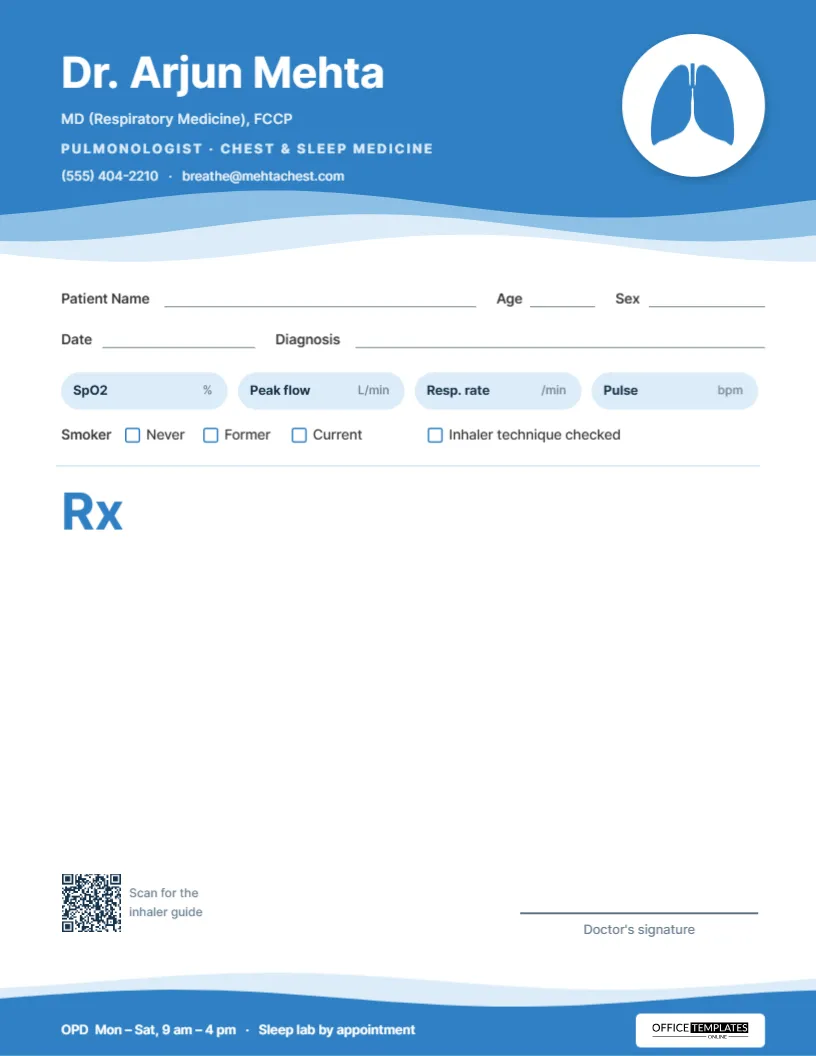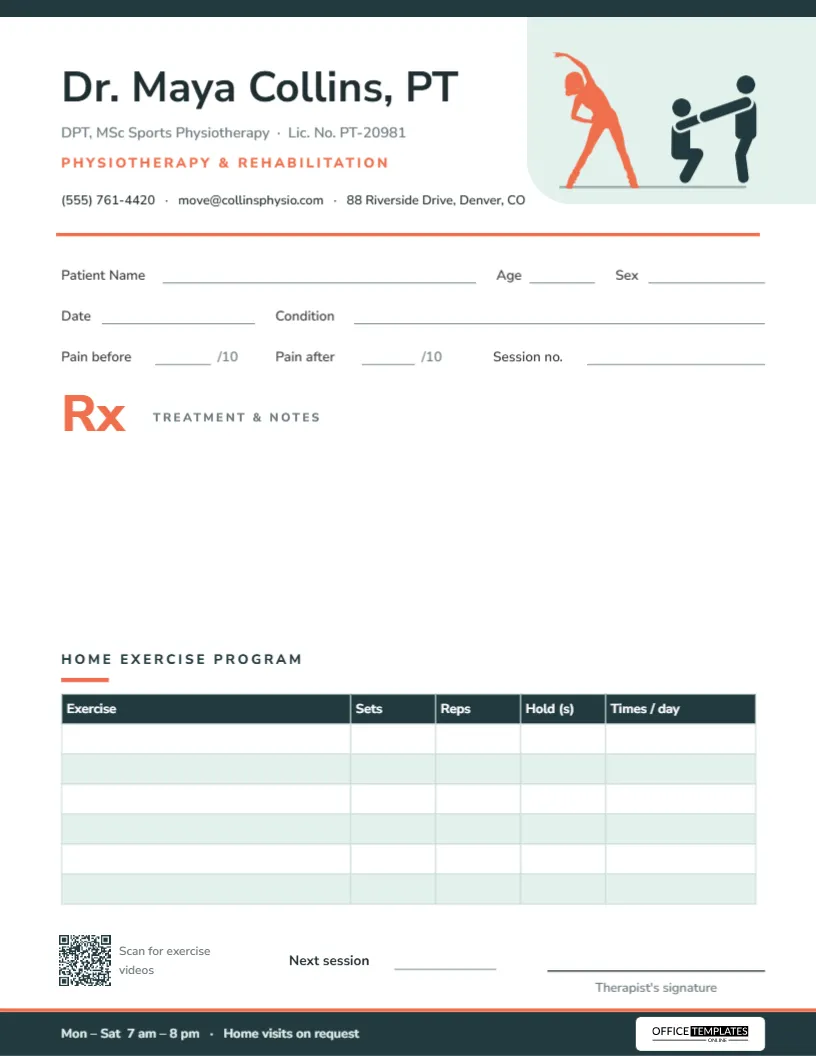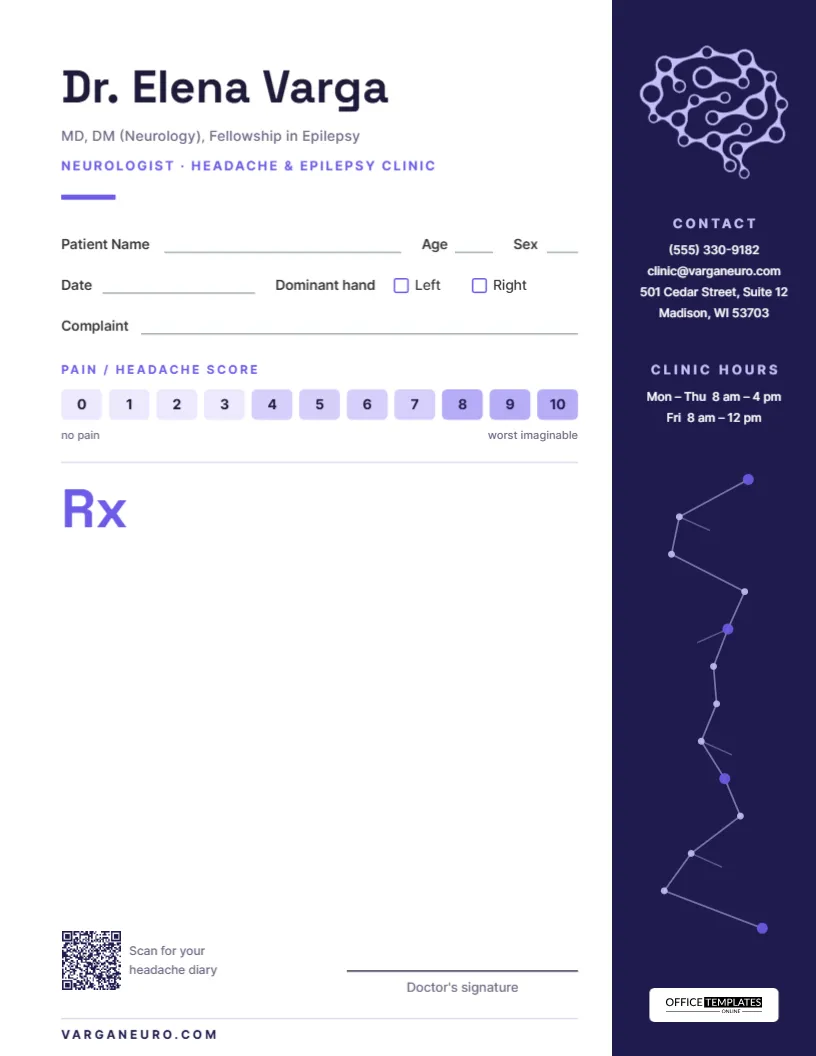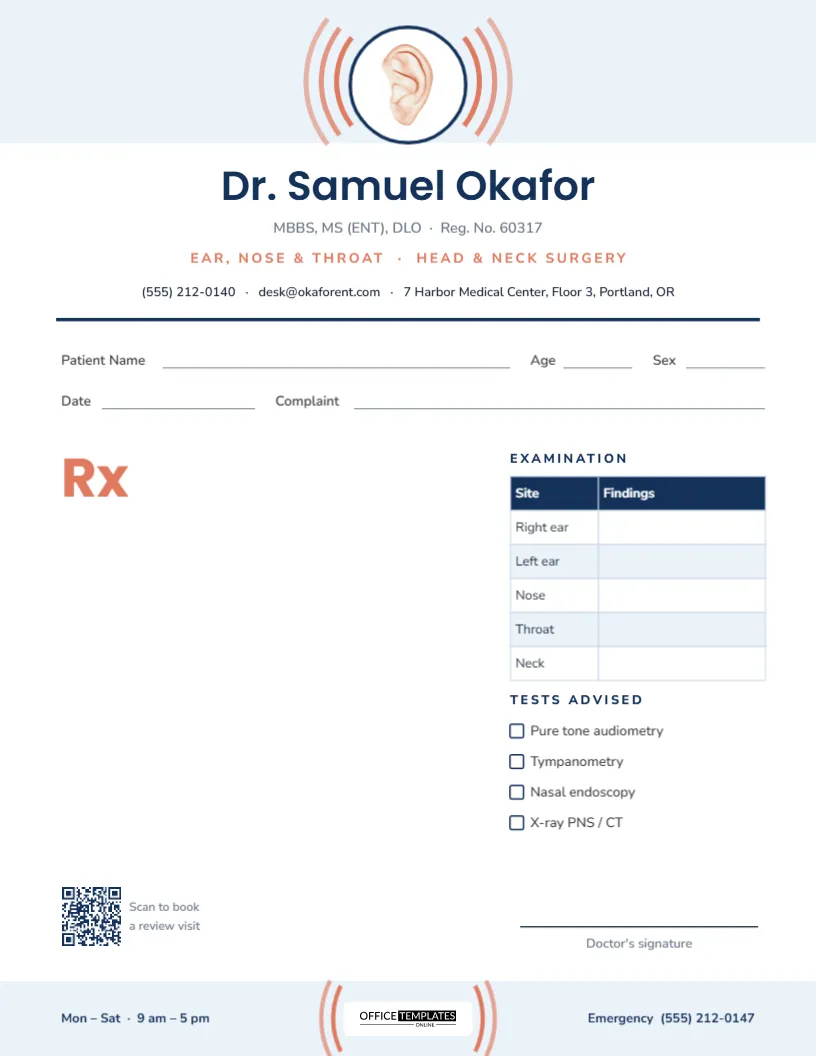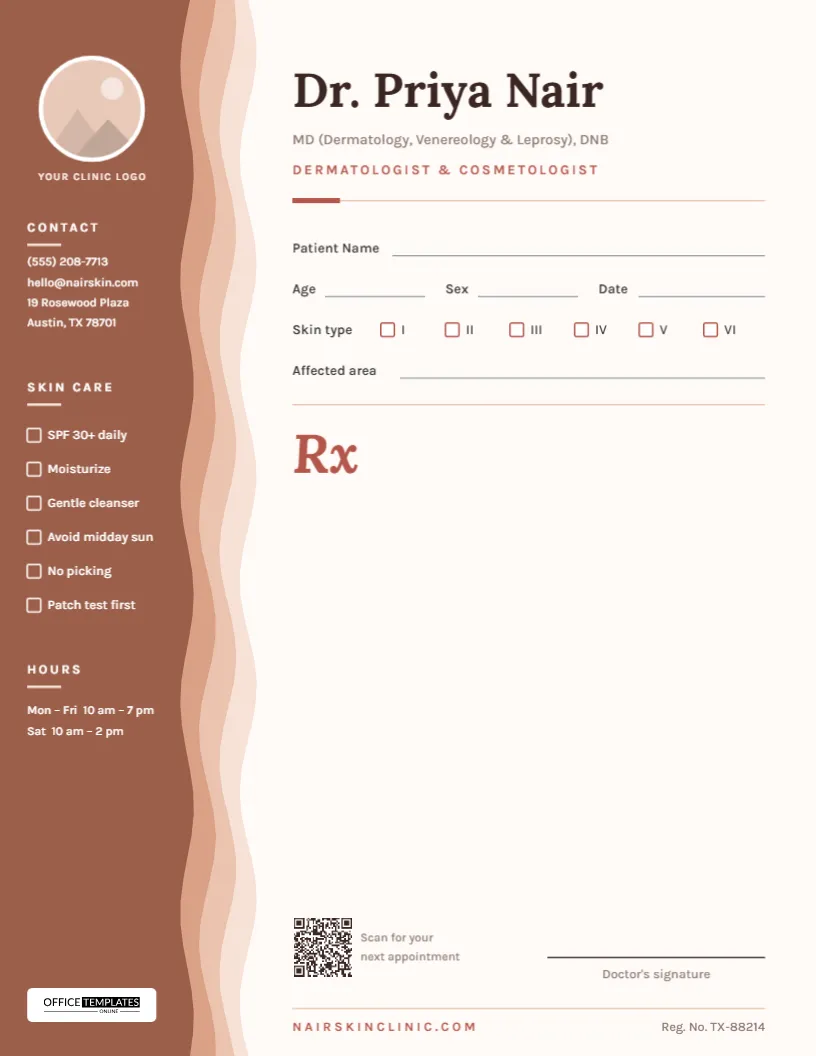
Skin clinics have a look of their own: warm, calm, and a little luxurious, somewhere between a medical practice and a good spa. A plain black-and-white prescription sheet rarely matches that. This dermatologist prescription pad template brings the clinic’s personality onto paper with a sidebar built from soft, wavy bands in skin tones, while still giving the doctor everything a working prescription needs: patient details, a skin type record, the affected area, a generous Rx space, and a signature line.
Designed Around the Layers of the Skin
The left edge of the page is a tall sidebar made of four wavy bands, from pale blush on the outside through peach and sand to a deep cocoa brown on the inside. Together they suggest the layers of the skin seen in cross-section, and the gentle waves keep the design soft rather than clinical. The four layers are grouped, so the whole sidebar moves as one piece in the editor.

The darkest band carries the practical information in white text:
- a round clinic logo space at the top, labelled Your clinic logo;
- Contact: phone, email and a two-line address;
- Skin care: six tick boxes for everyday advice;
- Hours: weekday and Saturday opening times;
- the Office Templates Online mark on a small white plate at the bottom.
On the right, the doctor’s name is set in Lora, a refined serif, with the qualifications underneath and Dermatologist & Cosmetologist in spaced rose capitals. A short rose bar and a hairline rule separate the header from the patient section, and a large rose italic Rx opens the prescription area.
The Fitzpatrick Skin Type Boxes
One detail sets this pad apart from a general medical form: a row of six tick boxes labelled I to VI for the Fitzpatrick skin phototype. Dermatologists use it to judge sun sensitivity, choose sunscreen strength and plan procedures such as peels and laser treatments. Having it printed on the prescription means the skin type travels with the treatment plan. For reference, here is how the six types are usually described:
| Type | Typical description | Response to sun |
|---|---|---|
| I | Very fair, often freckled | Always burns, never tans |
| II | Fair | Usually burns, tans with difficulty |
| III | Light to medium | Sometimes burns, tans gradually |
| IV | Olive or light brown | Rarely burns, tans easily |
| V | Brown | Very rarely burns, tans darkly |
| VI | Dark brown to black | Seldom burns |
Below the skin type row, a long Affected area line records where the condition is, for example, both cheeks and chin or scalp, occipital region.
Patient Details at a Glance
The patient section is kept short so the Rx space stays large. It contains Patient Name on its own full-width line, then Age, Sex and Date on one row, then the skin type boxes and the affected area. Everything uses Karla, a clean sans-serif that stays readable at small sizes, with thin grey writing lines that take ink well.
Everyday Skin-Care Advice, Ready to Tick
Many dermatology visits end with the same handful of instructions, repeated verbally and often forgotten by the time the patient reaches the pharmacy. The sidebar lists six of them with tick boxes: SPF 30+ daily, Moisturize, Gentle cleanser, Avoid midday sun, No picking, and Patch test first. Ticking two or three takes a second and gives the patient a written reminder. If your practice leans towards aesthetics, change the list to suit, for example, No makeup for 24 hours, Avoid retinoids for 5 days, or Cold compress after treatment.
Your Logo in the Round Frame
The circle at the top of the sidebar is a real image frame. Click it, choose Replace Image, and upload your clinic logo or a portrait of the doctor; the frame keeps its size and crops the picture into the circle. A logo with a light or transparent background looks best against the white ring. If you prefer not to use an image, delete the circle and the small caption beneath it, and the contact block can move up.
Personalizing the Pad Step by Step
- Replace the logo in the round frame.
- Type the doctor’s name, qualifications, and specialty line.
- Update the contact details and opening hours in the sidebar.
- Edit the skin-care checklist to match the advice you give most often.
- Change the registration number and website in the footer line.
- Scan the QR code with your phone to test it, then click it in the editor and paste your own booking link into the QR code panel.
- Save the pad as a PDF for printing or as an image for digital use.
Paper That Suits a Skin Clinic
The page is US Letter (8.5 x 11 inches), portrait. Because the sidebar runs to the very edge of the sheet, most home and office printers will leave a thin white margin; if you want the color to reach the edge, ask a print shop for full-bleed printing and trim. An off-white or ivory uncoated stock in the 28 to 32 lb range complements the warm palette and feels more premium in the hand than standard copy paper. A small run of tear-off pads looks lovely on a consultation desk, and a stack of loose sheets in a tray works just as well for busy clinics.
Questions From Skin Clinics
Can I use this for a cosmetic or aesthetic clinic?
Yes. Change the specialty line to Aesthetic Dermatology or Cosmetic Clinic, and adapt the checklist to post-procedure advice.
Can I change the sidebar colors?
You can. Ungroup the sidebar layers and recolor each band, keeping the same light-to-dark order so the layered effect survives.
What does the QR code link to?
It is a sample link. Replace it with your appointment page, a skin-care guide, or your clinic’s social profile.
Is there space for a stamp?
Yes, the area above the signature line is left clear for a clinic stamp.
A good skin clinic pays attention to the details, and your stationery can too. Add your logo and details, and hand every patient a prescription that looks as considered as your care.