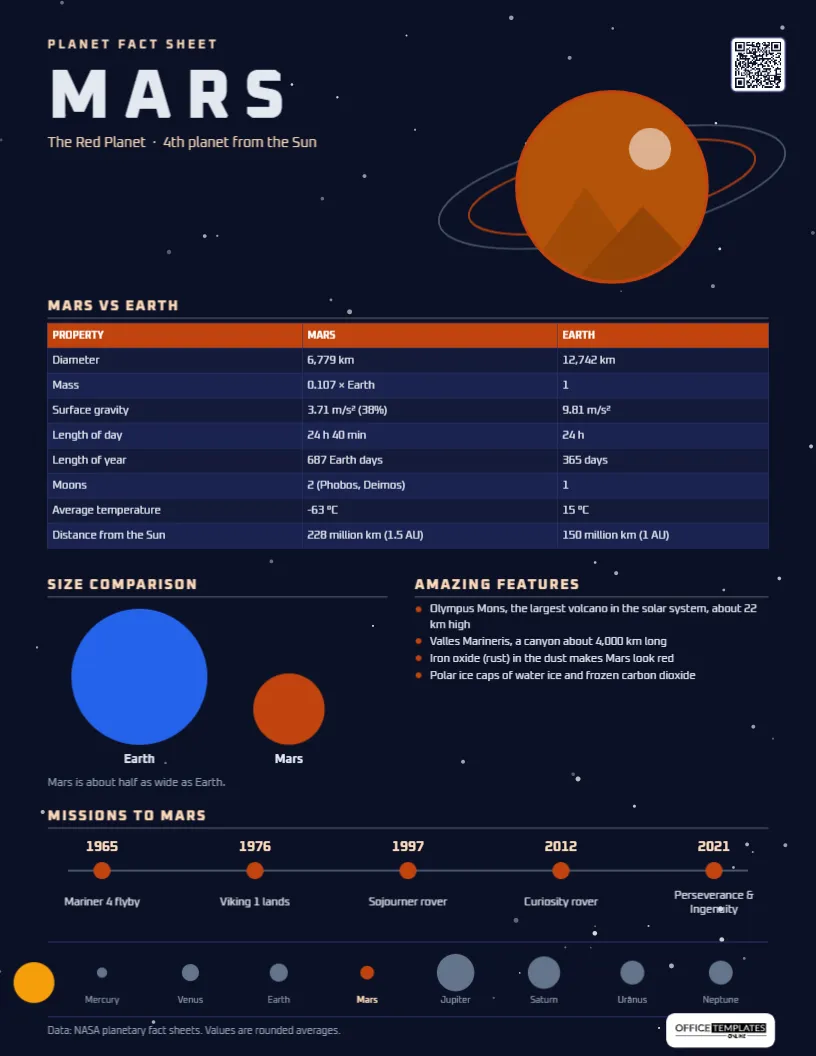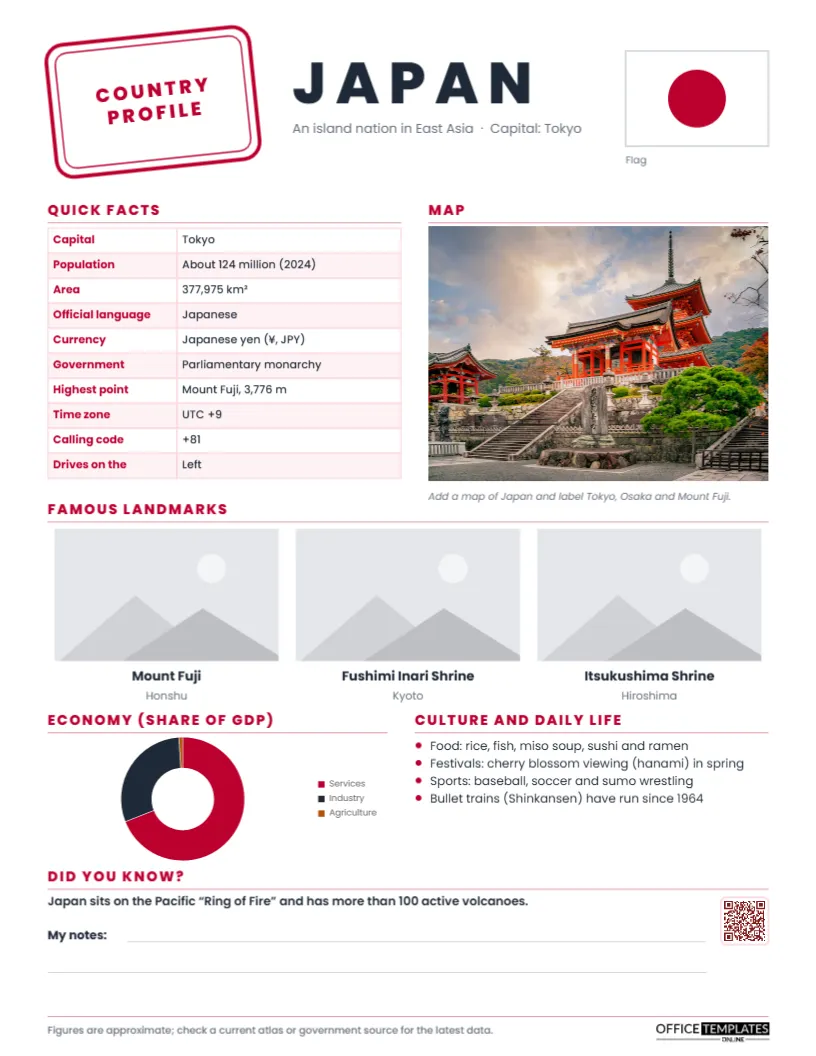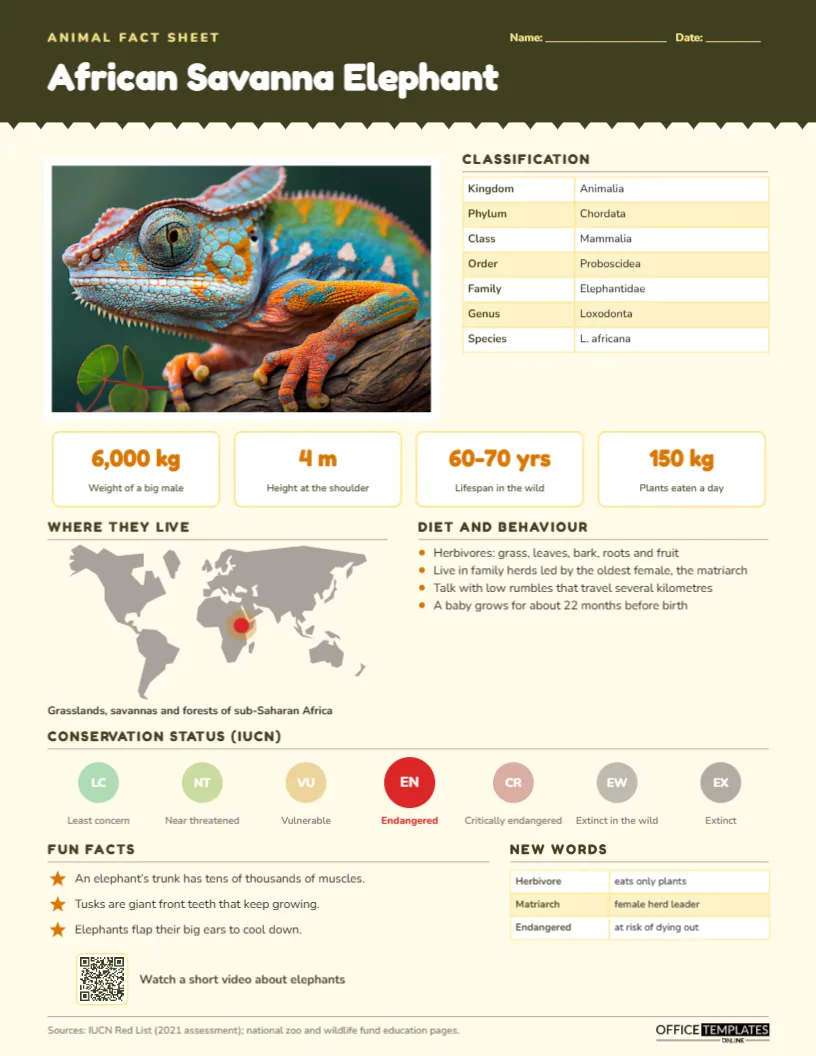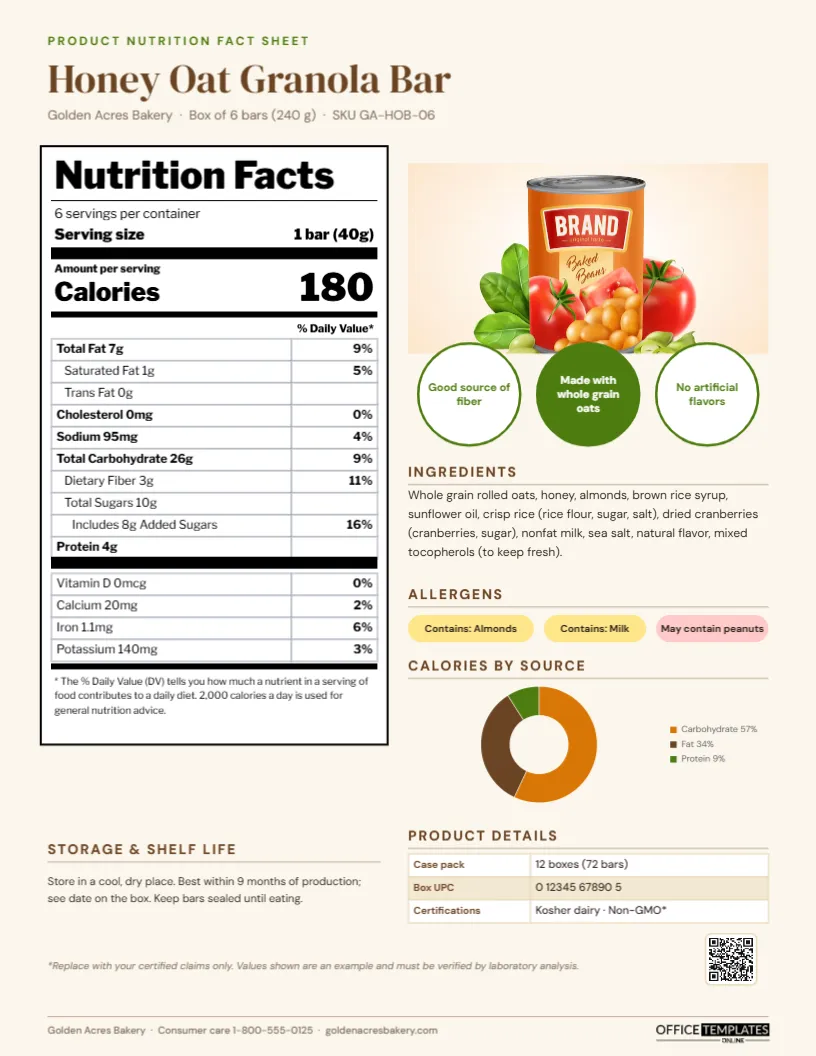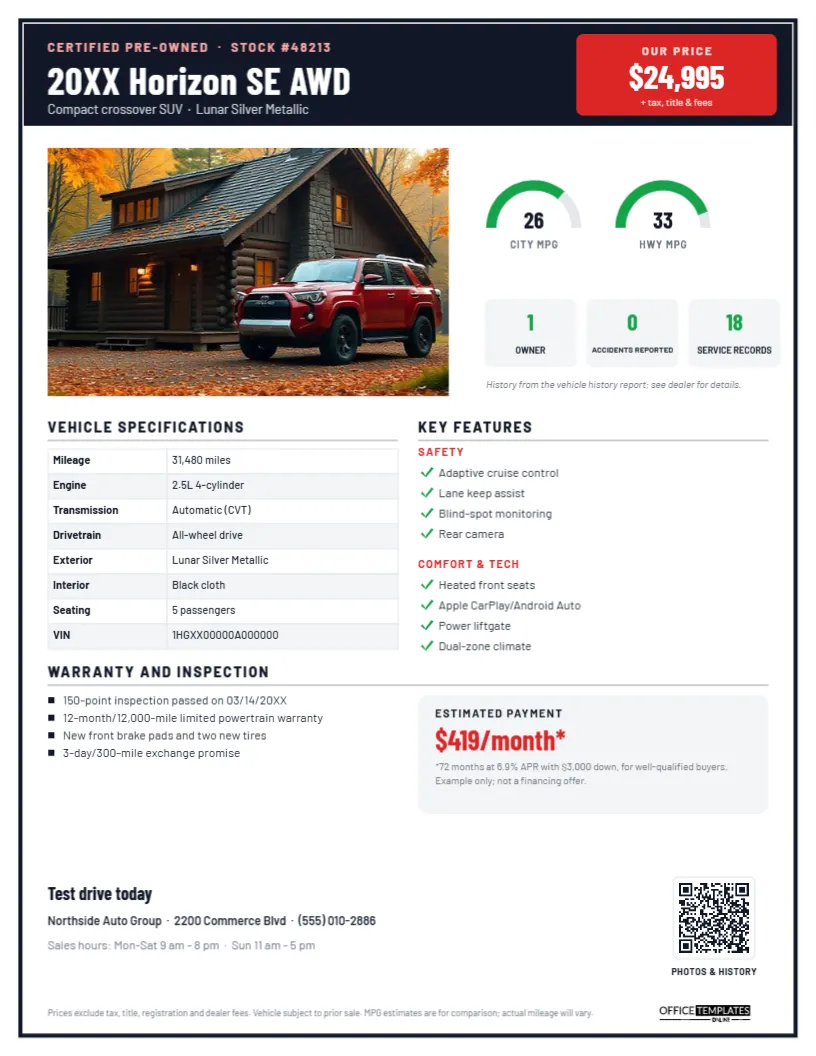
On a dealer lot, the window sticker does the selling before a salesperson says a word. Shoppers walk the rows, read the price, the mileage, and the key features, and decide which cars to look at more closely. Online, the same information appears as a vehicle fact sheet attached to a listing or sent after an inquiry. This Used Vehicle Fact Sheet Template works in both places. It is designed like a modern window sticker, with a bold black frame, a red price panel, and clear sections for everything a buyer checks before a test drive.
What Car Shoppers Scan First
Studies of car shoppers and years of dealer experience agree on the order: price first, then mileage and condition, then features, then history, then fuel economy and payment. The template follows that order. The price is in the top right corner in a red panel; the photo and MPG gauges come next, the vehicle history badges sit directly below, and specifications and features fill the middle of the sheet.
A Window-Sticker Frame in Black and Red
A thick black border frames the whole page, like the edge of a sticker on a car window. The black header shows CERTIFIED PRE-OWNED and the stock number in pink, the vehicle, 20XX Horizon SE AWD, in bold white Barlow Condensed, and the body style and colour. A red panel on the right displays OUR PRICE, $24,995, with + tax, title & fees.
A wide photo slot shows the vehicle. Beside it, two semicircular green gauges display city and highway MPG, and three grey tiles show the vehicle history in green numbers: one owner, zero accidents reported, and eighteen service records, with a note that the history comes from the vehicle history report. Vehicle specifications are a table of mileage, engine, transmission, drivetrain, exterior and interior colours, seating, and VIN. Key features are grouped under red SAFETY and COMFORT & TECH labels with green checkmarks. Warranty and inspection lists the inspection, warranty, recent reconditioning, and an exchange promise, beside a grey Estimated payment panel with a finance example and its terms. A Test drive today line, the dealership’s address, phone, and hours, a QR code labelled PHOTOS & HISTORY, a pricing disclaimer, and our logo complete the page. It prints as a single portrait US Letter page (8.5 x 11 in).
Filling It In From Your Inventory
| Field | Where the data comes from | Double-check |
|---|---|---|
| Year, make, model, trim | VIN decode in your inventory system | Trim level and drivetrain |
| Price | Pricing manager or tool | Matches the online listing |
| Mileage | Odometer at intake | Updated if the car is driven |
| MPG | Official fuel economy ratings for that model year | City and highway, not combined only |
| History | Vehicle history report | Owners, accidents, and service records |
| Features | Build sheet or VIN decode | Only features the car actually has |
| Warranty | Certification program or dealer policy | Months and miles, and what is covered |
Editing the Horizon Sheet
Retype the stock number, vehicle name, body style, and colour in the header, and the price in the red panel. Click the photo slot and choose Replace Image, using a clean three-quarter front view. Update the MPG numbers; each gauge’s green arc is a separate shape you can shorten or lengthen to match. Retype the history tile numbers. The specifications panel is an editor Table: select it and use Edit Data, with + Row for extra details such as fuel type or towing capacity. Rewrite the features under each group, the warranty list, and the payment example, and link the QR code in the Barcodes & QR panel to the vehicle’s online listing with more photos and the history report.
Legal Requirements for Used Car Stickers
In the United States, the FTC Used Car Rule requires dealers to display a Buyer’s Guide in the window of every used vehicle offered for sale, stating whether it is sold as is or with a warranty. This fact sheet is a marketing document and does not replace the Buyer’s Guide. Keep advertised prices consistent with your listings, and state clearly what the price excludes. Finance examples are closely regulated: if you show a payment, disclose the terms needed to understand it (term, APR, down payment, and credit qualification), as the template’s example does, and check your state’s advertising rules.
Writing Features That Sell
Group features the way buyers think about them. Families and commuters look for safety features first; younger buyers look for phone integration and technology; others care about comfort and convenience. Use common names (Apple CarPlay, heated seats) rather than manufacturer package codes, and list the four most wanted in each group rather than every option. If the car has a rare package, add it as its own line at the top.
Reconditioning Is a Selling Point
Buyers of used cars worry about what they cannot see. Listing recent reconditioning, such as new brake pads, new tires, or a fresh service, turns your investment in the car into a reason to buy. The warranty and inspection section is built to show that work. Include the inspection date and number of points if your certification program uses one, and mention any exchange or return promise.
Not Just for Cars
The layout adapts to pickup trucks (add towing and payload), motorcycles, RVs and campers (add sleeping capacity and length), boats (engine hours and length), electric vehicles (replace MPG gauges with range and charging speed), and equipment dealers. Private sellers can also use it to create a professional sale sheet for a car listed online.
Printing for the Lot
Print on bright white paper and place the sheet inside the passenger window, or in a clear sleeve on a hanging tag. Sunlight fades ink quickly, so reprint stickers for cars that stay on the lot for more than a few weeks. The black and red design stays readable from a distance.
Dealer FAQs
Can I show several photos?
The page has one hero photo; use the QR code to link to a full gallery online.
Can I remove the payment estimate?
Yes. Delete the grey panel and widen the warranty list; many dealers prefer to discuss financing in person.
How do I show an electric vehicle’s range?
Change the gauge labels to RANGE and DC FAST CHARGE, and enter miles and minutes.
Open the template, add the vehicle’s photo, price, history, and features, and give every shopper on your lot a window sticker that sells.