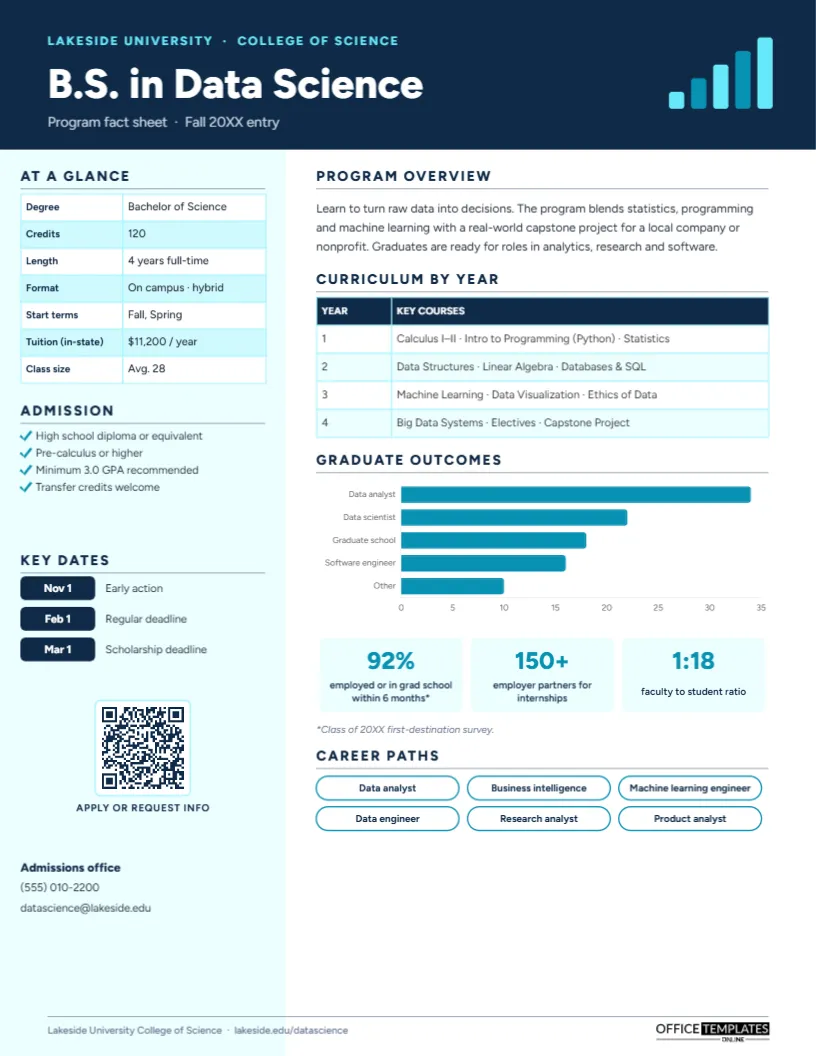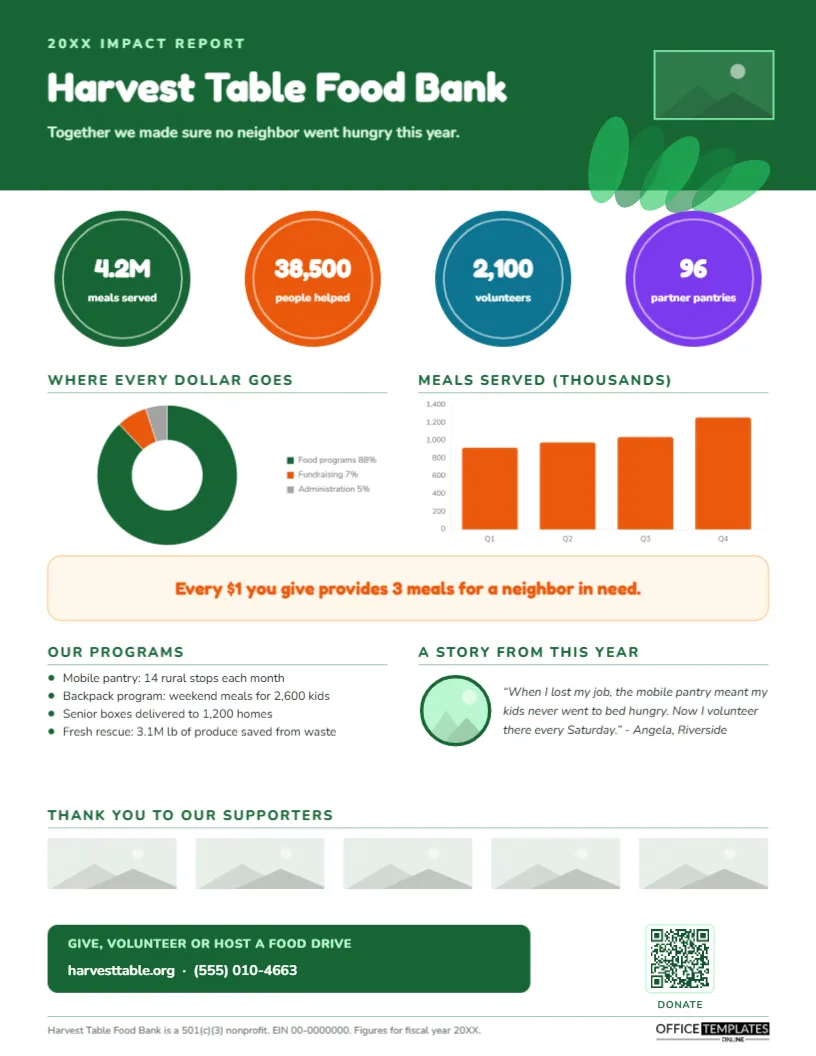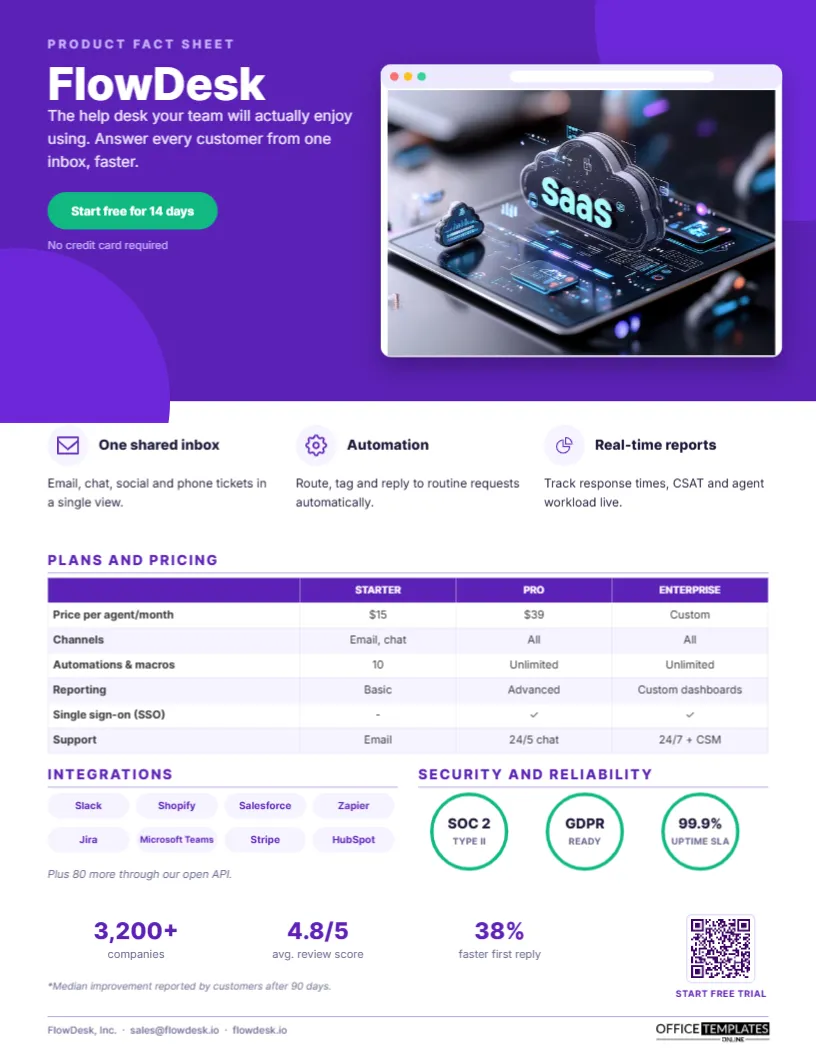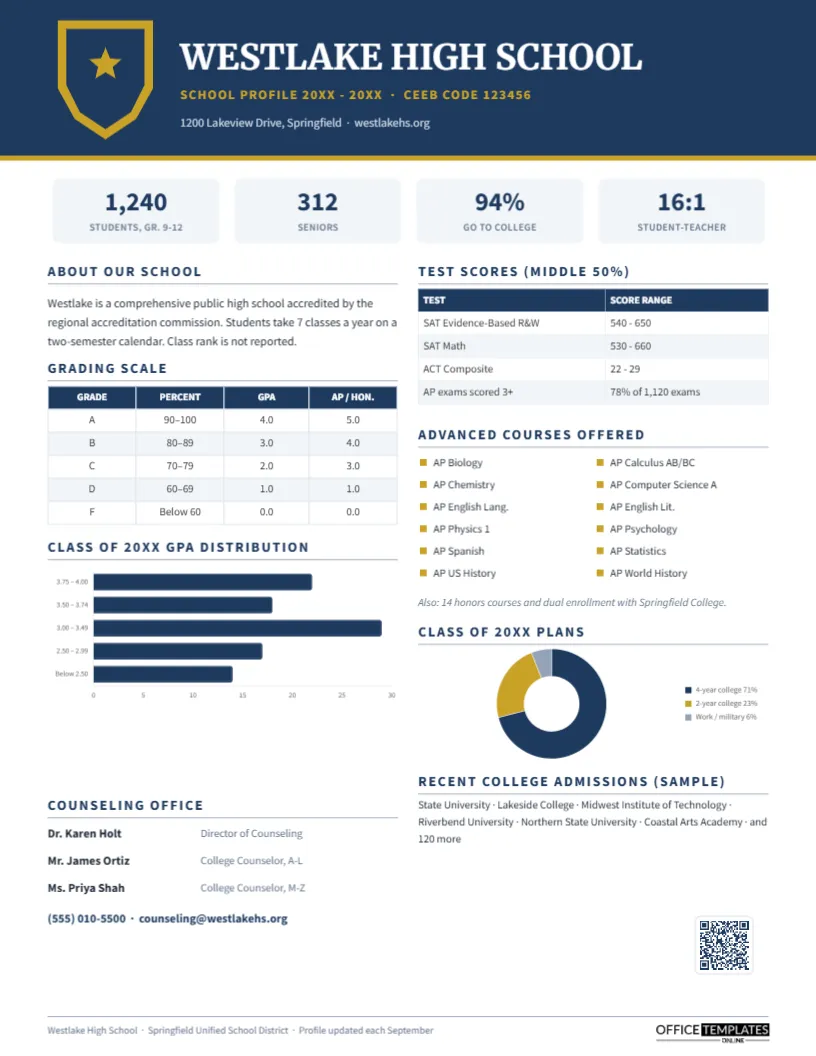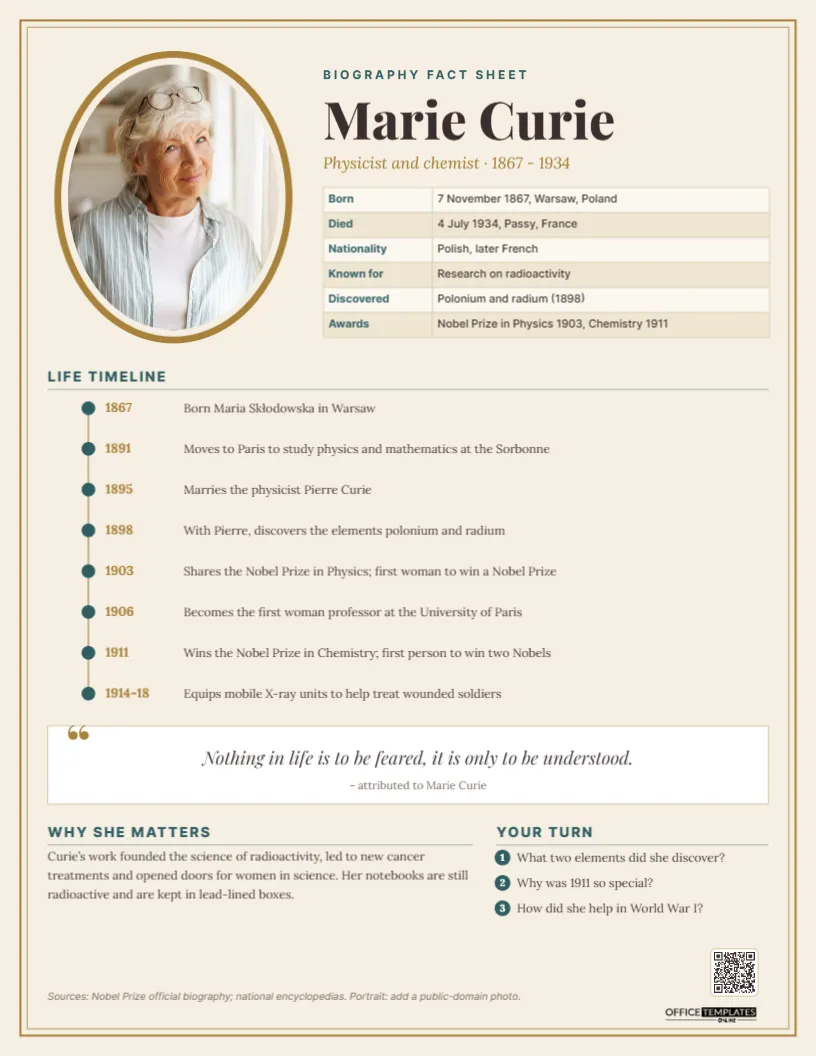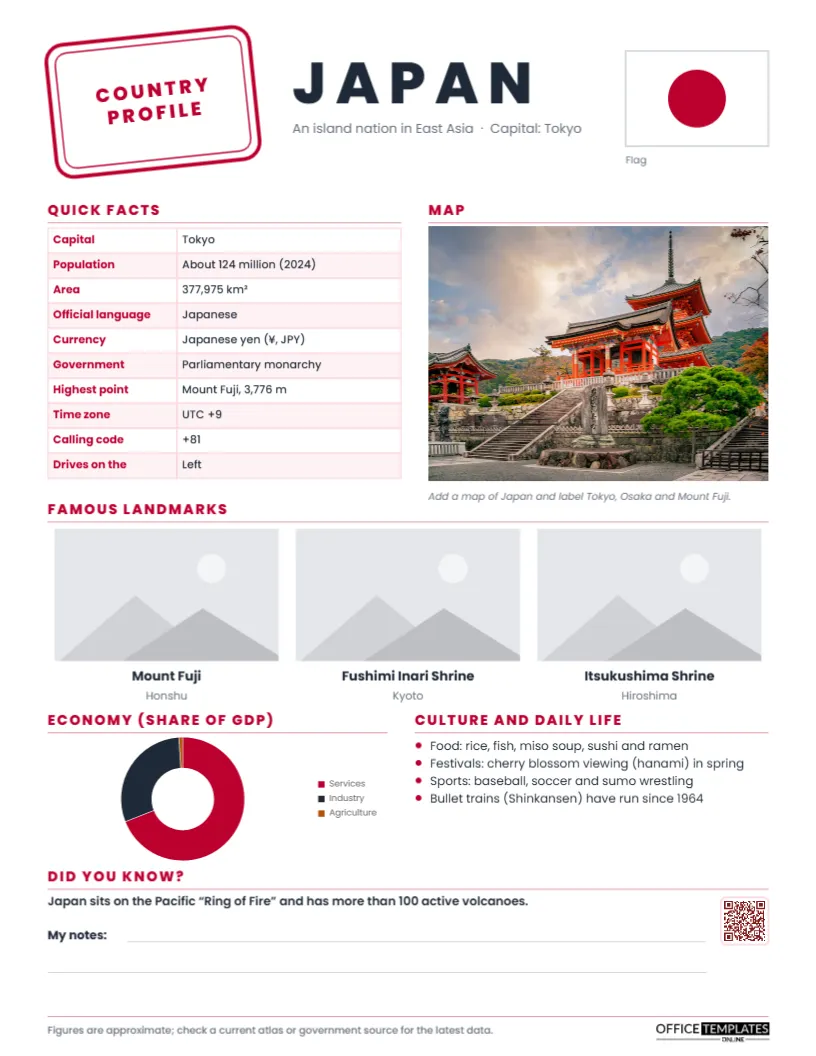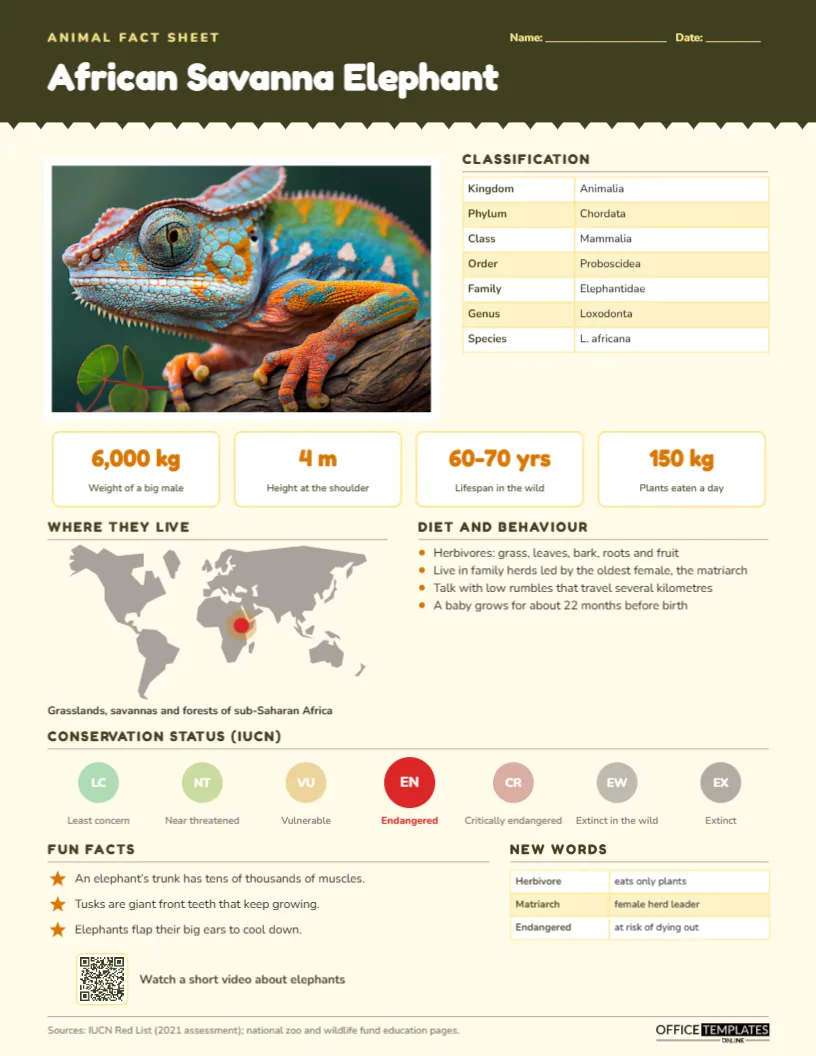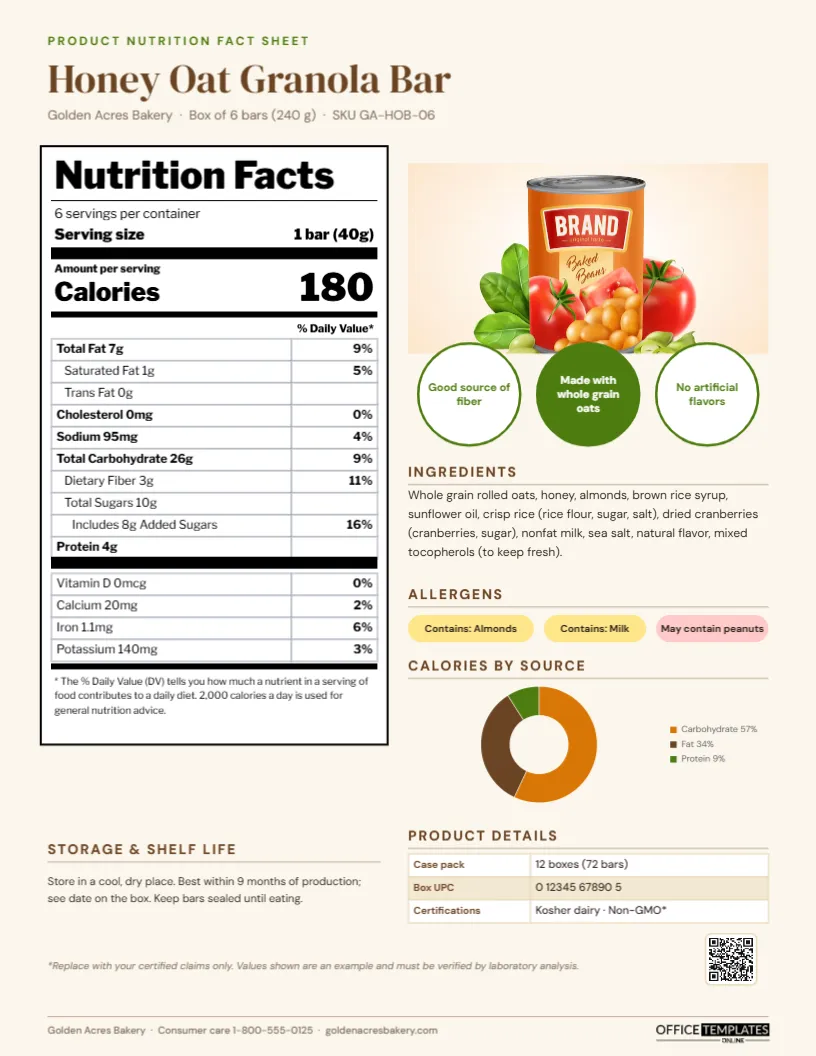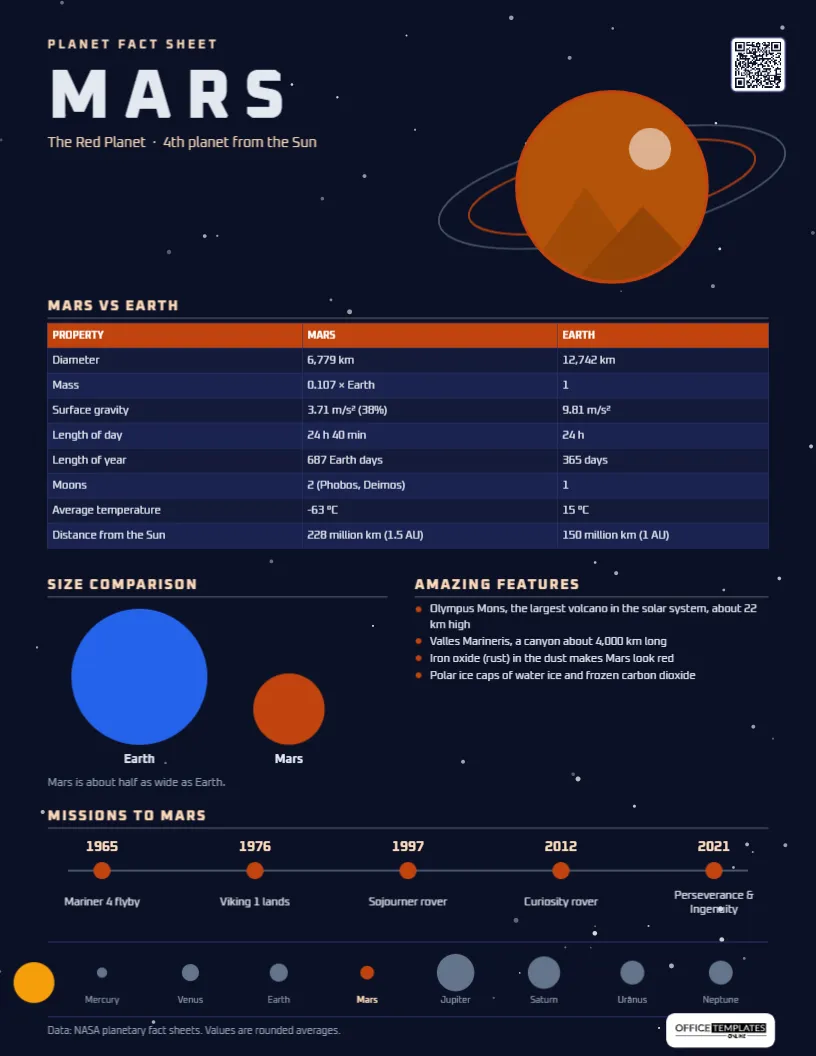
Space units are among the most exciting topics in any science curriculum, and the planets are where most of them begin. Students research size, distance, temperature, moons, and missions, then compare each planet with Earth. This Planet Fact Sheet Template, completed for Mars, looks like a page from a mission briefing, with a starry dark background, a planet ringed by orbit lines, and a timeline of missions.It works as a reference handout, a research model, and a bright display piece for a classroom wall.
Mission Briefing: What the Page Covers
- Mars vs. Earth: diameter, mass, surface gravity, length of day and year, moons, average temperature, and distance from the Sun, side by side.
- Size comparison: Earth and Mars drawn to scale as circles.
- Amazing features: Olympus Mons, Valles Marineris, the red dust and the polar ice caps.
- Missions to Mars: five milestones from Mariner 4 in 1965 to Perseverance and Ingenuity in 2021.
- Solar system strip: the Sun and eight planets in a row, with Mars highlighted.
A Starry Night-Sky Design
The page is deep navy, scattered with ninety small stars of different sizes and brightness, grouped so they behave as one background object. PLANET FACT SHEET is set in peach capitals, MARS in huge, widely spaced Oxanium letters (a futuristic typeface that suits space topics), and The Red Planet · 4th planet from the Sun beneath. On the right, a round photo slot for an image of Mars is circled by two tilted orbit rings, one grey and one rust red. A QR code sits in the top right corner.
The Mars vs Earth table has a rust-red header and dark blue rows with light text. Below, the Size comparison shows a blue Earth and a rust Mars about half as wide, and Amazing features lists four rust-bulleted facts. The Missions to Mars timeline runs across the page with rust dots, peach years, and mission names. At the very bottom, a strip shows the Sun on the left and the eight planets in order with names, Mars in rust and the others in grey. A data credit to NASA’s planetary fact sheets and our logo finish the page. The layout is designed for a portrait US Letter sheet, 8.5 x 11 inches.
Numbers Worth Discussing in Class
| Fact | Mars | Discussion question |
|---|---|---|
| Surface gravity | 38% of Earth’s | How much would you weigh on Mars? |
| Length of day | 24 h 40 min | Why is a Mars day so close to ours? |
| Length of year | 687 Earth days | How old would you be in Mars years? |
| Average temperature | -63 °C | Why is Mars so much colder than Earth? |
| Distance from the Sun | 1.5 AU | How long does sunlight take to reach Mars? |
| Moons | Phobos and Deimos | How are they different from our Moon? |
These make excellent maths warm-ups: multiply your weight by 0.38, or divide your age in days by 687.
Switching to Another Planet
To make a sheet for Jupiter, Venus, or any other planet, change the title and subtitle, and click the planet circle to Replace Image with a public-domain image of that planet (space agencies publish many). Select the comparison table and choose Edit Data to enter the new values; the Earth column can stay the same. Resize the size-comparison circles so they are to scale (Jupiter’s would be about eleven times wider than Earth’s, so you may need to show only part of it). Rewrite the features and mission timeline, and recolour the highlighted planet in the solar system strip. Link the QR code to a video or interactive model in the Barcodes & QR panel.
Accurate Data for Young Scientists
The figures on the sample are rounded averages based on NASA’s planetary fact sheets. Some values vary: Mars’s distance from the Sun changes along its elliptical orbit, and its temperature ranges widely from day to night and from the poles to the equator. Teaching students that averages and about matter is part of learning science. Encourage them to use space agency websites, planetarium resources, and recent books, because new missions keep adding discoveries.
Missions Timeline as a History Lesson
The timeline is a compact history of exploration: from the first successful flyby photos, to the first landers, to rovers that drive across the surface, to the first powered flight on another planet by the Ingenuity helicopter. Students can extend it with other missions and countries’ contributions, or add a final dot for a future mission they design themselves.
Classroom Activities
Build a scale model of the solar system on the playground using the planet strip as inspiration. Hold a debate on whether humans should travel to Mars. Ask students to design a Mars base that deals with low gravity, cold, and thin air. Have each group make a fact sheet for a different planet and hang them in order around the room.
For Home Learners and Space Clubs
Home-schooling families, after-school science clubs, libraries and planetariums can use the template for workshops and holiday activities. Astronomy societies can adapt it for public star-gazing nights, featuring the planet visible that month.
Printing a Dark Background
The night-sky background is beautiful on screen and when printed on a good colour printer, but it uses a lot of ink. For class sets, print a few colour copies for display and use the PDF on screens or tablets. If you need an ink-saving version, change the page background to white and the text colours to dark navy.
Space Unit FAQs
Can students fill it in themselves?
Yes. Clear the values in the comparison table and the feature bullets, and students can type or write their research.
Where can I find images of planets?
Space agencies publish many images that are free for educational use; always check the usage terms.
Is Pluto on the planet strip?
No. Pluto is classified as a dwarf planet. You can add it after Neptune as a smaller grey dot with a label.
Open the template to explore Mars with your class, or launch a new fact sheet for any planet in the solar system.