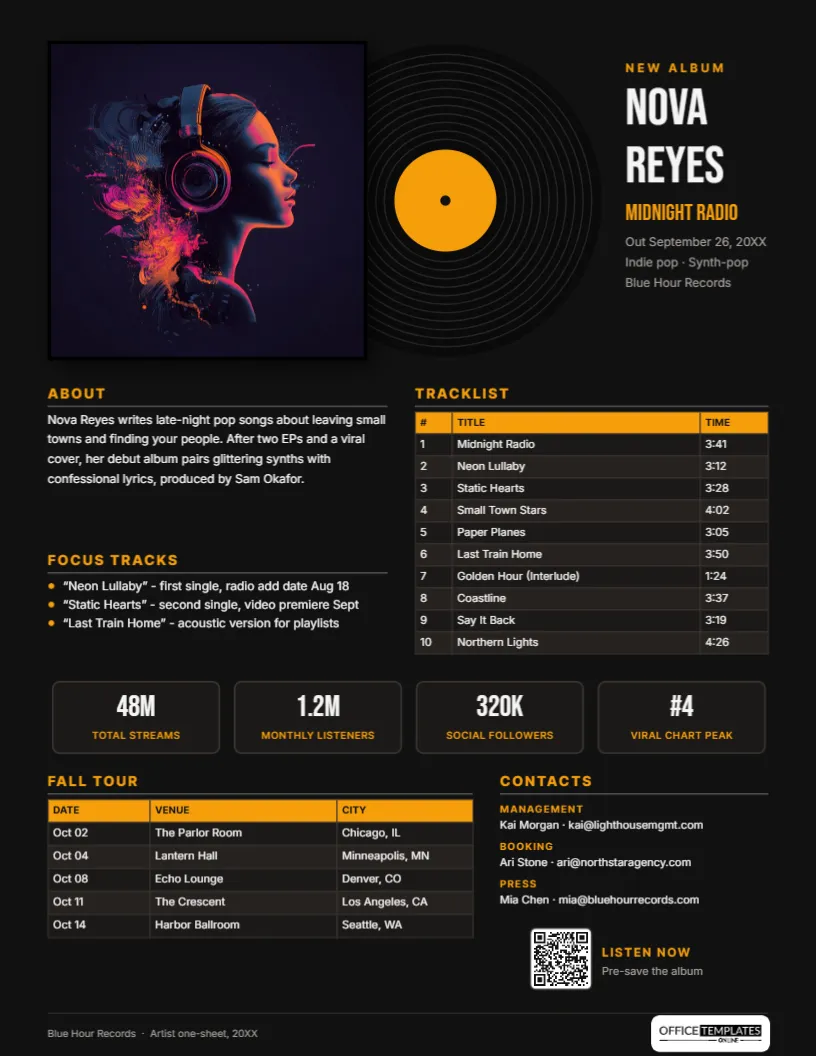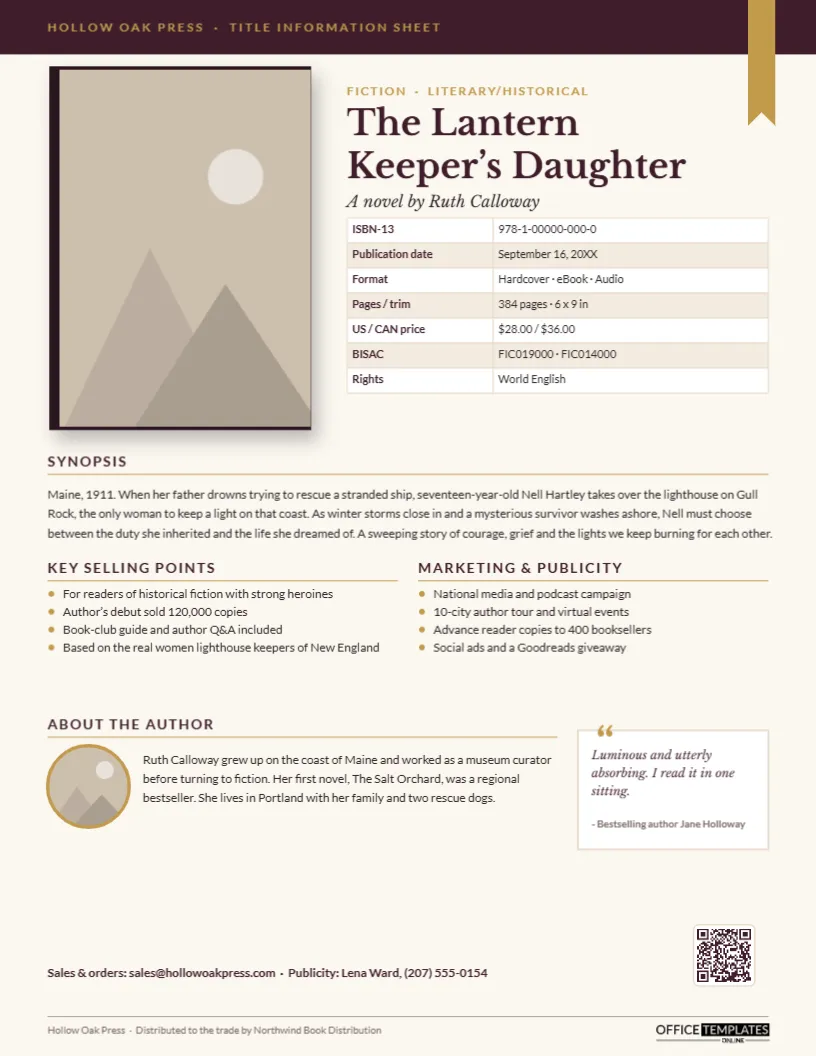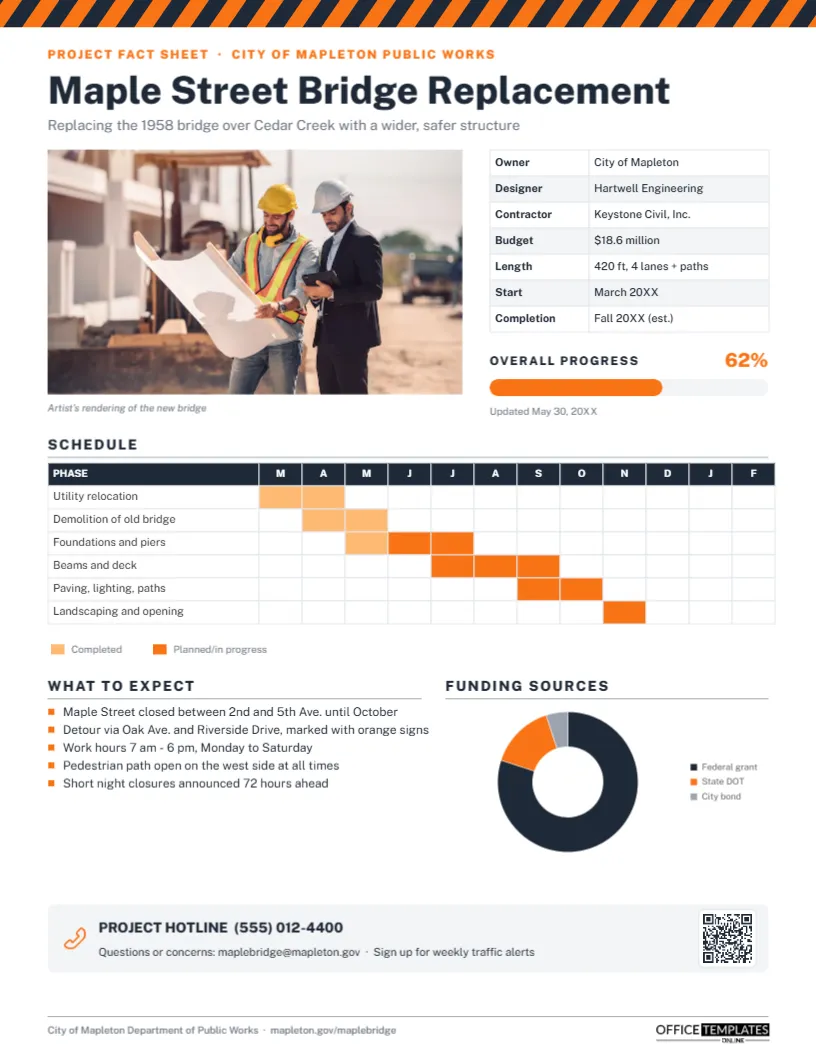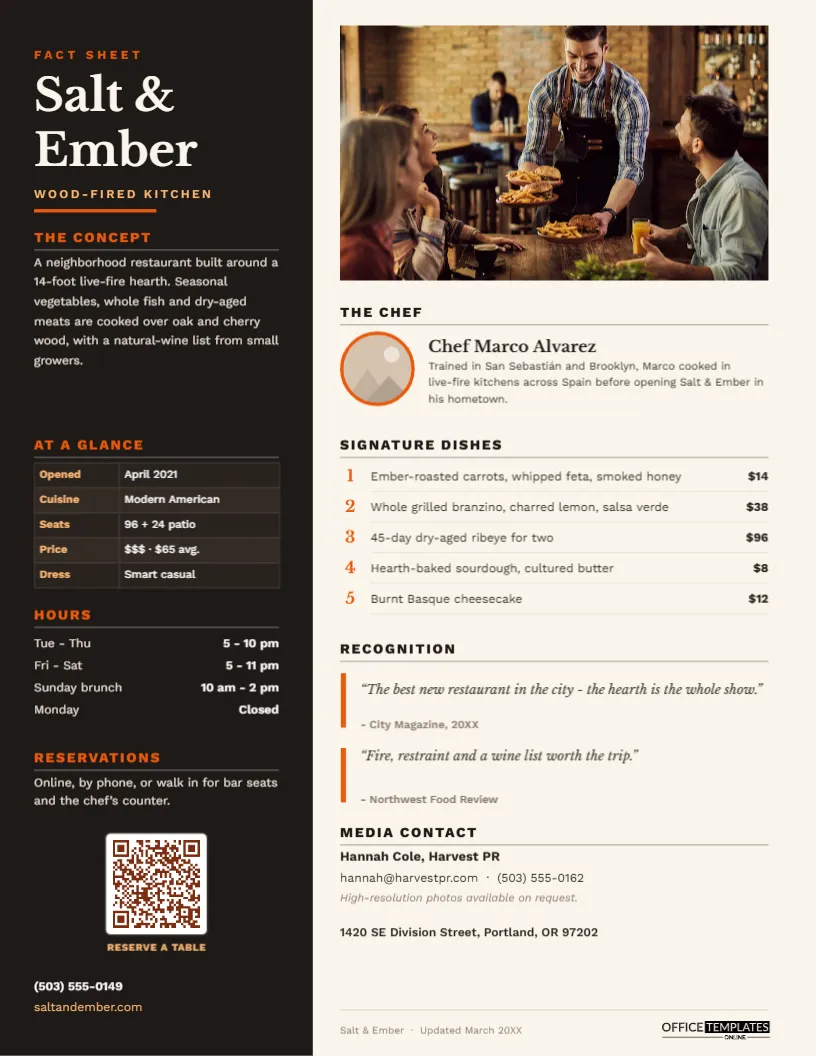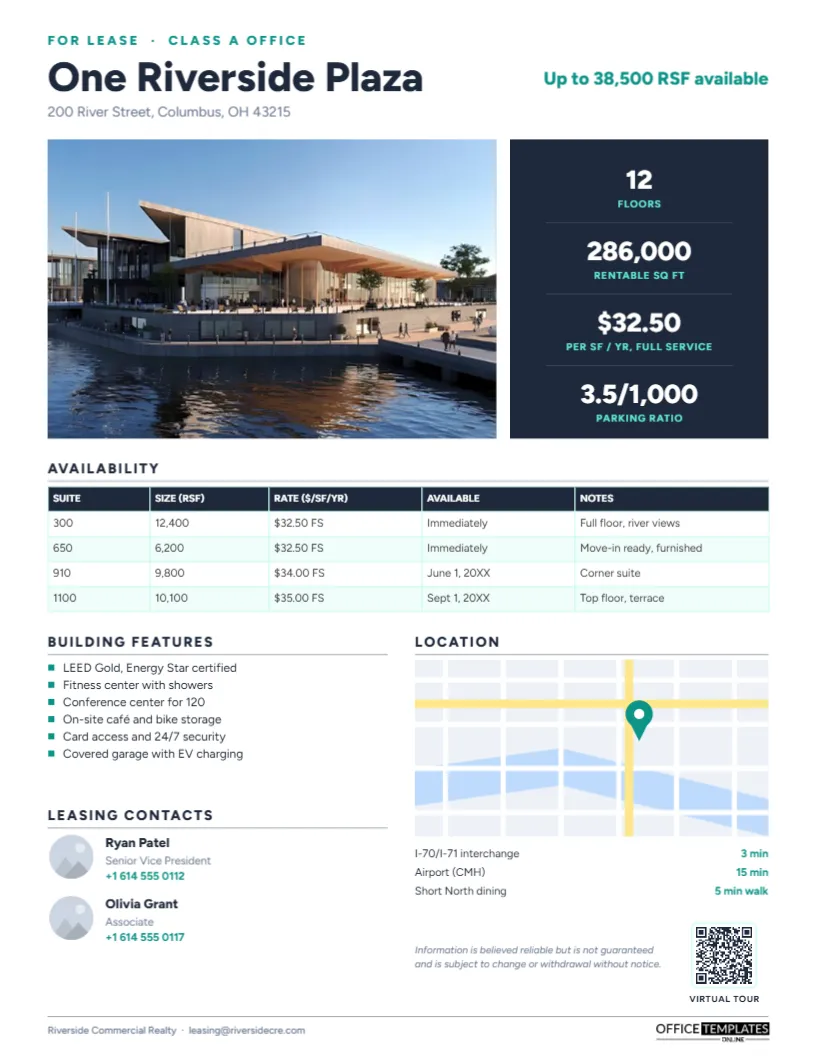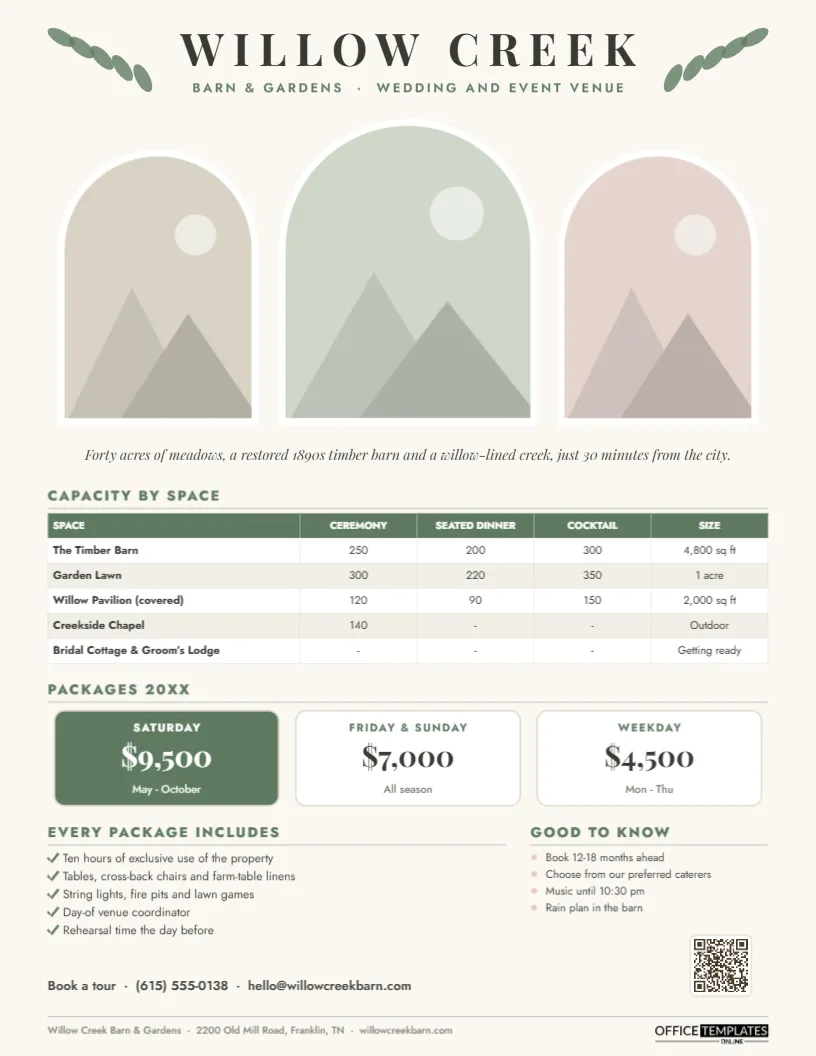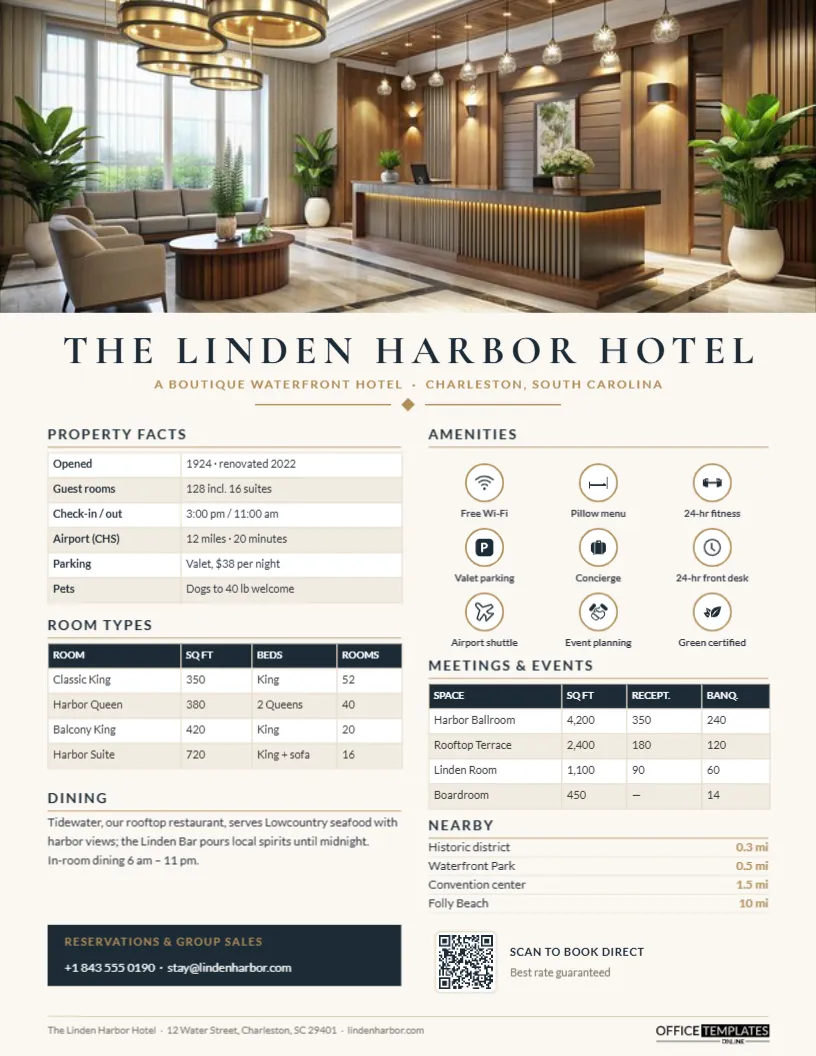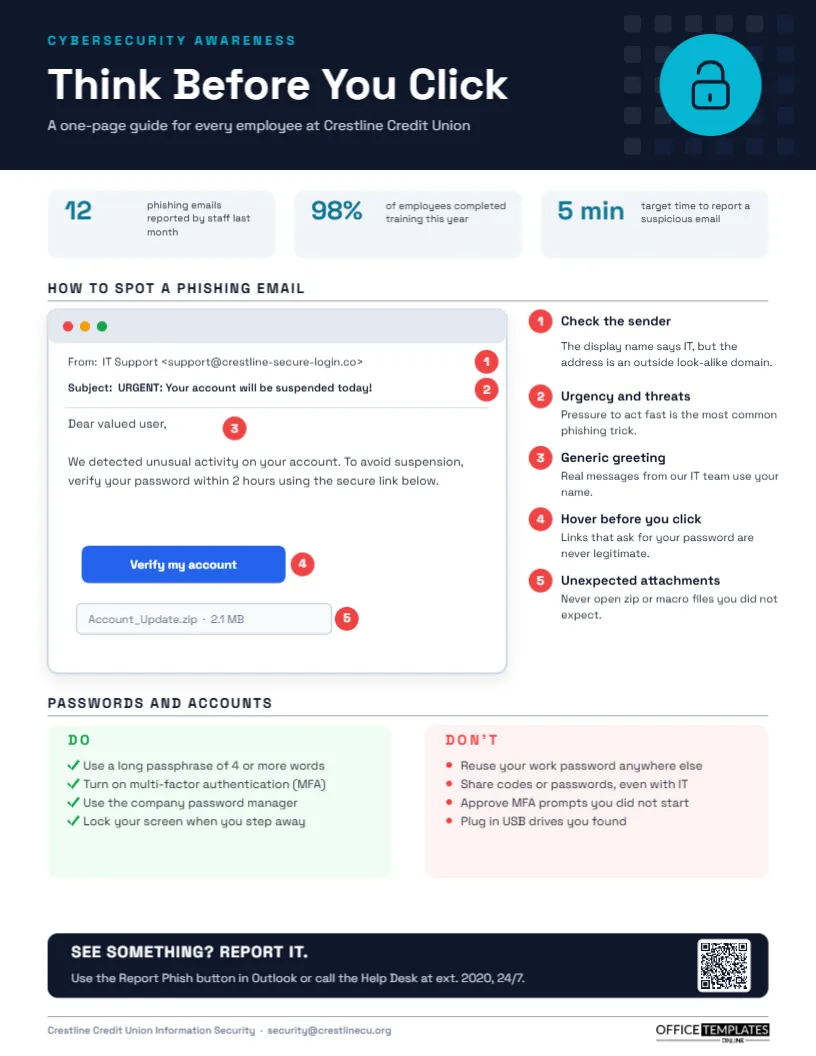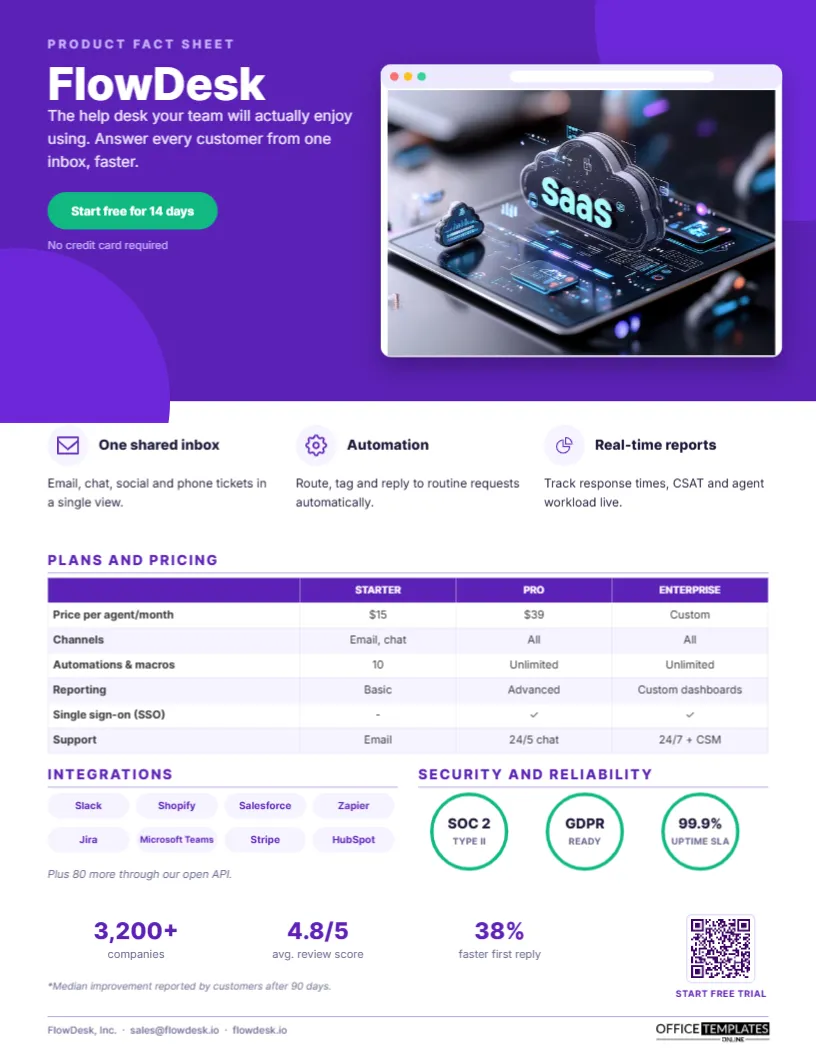
Software buyers rarely decide alone. A support manager finds a tool, then has to convince IT, finance, and a director, often by forwarding a single document. A SaaS Product Fact Sheet is that document. It explains what the product does, shows it, lists plans and prices, reassures security reviewers, and ends with a clear next step. This template, shown for a help desk product called FlowDesk, gives software companies a modern one-pager that sales reps can attach to any email and marketers can offer as a download.
What Goes Into a Software One-Pager
Every buyer in the chain has a different question. The user wants to know it will make their day easier. The manager wants outcomes and reports. Finance wants the price per seat. IT wants integrations, single sign-on, and security certifications. The executive wants proof that other companies trust it. This template answers each of those on one page, in that order, from the hero section to the social proof at the bottom.
Violet Hero and a Browser Window
The top third of the page is a violet hero panel with two soft circles in the corners. A lavender PRODUCT FACT SHEET label sits above the product name, FlowDesk, in bold white Inter, with a one-sentence value proposition. A mint-green pill button says Start free for 14 days, with No credit card required underneath. On the right, a white browser window, complete with red, amber, and green dots and an address bar, floats above the violet with a deep shadow. Inside it sits a photo slot for your product screenshot.
Below the hero, three benefit columns each have a round icon, a bold title, and a sentence: one shared inbox, automation, and real-time reports. A Plans and pricing table compares Starter, Pro, and Enterprise on price per agent, channels, automations, reporting, single sign-on, and support. Integrations shows eight lavender pills with popular tool names and a note about the API. Security and reliability shows three mint-ringed badges for SOC 2 Type II, GDPR readiness, and a 99.9% uptime SLA. A row of three proof numbers (customers, review score, and faster first reply) with a footnote and a QR code labelled START FREE TRIAL complete the page. It is a single US Letter page (8.5 x 11 in) in portrait.
Security Review Questions This Sheet Pre-Empts
For B2B software, security review is often the slowest part of a sale. Answering the basics on the fact sheet shortens it:
| Reviewer question | Where to answer it |
|---|---|
| Do you have a SOC 2 or ISO 27001 report? | Security badges |
| Is data handled in line with GDPR? | Security badges |
| Do you support SSO? | Pricing table row |
| What uptime do you commit to? | Uptime SLA badge |
| Which tools does it connect to? | Integrations pills |
| Where can I read more? | QR code to a trust centre or security page |
Only show certifications and commitments you actually hold; reviewers will ask for the reports.
Swapping In Your Product
- Screenshot: click the image inside the browser window and choose Replace Image. Use a clean, cropped screenshot of the most recognisable screen, with realistic sample data.
- Name and tagline: retype FlowDesk and the value proposition. Keep the tagline to one idea.
- CTA pill: change the text to Book a demo or Start free, whichever matches your sales motion.
- Benefits: retype the three titles and sentences; the icons are editable vectors you can swap from the icon library.
- Pricing: the plan comparison is an editor Table. Select it and use Edit Data; add rows with + Row, or a fourth plan column.
- Integrations and badges: retype the pill labels and badge text.
- QR code: link it to your trial sign-up or demo page from the Barcodes & QR panel.
Writing Benefits Instead of Features
Feature lists are easy to write and hard to care about. Each benefit column on the template pairs a capability with the outcome it creates: Route, tag, and reply to routine requests automatically rather than a rules engine with 40 triggers. Ask what the user can stop doing, or do faster, because of the feature. If you have one proof number for a benefit, such as a percentage improvement, include it.
Showing Pricing Without Scaring Buyers
Many software companies hesitate to print prices, but buyers increasingly expect them, and pricing on the fact sheet helps champions build a budget. Show per-seat or per-month prices for self-serve plans, keep Enterprise as Custom, and use the table rows to show what the upgrade buys. If prices vary by region or billing period, add a footnote such as billed annually.
Social Proof That Holds Up
The three numbers at the bottom (customer count, average review score, and an improvement metric) are the page’s closing argument. Keep them current and defensible, and footnote anything based on customer-reported results, as the template does. If you have recognisable customer logos and permission to use them, you can replace the numbers with a logo strip.
Where Sales and Marketing Use It
Sales development reps attach it to outreach emails. Account executives send it after discovery calls and include it in proposals. Marketers offer it on product pages and at trade show booths, and partner teams give it to resellers. Keep one master version and create variants for specific industries or use cases by changing the screenshot and benefits.
Beyond Help Desks
The layout suits any software or app: CRM, project management, accounting, HR, security, analytics, e-commerce, education technology, and mobile apps. Hardware-plus-software products can use the browser window for a dashboard screenshot and replace integrations with compatible devices.
Screen-Ready Colours
The violet and mint palette is designed for screens first, so the PDF looks vivid in email and on websites. For trade show printing, use a colour laser printer on bright white silk paper; the deep violet prints evenly.
Software Marketer FAQs
Can I replace the browser with a phone mock-up?
Yes. Delete the browser frame, draw a rounded rectangle for a phone, and place a tall photo slot inside it.
Should I include a customer quote?
If you have a strong one, replace the integrations section or the proof numbers with a quote card.
How often should I update it?
With every pricing change and major release, and at least once a quarter for the proof numbers.
Open the template, add your product screenshot, plans, and proof, and give every champion a fact sheet that makes the internal sale easier.