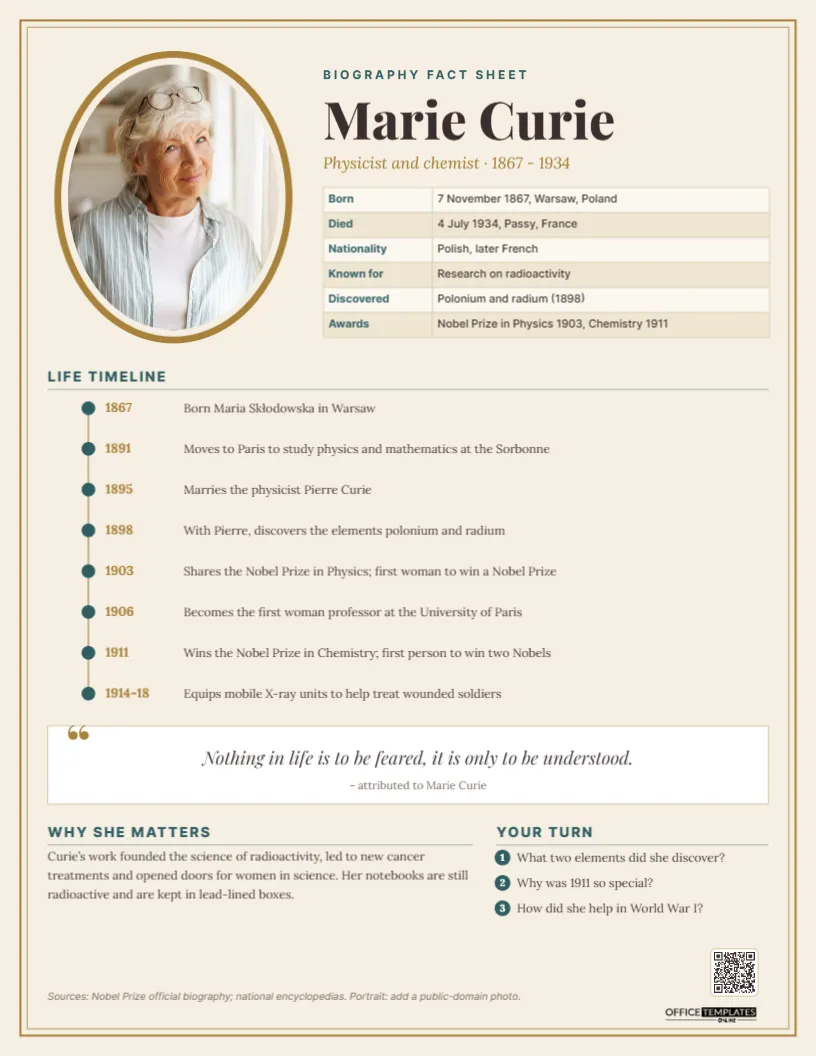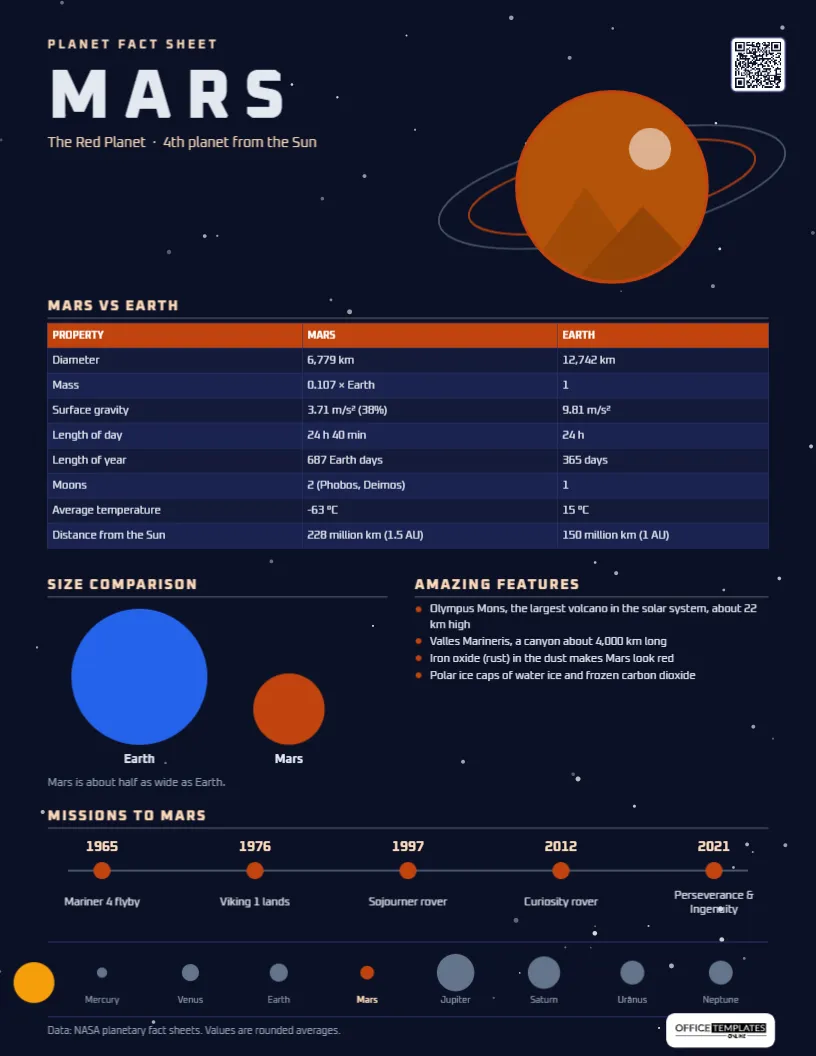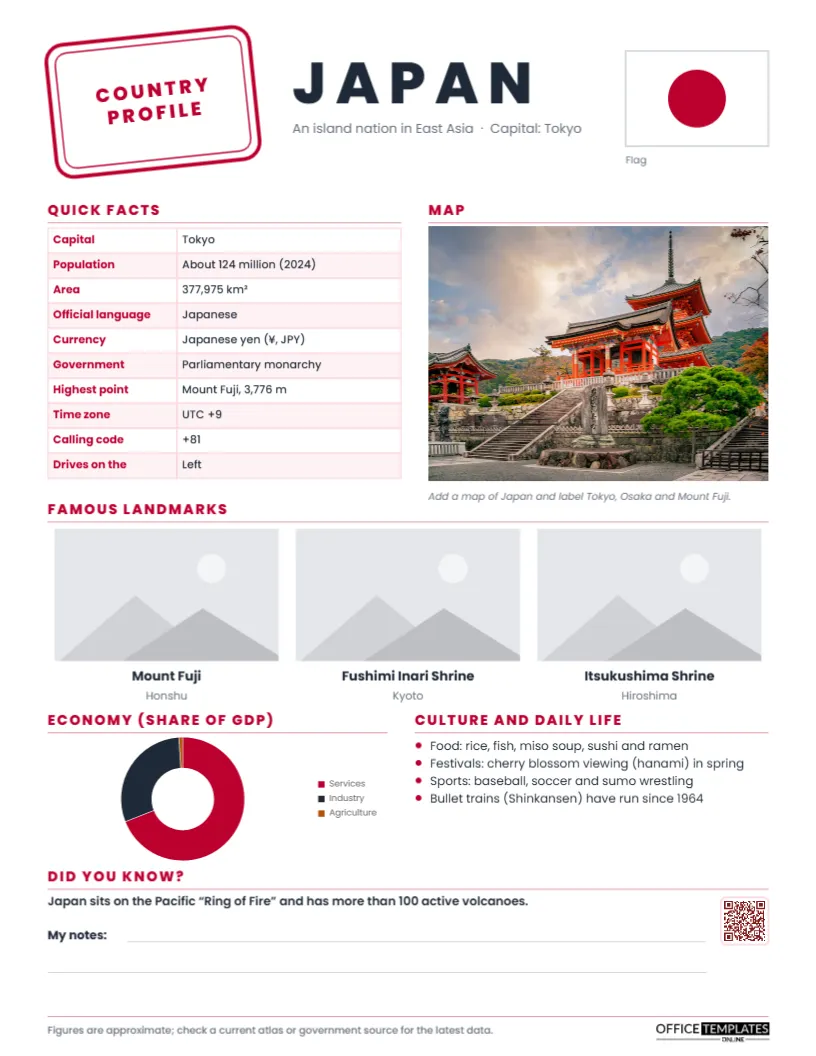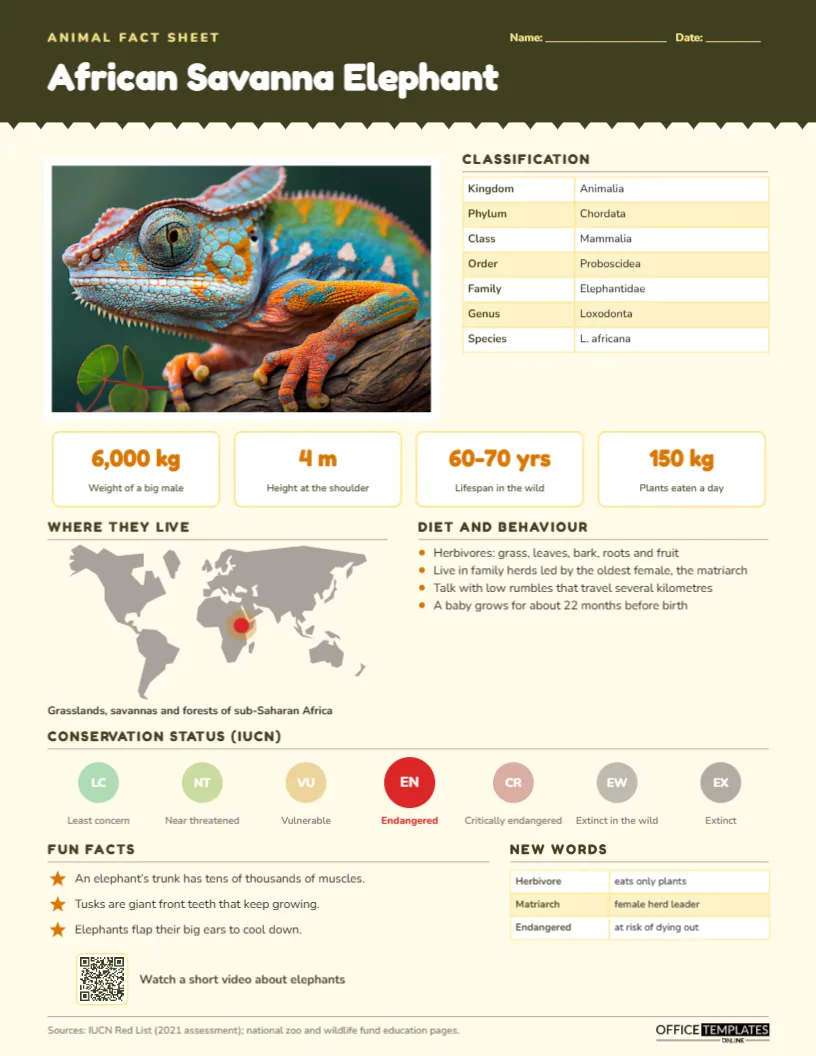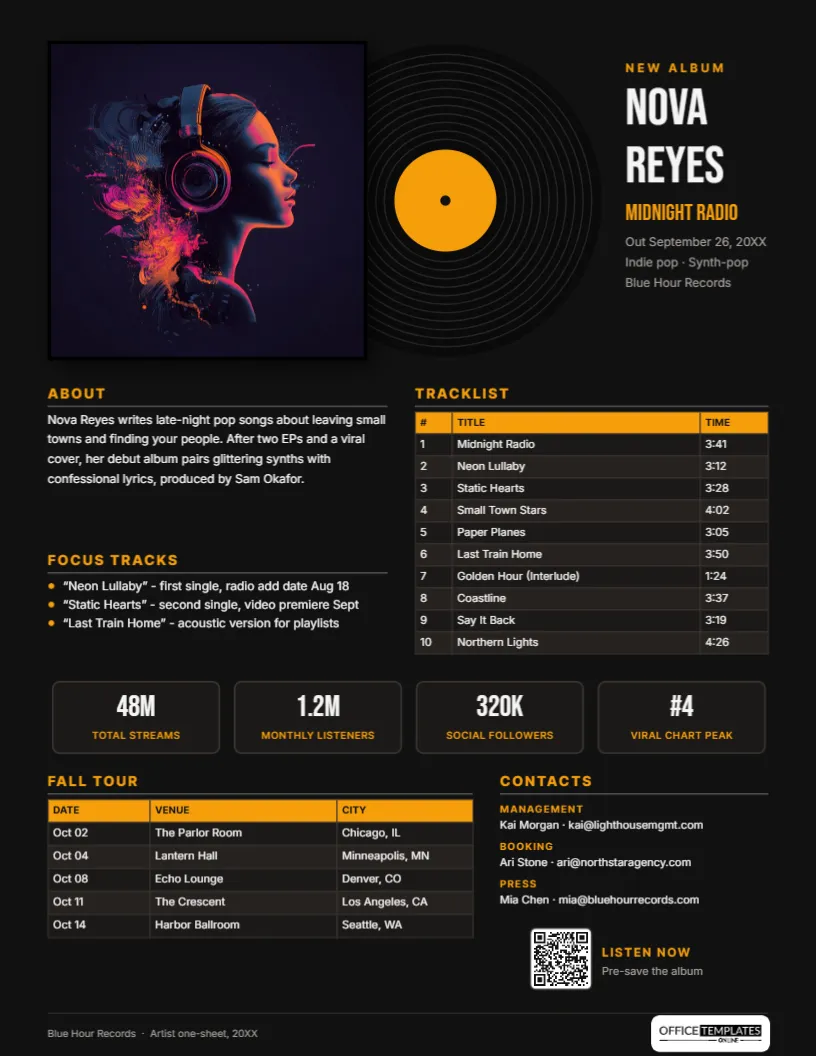
In the music industry, the one-sheet is the document that goes everywhere an album goes. Distributors send it to retailers, labels send it to radio, publicists send it to journalists, and managers send it to booking agents and festival buyers. It answers, on a single page, who the artist is, what the release is, which songs to focus on, what the numbers look like, and who to contact. This Music One-Sheet Template, built around a vinyl record sliding out of its sleeve, makes that page look as good as the record sounds.
Who Reads a One-Sheet
Each reader scans for something different:
- Radio programmers want the focus track and add date.
- Playlist curators and streaming editors want the genre, the story, and the numbers.
- Journalists want an interesting angle and the publicist’s contact.
- Record shops and distributors want the release date, label and formats.
- Talent buyers and promoters want the audience size and tour history.
The layout gives each of them a clearly labelled section, so they can find their part in seconds.
A Record Sleeve on a Black Page
The page is black, like a record shop’s back wall. At the top, a square album cover slot sits in front of a vinyl record that slides out to the right, drawn with fine grooves and an amber label. On the right, NEW ALBUM in amber introduces the artist’s name, NOVA REYES, in tall Bebas Neue, with the album title Midnight Radio in amber, followed by the release date, genre, and label in grey.
Below the cover, the left column holds About, a short biography, and Focus tracks, three amber-bulleted singles with their radio and video dates. The right column holds the full Tracklist as a dark table with an amber header, numbering each song and its running time. A row of four stat tiles shows total streams, monthly listeners, social followers, and a chart peak in amber and white. Fall tour lists five dates, venues, and cities in another dark table, and Contacts gives management, booking, and press. A QR code labelled LISTEN NOW with Pre-save the album and a footer with the label name and our logo complete the page. It is laid out on portrait US Letter, 8.5 x 11 inches.
Release Timeline Worksheet
Most one-sheets go out six to eight weeks before release. Use this timeline to plan the dates that appear on the sheet:
| Weeks before release | Milestone | Shows up on the one-sheet as |
|---|---|---|
| 12-10 | Deliver masters and artwork to distributor | Release date and formats |
| 8 | First single out, pre-save link live | Focus track and QR code |
| 6 | One-sheet to press, radio and playlists | The whole page |
| 4 | Radio add date for the single | Focus tracks |
| 2 | Second single and video | Focus tracks |
| 0 | Album release | Release line |
| +2 to +6 | Tour | Tour dates table |
Putting Your Release on the Page
Click the album cover square and choose Replace Image; square artwork fits perfectly. Retype the artist, album title, release date, genre, and label. Rewrite the biography in three sentences and list your focus tracks. The tracklist and tour tables are editor Tables: select each and use Edit Data to enter your songs and dates, with + Row for longer albums or tours. Replace the four stats with your latest numbers and update the contacts. Link the QR code to your pre-save or smart link through the Barcodes & QR panel. The record label colour is a simple circle, so you can change the amber to match your artwork.
Writing a Bio in Three Sentences
Industry readers want the story, not a résumé. The first sentence should say what the artist sounds like and what they write about. The second should give one proof point: a viral moment, a notable support slot, a sync placement, a previous release that did well. The third should introduce this record and who made it with them. Keep the full biography for the press kit; the one-sheet version is the hook.
Numbers That Matter to the Industry
Choose stats that show momentum. Monthly listeners and total streams show reach; follower counts show direct fan connection; a chart peak or playlist add shows industry validation. For a newer artist, growth can be more impressive than size, such as +300% listeners in six months. For live-focused artists, replace a stat with average ticket sales or sold-out shows. Update the numbers the day you send the sheet.
Picking Focus Tracks
Every recipient wants to know which song to listen to first. Choose up to three focus tracks and give each a purpose: the radio single, the video single, and a track for playlists or a particular format (acoustic, remix, clean edit). Add the radio add date for the single, because programmers plan their schedules around it.
Variations for Singles, EPs and Tours
For a single, shorten the tracklist to the original, radio edit, and instrumental, and expand the bio. For an EP, the tracklist fits comfortably as is. For a tour one-sheet aimed at promoters, move the tour table higher, add ticket prices and past sell-outs, and reduce the tracklist. Bands, DJs, orchestras and podcast producers can all use the layout.
Screen First, Print Second
Most one-sheets are read on screen, so the black background looks deliberately striking in a PDF. If you print, use a colour laser printer on heavy paper; large areas of black look richest on silk or gloss stock. For a lighter printed version, change the page background to white and the text colours to dark grey.
Musician FAQs
Can I use it for a single release?
Yes. Reduce the tracklist rows with – Row and use the space for press quotes.
Where do I put press quotes?
Add one or two short quotes under the bio, or replace a stat tile with a quote from a notable outlet.
Can I include barcode and catalogue numbers for retail?
Add them to the release lines under the title, or add a small information table for UPC, catalogue number, and formats.
Open the template, add your artwork, tracks, and tour dates, and send an album one-sheet that looks as good as your record sounds.