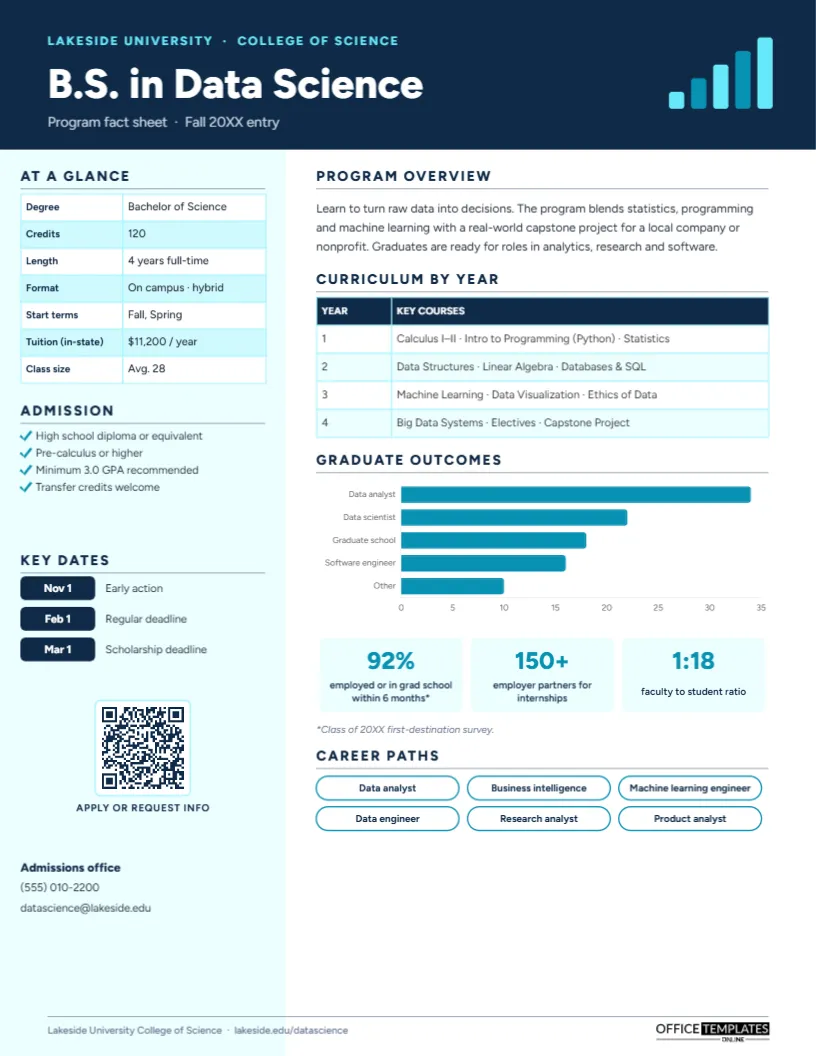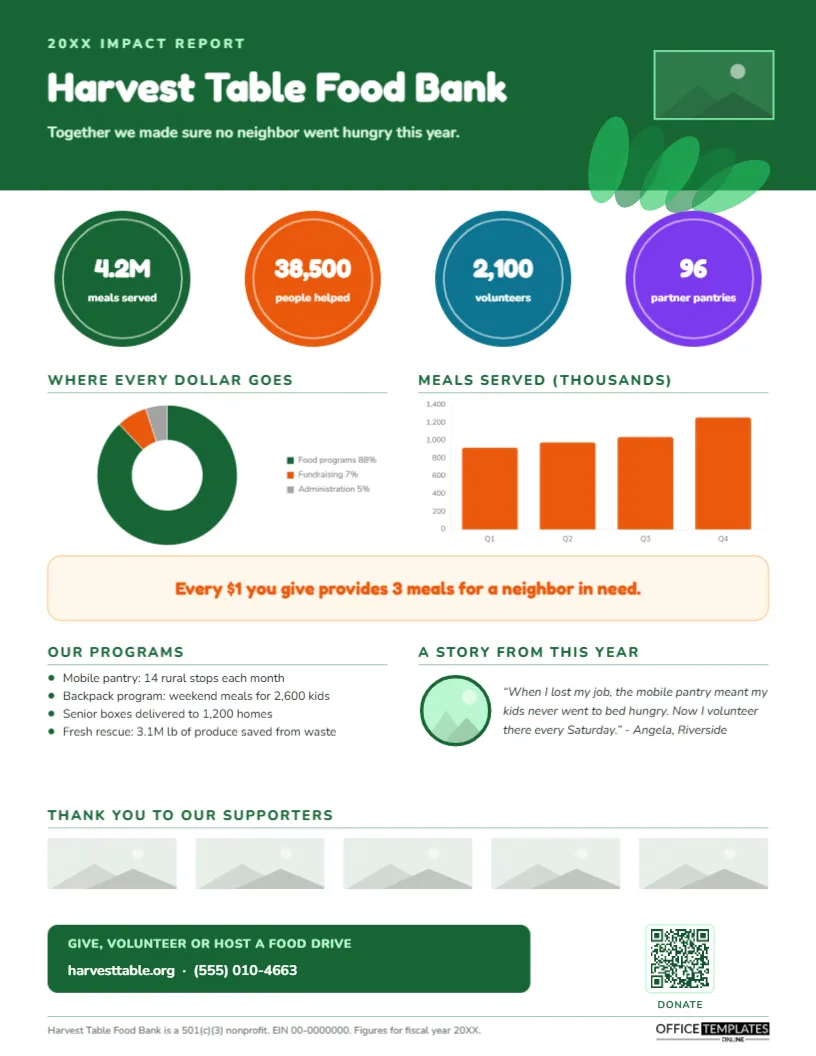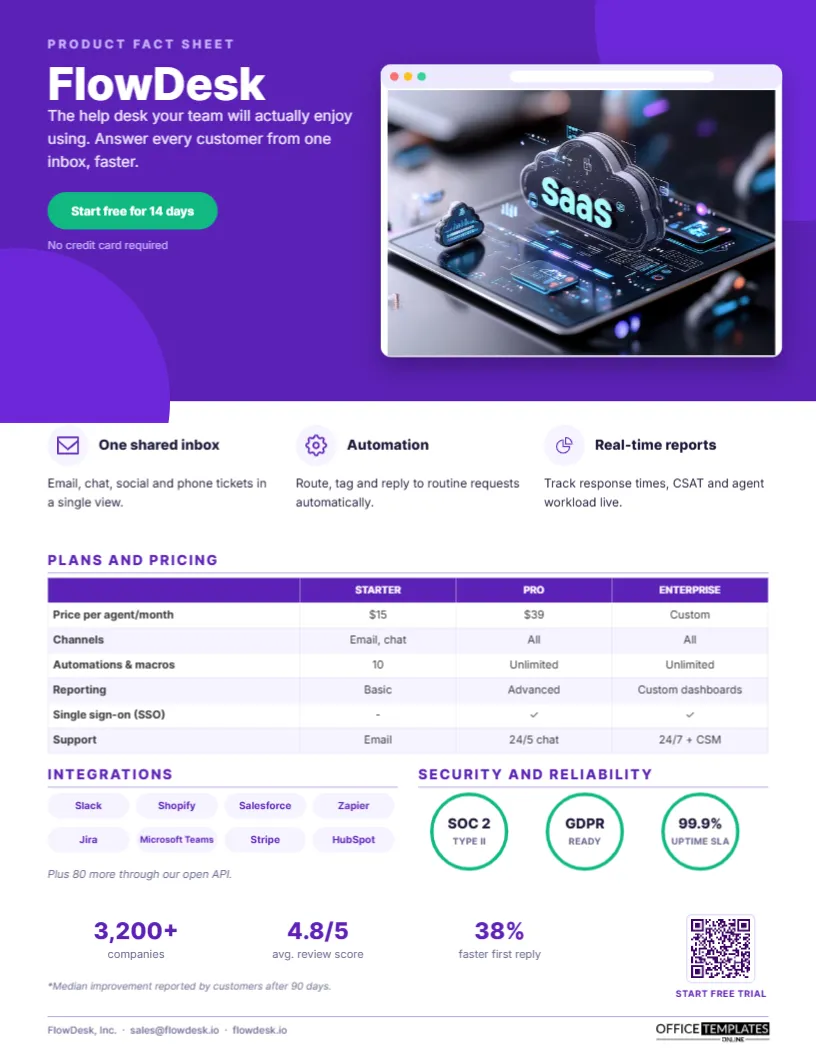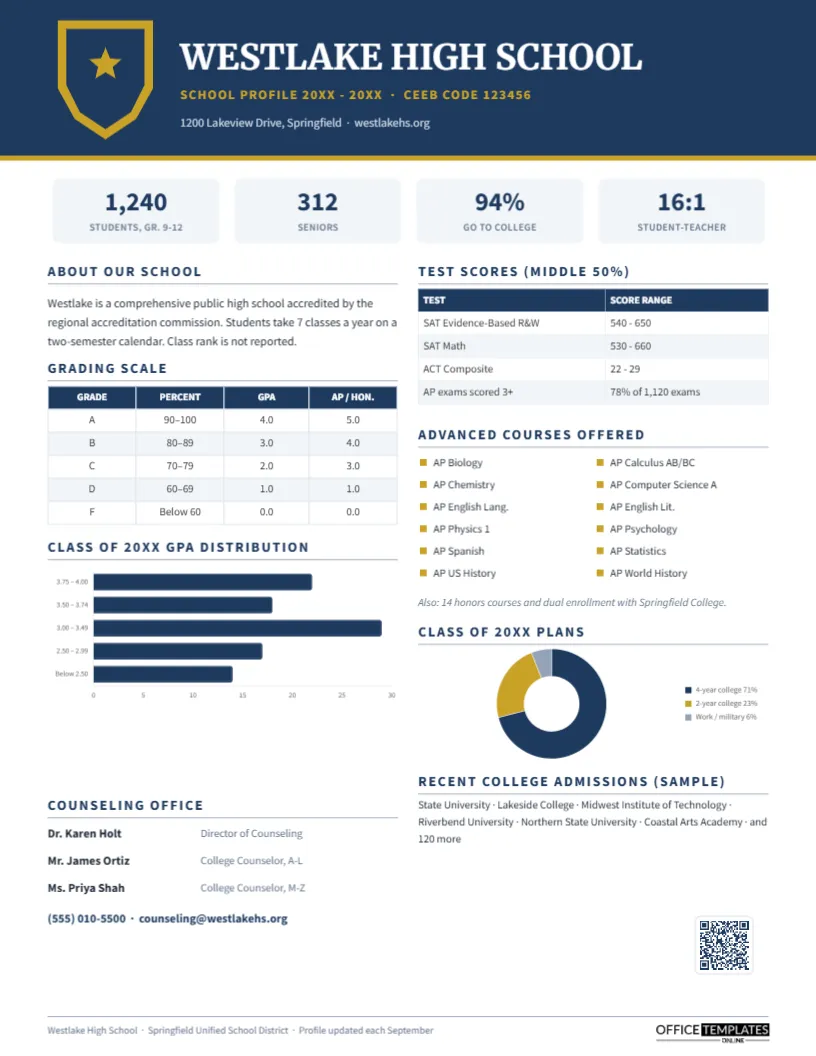
Most employees underestimate the value of their benefits, and many never use perks they are entitled to. A benefits package can be worth thirty percent or more on top of salary, yet it is usually explained in dense plan documents that nobody reads. A Benefits-at-a-Glance Fact Sheet fixes that. It shows every benefit on one friendly page, with the key numbers, the enrollment deadlines, and who to call. HR teams hand it out at onboarding, during open enrollment, and in recruiting, where it is one of the most effective tools for closing a candidate.
Why a One-Page Benefits Summary Works
People make better decisions when they can see everything at once. A single page lets an employee compare what they have, notice the tuition assistance they never claimed, and remember the enrollment deadline. For recruiters, it turns an abstract competitive benefits line in a job ad into a concrete list a candidate can weigh against another offer. And for HR, it cuts the number of repetitive questions during open enrollment.
Forest Green Header and Eight Benefit Tiles
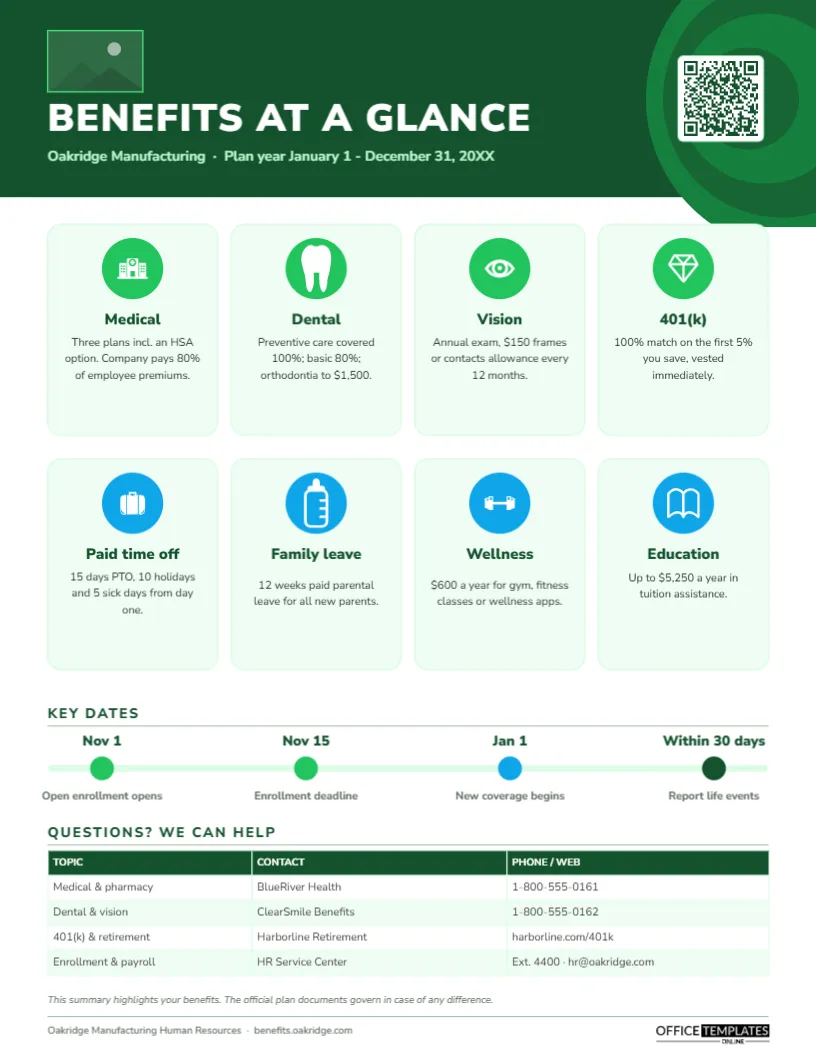
A forest green header with overlapping concentric circles on the right introduces the page. A logo placeholder sits at the top left, the title BENEFITS AT A GLANCE is set in heavy white Nunito Sans, and a light green line names the company, Oakridge Manufacturing, and the plan year. A QR code sits in the header’s circles, linking to the full benefits site.
The heart of the page is a grid of eight rounded mint tiles in two rows of four. Each tile has a coloured circle icon (green for the health benefits on the top row, sky blue for the lifestyle benefits below), a bold title, and one or two short lines of detail:
- Medical, dental, vision and 401(k) on the top row
- Paid time off, family leave, wellness, and education on the bottom row
Below the tiles, a Key dates timeline shows four milestones with dots on a pale track: open enrollment opening, the deadline, the date new coverage begins, and the window for reporting life events. Questions?We can help table lists each topic, provider and phone number or website, and a short note reminds employees that official plan documents govern. Print it on an ordinary US Letter sheet, 8.5 x 11 inches, portrait.
Open Enrollment Checklist for Employees
Many HR teams print this checklist on the back of the fact sheet or send it in the same email:
- Review last year’s medical costs and expected changes (a new baby, a planned surgery, new prescriptions).
- Compare plans on total cost: premiums plus the deductible and out-of-pocket maximum.
- If you choose an HSA-eligible plan, decide how much to contribute.
- Check that your doctors are in network.
- Confirm dependents and update beneficiaries for life insurance and the 401(k).
- Consider raising your 401(k) contribution to get the full company match.
- Submit your elections before the deadline and save the confirmation.
Filling In Your Company’s Benefits
Replace the logo placeholder with Replace Image, then retype the company name and plan year. Each benefit tile holds a title and a short description; lead with the number employees care about (the match percentage, the number of days, the dollar allowance). To swap a benefit, change the title and text and pick a different icon from the editor’s icon library; the icons are editable vectors, so you can recolour them. The key dates are text above and below the timeline dots. The contacts grid is an editor Table: use Edit Data to update providers and phone numbers, and + Row for extras such as an employee assistance program. Update the QR code in the Barcodes & QR panel.
Writing Benefits in Plain English
Benefits language is full of jargon: coinsurance, deductibles, vesting schedules, accrual. On a fact sheet, translate every term. Company pays 80% of employee premiums is clearer than 80/20 employer contribution. Vested immediately is fine, but the match is yours from day one is better. Test the page on someone outside HR; if they have to ask what something means, rewrite it.
Using It in Recruiting
Include the benefits summary in offer packs and share it in final-stage interviews. Candidates increasingly compare total rewards, not just salary, and a visual summary makes your package memorable. Consider a recruiting version without provider phone numbers, and add a line about culture perks such as hybrid work, company events, or volunteer days.
Variations for Different Organisations
Small businesses can reduce the grid to four or six tiles. Nonprofits and public employers might highlight pension plans, loan forgiveness eligibility, or generous leave. Companies with several employee groups (hourly and salaried, or different countries) can make one version per group using the same layout, changing only the tiles and contacts.
Measuring Whether It Worked
After open enrollment, look at a few simple signals: how many employees enrolled on time, how many called HR with basic questions, how many increased their 401(k) contribution to get the full match, and how many used the wellness or tuition benefit during the year. If a benefit is barely used, move it higher on the page or give it a clearer description next year.
Legal Reminders
A benefits summary is a communication, not a plan document. In the United States, employers also have formal obligations, such as providing a Summary of Benefits and Coverage for health plans and a Summary Plan Description under ERISA. Keep the disclaimer on the page, check every figure against current plan documents, and have your benefits broker or counsel review it before distribution.
Getting It Into Every Employee’s Hands
Print copies for break rooms, onboarding folders, and open enrollment meetings on bright white paper; the green header and mint tiles print cleanly. Post the PDF on your intranet and attach it to enrollment emails. Frontline workers without computers benefit most from the printed version.
HR Team FAQs
Can I show employee costs per paycheck?
Yes. Add a small Table below the tiles with each medical plan and the employee, employee plus spouse, and family costs.
Can I translate the fact sheet?
Duplicate the page and retype the text in each language; the layout stays the same.
How often should we update it?
Every plan year, before open enrollment, and whenever a benefit changes mid-year.
Open the template, add your company’s benefits, deadlines, and contacts, and help every employee see the full value of working for you.