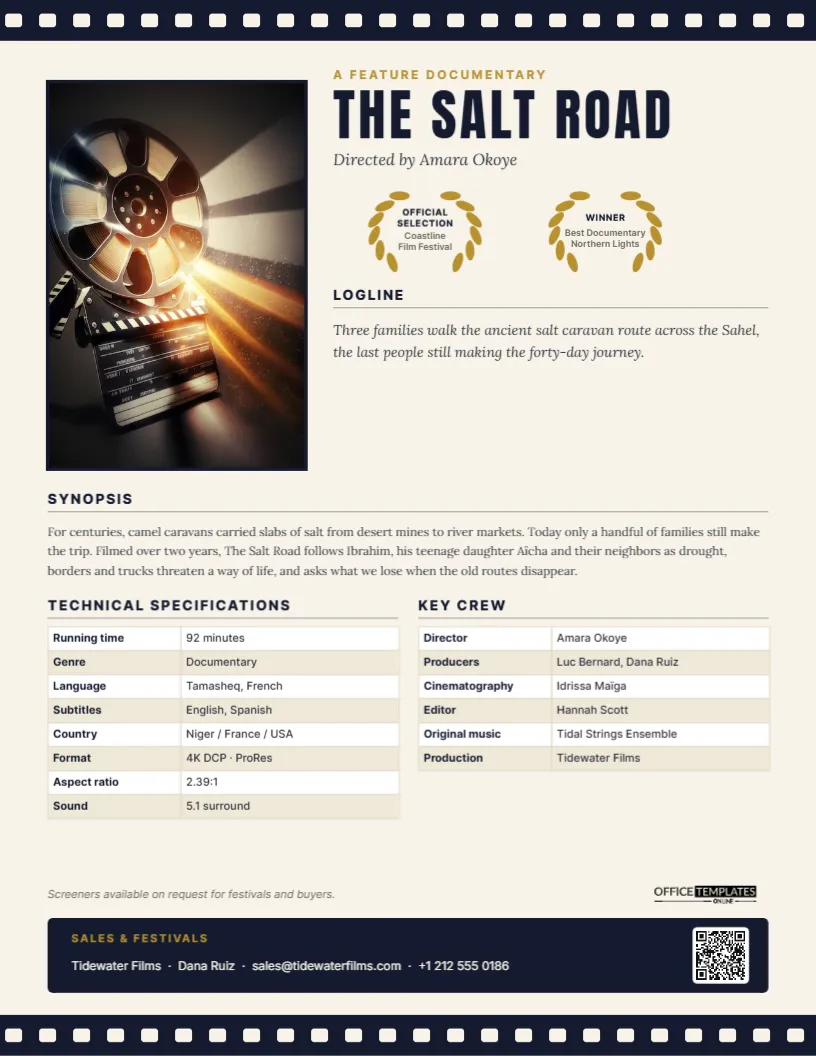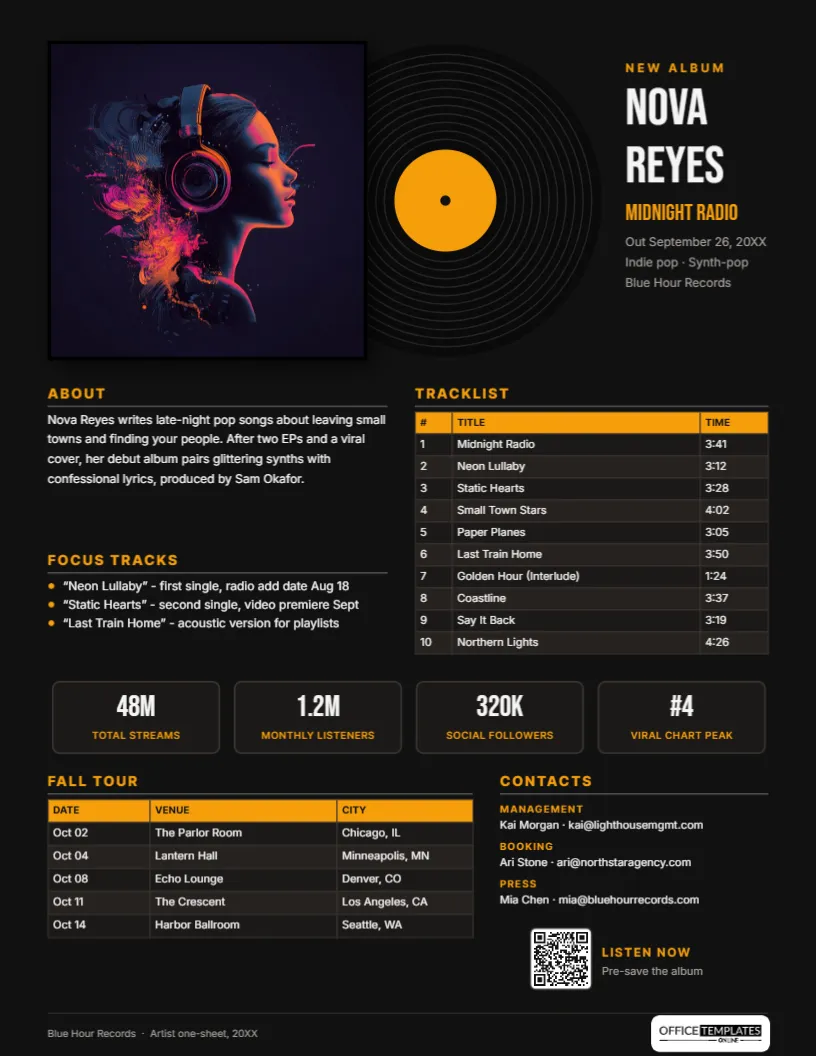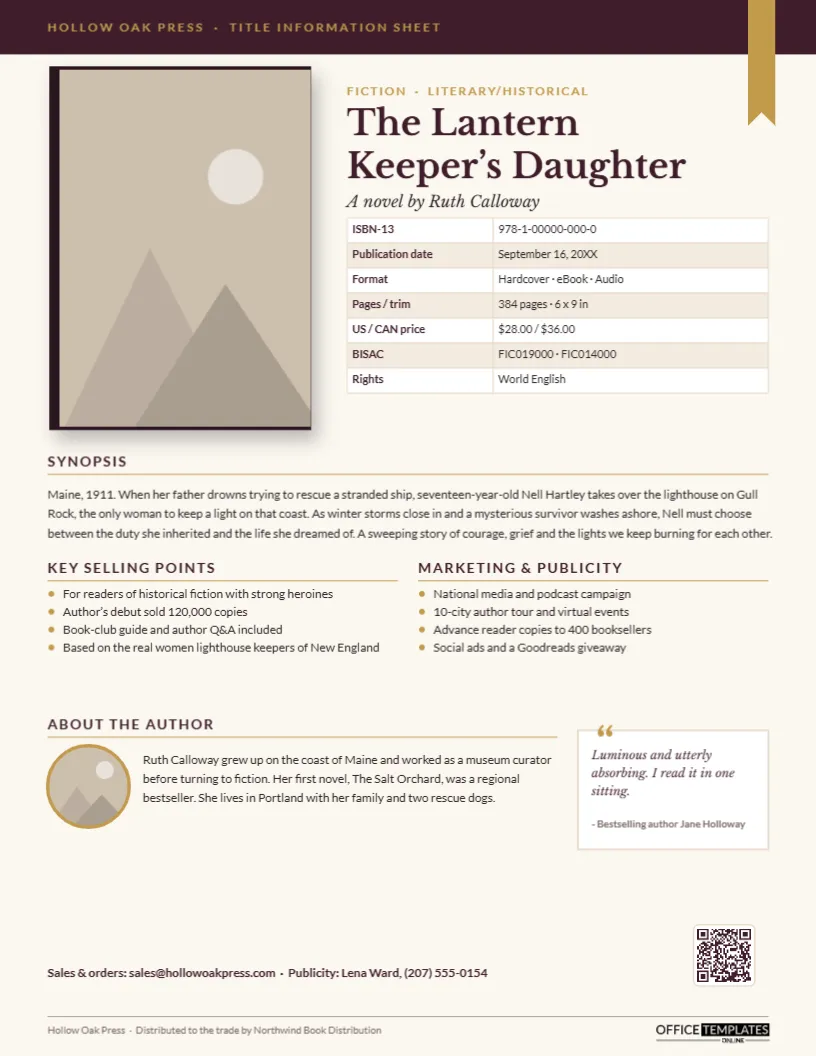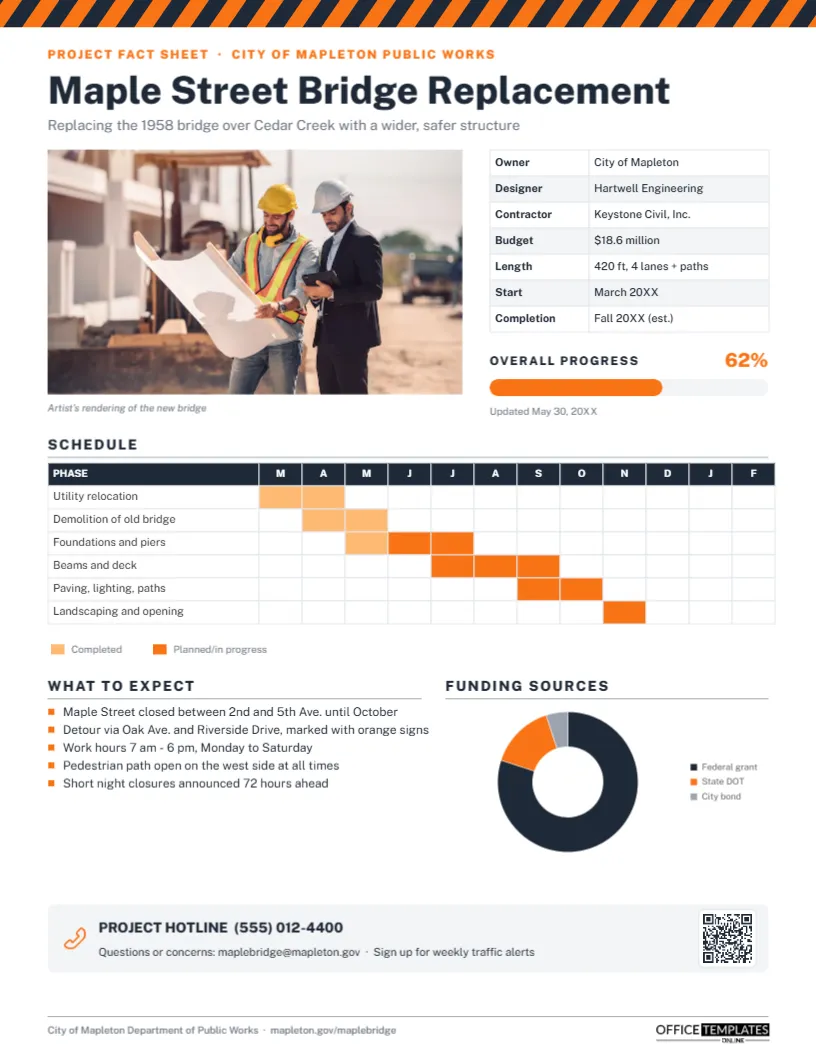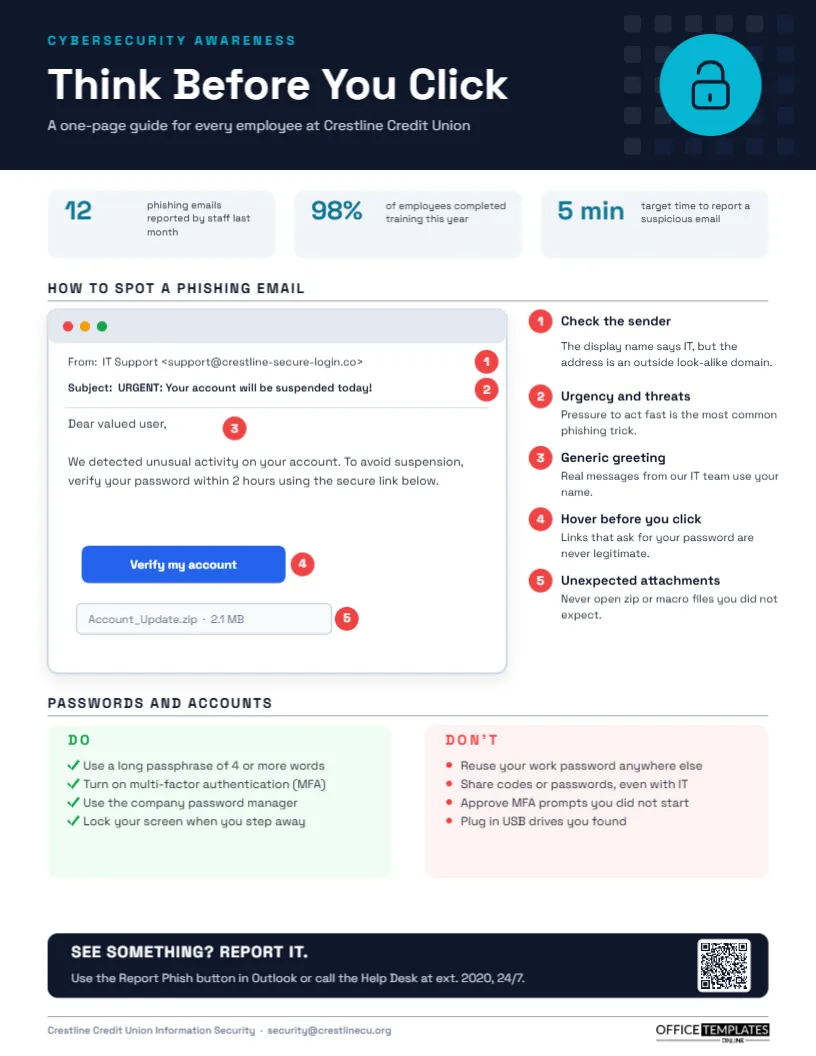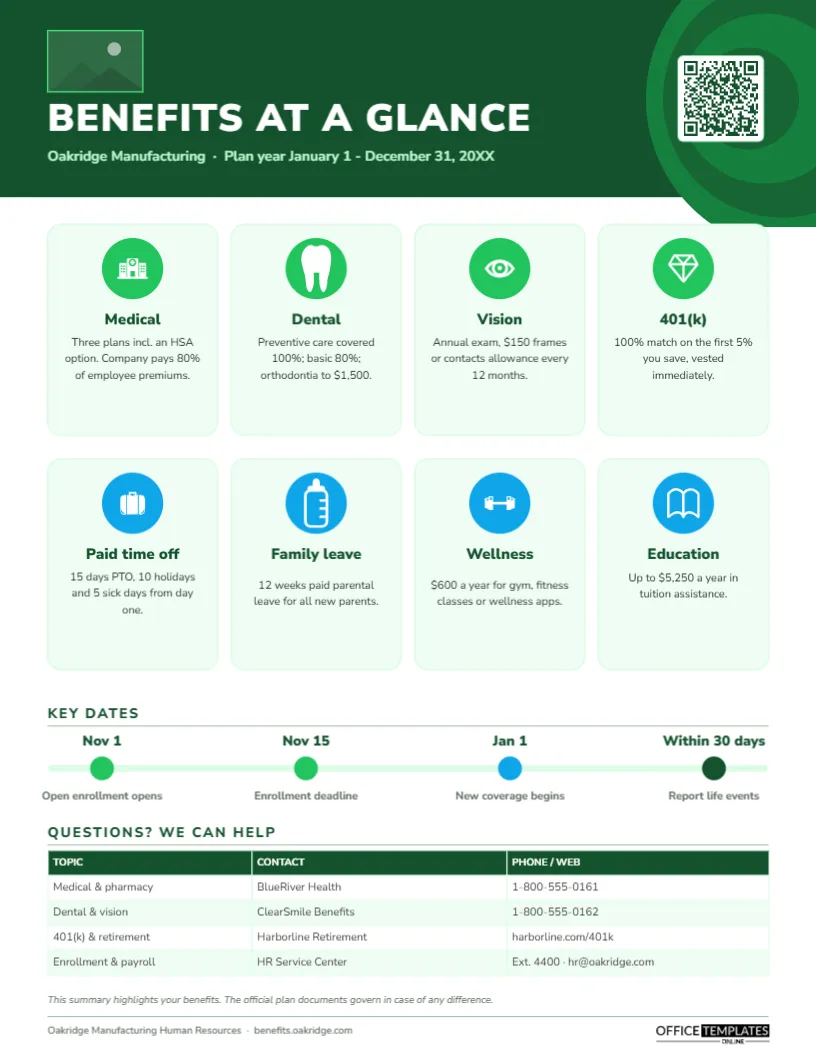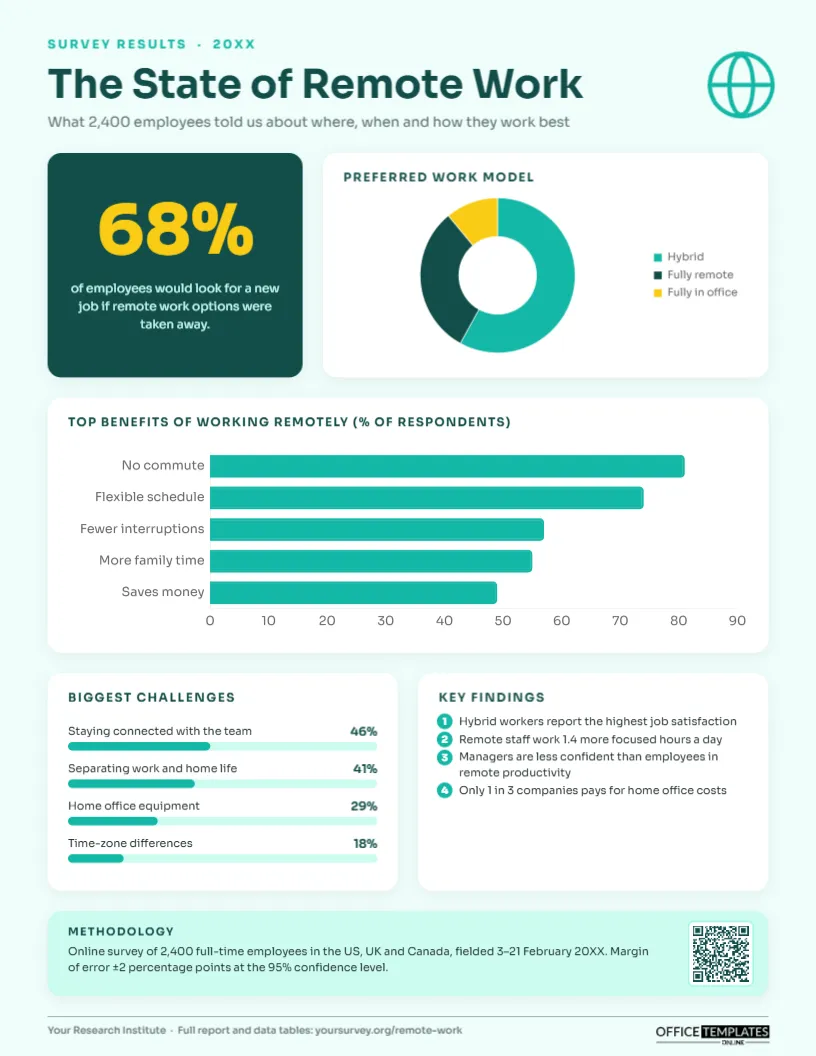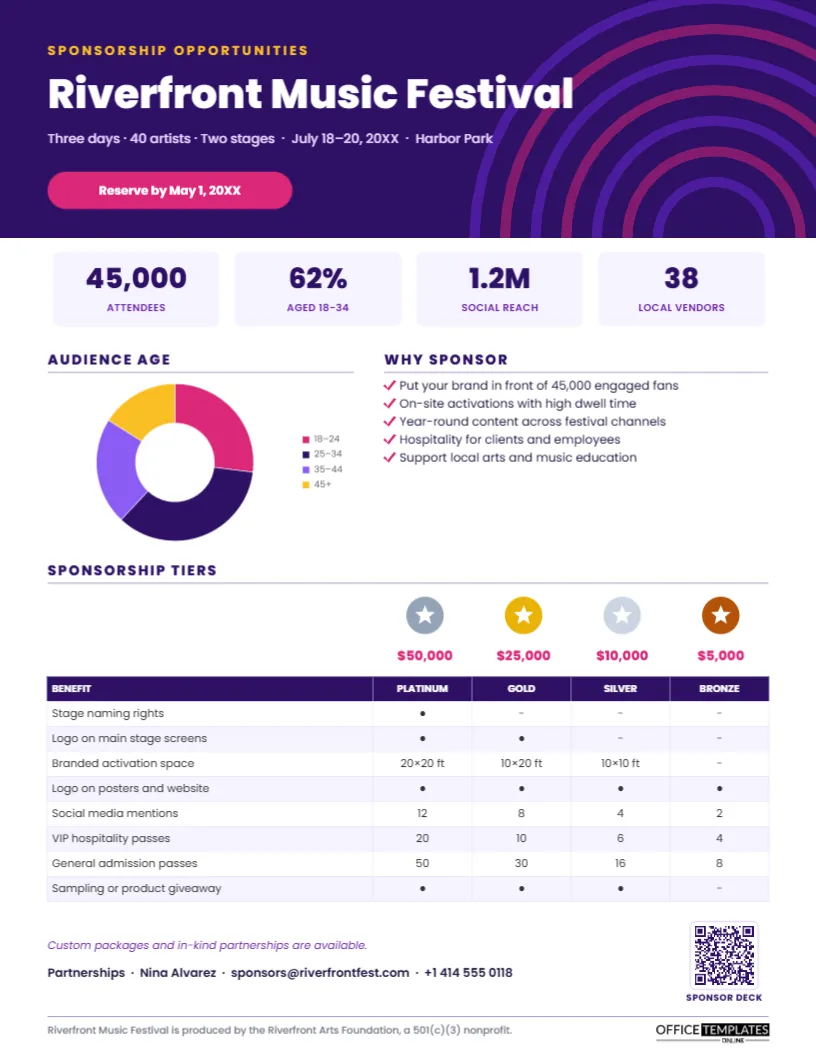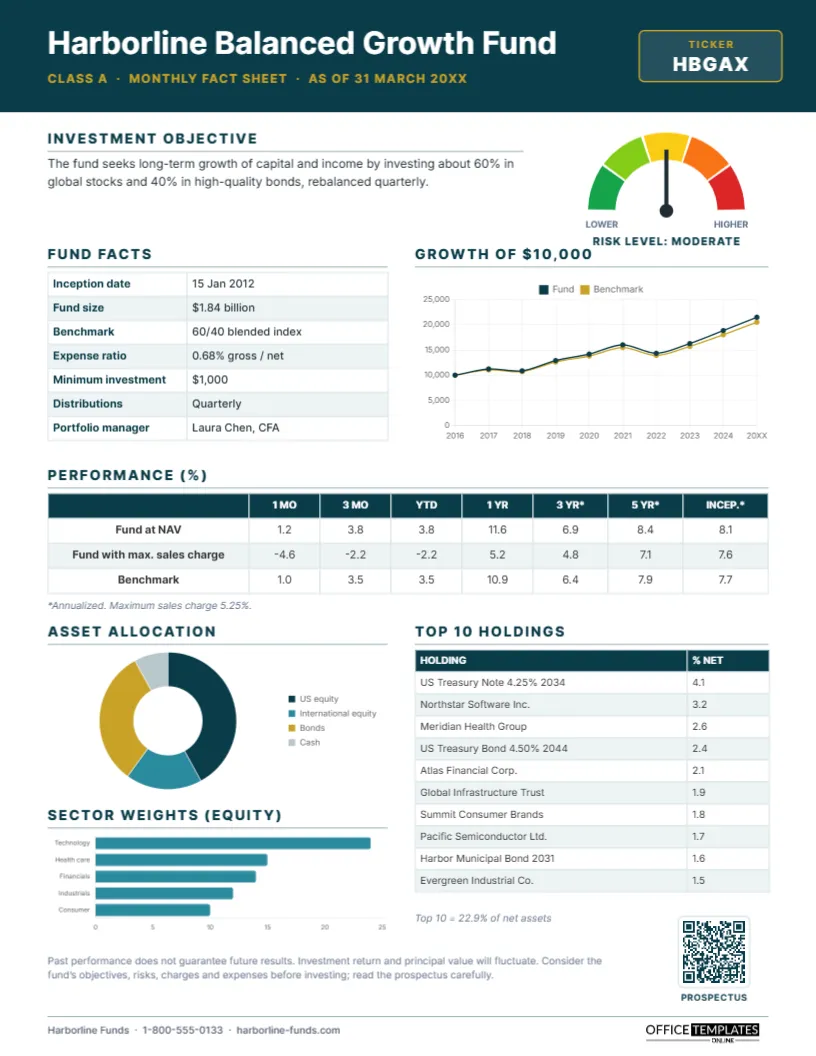
Fund fact sheets are among the most read documents in investing. Financial advisers attach them to client reviews, platforms display them next to every fund, and individual investors download them to compare options before they buy. A good fact sheet packs a lot of information onto one page without feeling crowded: objective, key facts, performance, risk, portfolio composition, and the required disclaimers. This Mutual Fund Fact Sheet Template does exactly that with a calm teal and gold design that looks at home in any asset manager’s library.
Monthly Fact Sheet Anatomy
Although regulations and house styles differ, most fund fact sheets follow a common order. The reader first learns what the fund is trying to do, then sees the facts that define it (fees, size, inception, manager), then looks at how it has performed against its benchmark, then checks what it owns. This template follows that same flow from top to bottom, so readers who know the format can find what they need instantly.
A Guided Tour of the Page
A deep teal header carries the fund name, Harborline Balanced Growth Fund on the sample, the share class, and the as-of date, with a gold-bordered ticker box on the right. Below it:
- Investment objective: two lines explaining what the fund aims for.
- Risk gauge: a five-segment semicircle from green to red with a needle pointing to Moderate.
- Fund facts: a real Table with inception date, fund size, benchmark, expense ratio, minimum investment, distributions, and portfolio manager.
- Growth of $10,000: a line chart comparing the fund with its benchmark over ten years.
- Performance: a full-width table with 1-month, 3-month, year-to-date, 1-year, 3-year, 5-year, and since-inception returns, at NAV, with sales charge and for the benchmark.
- Asset allocation: a doughnut chart of US equity, international equity, bonds, and cash.
- Sector weights: a horizontal bar chart of the largest equity sectors.
- Top 10 holdings: a table with each holding and its percentage of net assets.
A disclaimer, a QR code linking to the prospectus, and a footer with the fund company’s phone and website finish the page. It is portrait US Letter, 8.5 x 11 inches.
Updating the Numbers Each Month
| Item | How often | Where on the template |
|---|---|---|
| As of date | Monthly | Header subtitle |
| Fund size | Monthly | Fund facts table |
| Performance returns | Monthly (quarter-end required in many markets) | Performance table |
| Growth of $10,000 | Monthly or quarterly | Line chart data |
| Allocation and sectors | Monthly | Doughnut and bar charts |
| Top holdings | Monthly, often with a lag | Holdings table |
| Expense ratio, risk level | When the prospectus changes | Fund facts and gauge |
Editing the Harborline Template
- Header: retype the fund name, share class, date, and ticker.
- Tables: fund facts, performance and holdings are editor Tables; select any of them and choose Edit Data to paste in the month’s figures.
- Charts: the growth chart, allocation doughnut, and sector bars are editor chart objects. Select one, open Chart Options, and click Edit Chart Data; the chart redraws with your numbers.
- Risk gauge: the gauge is a grouped drawing; ungroup it to rotate the needle to your fund’s risk level, or change the label beneath it.
- QR code: link it to the prospectus or fund page in the Barcodes & QR panel.
- Brand colours: the teal header and gold accents can be changed to your firm’s palette.
Presenting Performance Fairly
Performance is the most scrutinised part of any fund document. Show standardised periods consistently, label annualised figures clearly, include returns both with and without sales charges where they apply, and always show the benchmark alongside. Avoid highlighting only the best period. The template’s footnote row makes it easy to state which figures are annualised and what the maximum sales charge is.
Compliance Reminders
Fund marketing is regulated, and requirements vary by country and by type of fund. Typical requirements include standardised performance periods, a statement that past performance does not guarantee future results, clear fee disclosure, the date of the data and a reference to the prospectus or key information document. The disclaimer on this template is a starting point only. Always have your compliance team review each edition before publication, and keep an archive of every version you distribute.
Other Uses for This Layout
The same structure works for exchange-traded funds, model portfolios, separately managed accounts, pension investment options, endowment and foundation reports, and private fund investor updates. Advisers building client-facing summaries of their own model portfolios will find it especially useful: replace the fund facts with portfolio facts and the holdings table with the funds in the model.
Reading a Fact Sheet as an Investor
If you are an investor rather than a fund manager, this template also shows what to look for. Compare the expense ratio with similar funds, check how long the manager has been in place, look at performance over five years or more rather than the last month, and see whether the holdings match the objective. A fund that describes itself as balanced but holds 90% stocks deserves a closer look.
A Month-End Production Routine
Teams that publish fact sheets for several funds usually follow the same routine each month. Once the administrator releases the month-end NAV and returns, the performance table and the growth line are updated first, because they are the numbers most likely to be checked. Portfolio data follows: allocation, sector weights, and top holdings, which many firms publish with a one-month lag. Next comes a compliance review, then approval, and finally the PDF is posted to the website and sent to the distribution list. Keeping one master template per fund, with the same layout for every share class, makes this routine faster and reduces the chance of a stale figure slipping through.
Sharing the Fact Sheet With Clients
Download the PDF for your website and email distribution; charts stay sharp at any zoom level. For printed client packs, use a laser printer on bright white paper so the teal and gold stay crisp and the small table text remains readable.
Fund Fact Sheet FAQs
Can I show two share classes?
Add rows to the performance table with + Row, one per share class, and note each class’s expense ratio in the fund facts.
Is the risk gauge based on a standard scale?
It is a simple five-level visual. Many firms map it to their own risk rating or to a regulatory risk indicator; update the label to match.
Can I add a portfolio manager commentary?
Yes. Shorten the sector chart and add a text box of three or four sentences summarising the month.
Open the template, drop in this month’s numbers, and give investors a clear, compliant snapshot of your fund.