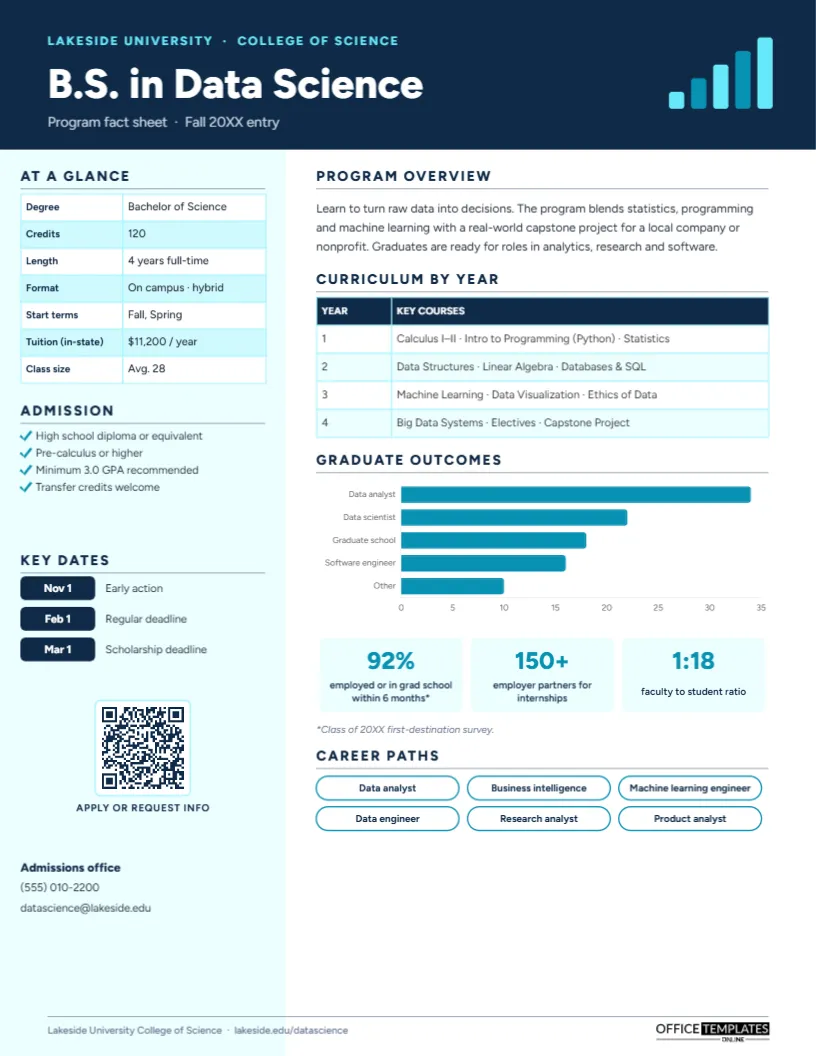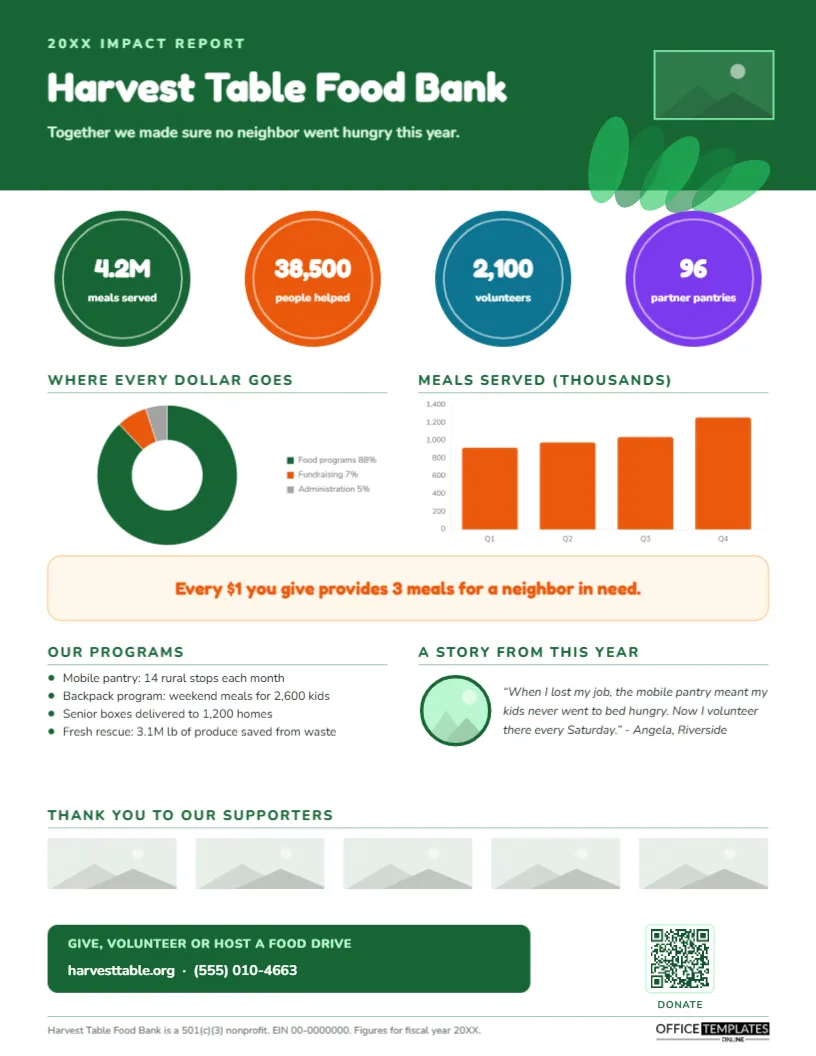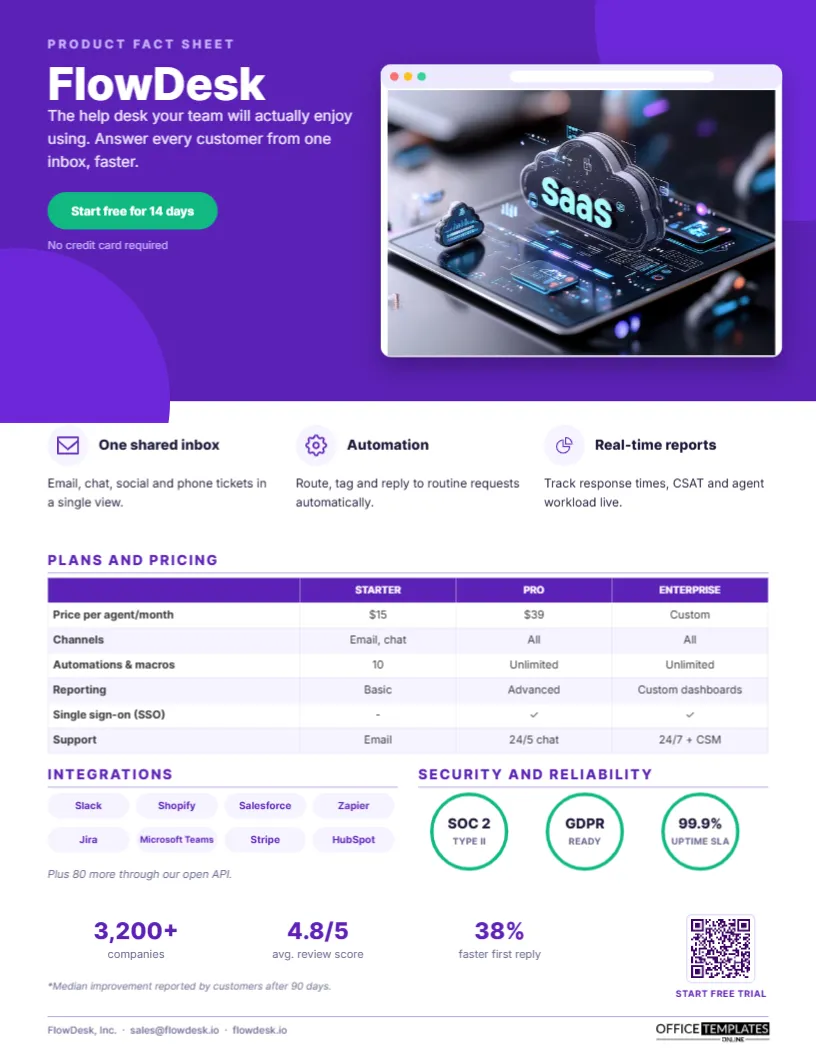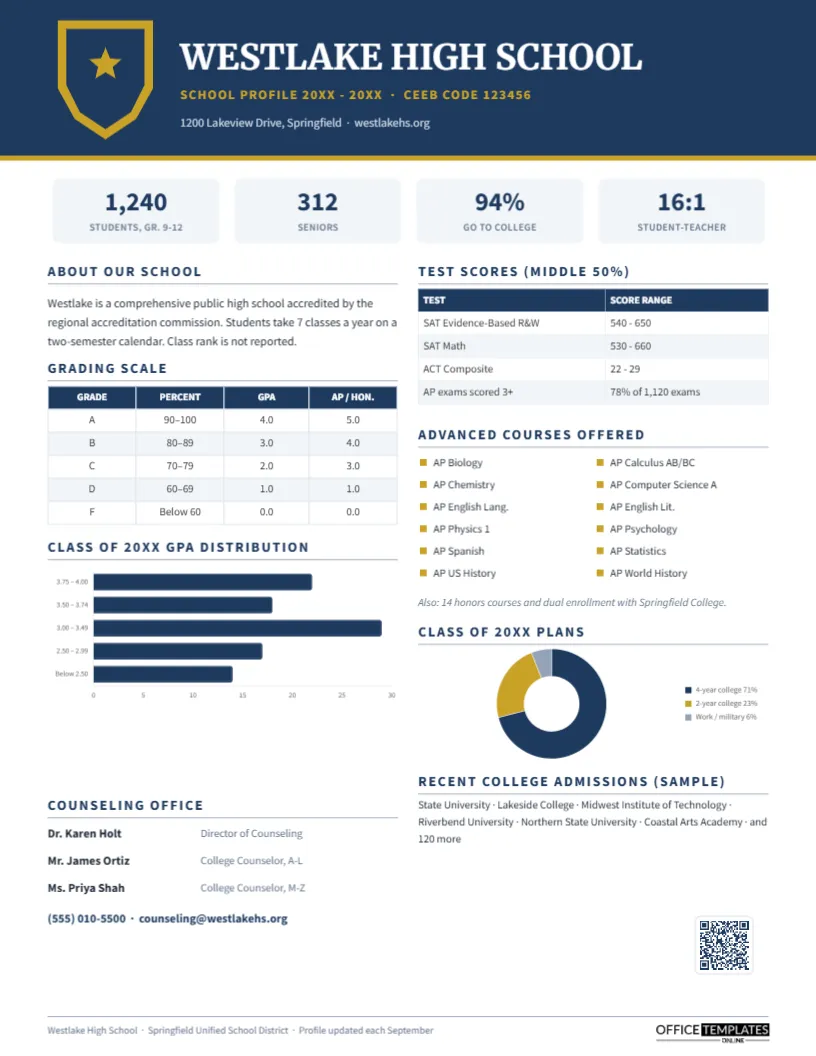
Nothing persuades a buyer like a peer who had the same problem and solved it. That is why sales teams keep asking marketing for one more case study, and why the best ones are short. A two-page PDF with a wall of text rarely gets read to the end; a single page that leads with the numbers, tells the story in three beats, and ends with a quote from a real customer gets forwarded around a buying committee. This Customer Case Study One-Pager is designed for exactly that job.
The Story Arc in Three Columns
Every good case study follows the same arc: where the customer started, what changed, and what happened as a result. This template gives each beat its own column with an icon, so the story can be read in about thirty seconds. The challenge column carries a warning icon, the solution column a gear, and the results column a rising chart. Readers who only skim still come away knowing the before, the how, and the after.
Indigo Hero, Orange Rings and a Quote Card
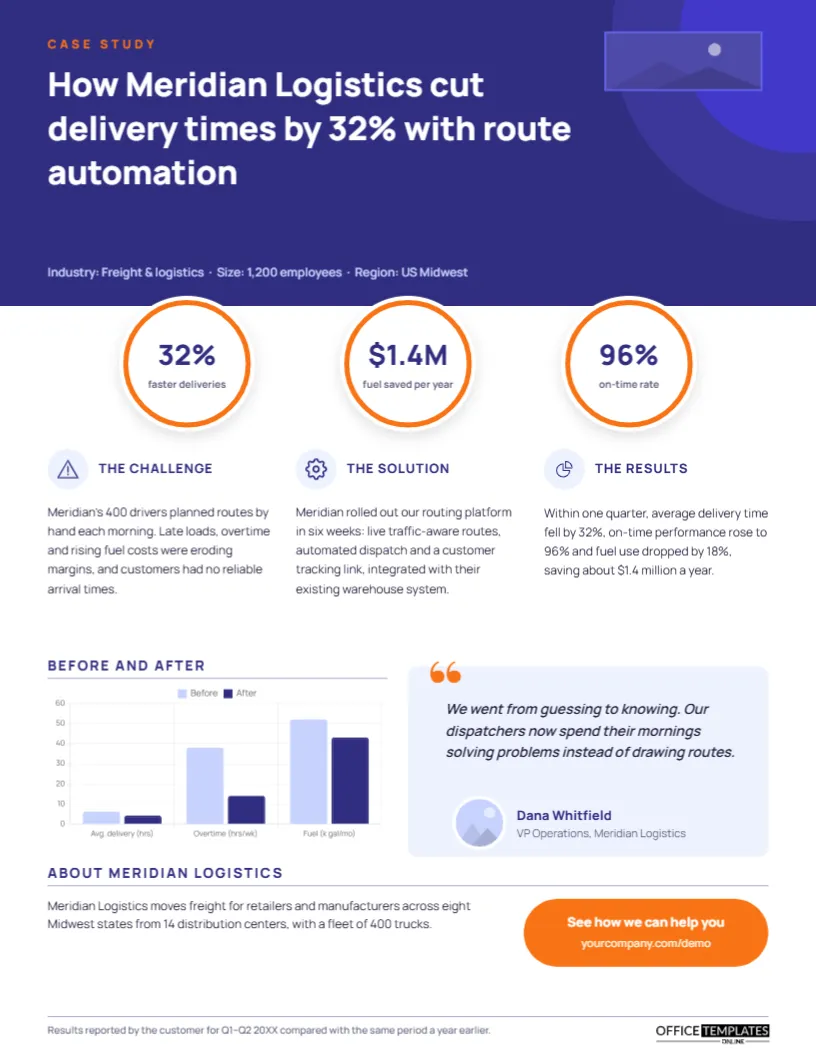
The top third is a deep indigo hero panel with two soft concentric circles in the corner. A small orange CASE STUDY label sits above the headline, How Meridian Logistics cut delivery times by 32% with route automation, set large in bold white Manrope. A logo placeholder for the customer’s logo sits at the top right, and a line of pale lavender text describes the customer’s industry, size, and region.
Straddling the bottom edge of the hero are three white circular badges with orange rings, each holding one headline result: 32% faster deliveries, $1.4M fuel saved per year, and a 96% on-time rate. Below them run the three story columns. The lower half pairs a before-and-after grouped bar chart (light lavender for before, indigo for after) with a pale indigo quote card that has an oversized orange quotation mark, a two-sentence testimonial, a round headshot, and the speaker’s name and title. An About Meridian Logistics paragraph and an orange pill-shaped call to action, See how we can help you, close the page above a small footnote about when the results were measured. It prints on standard US Letter paper, 8.5 by 11 inches, portrait.
Interview Questions That Produce Great Case Studies
The quality of a case study is decided in the customer interview. Use questions like these, and record the call so you can quote accurately:
| Stage | Question to ask | Feeds this part of the page |
|---|---|---|
| Before | What was happening that made you look for a solution? | The challenge column |
| Before | What was it costing you in time, money, or customers? | Before values in the chart |
| Decision | Why did you choose us over the alternatives? | The solution column |
| Rollout | How long did it take to get up and running? | The solution column |
| After | What has measurably changed since? | Results badges and after values |
| After | What would you tell a peer considering us? | The testimonial quote |
Replacing Meridian With Your Customer
- Headline: rewrite it as How [customer] achieved [result] with [what you provided]. Keep the number in it; headlines with a specific result are read far more often.
- Customer logo and headshot: click the placeholder in the hero or the round photo beside the quote and choose Replace Image.
- Results badges: type your three strongest outcomes into the circles. Short values such as 3x, $240K, or 12 days fit best.
- Three columns: each column is a paragraph of about thirty words; trim rather than shrink the text.
- Chart: select the bar chart, open Chart Options, and use Edit Chart Data to replace the labels and the before-and-after values. You can switch it to a line chart there if your result is a trend over time.
- Call to action: retype the text in the orange pill and link destination to match your demo or contact page.
Picking the Three Numbers for the Badges
The badges are the first thing anyone reads, so they deserve more thought than any other part of the page. Choose one metric that reflects speed or efficiency, one that reflects money, and one that reflects quality or customer experience. Together they tell a buyer that you improved the operation, the budget, and the outcome. Avoid percentages without context; 32% faster deliveries is clear, 32% improvement is not.
Getting Customer Approval
Always get written approval before you publish a customer’s name, logo, figures, or quote. Send the finished one-pager, not a draft text, so the customer’s communications team sees exactly how it will look. Many companies have a formal process for approving public references, so ask your champion early who needs to sign off. If a customer cannot be named, you can still publish an anonymised version: replace the name with a description such as a Midwest freight carrier with 400 trucks and remove the logo.
Making the Quote Sound Human
Customer quotes often come back from approval sounding like marketing copy. Push gently for the words the customer actually used in the interview. A quote like We went from guessing to knowing is memorable because it is plain. Keep it to one or two sentences, attribute it to a named person with a real title, and include a headshot where you can; readers trust quotes with faces.
How Sales Teams Use It
Account executives attach case studies to follow-up emails after discovery calls, share them with champions who need to convince their bosses, and use them in proposals. Marketing teams gate longer versions behind forms, post the one-pager on industry pages, and turn the numbers into social posts. Build a small library: one case study per industry or use case, all in this same layout, so buyers recognise your format instantly.
Beyond Software and Services
The layout works for agencies showing campaign results, consultants presenting engagement outcomes, manufacturers describing an installation, nonprofits reporting a program’s impact, and schools sharing the results of a new initiative. Anywhere there is a before, an intervention, and an after, the three-column story fits.
Print and PDF Notes
The indigo hero and orange accents look strong on screen, so the PDF is ideal for email. When printing for trade shows, use a colour laser printer and satin paper; the deep indigo prints evenly and the white badges stand out against it.
Common Case Study Questions
How long should the three columns be?
About thirty to forty words each. If you have more to say, link to a longer online version from the call to action.
What if the customer will not share exact numbers?
Use ranges or relative figures, such as more than 30% or halved, and note in the footnote how results were measured.
Can I use a photo instead of the concentric circles?
Yes. Add an image behind the hero panel, lower its opacity, and keep the text white for contrast.
Is the chart editable after I download?
Inside our editor, yes: it stays a live chart object with its own data. In the exported file, it becomes part of the page.
Open the template, add your customer’s story and results, and give your sales team a proof point that fits on one page.