Weekly Overview, Daily Breakdown and Semester Goals for Electives
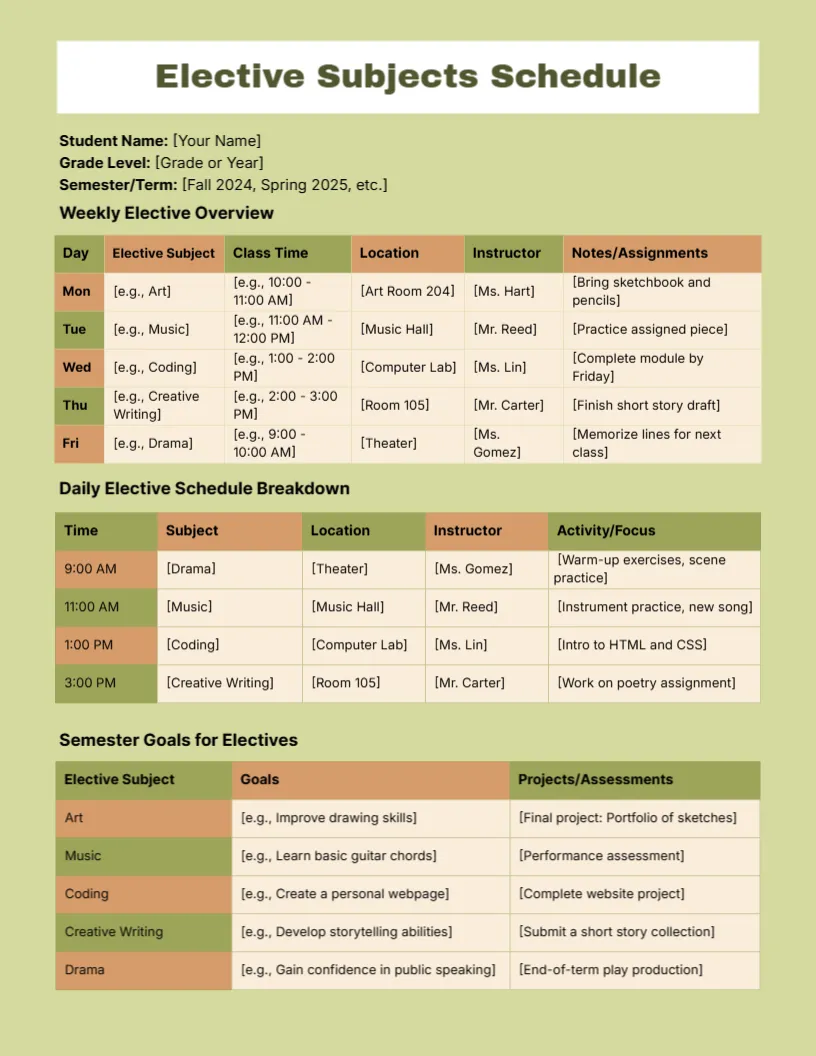
An olive green page with a white title box holds Elective Subjects Schedule, with Student Name, Grade Level and Semester/Term prompts. A Weekly Elective Overview lists subject, class time, location, instructor and notes for Monday to Friday. A Daily Elective Schedule Breakdown and a Semester Goals for Electives table complete the page.
A Page With Three Linked Tables
The page is 8.5 x 11 inches. The three tables give a weekly view, a daily view and a goals view, which covers planning from one lesson to the semester.
Header Prompts and Sample Electives
Replace [Your Name], [Grade or Year] and [Fall 2024, Spring 2025, etc.], then overwrite the examples, which include Art, Music, Coding, Creative Writing and Drama, with rooms and teachers such as Ms. Hart. The sample term years will be out of date, so update them.
Preparing the Elective Plan
- Fill the student details.
- List weekly electives.
- Add rooms and instructors.
- Write semester goals.
- Plan projects and assessments.
Managing Several Electives
Students who take art, music, coding and drama need a clear weekly picture. The overview puts class time, room and teacher in one row, so there is no need to look elsewhere.
Locations and Instructors
The columns for location and instructor save time. Students new to a school find rooms quicker, and parents know whom to contact about each elective.
Daily Breakdown by Hour
The daily table lists the time, subject, location, instructor and focus. Use it on busy days, and fill the focus cell with the activity, such as warm up exercises or an HTML lesson.
Setting Semester Goals
Each elective gets a goal and a project. Goals like improve drawing skills are good starts, and a final project, such as a portfolio, gives the student something to build.
Olive and Peach for a Warm Look
The warm olive and peach tones are calm and friendly. They print well in colour, and the alternating row shading remains readable in grey.
Review at Mid Semester
Check the goals halfway through the term. Adjust a goal if it has become too easy or too hard, and note a new project idea in the margin.
Sharing With Teachers and Parents
Send a copy to each instructor, so that everyone knows the plan. A shared schedule reduces clashes between electives and other commitments.
Step by Step Editing of the Elective Subjects Schedule Olive Green Weekly Overview Design
- On the elective subjects schedule olive green weekly overview design, click the main headline and type your own words, keeping a similar length.
- Retype every name, date and contact line on the elective subjects schedule olive green weekly overview design, checking each against a trusted source.
- Search the elective subjects schedule olive green weekly overview design for the words Lorem and Company so that no placeholder remains.
- Click any logo or photo on the elective subjects schedule olive green weekly overview design, choose Replace Image and resize the new picture to fit.
- Zoom the elective subjects schedule olive green weekly overview design to full size and read each line aloud before you save it.
- Keep a clean master of the elective subjects schedule olive green weekly overview design without private details, so later versions start tidy.
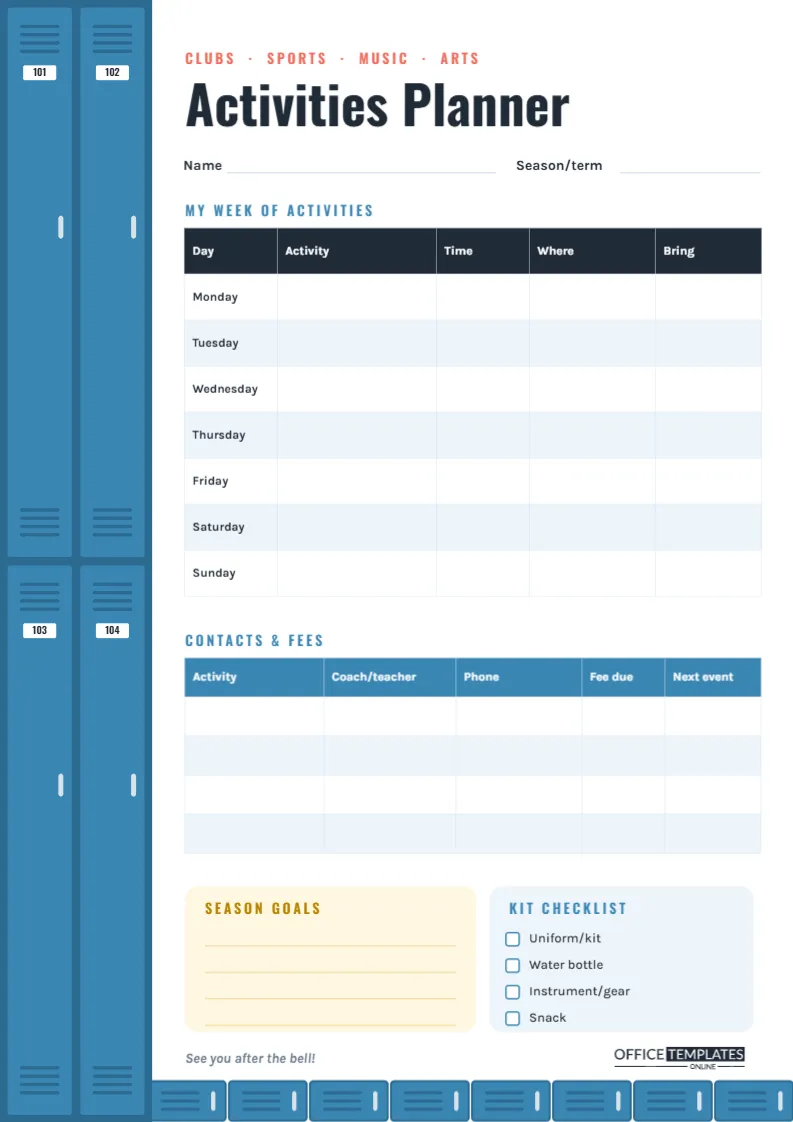
A related layout is the semester course planner. Also worth a look: weekly class timetable. Next to try is the extracurricular activities planner. The rest of the series around the elective subjects schedule olive green weekly overview design is in schedule and planner templates.