A Sunshine Banner and a Date-by-Date Attendance Log
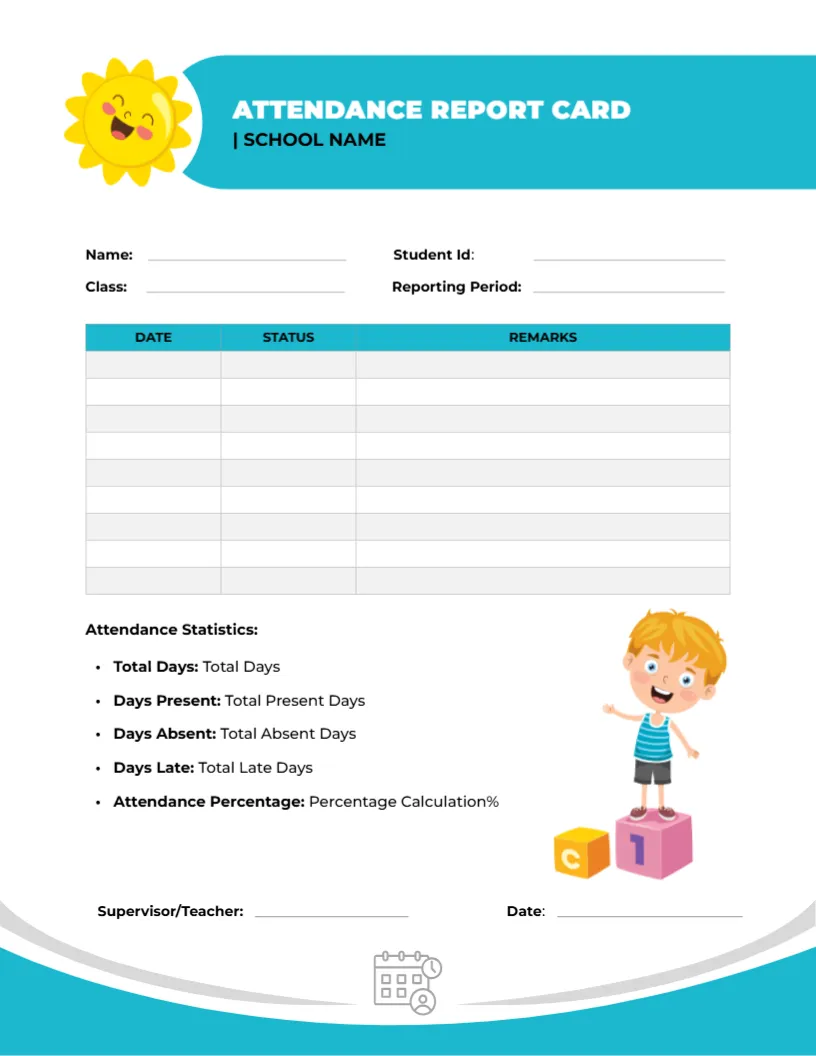
A smiling yellow sun sits to the left of a teal banner that reads ATTENDANCE REPORT CARD, with SCHOOL NAME below. Name, Student ID, Class, and Reporting Period lines follow. A teal-headed table with Date, Status, and Remarks columns takes up the middle, and an Attendance Statistics list with a cartoon child stands below.
A Letter Page for Daily Records
The page is 8.5 x 11 inches. Nine ruled rows give you space for nine dated entries, enough for the absences and late arrivals of a typical month for one pupil.
Names, Period, and the Statistics List
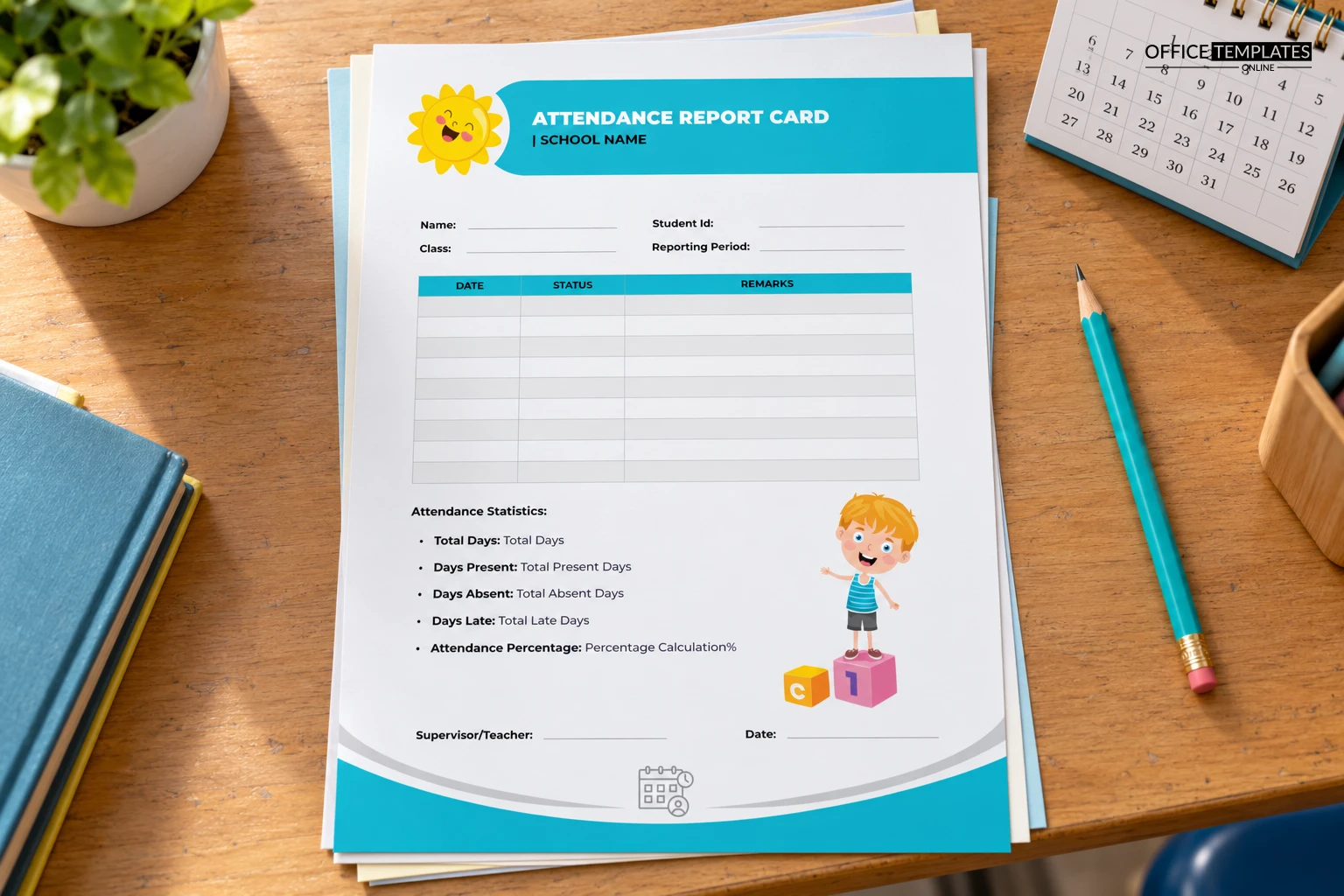
Fill in Name, Student ID, Class, and Reporting Period, then list only the days that were unusual in the table. The statistics list has placeholder text such as Total Present Days, which you should replace with real counts. Add the attendance percentage as the last figure.
Preparing the Attendance Card
- Fill in the name and student ID.
- Set the reporting period.
- Record exceptional days.
- Replace the placeholder counts.
- Sign and date the sheet.
A Log of Exceptions, Not Every Day
Recording every day would waste a page. Use the table for absences, late arrivals, and early pickups, with a short reason in Remarks, and let the totals below the table tell the overall story.
Working Out Attendance Percentage
Attendance Percentage is days present divided by total days, times one hundred. Work it out from your register, and round to a whole number so parents can read it easily at a glance.
Remarks That Help Parents
Write brief factual reasons in the Remarks column, such as a medical note received or family travel. Avoid guesses about why a child was away, and keep any sensitive information out of a sheet that travels home in a bag.
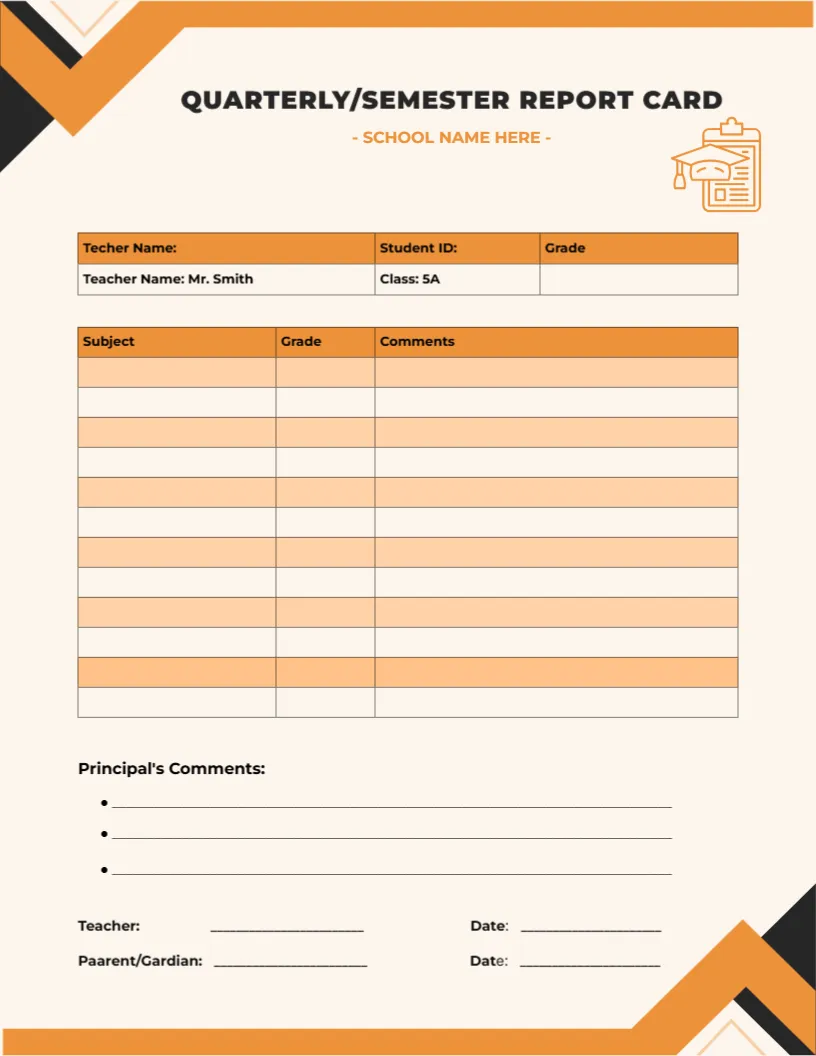
Using It Next to a Normal Report Card
This card covers attendance only, so many schools staple it behind the grade card. It also stands alone for pupils whose attendance is a concern, as a record to discuss at a meeting with the family.
Cheerful Without Distracting
The sun and the child on blocks give the page a warm tone, which helps with a topic that can feel like criticism. The table stays plain, so the dates and status entries are the first thing the eye finds.
Printing the Teal Banner and Curve
Teal and grey wave at the foot give the page a finished look. If you print in grayscale, the header cells stay readable, and the curve becomes a quiet grey band at the bottom.
Keeping the Record Over Time
Save one file per reporting period and student, named with the period. Over a year, this builds a clear picture for school leaders who monitor attendance patterns.
Step-by-Step Editing of the Attendance Report Card Sunshine Design
- On the attendance report card sunshine design, click the main headline and type your own words, keeping a similar length.
- Retype every name, date, and contact line on the attendance report card sunshine design, checking each against a trusted source.
- Search the attendance report card sunshine design for the words Lorem and Company so that no placeholder remains.
- Click any logo or photo on the attendance report card sunshine design, choose Replace Image, and resize the new picture to fit.
- Zoom the attendance report card sunshine design to full size and read each line aloud before you save it.
- Keep a clean master of the attendance report card sunshine design without private details, so later versions start tidy.
Another option is the behavior and conduct card. A related layout is the high school grade card. Also worth a look: quarterly card. Looking beyond the attendance report card sunshine design? See all report card templates.