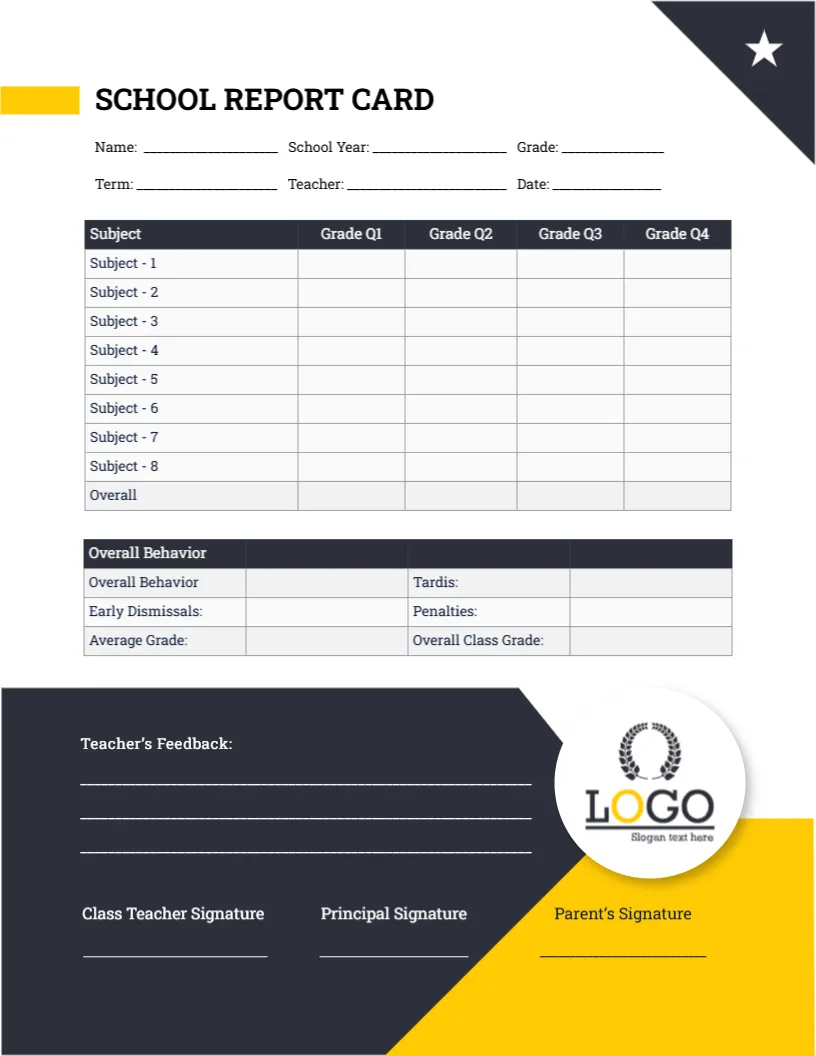
A Yellow Title Bar and a Dark Panel for Teacher Feedback
A yellow bar and a black corner with a white star frame the top of this page, and SCHOOL REPORT CARD sits to the right of the yellow bar. The same grade table appears below, but the lower third is a solid dark panel with a round logo and a yellow wedge, holding teacher feedback and three signature lines.
Letter Size With a Bold Footer
The page is 8.5 x 11 inches. The dark panel fills the lower part of the sheet, so the design is best printed on a colour printer, or sent to a print shop for a full bleed result.
Fields, Logo and the Tardis Label
Fill in the Name, School Year, Grade, Term, Teacher, and Date lines, then swap the round logo in the dark panel for your crest. Subject 1 to Subject 8 should become real course titles. The behavior box reads Tardis, so change it to Tardies before printing.
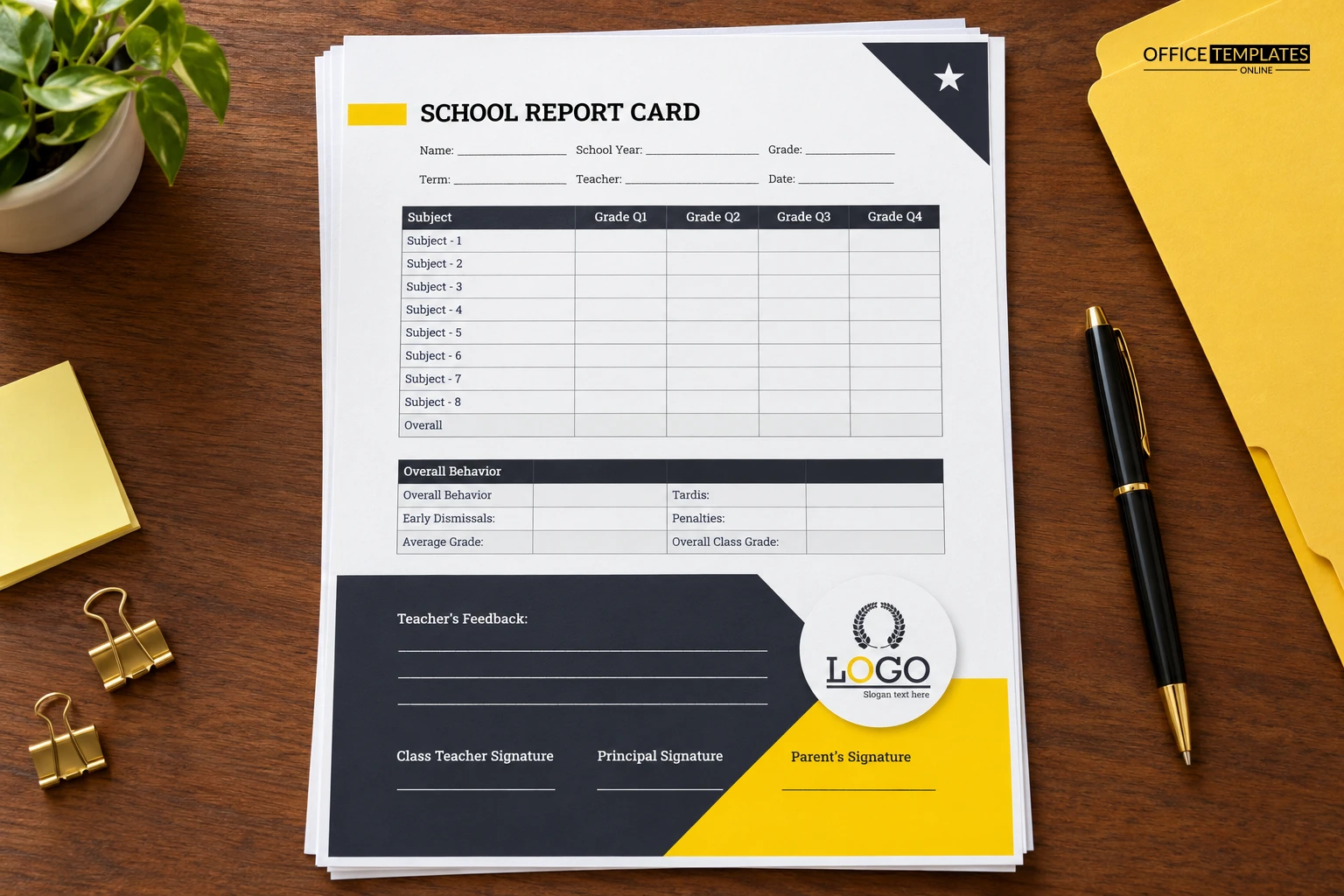
Setting Up the High School Card
- Replace the logo.
- Name the eight courses.
- Correct Tardis to Tardies.
- Check the white feedback lines.
- Print in colour.
A Look That Suits Older Students
The strong black and yellow palette feels more grown-up than pastel designs, which makes it a good match for middle and high school students. It looks confident without being harsh, and the star adds a touch of recognition.
Writing Feedback on a Dark Background
The feedback lines are white on dark. For handwriting, use a white gel pen, or type comments into the editor with light text. Test one printed page first, because dark panels can make small typing hard to read.
The Overall Row and Average Grade
An Overall row sits under the subjects, and Average Grade appears again in the behavior table. Decide which one carries your official figure and leave the other blank, so parents are not confused by two numbers.
Cost of Ink on the Dark Panel
A large dark area uses more ink than a white design. If you print hundreds, ask a print shop for a quote on offset printing, or choose the lighter version of this card for the main mailing.
Parent Signature on Yellow
The Parent signature line falls on the yellow wedge, so a dark pen shows clearly there. This is a handy detail, because the parent line is the one most often missed when cards come back to school.
Term Entry Without Reprinting
The Term and Date lines let you reuse one master across the year. Save a copy of the file per term, change only the term name and grade columns, and you avoid redesigning anything each time.
Colour Output and Quality Checks
Print one test sheet and hold it against the screen before running the batch. Check that the yellow wedge does not bleed into the signature line, and that grey table text is readable.
Step-by-Step Editing of the High School Report Card Dark Feedback Panel Design
- On the high school report card dark feedback panel design, click the main headline and type your own words, keeping a similar length.
- Retype every name, date, and contact line on the high school report card dark feedback panel design, checking each against a trusted source.
- Search the high school report card dark feedback panel design for the words Lorem and Company so that no placeholder remains.
- Click any logo or photo on the high school report card dark feedback panel design, choose Replace Image, and resize the new picture to fit.
- Zoom the high school report card dark feedback panel design to full size and read each line aloud before you save it.
- Keep a clean master of the high school report card dark feedback panel design without private details, so later versions start tidy.
Next to try is the slate and blue student card. Have a look at the high school card with a ruler edge. Another option is the academic card with a cartoon student. Find more designs next to the high school report card dark feedback panel design in report card templates.