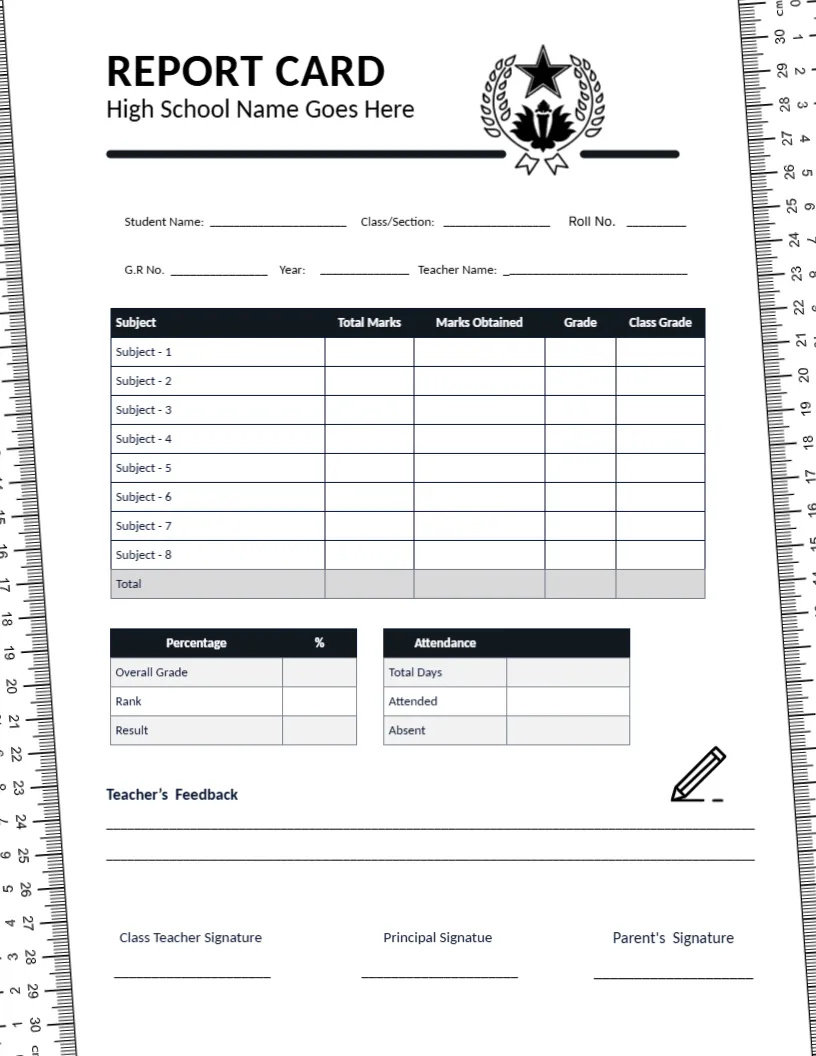
Rulers Down Both Edges and a Marks-Based Table
Metric rulers run down the left and right edges of this black-and-white page, and a laurel crest with a star sits beside the title REPORT CARD and High School Name Goes Here. Six fill-in lines include a Roll No. and a G.R. No. A black-headed table lists eight subjects with marks, then Percentage and Attendance boxes follow.
A Letter Page With Ruler Margins
The page is 8.5 x 11 inches. The ruler graphics take the outer margins, so the central area is narrower than on other cards. Keep subject names short so they fit the first column.
Roll Number, Marks and Total Row
Fill the roll number, G.R. number, year, and teacher, then list eight subjects with Total Marks, Marks Obtained, Grade, and Class Grade. A grey Total row closes the table. The signature line reads Principal Signature, so correct it to Signature.
Preparing the Ruler Card
- Replace the laurel crest.
- Fill in the roll number and G.R. number.
- Name the eight subjects.
- Fix Signature to Signature.
- Print in black and white.
A Marks-Based Table for Exam Schools
Total Marks and Marks Obtained suit schools where every subject is graded out of a fixed total, such as one hundred. Enter the totals once per subject, and only the obtained marks change from pupil to pupil.
Percentage, Rank and Result Box
A small box lists Overall Grade, Rank and Result. Many schools like to announce a rank, while others prefer to leave it out. If you leave it out, delete the row and let the other two lines stand.
Attendance Box With Three Figures
Total Days, Attended, and Absent form a second box beside the percentage box. Fill them in from the register, and keep the figures consistent with those in the school record.
A Ruler Border That Suits Study Themes
The ruler edges give the page a school supplies look, with centimetre marks on both sides. It is a clean way to give a plain black and white card some personality without adding colour.
Cheap Printing on Any Laser Printer
Black and white artwork means low toner cost for a whole year group. The thin ruler marks need a printer at 600 dpi or higher, so test the output before sending a large run.
Teacher Feedback With Two Lines
Teacher Feedback offers two ruled lines under the boxes. Keep a note short and focused on one next step, because that is the part families are most likely to act upon.
Class Teacher, Principal and Parent
Three signature lines close the card. The class teacher signs first, the principal signs after review, and the parent signs on receipt, so keep the order the same for every pupil.
Step-by-Step Editing of the High School Report Card Ruler Edge Design
- On the high school report card ruler edge design, click the main headline and type your own words, keeping a similar length.
- Retype every name, date, and contact line on the high school report card ruler edge design, checking each against a trusted source.
- Search the high school report card ruler edge design for the words Lorem and Company so that no placeholder remains.
- Click any logo or photo on the high school report card ruler edge design, choose Replace Image, and resize the new picture to fit.
- Zoom the high school report card ruler edge design to full size and read each line aloud before you save it.
- Keep a clean master of the high school report card ruler edge design without private details, so later versions start tidy.
Also worth a look: dark panel high school card. Next to try is the semester high school card. Have a look at the middle school card. Looking beyond the high school report card ruler edge design? See all report card templates.