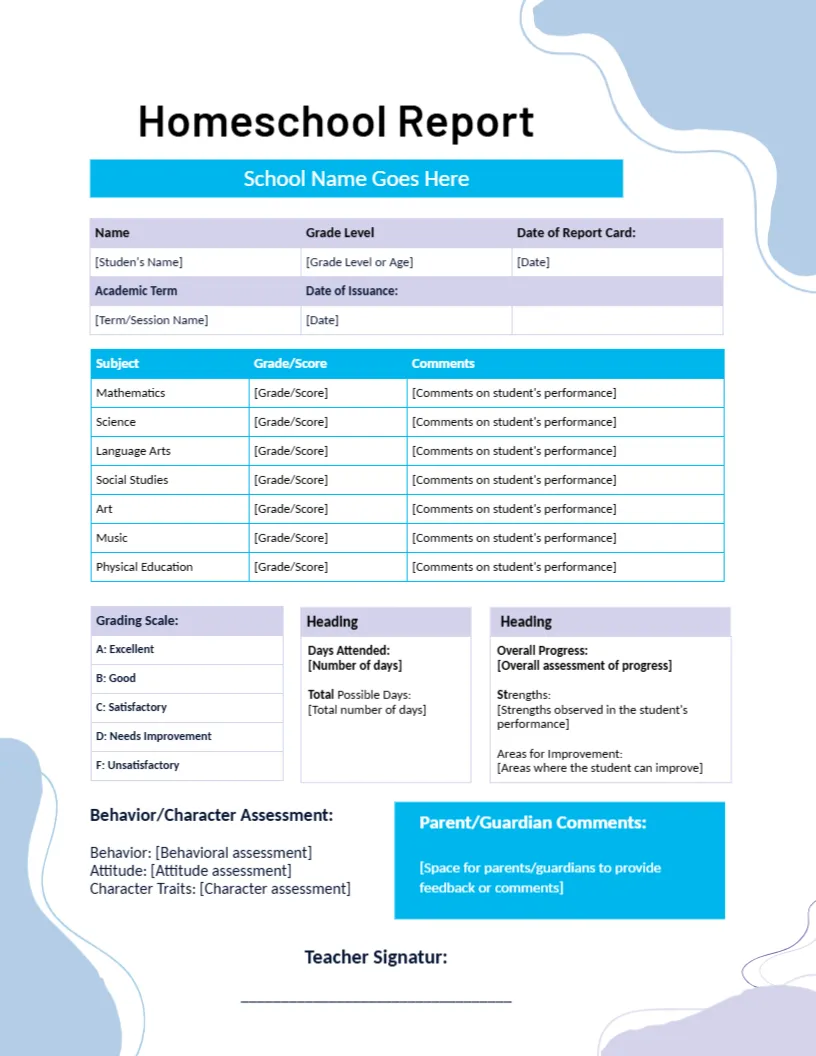
A Pale Blue Wave Layout for a Homeschool Report
Pale blue and lavender waves frame the corners of this page, with Homeschool Report in black and a bright cyan School Name Goes Here banner below. Lavender header rows hold the student name, grade level, and dates. A table lists seven subjects with bracketed prompts, followed by a scale, attendance, and progress boxes.
A Letter Page With Bracketed Prompts
The page is 8.5 x 11 inches. Almost every cell holds a prompt in square brackets, such as Grade or Score, so you can see exactly what to type and delete the bracket as you replace it.
Fixing the Typos and Headings
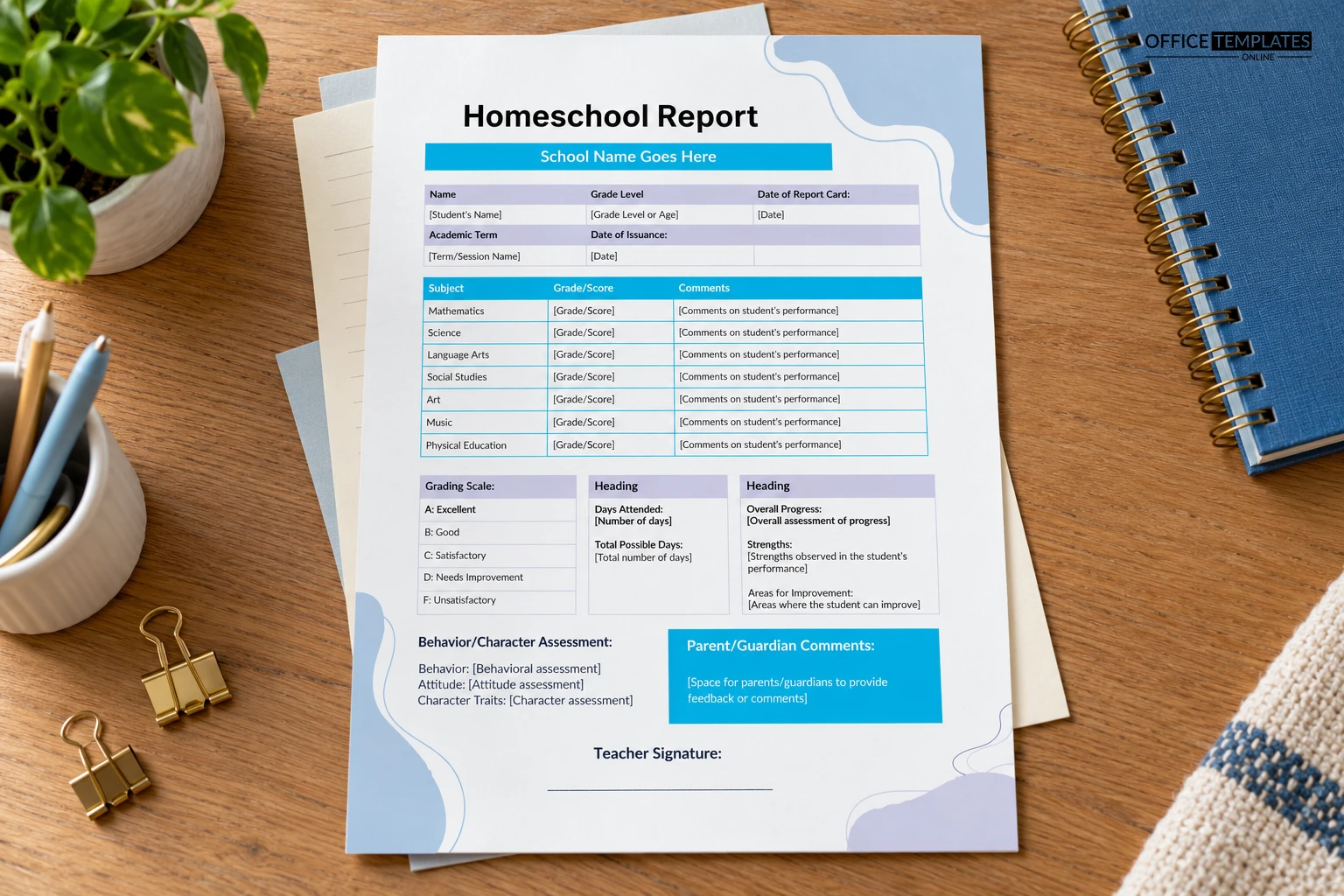
The first prompt reads Student’s Name, so correct it to Student’s Name. Two box headings read only Heading, so rename them Attendance and Progress Summary. Parent Guardian Comments and Teacher Signature also need fixing before you print.
Preparing the Homeschool Report
- Correct the student’s name.
- Rename the two Heading boxes.
- Replace the bracketed prompts.
- Fix Signatur to Signature.
- Sign and date.
Seven Core Subjects Ready to Use
Mathematics, Science, Language Arts, Social Studies, Art, Music, and Physical Education are already listed. Add or swap subjects freely, because homeschool families often follow their own timetable.
A Grading Scale From A to F
The scale lists A Excellent, B Good, C Satisfactory, D Needs Improvement, and F Unsatisfactory. If you grade with words only, replace the scale with your own set so the report matches how you actually assess.
Days Attended and Total Possible Days
Record the days attended and the total possible days for the period. Many regions ask homeschool families to keep such records, so check the local requirement, and treat this card as a layout and not as advice.
Strengths and Areas for Improvement
The progress box asks for an overall assessment, strengths, and areas for improvement. Honest short entries here create a useful record, which you can use when planning the next term of lessons.
Behavior and Character Notes
A section on behavior, attitude, and character traits suits the whole child approach many homeschool families take. Fill each line with a concrete example rather than a general label.
Parent Comments in the Cyan Box
The cyan box invites parent or guardian comments, which is useful when the parent is also the teacher. Let the student add a line too, for a personal note on what they enjoyed this term.
Keeping a Portfolio Record
Print the report and file it with samples of work, such as essays and test pages. A tidy portfolio supports any review of your homeschool progress and is a lovely keepsake for the child.
Step-by-Step Editing of the Homeschool Report Blue Wave Layout Design
- On the homeschool report blue wave layout design, click the main headline and type your own words, keeping a similar length.
- Retype every name, date, and contact line on the homeschool report blue wave layout design, checking each against a trusted source.
- Search the homeschool report blue wave layout design for the words Lorem and Company so that no placeholder remains.
- Click any logo or photo on the homeschool report blue wave layout design, choose Replace Image, and resize the new picture to fit.
- Zoom the homeschool report blue wave layout design to full size and read each line aloud before you save it.
- Keep a clean master of the homeschool report blue wave layout design without private details, so later versions start tidy.
A related layout is the plain homeschool card. Also worth a look: virtual learning card. Next to try is the end-of-year card. Looking beyond the homeschool report blue wave layout design? See all report card templates.