Orange Corners and Striped Rows for a Term Report
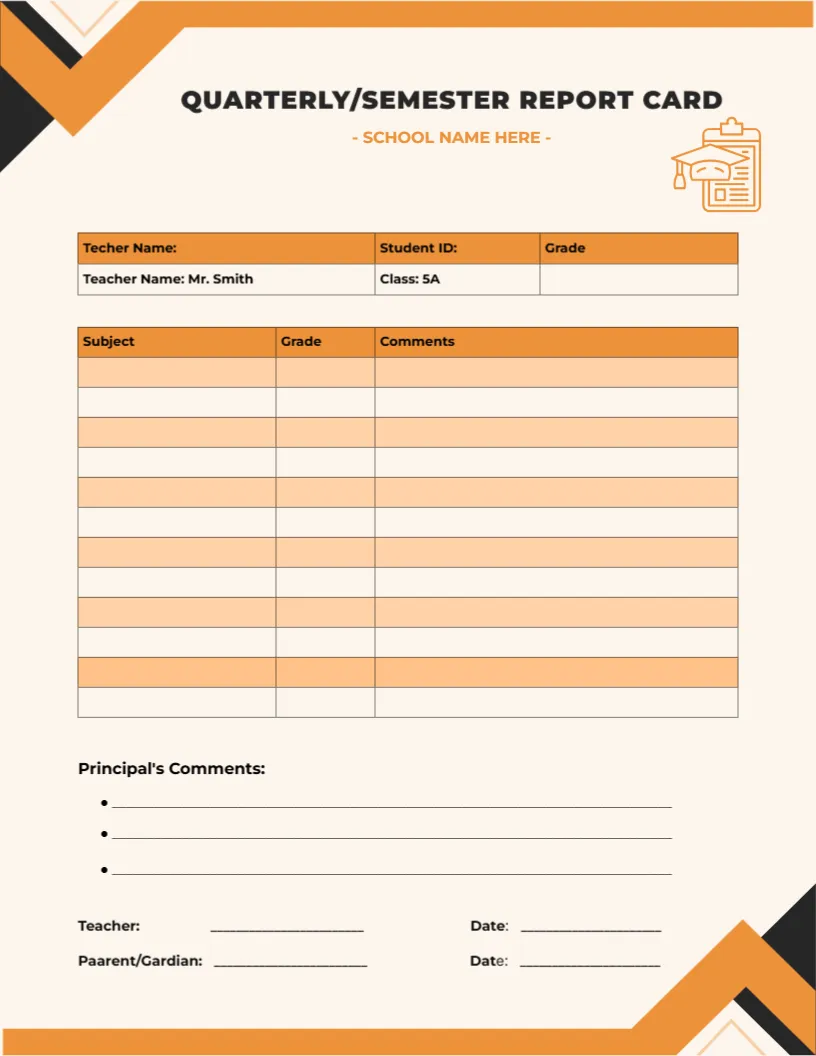
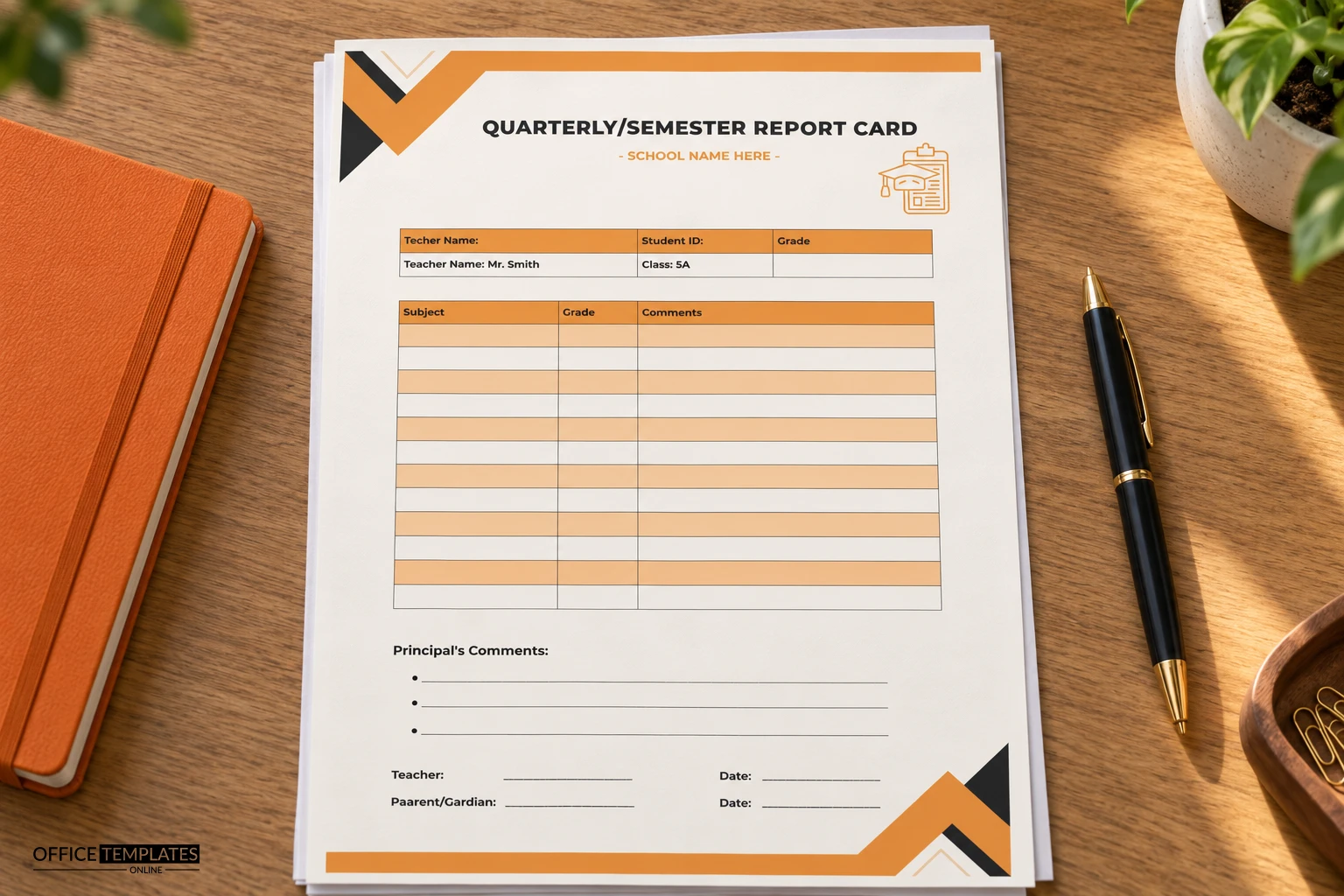
Bold orange and black chevrons fill the top left and bottom right corners of this cream page. QUARTERLY or SEMESTER REPORT CARD is set in wide capitals with SCHOOL NAME HERE in orange beneath, and a clipboard and cap icon sits on the right. A header table and a striped Subject, Grade, and Comments table fill the middle.
A Letter Page With Striped Rows
The page is 8.5 x 11 inches. Twelve rows alternate between two tints of orange, which makes it easy to follow a line across from subject to grade to comment.
Fixing the Header Row First
The header table has three slips to fix. The first cell reads Teacher Name where it should say Student Name, and it is followed by Student ID and Grade. The next row holds sample text, Mr. Smith and Class 5A. The signature line also reads Parent and Guardian, so correct it to Parent and Guardian.
Getting the Orange Card Ready
- Correct the Teacher Name label.
- Replace the sample teacher and class.
- List the subjects.
- Fix Parent and Guardian.
- Print in colour.
One Card for Quarters or Semesters
The title names both quarterly and semester, so you can delete whichever word does not apply and keep the rest. That makes the card a flexible choice for schools that change their reporting rhythm between years.
A Three Column Table for Quick Reading
Subject, Grade, and Comments is the simplest possible grade table. It works well when you want a clean card and keep deeper detail for the parent meeting, rather than a crowded page of figures.
Principal Comments With Three Bullets
Principal Comments has three bullet lines after the table, which suits schools where the head reads and writes a short note on every card. Use the bullets for strengths, a concern, and a next step.
Dated Lines for Teacher and Parent
At the foot, the Teacher and Parent or Guardian lines each have a Date. The date beside the parent signature records when the card was seen, which helps if a family says they never received the report.
A Warm Look That Prints Well
Orange on cream looks warm, and the large corners frame the page. On an inkjet printer, allow extra drying time for the heavy corners, and avoid stacking the sheets straight from the tray.
Adapting Rows to Your Timetable
Delete the unused striped rows if you have fewer subjects. When you remove an odd number of rows, the colour pattern may break, so check the stripes after you delete and adjust one row tint if needed.
Mailing the Orange Card
Print on bright white or cream paper, and fold the sheet in thirds for an envelope. Ask families to return the signed lower section within a week.
Step-by-Step Editing of the Quarterly Semester Report Card Orange Design
- On the quarterly semester report card orange design, click the main headline and type your own words, keeping a similar length.
- Retype every name, date, and contact line on the quarterly semester report card orange design, checking each against a trusted source.
- Search the quarterly semester report card orange design for the words Lorem and Company so that no placeholder remains.
- Click any logo or photo on the quarterly semester report card orange design, choose Replace Image, and resize the new picture to fit.
- Zoom the quarterly semester report card orange design to full size and read each line aloud before you save it.
- Keep a clean master of the quarterly semester report card orange design without private details, so later versions start tidy.
You may also like the plain quarterly card. For comparison, open the mid-term card. Consider the student card with a grade table. The rest of the series around the quarterly semester report card orange design is in the report card templates.