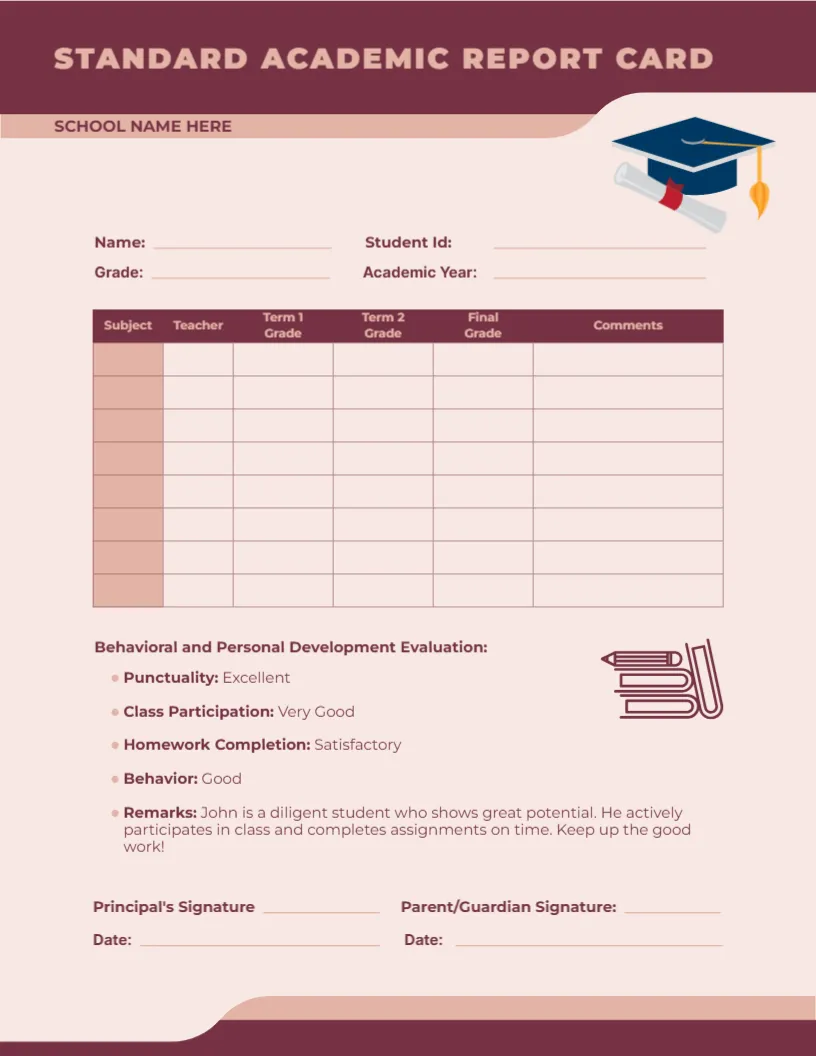
A Maroon and Blush Layout With a Graduation Cap
A deep maroon band carries STANDARD ACADEMIC REPORT CARD in wide-spaced capitals, with SCHOOL NAME HERE on a blush strip below and a graduation cap with a diploma at the right. A maroon-headed table runs through Subject, Teacher, two term grades, Final Grade, and Comments. A behavior list and signatures close the page.
A Letter Page in Two Terms
The page is 8.5 x 11 inches and is built around two terms, with Term 1 Grade, Term 2 Grade, and a Final Grade column. That suits schools that run semesters rather than quarters.
Student ID, Name, and Sample Remarks
Fill in Name, Student ID, Grade, and Academic Year in the blush area. The behavior list is filled with sample answers, such as Punctuality Excellent and a remark about John, so replace all five items with real assessments or delete the sample before you print.
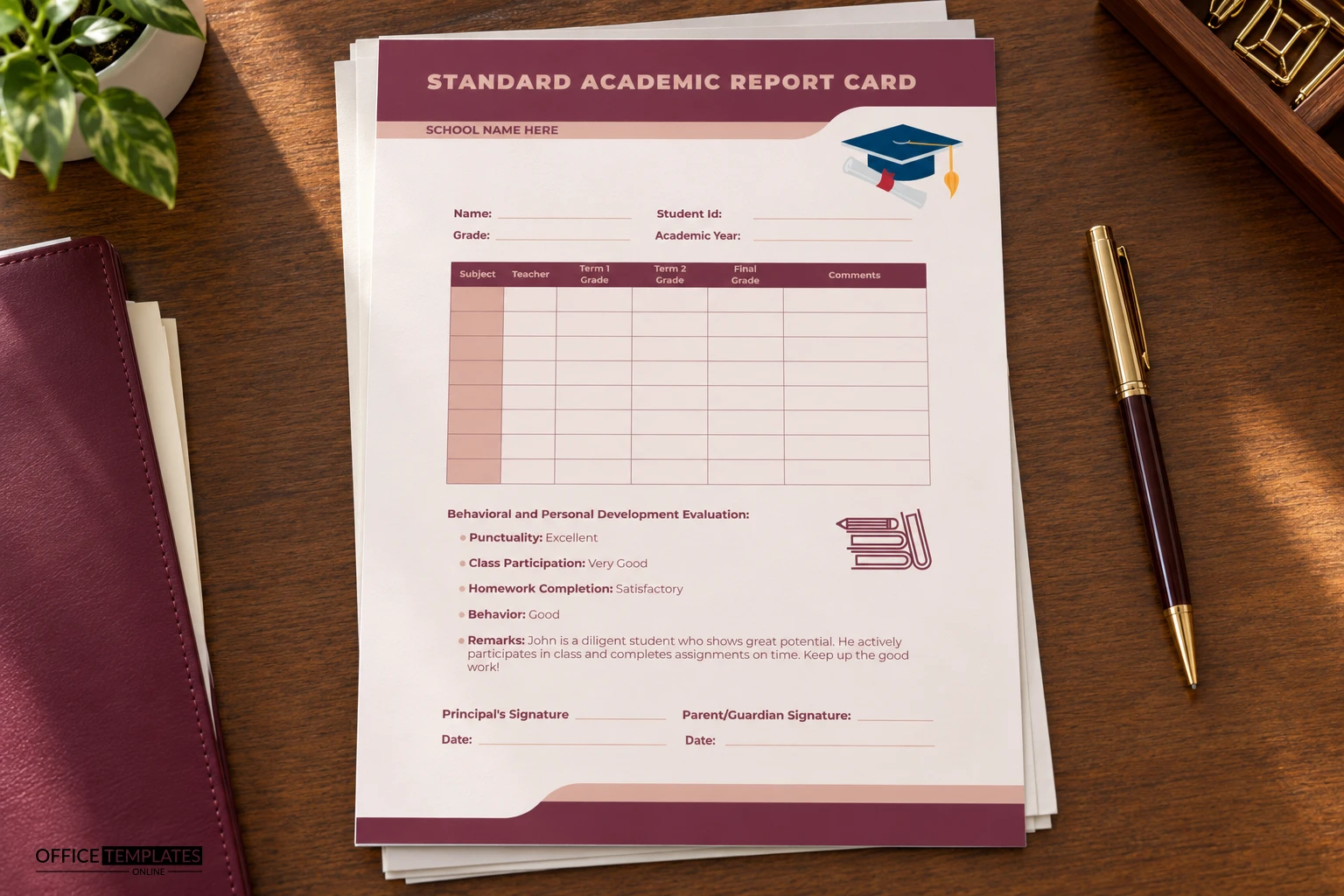
Setting Up the Maroon Card
- Type the school name.
- Fill in the name and student ID.
- Enter the subjects and teachers.
- Replace the sample remarks about John.
- Date both signatures.
Eight Blank Rows for Real Subjects
The table has eight tall rows with a tinted first column, which gives room for a subject, a teacher, grades, and a comment. Handwriting fits comfortably, and the row height also suits typed notes of one or two lines.
A Behavior Section With Four Ratings
Punctuality, Class Participation, Homework Completion, and Behavior each have a rating word beside them. Use a consistent set of words, such as Excellent, Very Good, Satisfactory and Needs Work, so every report reads the same way.
The Remarks Line About a Sample Student
The Remarks entry describes a pupil called John who shows great potential. It is placeholder text and would be wrong on any real card, so rewrite it with a specific observation about the student, or remove it.
Two Dated Signatures
Principal Signature and Parent or Guardian Signature each have a Date line beneath. The dates matter if a school needs proof of when a card was issued and when it came back, for instance during a parent meeting.
A Calm Palette for Formal Schools
Maroon and blush are warm and serious without being loud. Private schools, colleges and tuition academies often prefer them to bright primary colours, and the cap and diploma image makes the purpose clear at once.
Colour Management When Printing
Maroon can print slightly brown on some inkjet printers. Run a test sheet, and adjust the colour profile if the header looks muddy, since the strong header colour is what holds the design together.
Filing and Handing Over
Print two copies, one for the family and one for the student file. Number the file copies by student ID, so retrieval is simple at the end of the school year.
Step-by-Step Editing of the Maroon Standard Academic Report Card Design
- On the maroon standard academic report card design, click the main headline and type your own words, keeping a similar length.
- Retype every name, date, and contact line on the maroon standard academic report card design, checking each against a trusted source.
- Search the maroon standard academic report card design for the words Lorem and Company so that no placeholder remains.
- Click any logo or photo on the maroon standard academic report card design, choose Replace Image, and resize the new picture to fit.
- Zoom the maroon standard academic report card design to full size and read each line aloud before you save it.
- Keep a clean master of the maroon standard academic report card design without private details, so later versions start tidy.
For comparison, open the traditional academic with backpack. Consider the green ribbon student card. Similar designs include the homeschool card. The rest of the series around the maroon standard academic report card design is in the report card templates.