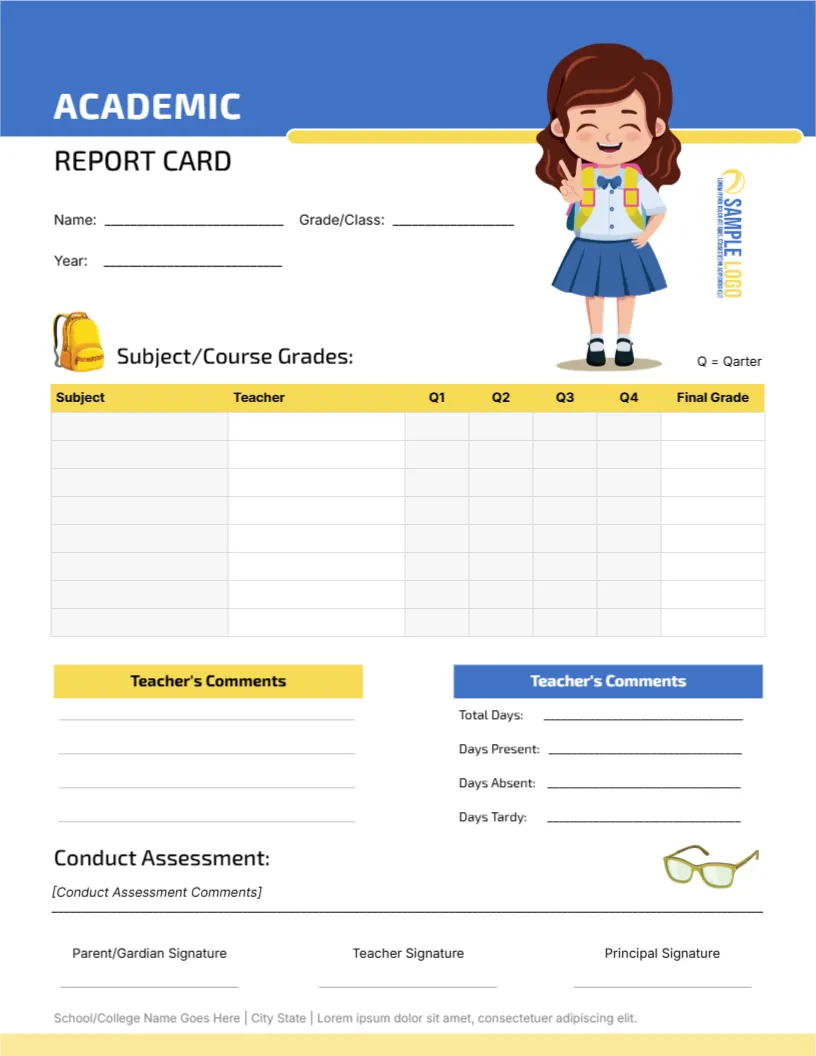
A Cartoon Student Over a Blue and Yellow Grade Table
A blue band runs across the top of this page with ACADEMIC in white capitals and REPORT CARD below it in black. A smiling cartoon girl with a backpack stands on the right. A yellow-headed table lists subjects, teachers, four quarter columns, and a final grade, followed by comments, attendance counts, and a conduct assessment.
A Letter Page for Elementary Classes
The page is 8.5 x 11 inches. It includes a Teacher column, so it works well when several teachers share a class, as in elementary schools with specialist art, music and sport teachers.
Fixing the Typos Before Printing
Fill in Name, Grade or Class, and Year, then replace the sample logo with your own. Two small errors need correcting: the key reads Q = Qarter and the signature line reads Parent Gardian. Change them to Quarter and Guardian. Swap the Lorem footer for your school address.
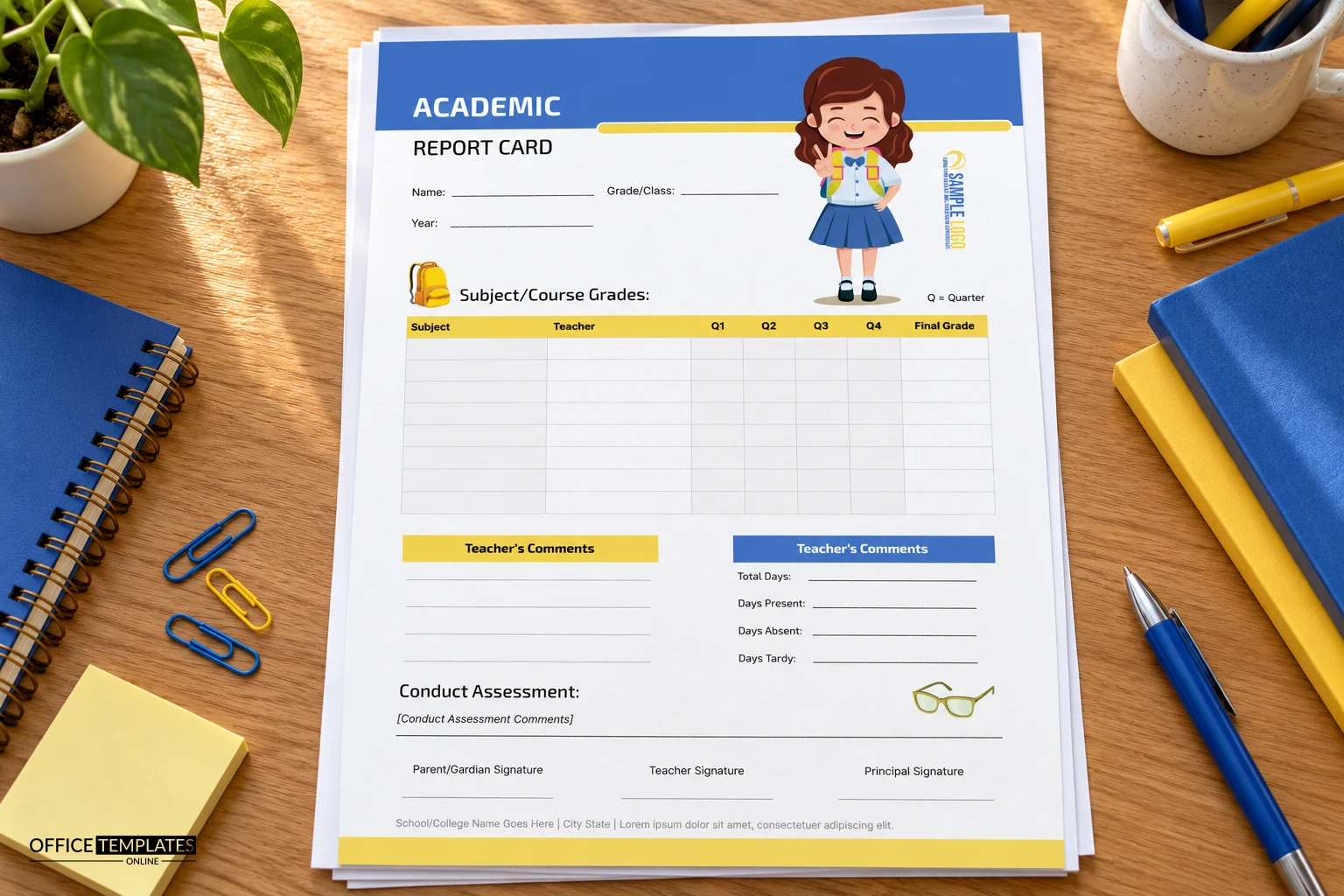
Making the Academic Card Ready
- Correct Qarter to Quarter.
- Correct Gardian to Guardian.
- Rename the subject rows.
- Add the teacher names.
- Type the school footer.
A Table That Names the Teacher
Each row has a Subject and a Teacher cell, followed by Q1 to Q4 and a Final Grade. Naming the teacher helps parents know whom to contact about a specific subject, which cuts down on general email to the front office.
Two Boxes Both Headed Teacher Comments
Both the yellow and the blue box carry the heading Teacher Comments, although the right box actually holds attendance counts. Rename the blue heading to Attendance so parents are not confused about what belongs where.
Counting Days Present, Absent and Tardy
The right box has Total Days, Days Present, Days Absent, and Days Tardy lines. Fill them from the register at the end of the reporting period, and check that present plus absent equals the total before sending home.
A Conduct Assessment With Its Own Line
Conduct Assessment sits below the comments with a single line for notes. Short factual remarks such as follows instructions and works well with others read better to parents than long paragraphs about attitude.
Cartoon Art for Younger Children
The cartoon student and backpack make the card welcoming for children in the early grades. For older students, you can delete the cartoon and the school icons in the editor, and the page still looks balanced.
Printing the Yellow and Blue Blocks
Blue and yellow blocks print well in colour. On a black and white printer, the two header colours turn into similar greys, so rely on the printed words rather than the colours when you explain the layout to parents.
Returning the Signed Card
Three signature lines at the foot cover parent, teacher and principal. Ask families to return the signed card within a week, and keep a tally of returned cards on the class list.
Step-by-Step Editing of the Academic Report Card Cartoon Student Design
- On the academic report card cartoon student design, click the main headline and type your own words, keeping a similar length.
- Retype every name, date, and contact line on the academic report card cartoon student design, checking each against a trusted source.
- Search the academic report card cartoon student design for the words Lorem and Company so that no placeholder remains.
- Click any logo or photo on the academic report card cartoon student design, choose Replace Image, and resize the new picture to fit.
- Zoom the academic report card cartoon student design to full size and read each line aloud before you save it.
- Keep a clean master of the academic report card cartoon student design without private details, so later versions start tidy.
You may also like the student card with slate swoosh. For comparison, open the attendance-focused card. Consider the primary school card with clouds. The rest of the series around the academic report card cartoon student design is in report card templates.