A Folded Card With a Results Page and a Grading Key Page
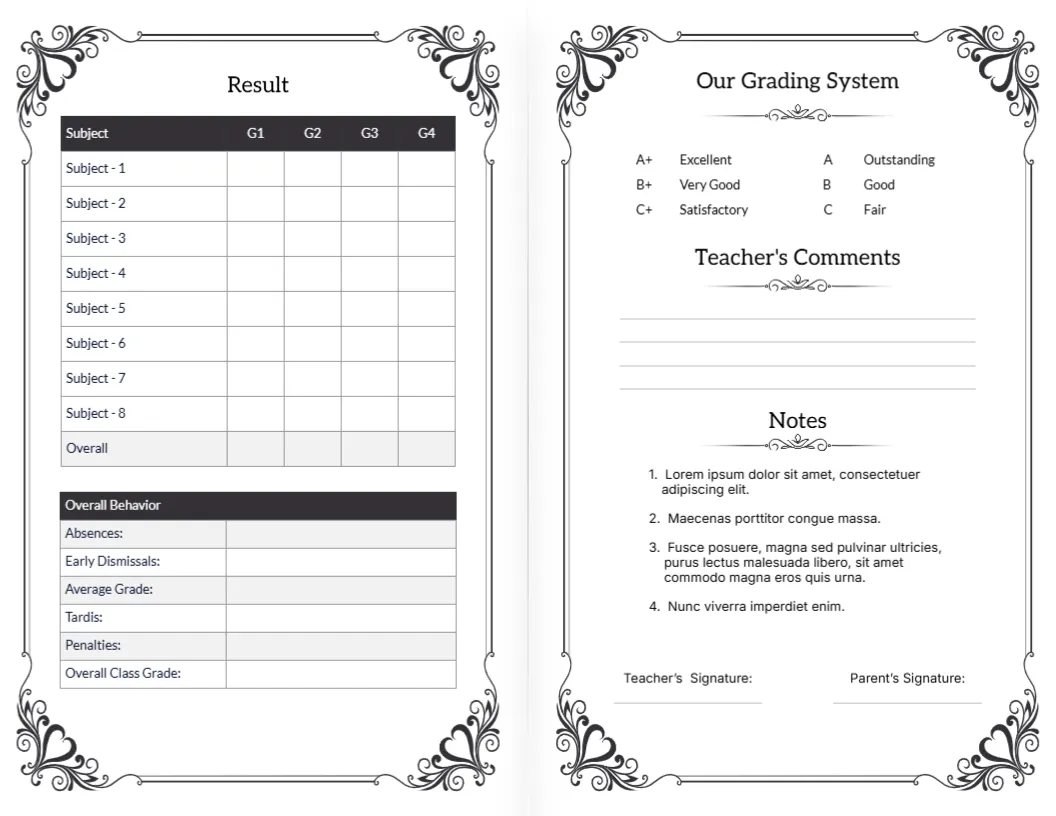
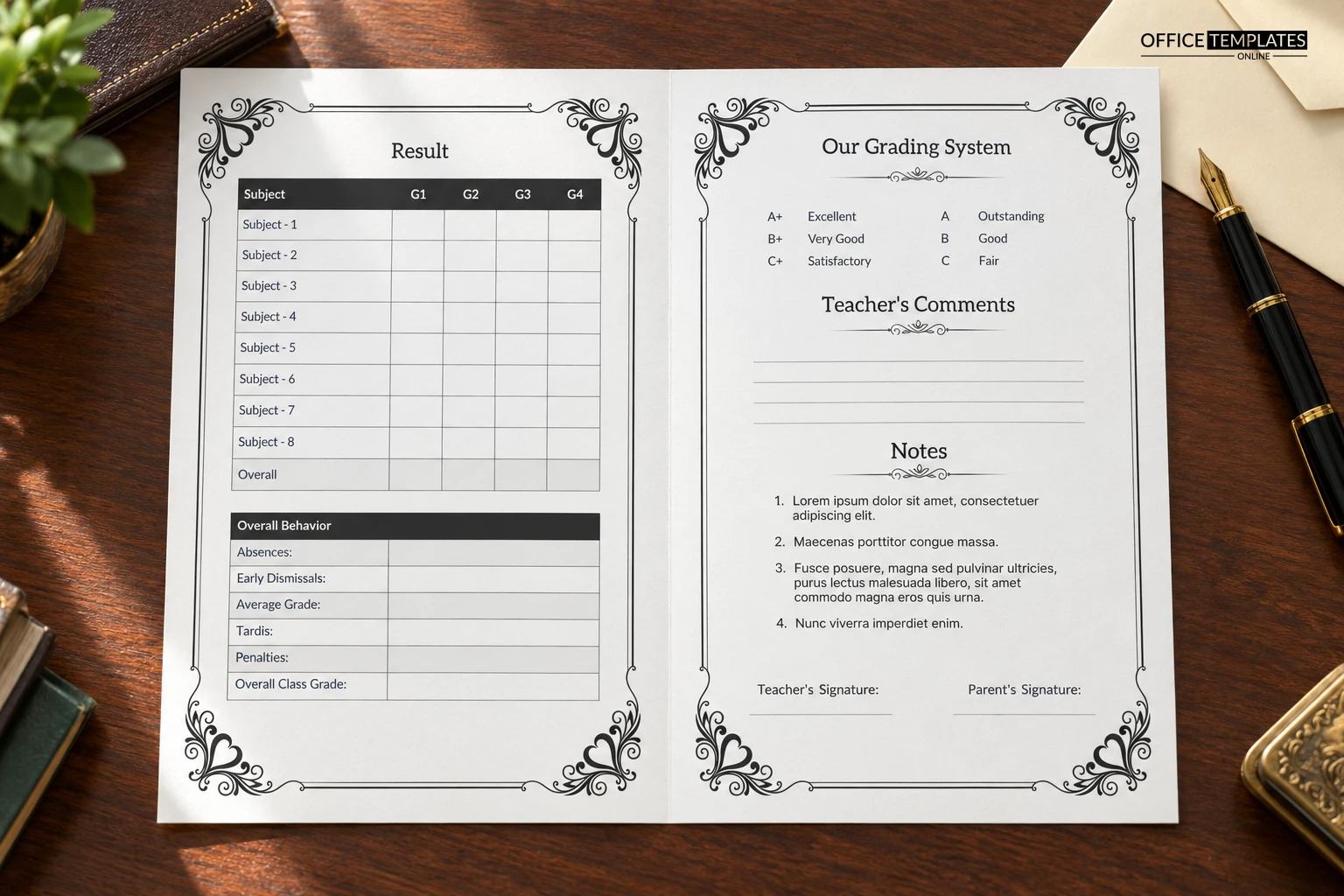
This landscape sheet is designed to fold in half, like a small booklet. The left half is headed Result and holds a table of eight subjects with G1 to G4 columns, plus a behavior block. The right half carries Our Grading System, Teacher Comments, numbered Notes, and two signature lines, all inside black flourish corners.
A Landscape Sheet That Folds
The page is 11 x 8.5 inches and folds down the middle to a half letter booklet. Print it single-sided and fold, or place it in the printer so both halves land on the same face of the sheet.
Subjects, Absences and the Notes List
Rename the eight subject rows and fill the four grade columns. The behavior block lists Absences, Early Dismissals, Average Grade, Tardis, Penalties, and Overall Class Grade, so correct Tardis to Tardies. The numbered Notes contain Lorem ipsum, which you should replace with real notes.
Preparing the Folded Card
- Rename the eight subjects.
- Fix the Tardis label.
- Replace the Lorem notes.
- Complete the grading key.
- Fold and sign.
A Formal Look for Traditional Schools
The scrollwork corners and plain black type give an old-fashioned, certificate-like feel. Private schools, language schools and tuition centres often like this style because it looks serious and keeps well in a family folder.
The Printed Grading Key on the Right
The right half explains the grades, with A+ Excellent, A Outstanding, B+ Very Good, B Good, C+ Satisfactory and C Fair. Edit the key to match your own scale, so parents read marks the same way you do.
Using the Notes Section
Notes holds a numbered list of four short items. It can hold reminders such as the date school resumes, the fee due date, the parent meeting, and the uniform requirement. Each line should stay short so the list fits the frame.
Black and White Printing Saves Money
Everything is black on white, so the card prints cheaply on any office laser printer. If you want a coloured feel, print on a cream or light grey paper stock and keep the artwork unchanged.
Folding Without Cutting the Border
Score the fold line lightly with a bone folder before folding, so the flourish border meets in the middle neatly. A paper trimmer used against the crease keeps the edge straight on large batches.
Where the Teacher and Parent Sign
Teacher Signature and Parent Signature lines sit at the foot of the right half, below the notes. When a parent signs, the whole card travels back to school, so the class teacher can file the sheet in one piece.
Preparing a Large Print Run
If you need more than a few dozen, test the fold on one sheet first. Align the printer guides, check that the flourish corners are not clipped, and only then run the whole class.
Step-by-Step Editing of the Two-Fold Report Card Ornate Border Design
- On the two-fold report card ornate border design, click the main headline and type your own words, keeping a similar length.
- Retype every name, date, and contact line on the two-fold report card ornate border design, checking each against a trusted source.
- Search the two-fold report card ornate border design for the words Lorem and Company so that no placeholder remains.
- Click any logo or photo on the two-fold report card ornate border design, choose Replace Image, and resize the new picture to fit.
- Zoom the two-fold report card ornate border design to full size and read each line aloud before you save it.
- Keep a clean master of the two-fold report card ornate border design without private details, so later versions start tidy.
Also worth a look: mid-term report card. Next to try is the traditional academic card. Have a look at the end-of-year report card. Looking beyond the two-fold report card ornate border design? See all report card templates.