Present a Student’s Academic Progress in One Clear, Easy-to-Read Report
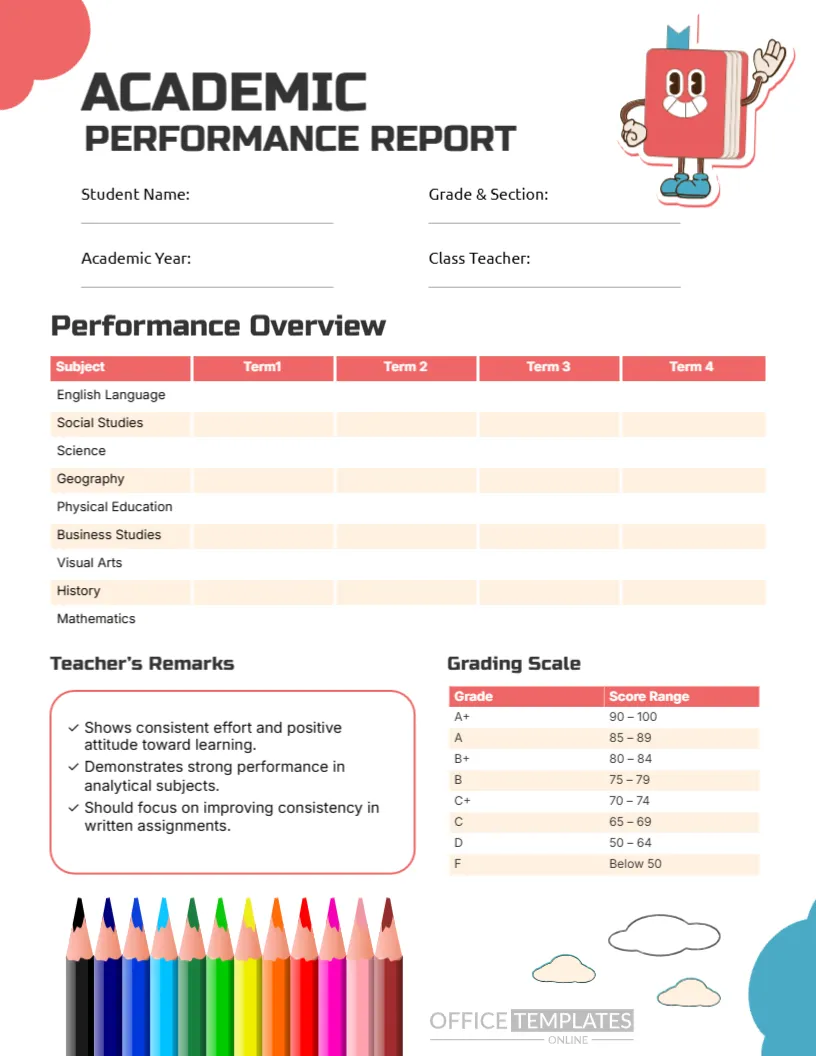
Academic results become much easier to review when subjects, term-by-term performance, grading information, and teacher feedback are organized in one place. This Academic Performance Report Card Template provides schools and teachers with a structured format for recording and presenting a student’s academic performance throughout the school year.
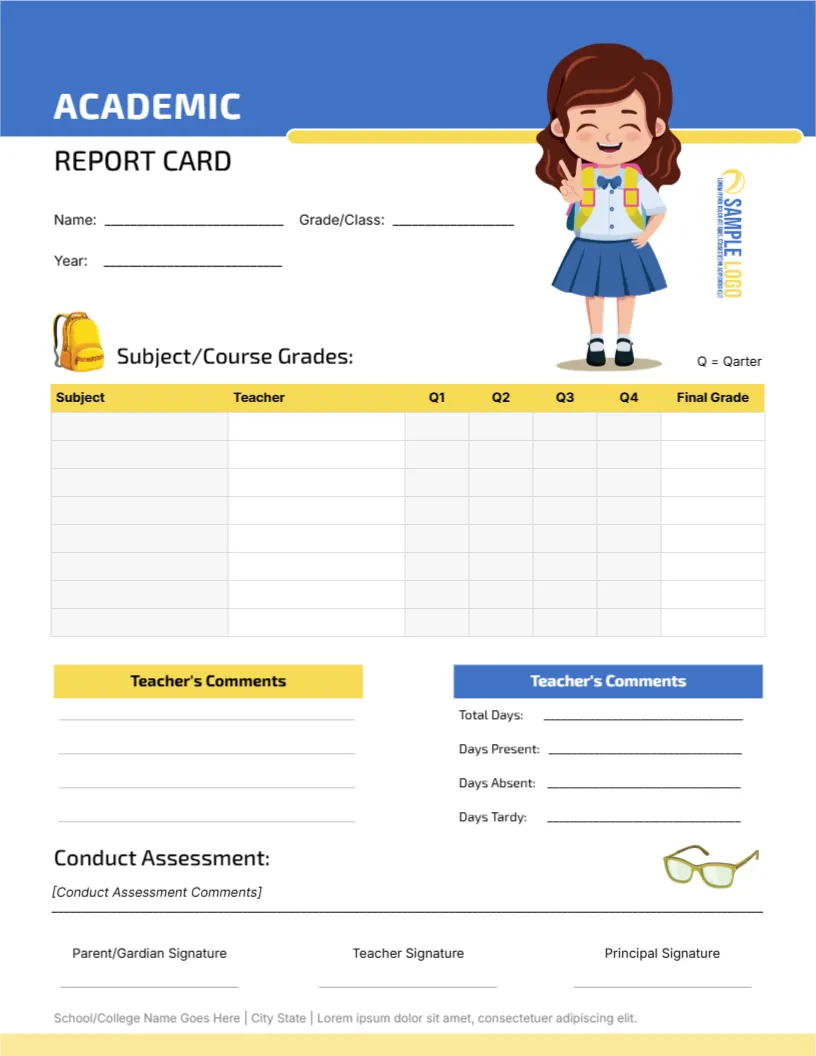
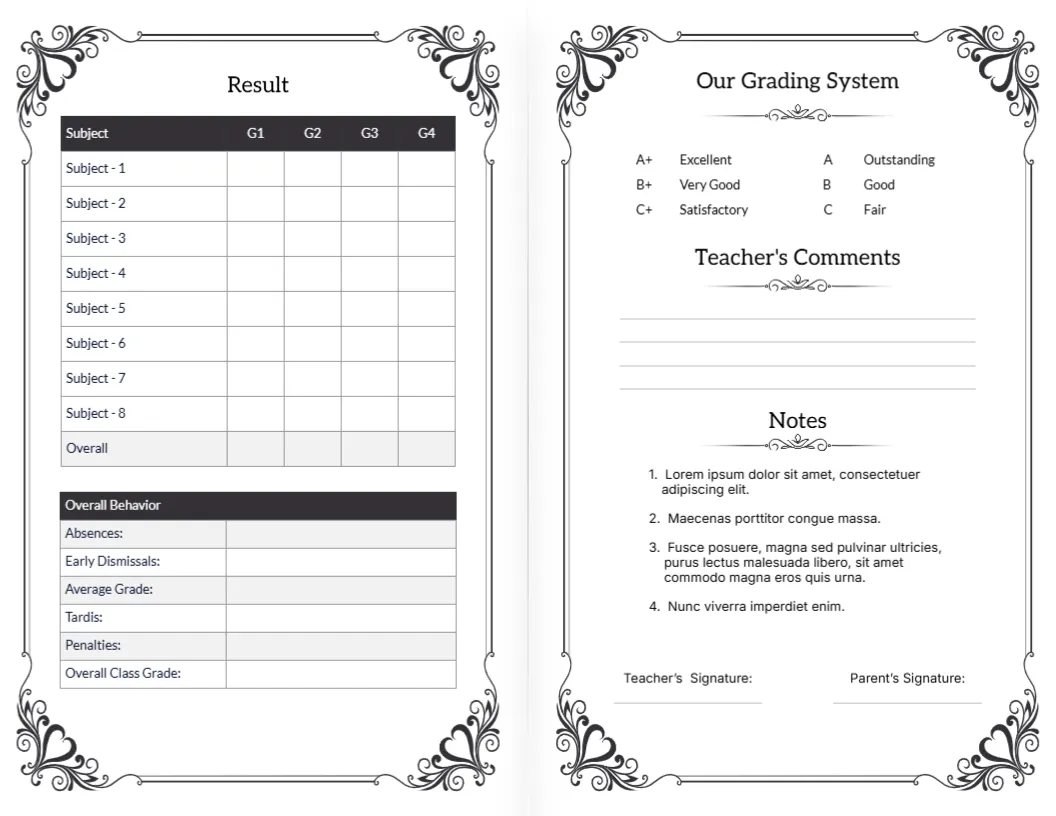
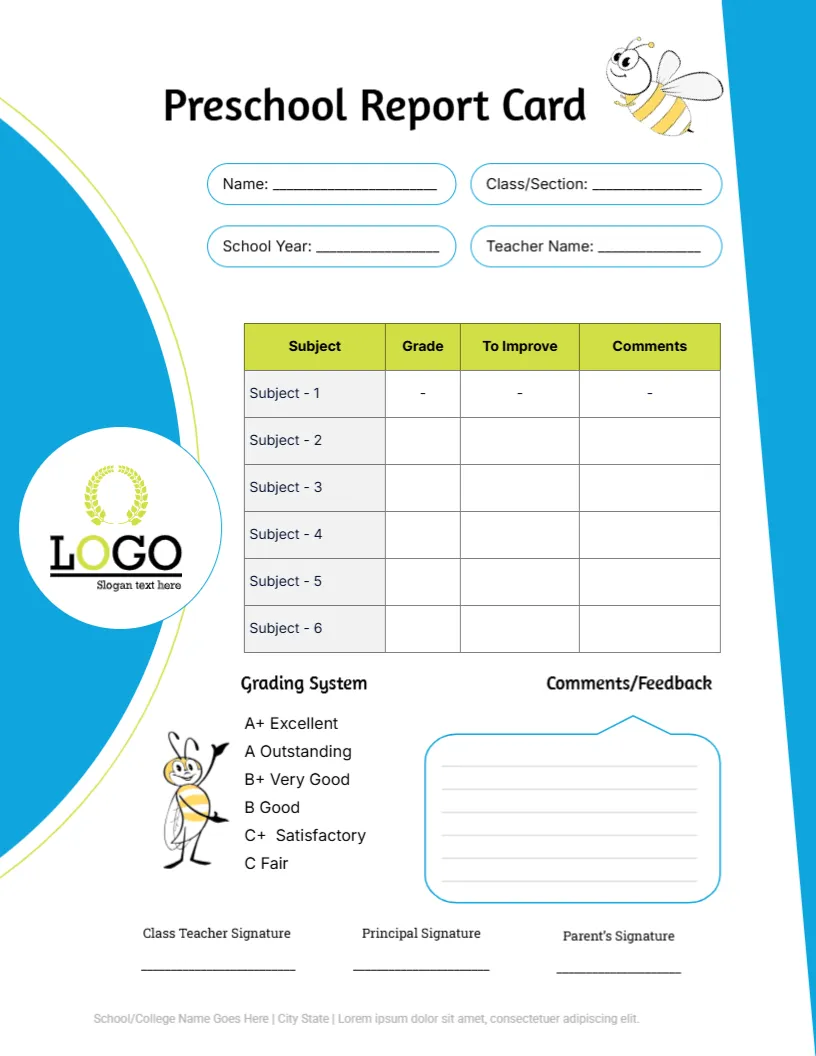
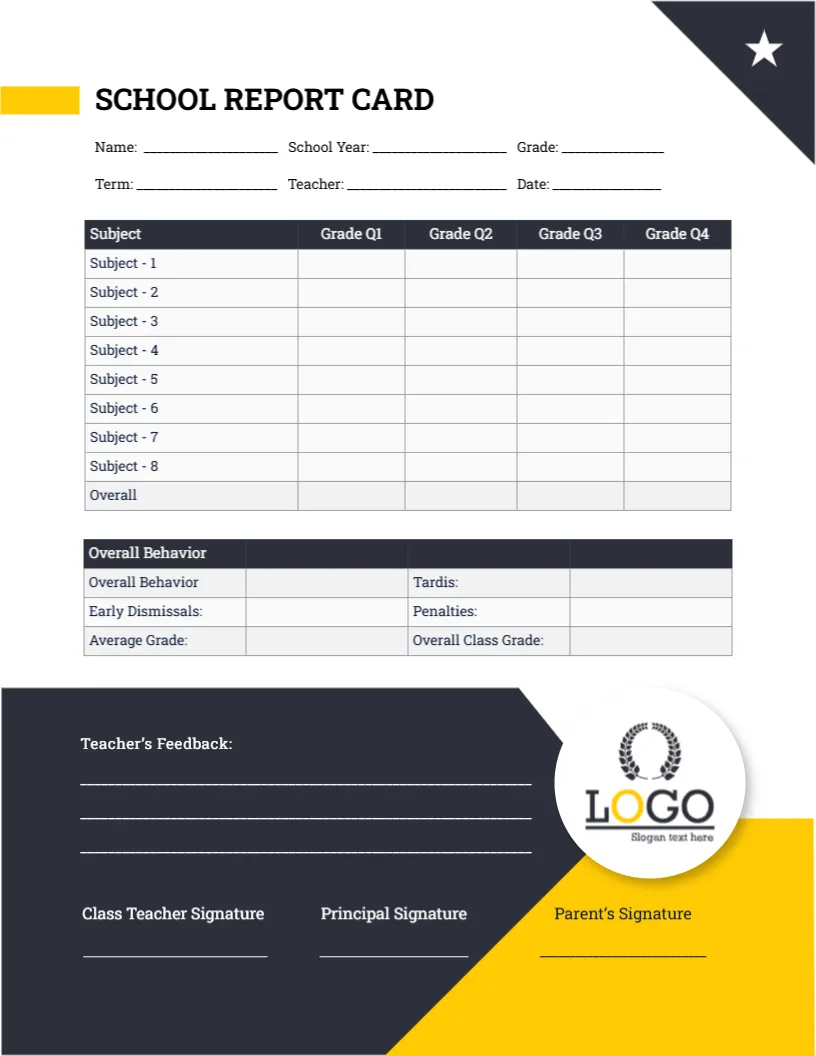
The template includes spaces for the student’s name, grade and section, academic year, and class teacher, followed by a detailed performance table covering multiple subjects and four school terms. It also provides separate areas for the teacher’s remarks and a grading scale, giving readers useful context alongside the recorded results.
Rather than creating a report card layout from scratch, you can customize this template online using our browser-based editor. No login is required to start editing. Update the student details, subjects, term information, remarks, grading scale, and other available elements according to your requirements. When the report is ready, download it in PDF, PNG, or JPG format.
A Complete Academic Overview in a Single Template
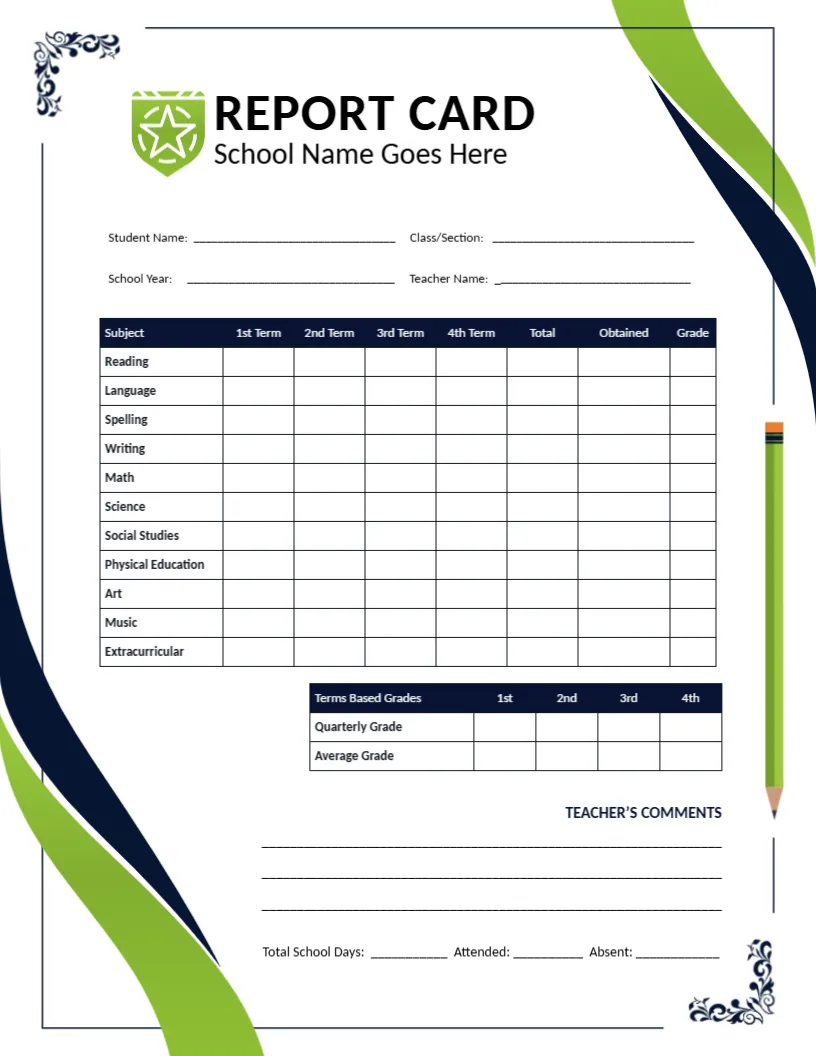
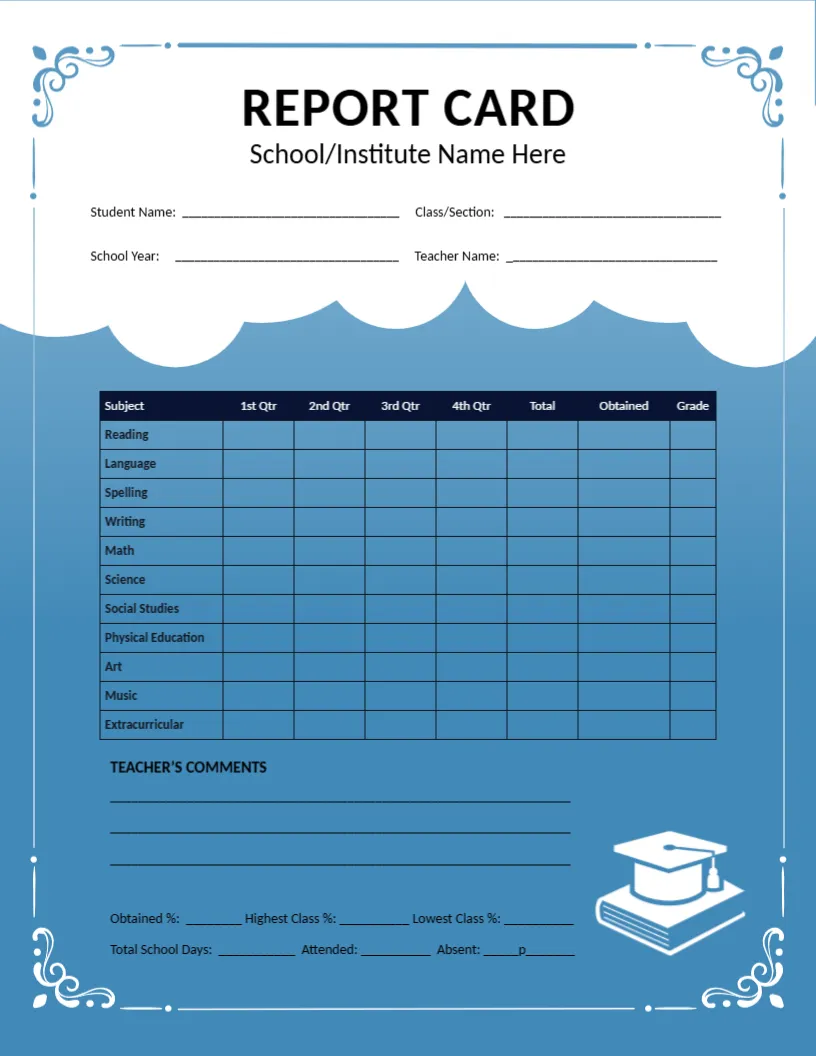
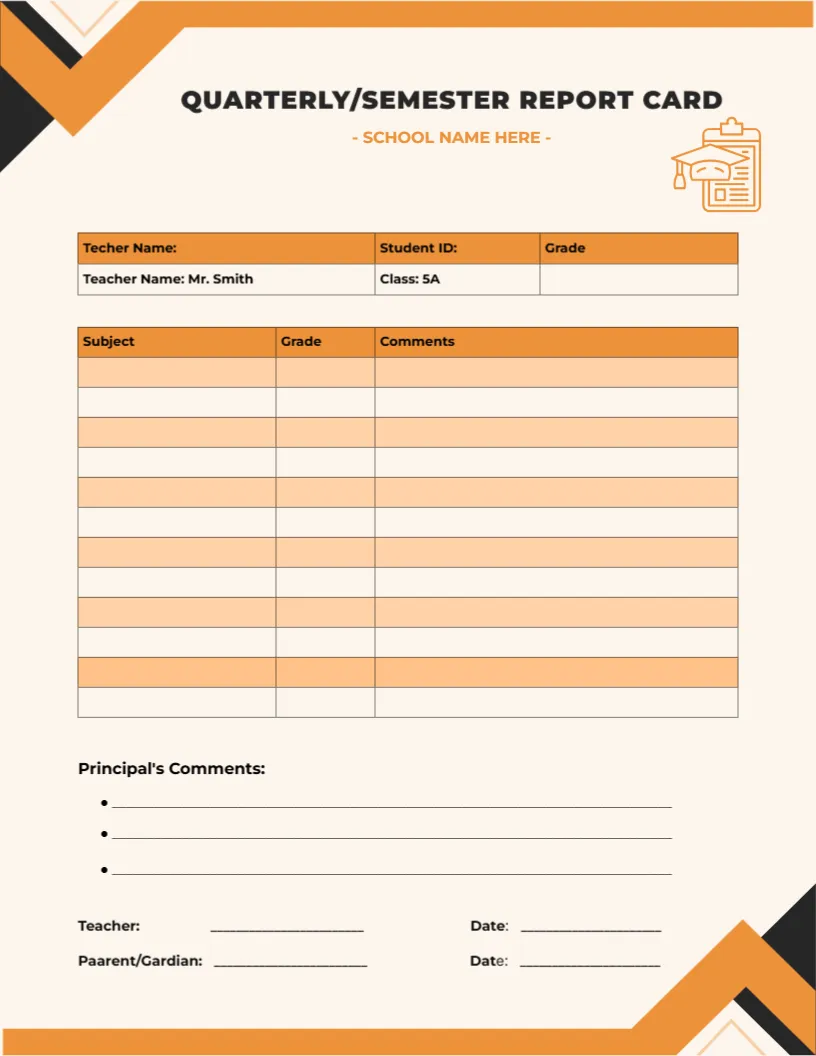
The central feature of this report card is its Performance Overview table.
Instead of displaying the result for only one assessment period, the template provides columns for Term 1, Term 2, Term 3, and Term 4. This makes it possible to organize results from different reporting periods side by side.
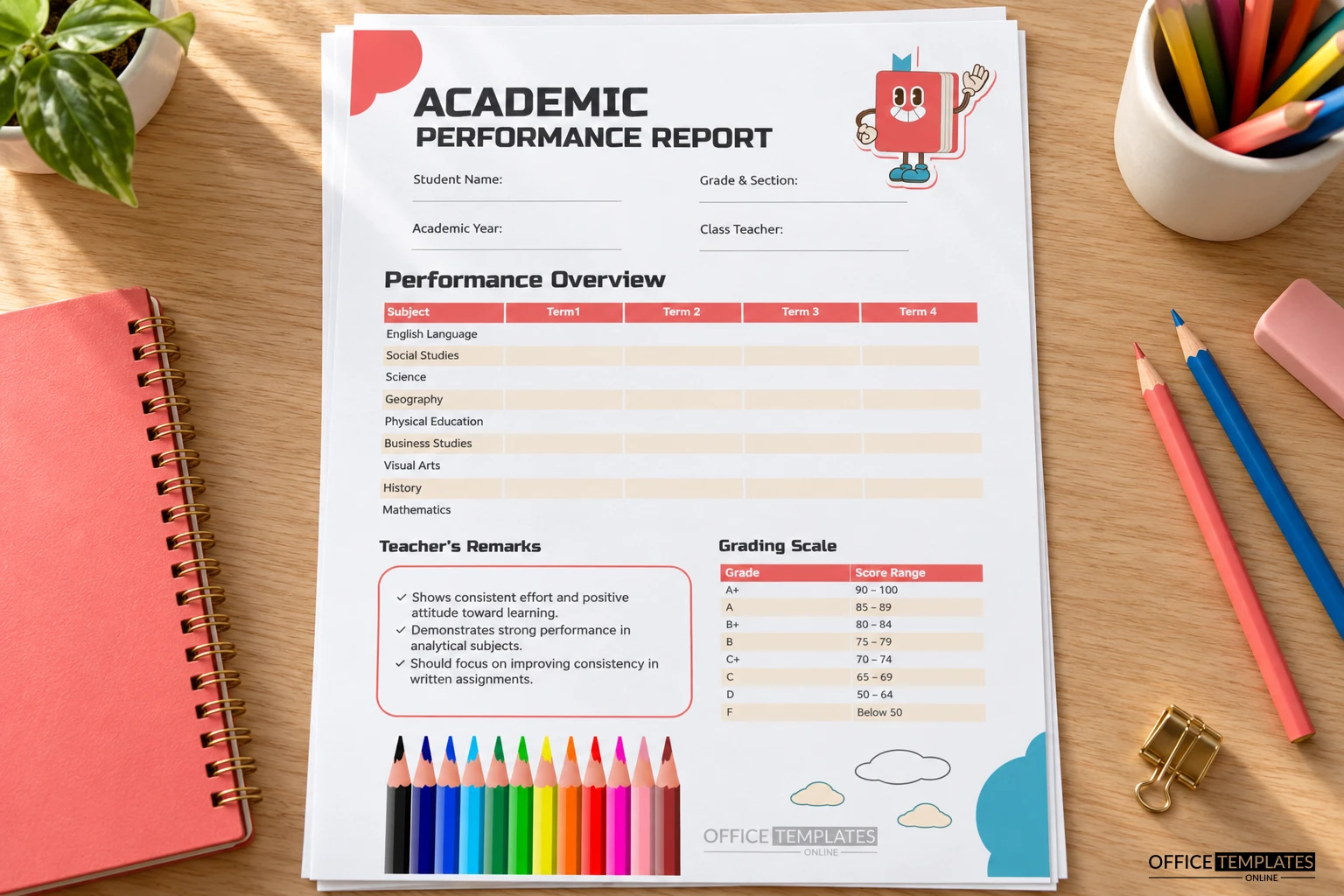
Teachers, students, and parents can therefore review how results are recorded across the academic year without needing a separate layout for every term.
The sample report contains rows for subjects including English Language, Social Studies, Science, Geography, Physical Education, Business Studies, Visual Arts, History, and Mathematics.
These subjects are examples and can be changed where needed. Schools can adapt the list to match the subjects taught at a particular grade level or within their own curriculum.
Student and School-Year Details Have Their Own Space
Before the academic results begin, the template provides a simple identification section.
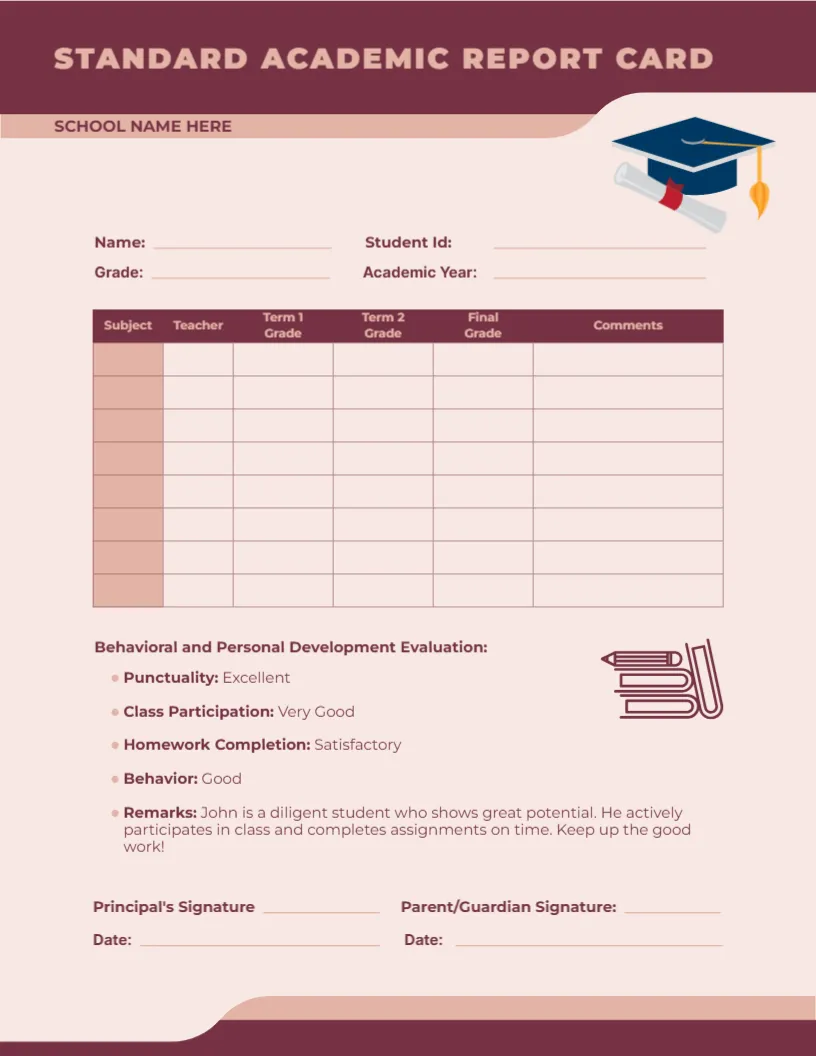
There are fields for the Student Name, Grade & Section, Academic Year, and Class Teacher.
Keeping these details separate from the results table helps identify exactly whose report is being viewed and which academic period it covers.
When customizing the template, replace all sample or placeholder information carefully. If your school uses a different class identification system, the Grade & Section field can be adapted accordingly.
Record Performance Across Four Terms
A useful feature of this academic report card template is the ability to display several reporting periods within the same table.
Each subject has four spaces corresponding to Term 1 through Term 4. Depending on your school’s reporting system, these spaces can be used for the appropriate grades, scores, or other performance results.
This layout can make it easier to see changes across terms. Rather than searching through several separate reports, the reader can look across a single subject row and review the recorded results from different periods.
Schools that use fewer terms or different reporting periods can customize the headings where appropriate to better match their academic calendar.
Customize the Report Card Online With No Login Required
You do not need complicated desktop publishing software to personalize this report card.
Open the template in the online editor directly through your browser and begin making changes. No login is required to start editing.
You can update the student’s details, change the subject names, revise term labels, modify teacher remarks, and adjust the grading information to match the system you use. Other editable elements can also be personalized where supported by the editor.
The ready-made layout means much of the formatting work has already been done, allowing you to focus on entering and reviewing the information that belongs on the report.
Adapt the Subject List to Your Curriculum
Not every school teaches exactly the same subjects, which is why the sample subject list should be treated as a starting point.
The displayed subjects cover a mixture of language, mathematics, science, humanities, physical education, business, and creative studies. Depending on the class, you may need a different combination.
For example, a school might replace some of the sample rows with subjects such as Computer Science, Art, Music, Religious Studies, General Knowledge, a second language, or another curriculum-specific subject.
When customizing the table, use subject names that are familiar to students and parents and that match the terminology used by your school.
Explain Results With a Clear Grading Scale
Grades can be confusing when the reader does not know what each grade represents. To address this, the template includes a dedicated Grading Scale section.
The sample scale pairs letter grades with score ranges, from A+ through F. This gives the reader a quick reference for interpreting the grades shown elsewhere in the report.
However, grading systems vary considerably between schools, districts, examination systems, and countries. The sample ranges should therefore not be assumed to match your institution’s grading policy.
Before using the report card, replace the grading scale with your school’s actual grade labels and score ranges. If your school uses percentages, points, descriptors, or another assessment system instead of letter grades, customize this area accordingly.
Add Teacher Remarks That Give Results More Meaning
Numbers and grades show part of the picture, but a short teacher comment can provide valuable context.
The template includes a prominent Teacher’s Remarks box where the teacher can summarize observations about the student’s academic work.
The example remarks cover areas such as consistent effort, a positive attitude toward learning, strong performance in analytical subjects, and an area where greater consistency may be helpful.
When writing your own remarks, try to make them specific to the student. Comments can recognize strengths while also identifying realistic areas for continued development.
Clear, respectful language is usually more useful than vague statements. When mentioning an area that needs improvement, it can help to describe the particular skill, habit, or type of work being discussed.
Use the Performance Overview to Make Results Easier to Compare
The table format is useful because each subject occupies its own row while the reporting periods appear in consistent columns.
This makes the information easier to scan vertically by term or horizontally by subject.
A parent interested in Mathematics, for example, can follow that row across the reporting periods. A teacher reviewing a particular term can scan down the relevant column.
This type of structured presentation can make a report easier to understand than a long written summary containing the same information.
The template itself does not determine how academic performance should be assessed. Scores and grades should come from the assessment methods and policies used by the relevant school or educational organization.
A Professional Layout With a Student-Friendly Touch
Although the document is designed for academic reporting, it avoids looking overly formal or plain.
The large Academic Performance Report heading establishes the purpose immediately. The performance table uses clear headings and lightly separated rows to keep subject results organized.
Coral-colored accents help important table headings stand out, while the grading scale and teacher remarks are positioned in separate sections near the bottom.
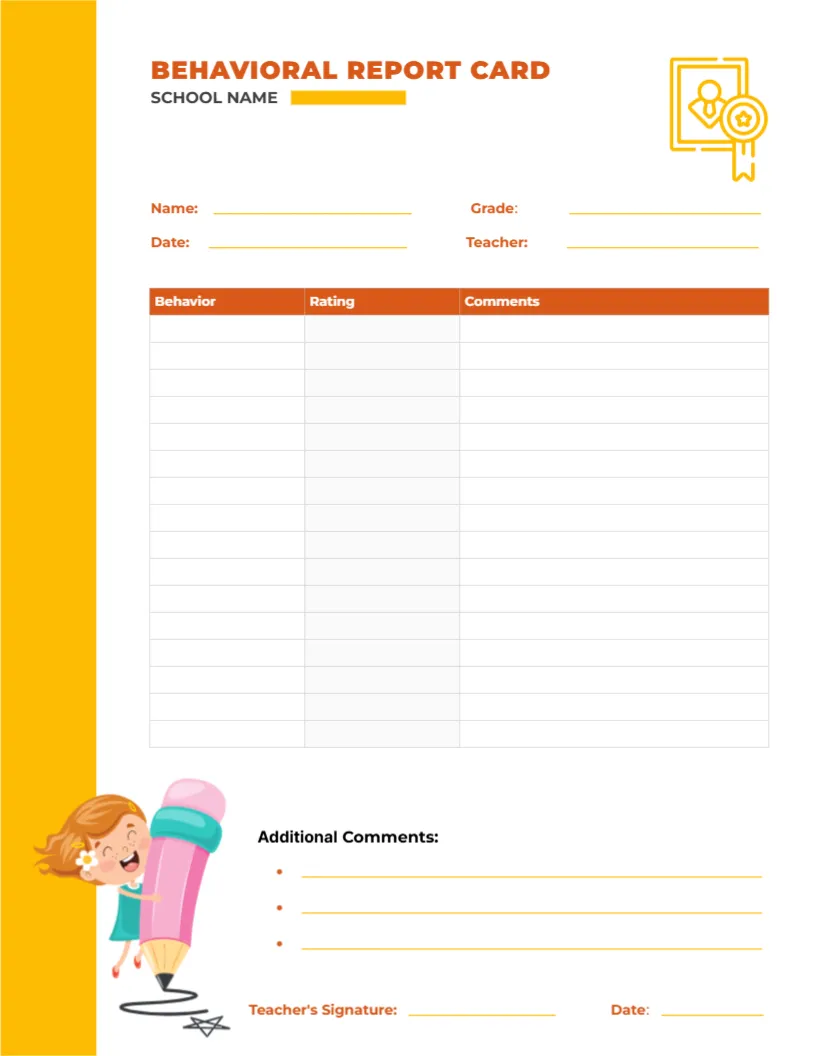
Decorative elements, including colorful pencils, a friendly book character, clouds, and simple abstract shapes, add an educational feel without interfering with the report information.
This balance gives the template a school-friendly appearance while keeping the academic content easy to read.
When Can This Academic Report Card Be Used?
The template can be adapted for several academic reporting situations.
Schools may use it for periodic student performance reporting, end-of-term summaries, annual academic overviews, or parent-teacher discussions. Teachers may also find the structure useful when preparing a clear summary of performance across multiple subjects.
Educational centers, academies, tutoring programs, and other learning organizations may customize it for their own reporting needs as well.
The important point is to adapt the subjects, grading system, reporting periods, and terminology so they accurately reflect how performance is measured in the particular educational setting.
Check Every Result Before Finalizing the Report
Academic reports contain information that students and families may rely on, so accuracy is especially important.
Before downloading a completed report, verify the student’s name, grade and section, academic year, teacher information, subject names, and all term results.
Check the grading scale to make sure it matches the system actually being used. Read the teacher remarks again to confirm that they refer to the correct student and are consistent with the information presented in the report.
If results have been transferred from another system or record, compare them with the source before finalizing the document.
Also check that none of the example content from the template remains where actual information should appear.
Download Your Finished Report Card as PDF, PNG, or JPG
After customization and review, the completed Academic Performance Report Card can be downloaded in PDF, PNG, or JPG format.
PDF is a practical choice when the report will be printed, archived, or shared as a document. PNG provides a high-quality image version, while JPG offers a widely supported image format for compatible digital uses.
Choose the download format that best suits your school’s intended use.
Because completed report cards may contain student names, grades, teacher comments, and other educational information, they should be stored, printed, and shared according to the applicable privacy and record-handling practices of your school or organization.
Turn Academic Results Into a Report Parents Can Follow
A report card is most useful when its information can be understood without unnecessary effort. This template brings student information, subjects, four reporting periods, teacher remarks, and grading information together in a single organized design.
Teachers can customize the subject list and reporting periods, enter the appropriate results, explain the grading system, and add comments that provide context beyond the grades themselves.
With an editable layout, online customization without login, and PDF, PNG, and JPG download options, this Academic Performance Report Card Template provides a convenient starting point for creating a clear academic performance summary while avoiding the time and effort of designing the entire report from a blank page.