A Cartoon Bee and a To-Improve Column for Little Learners
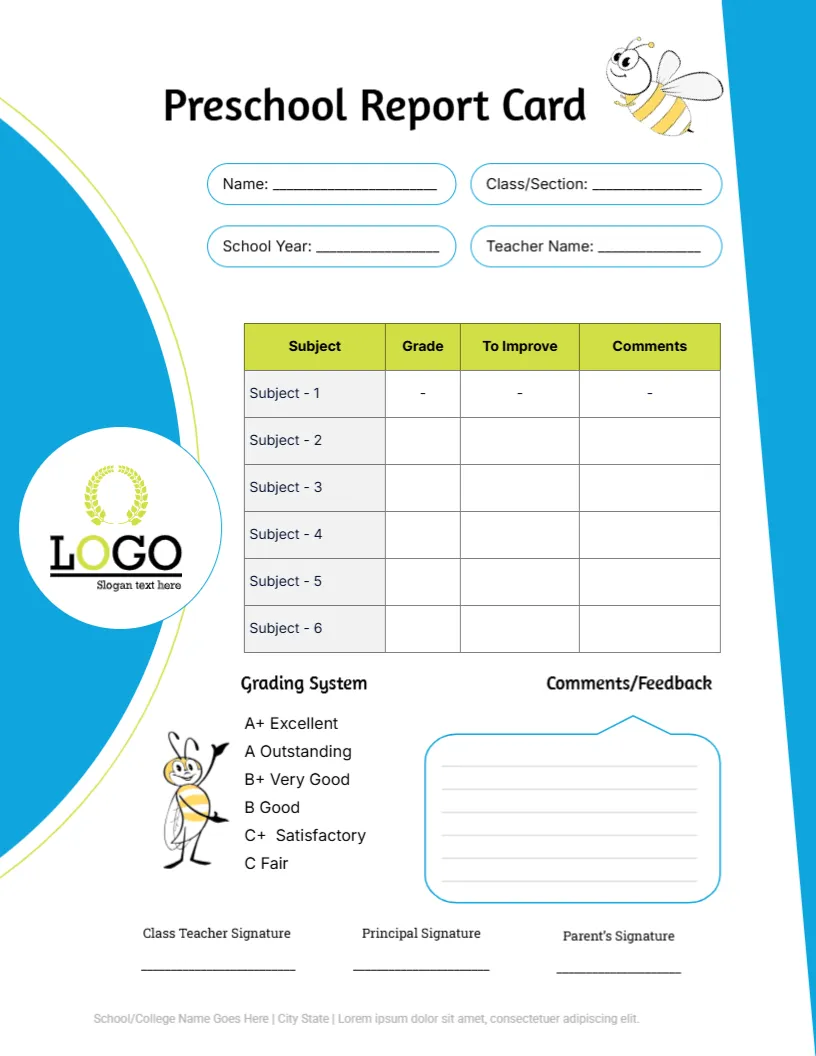
A cartoon bee hovers beside the title Preschool Report Card, which sits above four rounded fields for Name, Class or Section, School Year, and Teacher Name. A big blue curve runs down the left side with a round logo on it. A lime green table lists six subjects, and a speech bubble holds the comments.
A Soft Letter Page for Young Pupils
The sheet measures 8.5 x 11 inches. It has only six subject rows rather than eight, which suits preschool and kindergarten, where skills are fewer, and comments carry more weight than numbers.
Name Fields, Logo and Footer
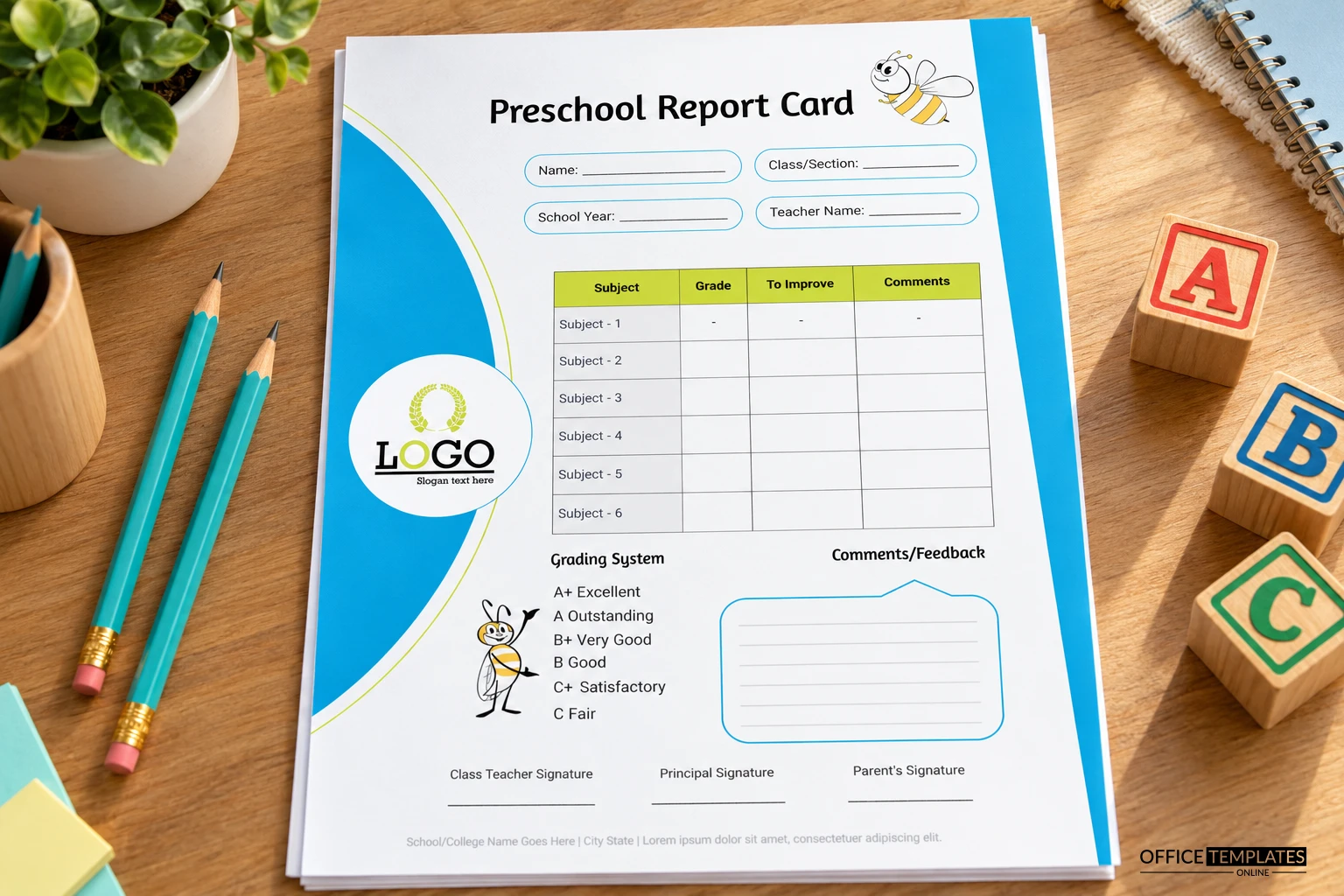
Type the child’s name and class in the rounded pill fields and replace the round LOGO with your own. The grey footer line contains Lorem ipsum, so enter your school name and city. Rename Subject 1 to Subject 6 with areas such as Letters, Numbers, and Story Time.
Getting the Preschool Card Ready
- Fill the four pill fields.
- Rename the six subject rows.
- Swap the school logo.
- Write the bubble comments.
- Print on bright paper.
Why a To Improve Column Helps
Besides Grade and Comments, the table has a To Improve column. For young children, it gives parents one clear thing to practise at home, such as holding a pencil or counting to twenty, instead of a vague mark.
A Short Grading Key With a Bee Picture
The grading system lists A+ Excellent through C Fair beside a small standing bee. Preschools that avoid letter grades can replace the key with words such as Growing, Secure, and Shining, and keep the picture.
Writing in the Comment Bubble
The speech bubble has faint ruled lines for a warm personal note. Write in the first person for the child, or address the parents directly. Keep it positive, and mention something the child did this term.
A Playful Look That Still Reads Clearly
The blue curve and lime header make the card friendly, but the table cells stay white so handwriting remains clear. Use a dark blue pen, which stands out well against both the white cells and the lime header.
Placeholder Marks in the First Row
The first subject row shows small placeholder marks in the Grade, To Improve and Comments cells. Delete them before printing; otherwise, parents may think a mark was given for that subject.
Printing the Curve and the Bee
Colour printing suits this design best, since the bee and curve carry most of the charm. Matte paper reduces glare, and it keeps the bee outline crisp when the sheet is photographed for a family chat group.
Sending the Card Home
Fold the card in thirds for a standard envelope, or place it in a folder with a child artwork sample. Many preschools add a sticker on the corner of the page as a small reward.
Step-by-Step Editing of the Preschool Report Card Bee Design
- On the preschool report card bee design, click the main headline and type your own words, keeping a similar length.
- Retype every name, date, and contact line on the preschool report card bee design, checking each against a trusted source.
- Search the preschool report card bee design for the words Lorem and Company so that no placeholder remains.
- Click any logo or photo on the preschool report card bee design, choose Replace Image, and resize the new picture to fit.
- Zoom the preschool report card bee design to full size and read each line aloud before you save it.
- Keep a clean master of the preschool report card bee design without private details, so later versions start tidy.
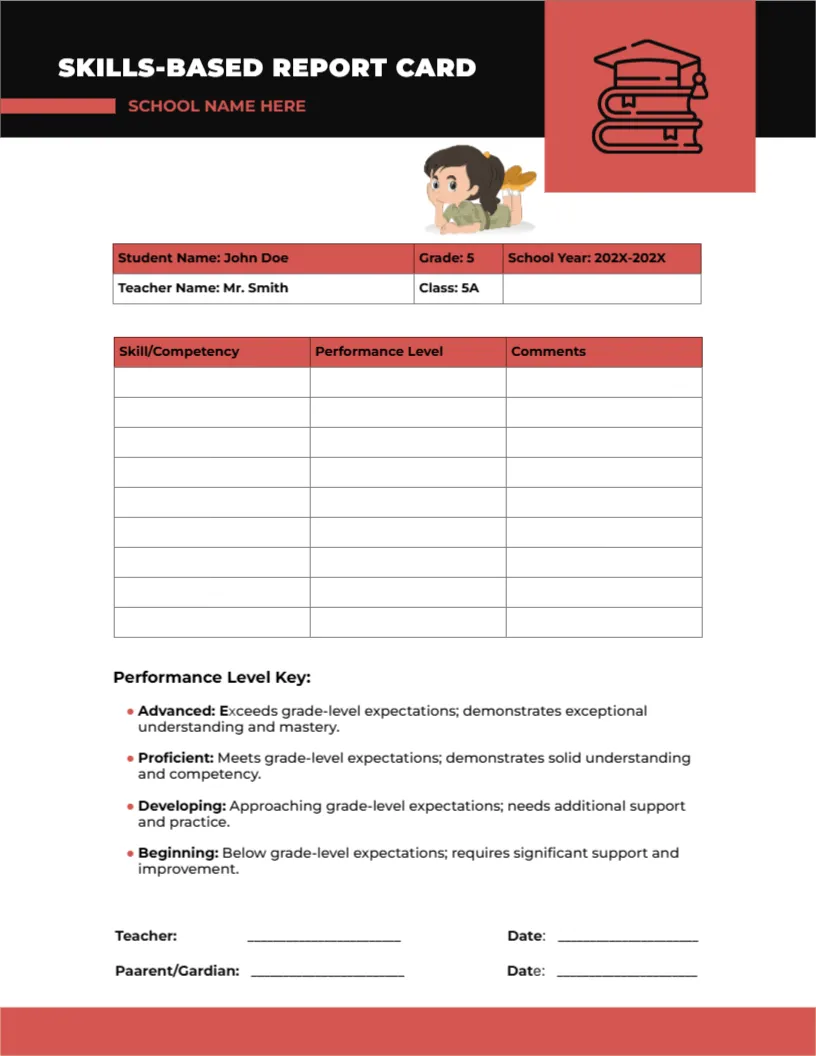
A related layout is the developmental preschool card. Also worth a look: skills-based card with key. Next to try is the elementary school card. Find more designs next to the preschool report card bee design in report card templates.