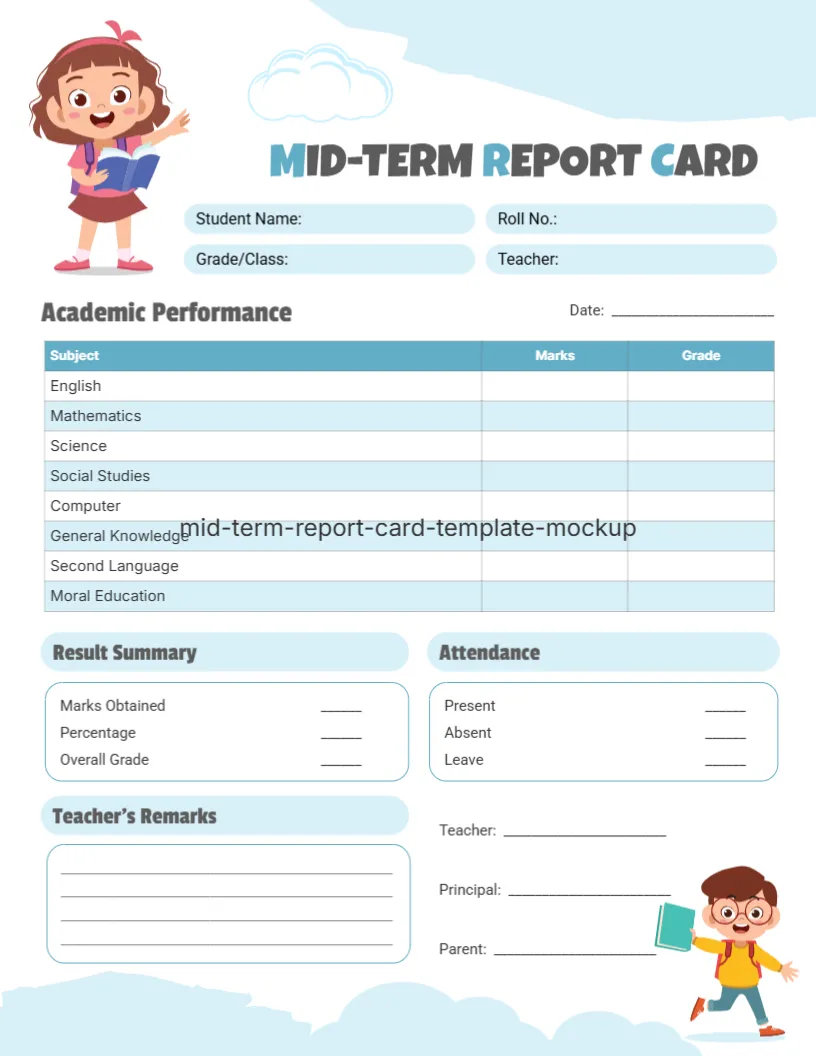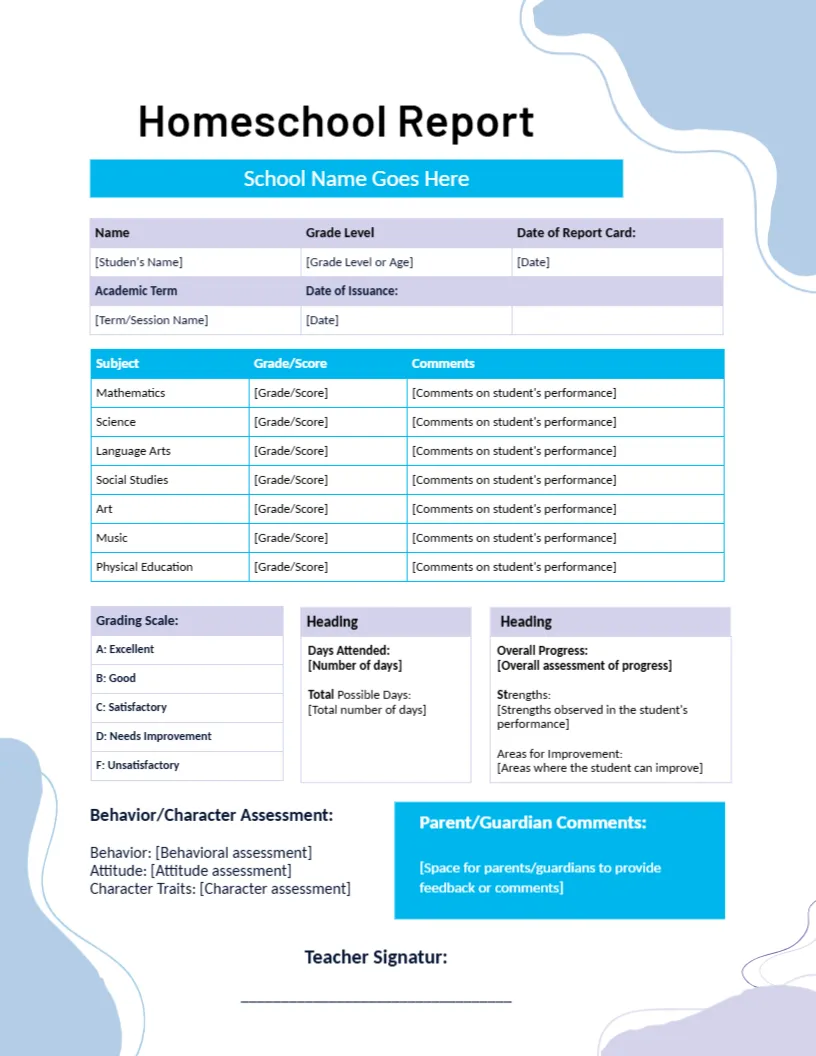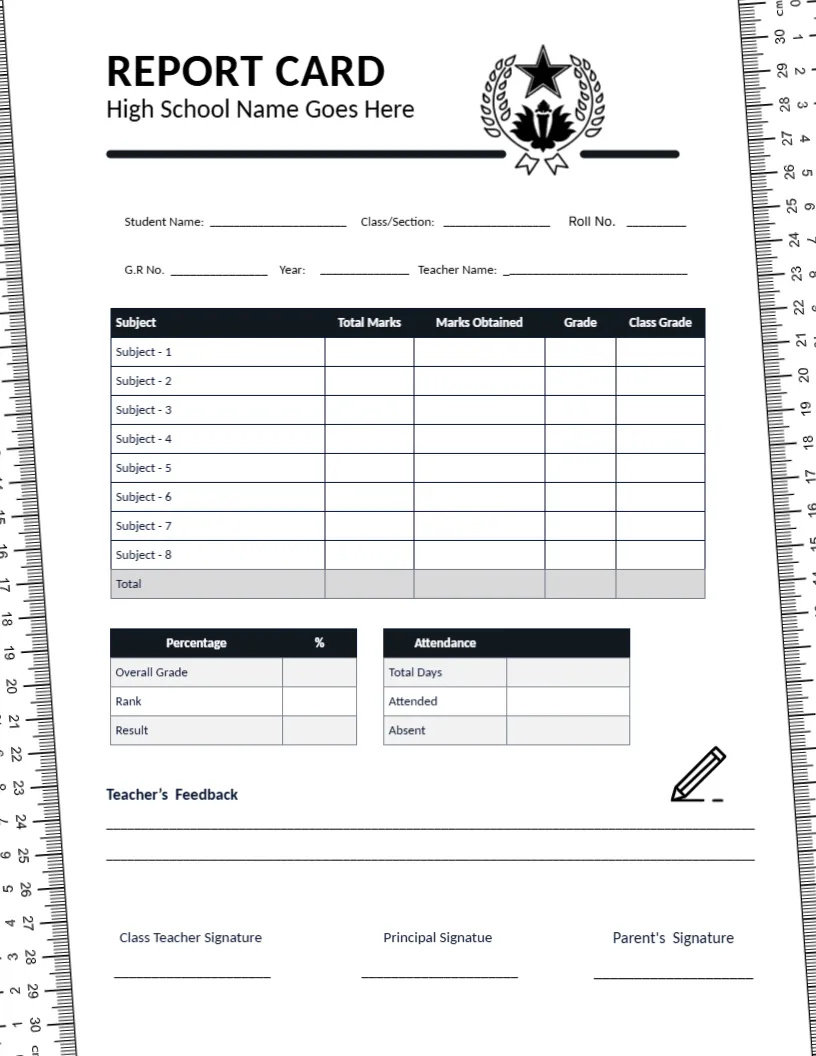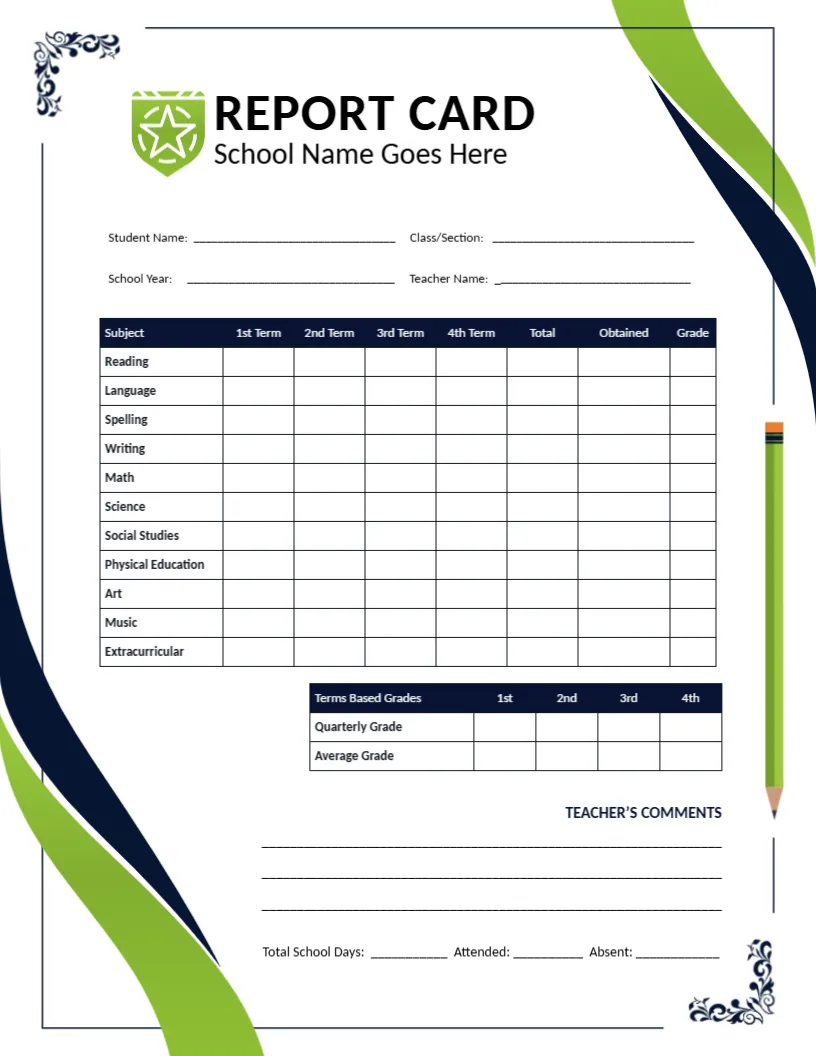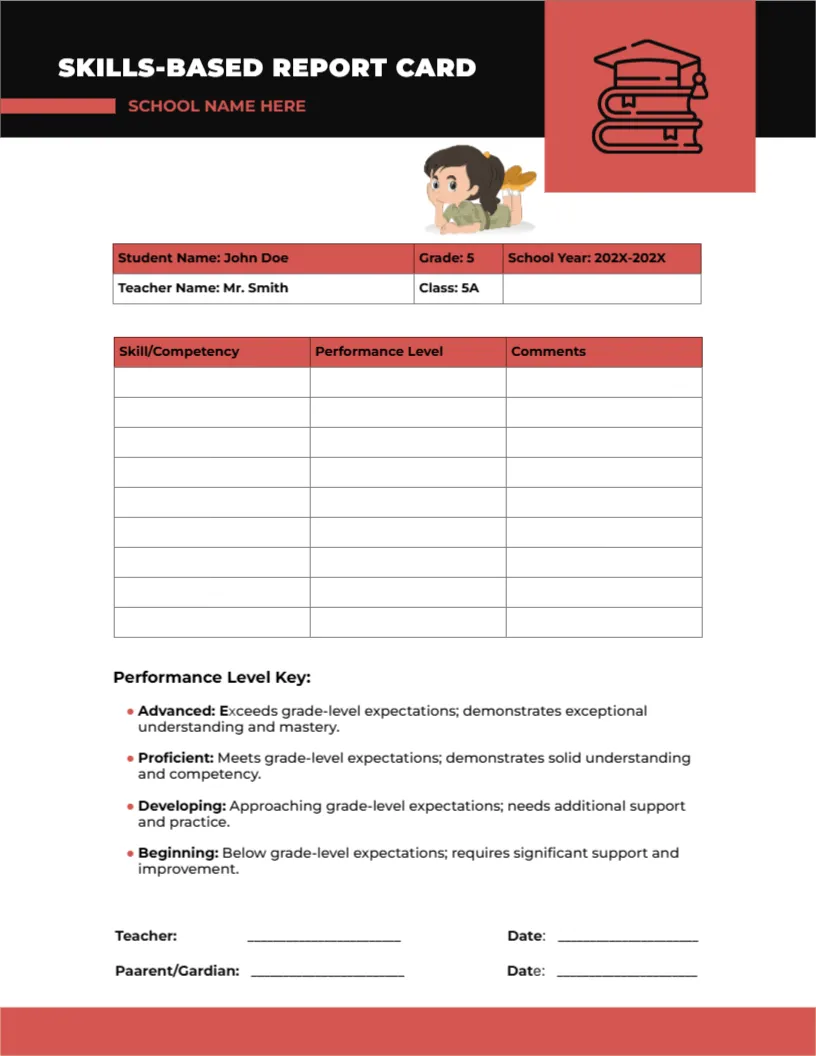
A Skill and Performance Level Table With a Four-Level Key
A black band with a coral square holding a stack of books crosses the top of this page. SKILLS BASED REPORT CARD sits on the left with SCHOOL NAME HERE underneath. A girl lies reading above a small details table, and a three-column table headed Skill, Performance Level, and Comments fills the middle of the page.
A Letter Page With Nine Skill Rows
The page is 8.5 x 11 inches. Nine rows sit under the three headings, so you can list nine skills, such as reading fluency, number sense, or collaboration, with a level and a comment for each.
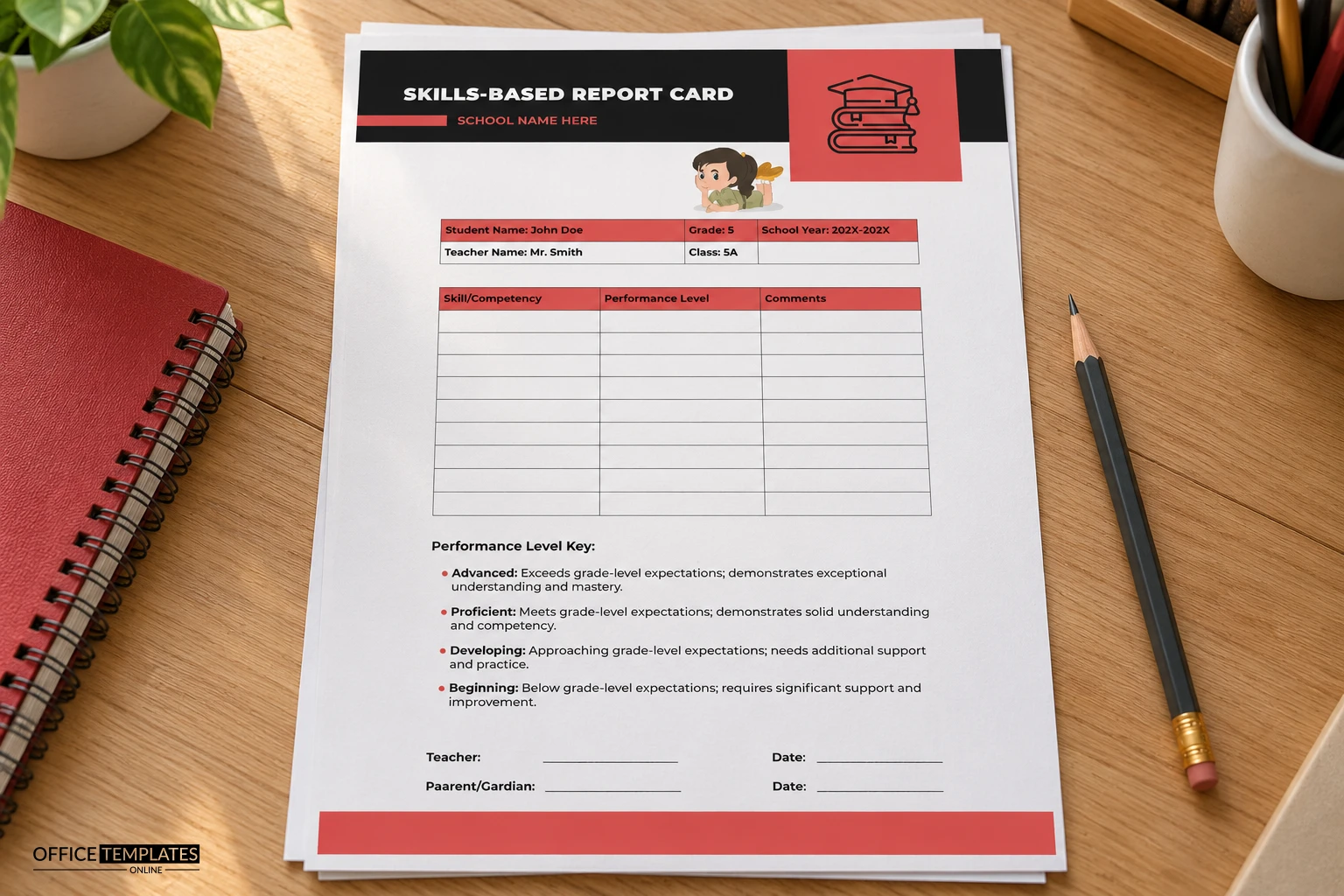
Sample Details and Spelling Fixes
The details table already holds sample text: John Doe, Grade 5, 202X to 202X, Mr. Smith and Class 5A. Replace them with real values. The signature line reads Parent and Guardian, so correct it to Parent and Guardian before printing.
Setting Up the Skills Card
- Replace the sample student details.
- List the skills.
- Mark each performance level.
- Correct Parent and Guardian.
- Sign and date.
Four Levels Instead of Marks
The key defines Advanced, Proficient, Developing, and Beginning, each with a one-line description. Teachers pick the level that best matches the evidence and leave a note, which avoids false precision of percentages.
Choosing Skills That Can Be Observed
Pick skills you can actually see, such as writes a paragraph with a clear opening or solves two-step problems. Vague skills such as tries hard are hard to rate fairly and hard for parents to act on.
Comments That Back the Level
A level on its own can feel cold, so use the Comments cell for one concrete example. Writing what the pupil did gives parents proof, and it makes later conferences much easier for you.
Adapting the Key to Your Own Words
If your school uses other level names, such as Emerging, Secure, and Mastered, retype the four lines of the key in the editor. Keep the descriptions short so the key stays on one page.
A Black and Coral Look With Real Contrast
The dark header and coral accents read as modern and serious without feeling cold. The table header repeats the coral, so the card feels like one design rather than several parts.
Teacher and Parent Lines With Dates
Two signature lines with dates sit at the bottom, one for the teacher and one for the parent. The dates show when the card was shared, which is useful when you review progress at the next term.
Using the Card for Skill Tracking
Print the card in the middle and at the end of a term to show change over time. A pupil who moves from Developing to Proficient gives parents clear, encouraging evidence of growth.
Step-by-Step Editing of the Skills-Based Report Card Performance Key Design
- On the skills-based report card performance key design, click the main headline and type your own words, keeping a similar length.
- Retype every name, date, and contact line on the skills-based report card performance key design, checking each against a trusted source.
- Search the skills-based report card performance key design for the words Lorem and Company so that no placeholder remains.
- Click any logo or photo on the skills-based report card performance key design, choose Replace Image, and resize the new picture to fit.
- Zoom the skills-based report card performance key design to full size and read each line aloud before you save it.
- Keep a clean master of the skills-based report card performance key design without private details, so later versions start tidy.
Compare it with the standards-based card. You may also like the orange behavioral card. For comparison, open the middle school card. Every skills-based report card performance key style alternative sits in report card templates.