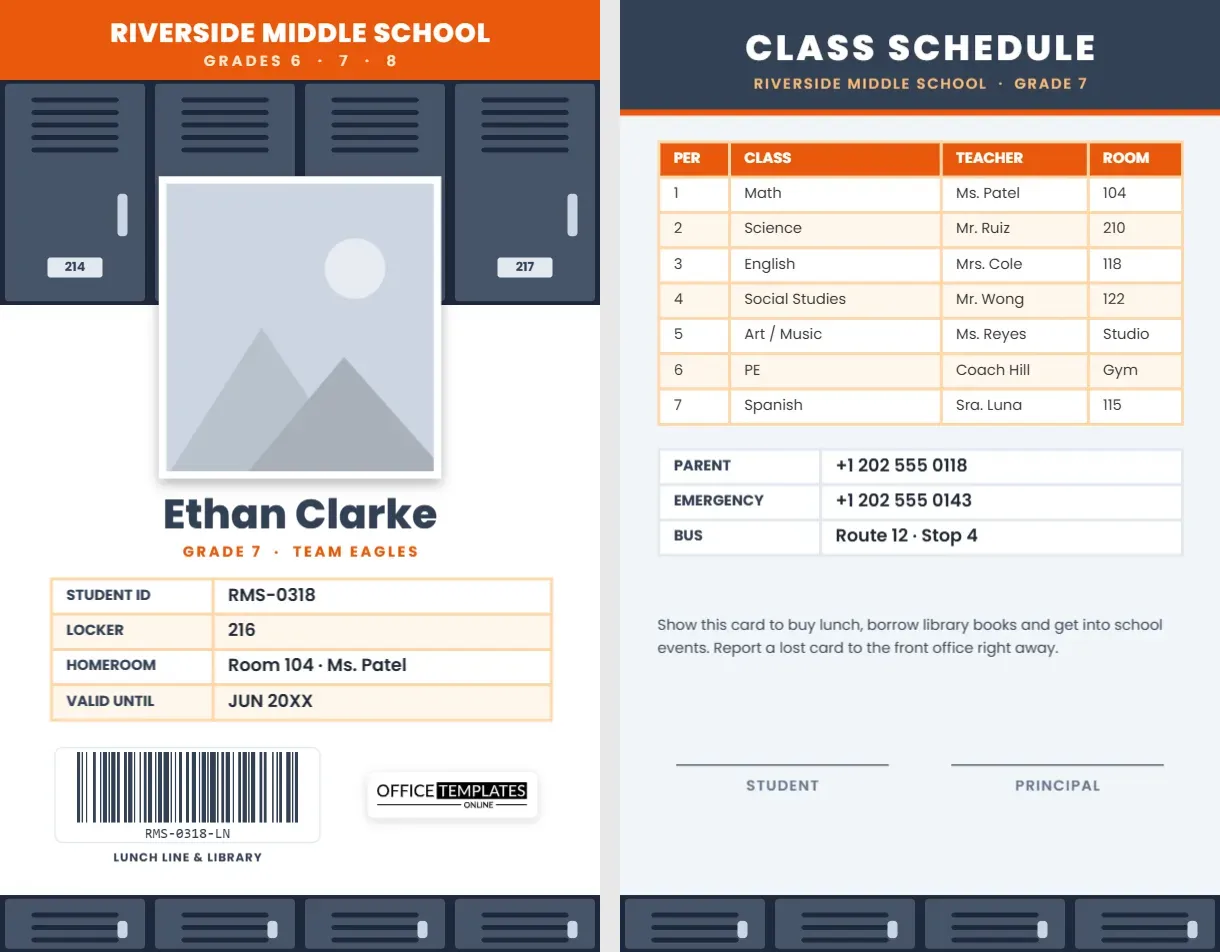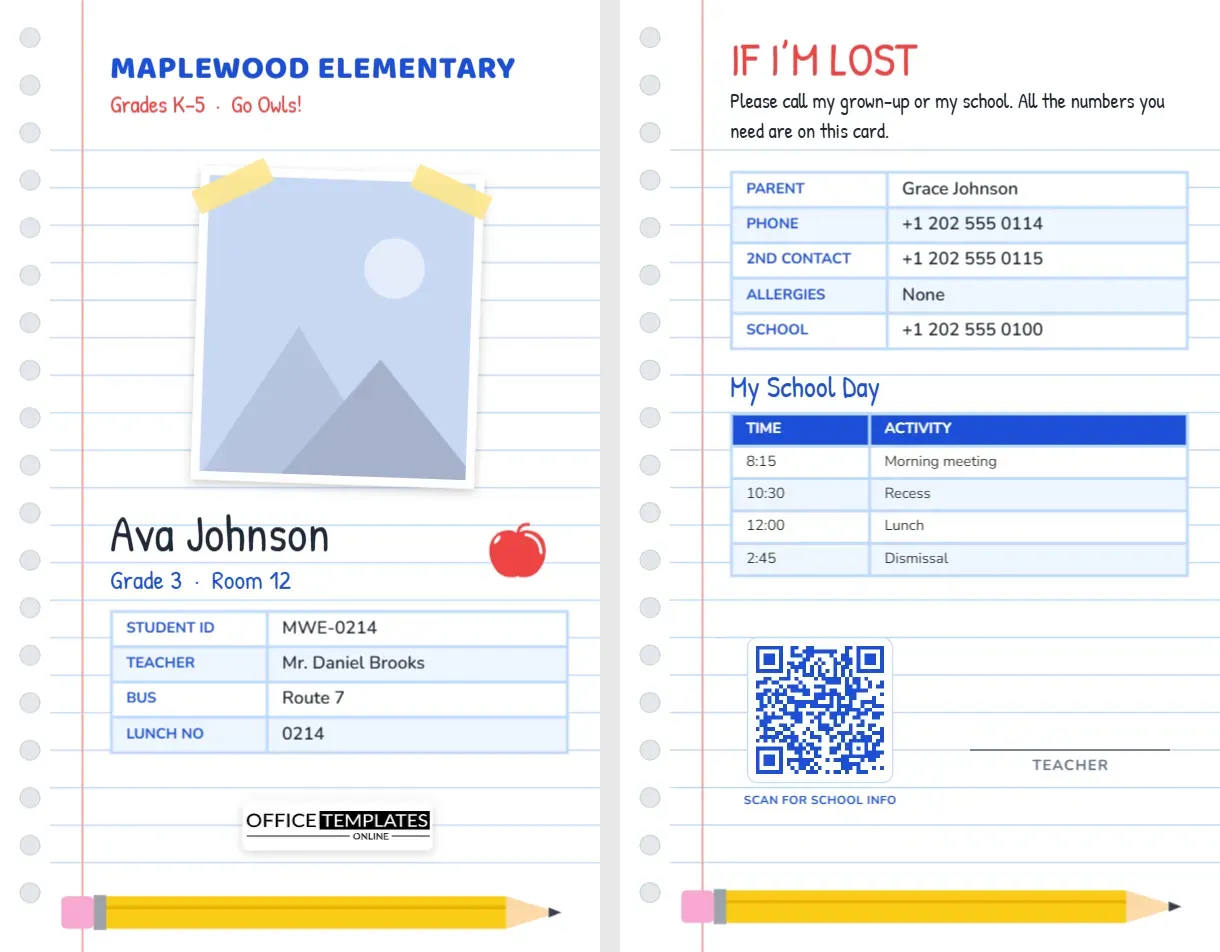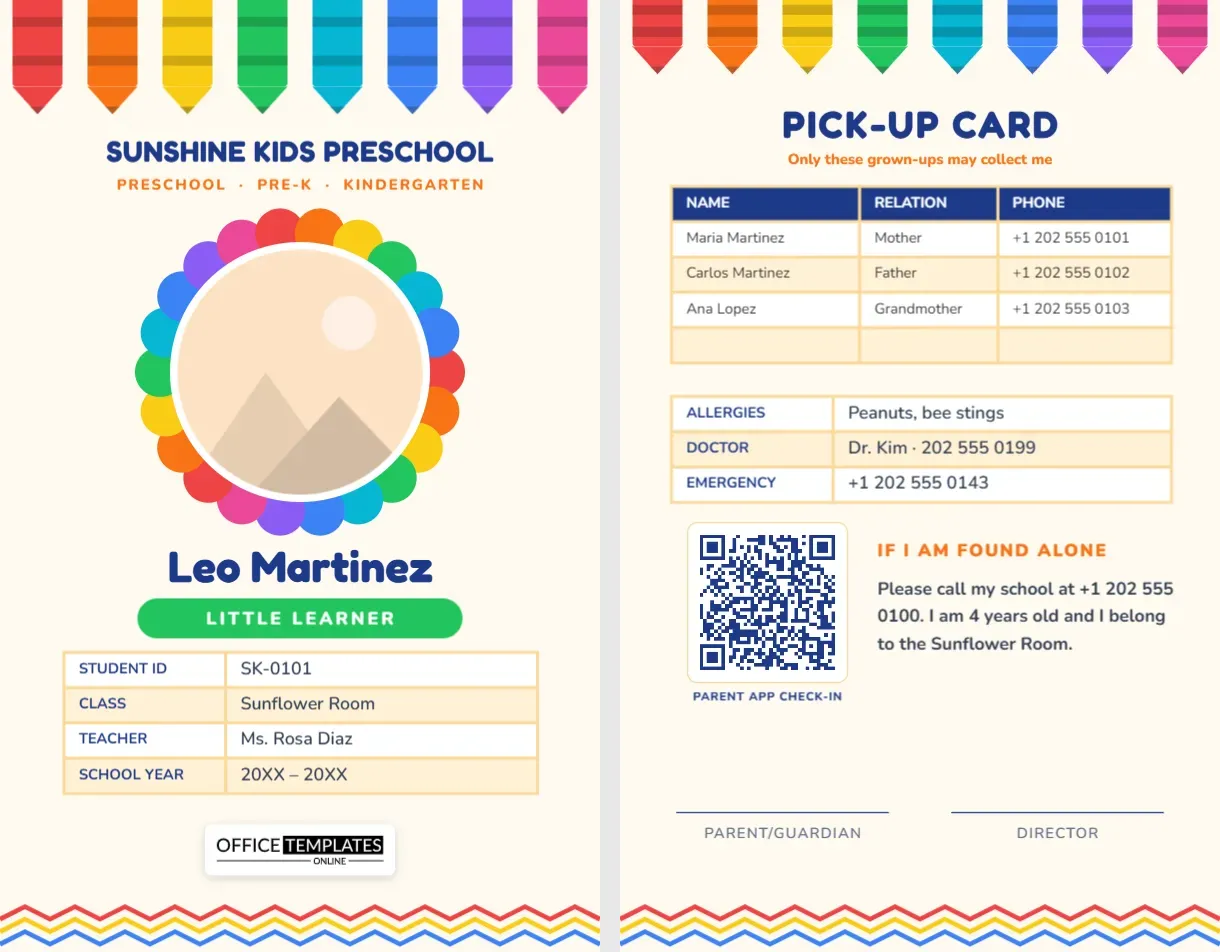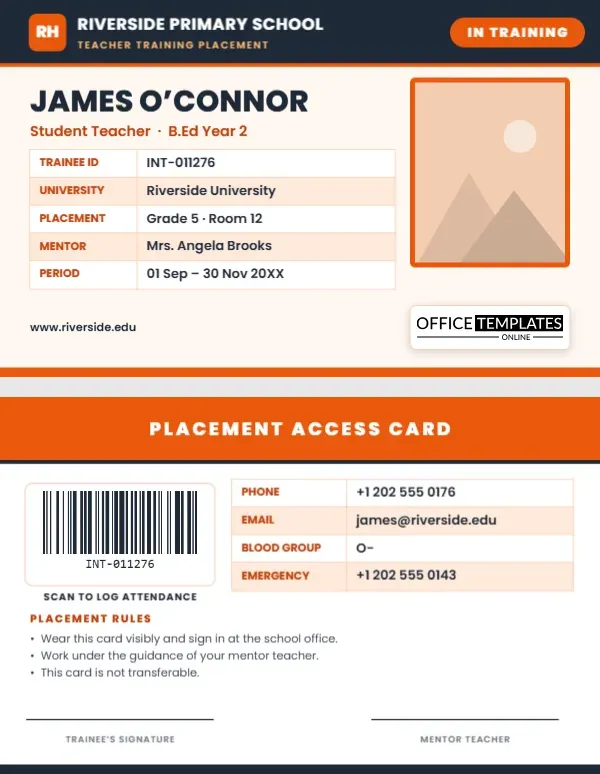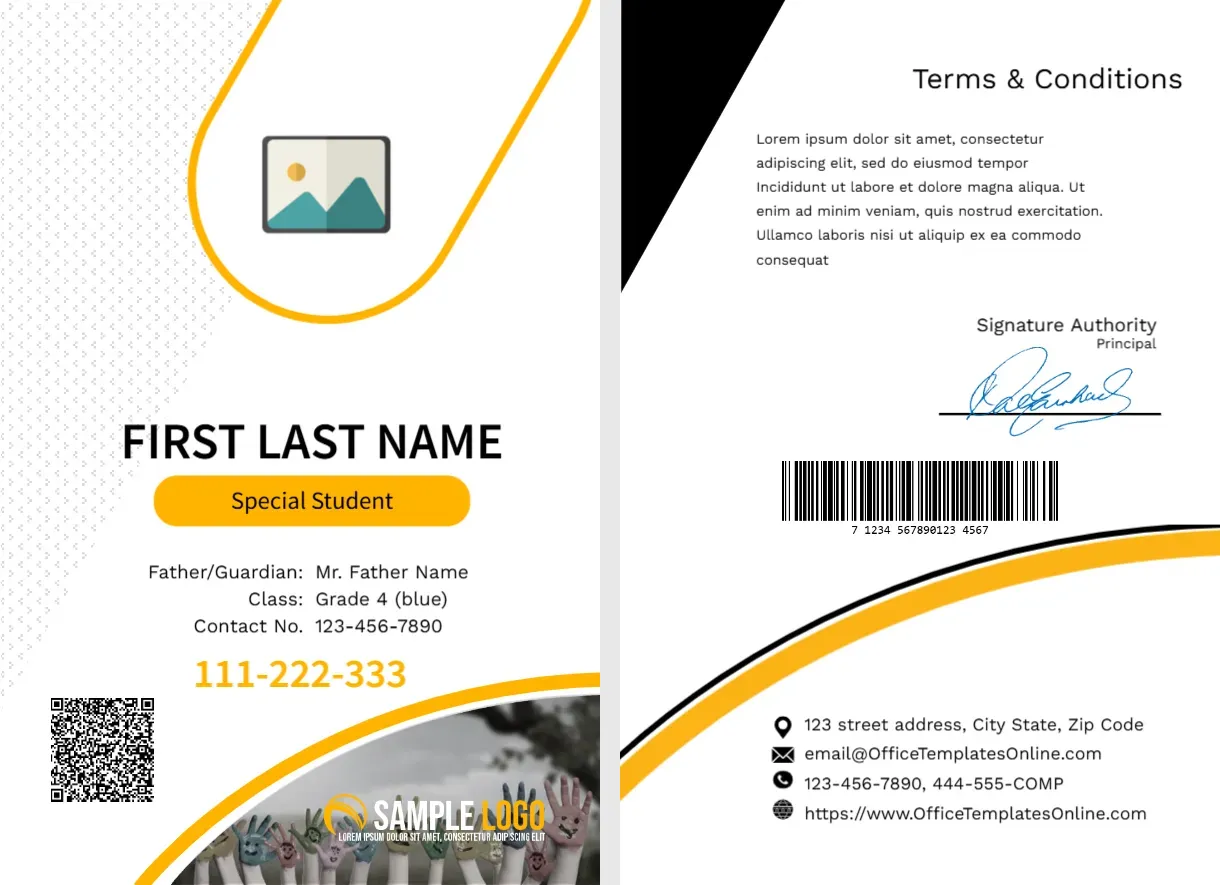
A Yellow Loop Frame and a Status Tag on a White Card
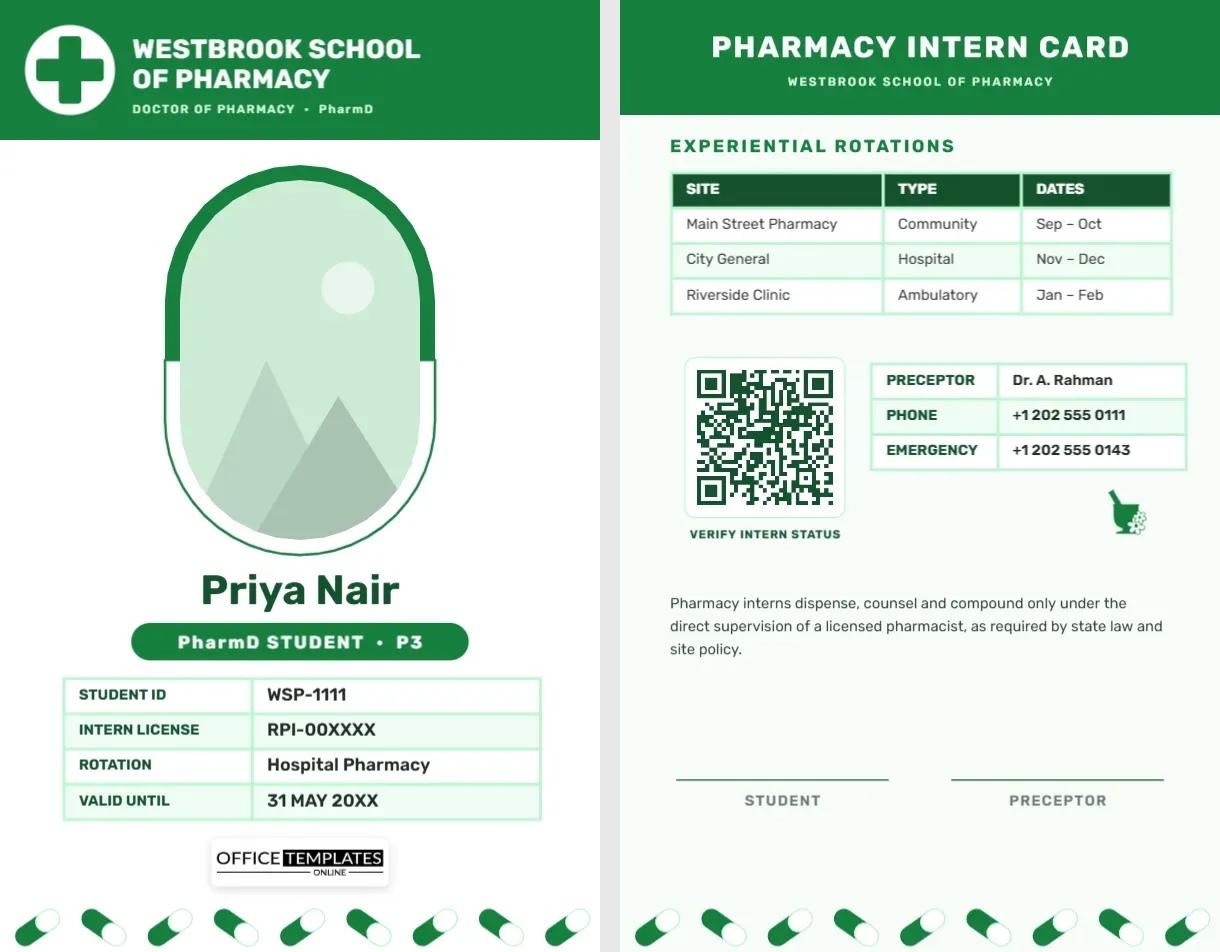
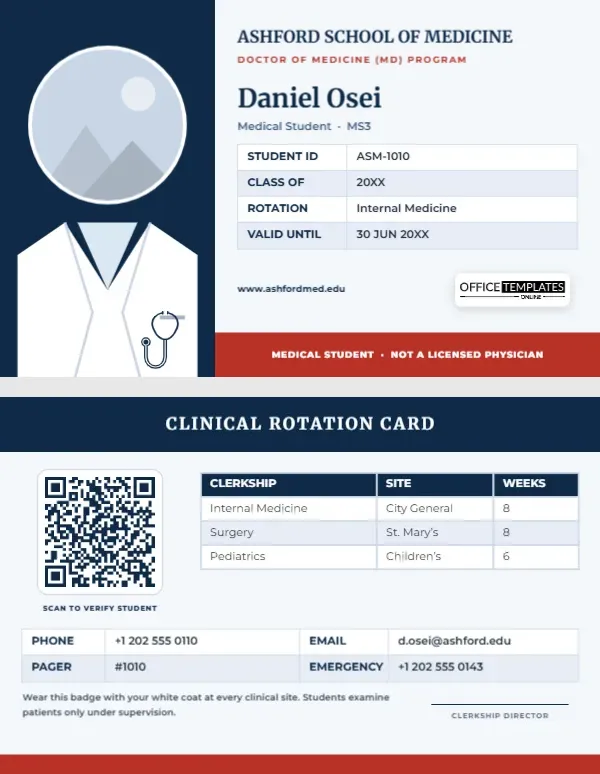
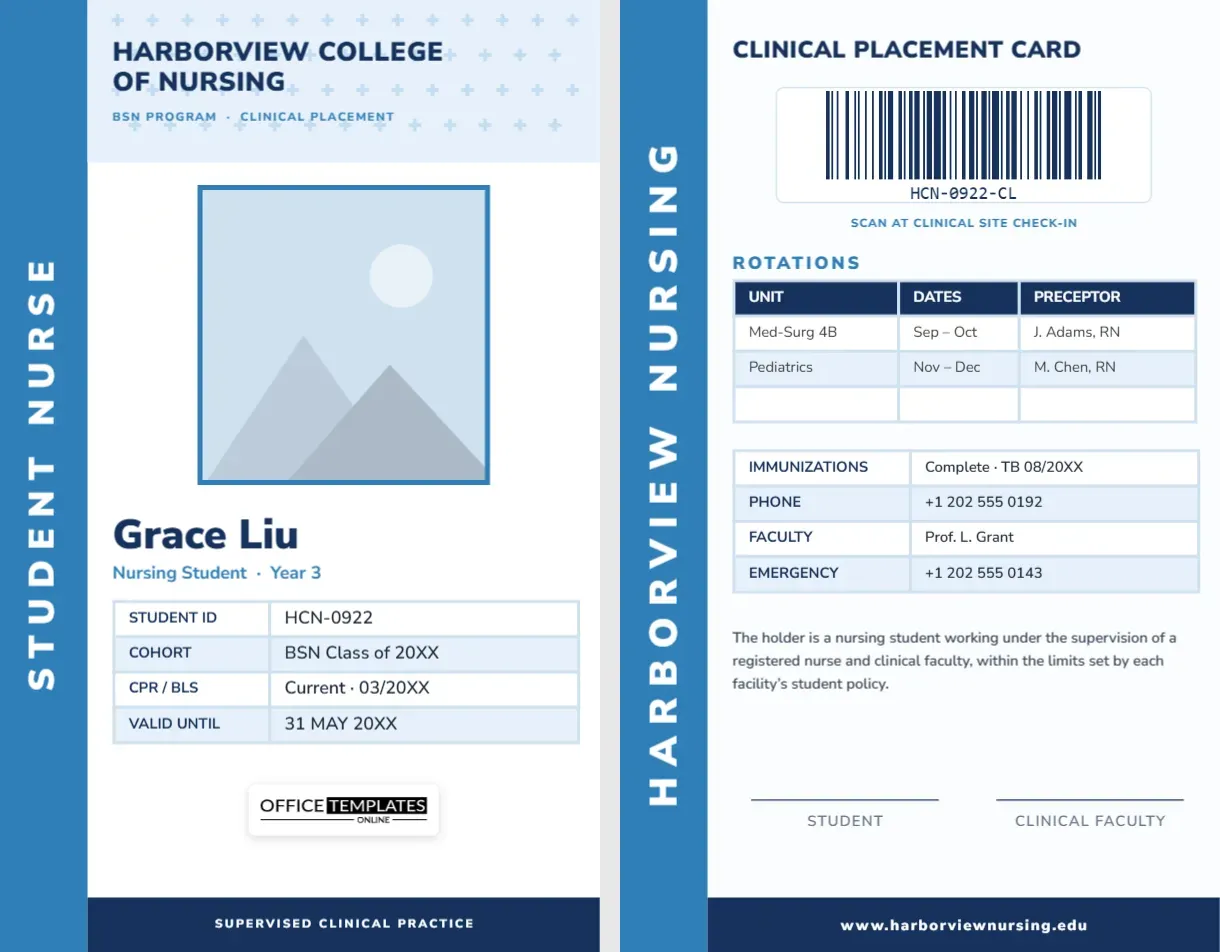
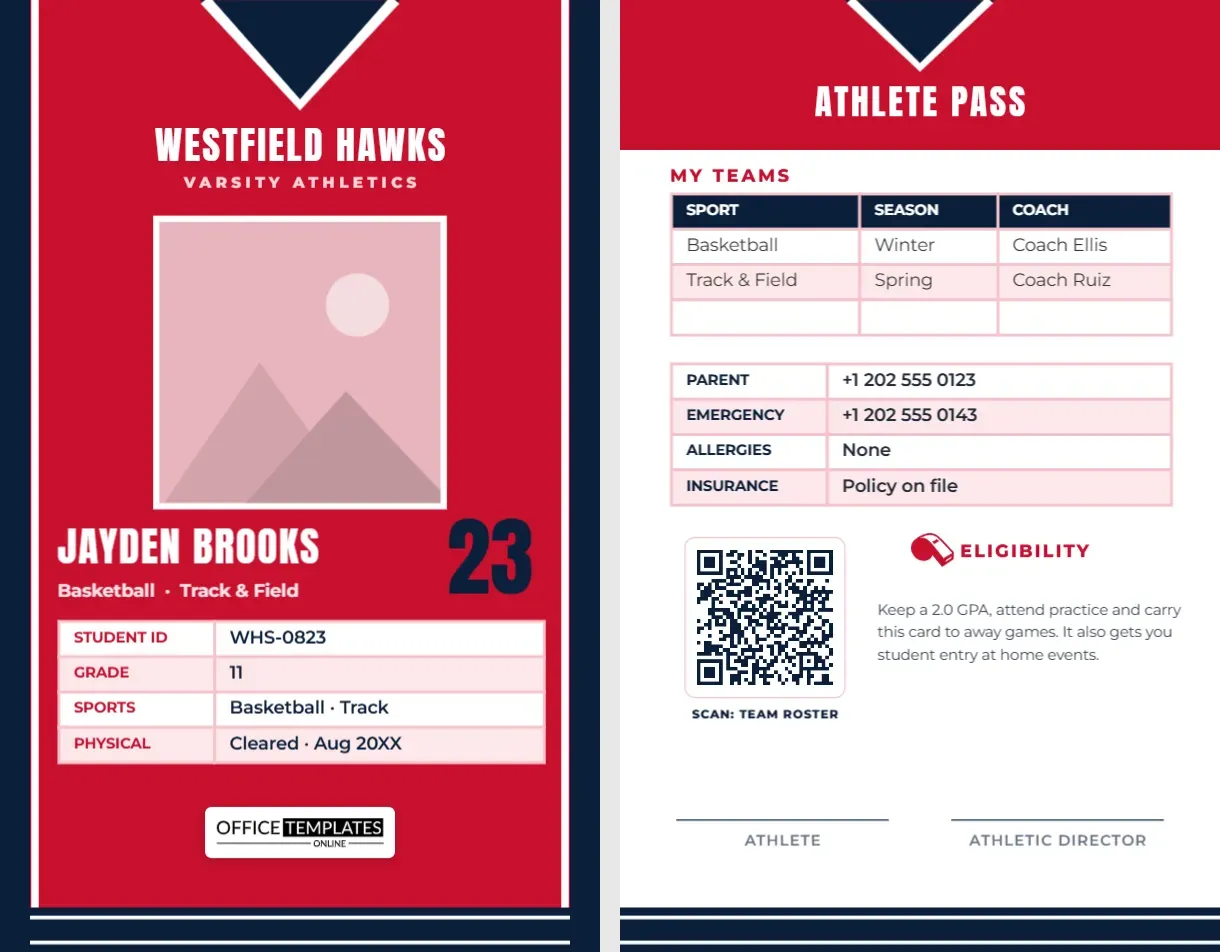
The front of this portrait card is white with a faint dotted background, a yellow outlined loop shape holding the photo, and a yellow curve with a photo of children holding colourful hands and a SAMPLE LOGO at the lower right. FIRST LAST NAME sits in bold black over a yellow pill reading Special Student, followed by the guardian, class and contact lines, a yellow number 111-222-333 and a QR code. The back has a black corner, terms, a signature, a barcode and contacts.
A Student Card With a Yellow Reverse
The card is 2.63 x 3.88 inches. The yellow loop frames the photo and doubles as a guide for a lanyard slot at the top.
Fields and the Status Wording
Replace FIRST LAST NAME, the guardian, class and contact lines, the number and the QR code. The yellow pill says Special Student, so consider the wording carefully with families and staff, and change it to a neutral label if you wish. Edit the back text and contacts.
Preparing the Yellow Loop Card
- Insert the photo.
- Type the name.
- Decide the status label.
- Fill guardian and class.
- Rewrite the back terms.
Choosing Respectful Wording
A label on a card can help staff offer support, but it can also single a student out. Ask families how they want a label to read, or leave the pill for a class or house name.
Accessibility Information
If a card should carry support notes, such as a helper contact, put them on the back and not in a prominent tag. Follow your school policy on what information a card may carry.
A Bright Yellow Accent
Yellow is easy to see in a crowd, so staff can spot the card quickly. It also feels cheerful, and the black text keeps strong contrast.
The Children Photo at the Foot
A photo of children holding up hand puppets sits in the yellow curve. Replace it with your own school image, or delete it for a cleaner card.
Number Formats
The number is printed as 111-222-333 on the front, but the sample data reads 111222333. Choose one format for all cards, so scanners and staff agree.
Emergency Information on the Back
Consider a line for an emergency contact on the back, near the signature. A calm and clear back helps staff act quickly.
Working With Families
Share a draft card with families before printing, and invite comments. Involving them leads to cards that students are willing to wear.
Step by Step Editing of the Students Id Card Yellow Loop Special Student Design
- On the students id card yellow loop special student design, click the main headline and type your own words, keeping a similar length.
- Retype every name, date and contact line on the students id card yellow loop special student design, checking each against a trusted source.
- Search the students id card yellow loop special student design for the words Lorem and Company so that no placeholder remains.
- Click any logo or photo on the students id card yellow loop special student design, choose Replace Image and resize the new picture to fit.
- Zoom the students id card yellow loop special student design to full size and read each line aloud before you save it.
- Keep a clean master of the students id card yellow loop special student design without private details, so later versions start tidy.
Compare it with the orange student card. You may also like the preschool student card. For comparison, open the springfield student card. Every students id card yellow loop special student style alternative sits in student ID card templates.