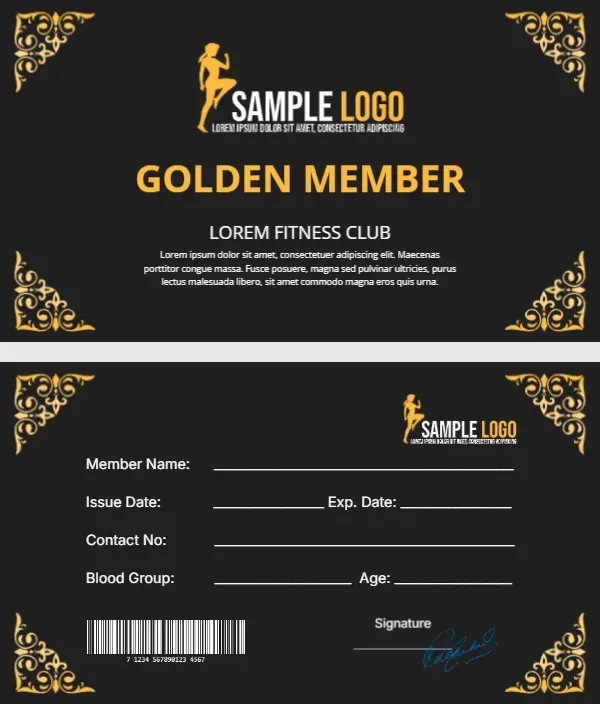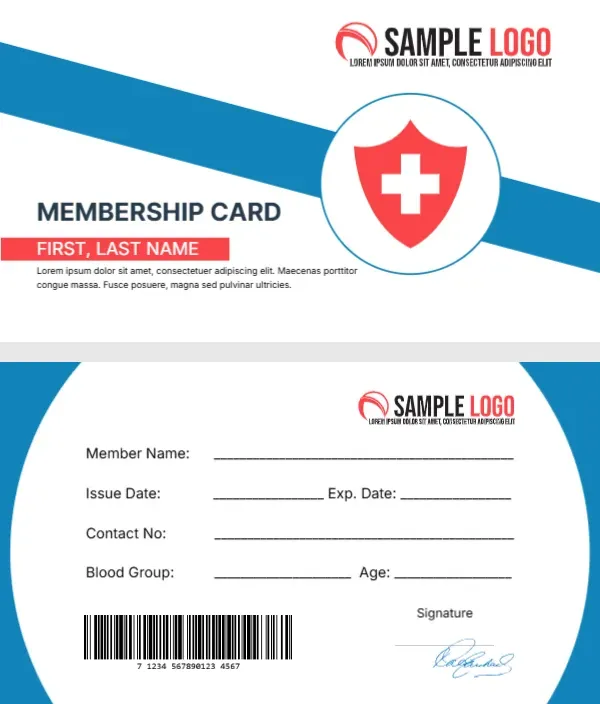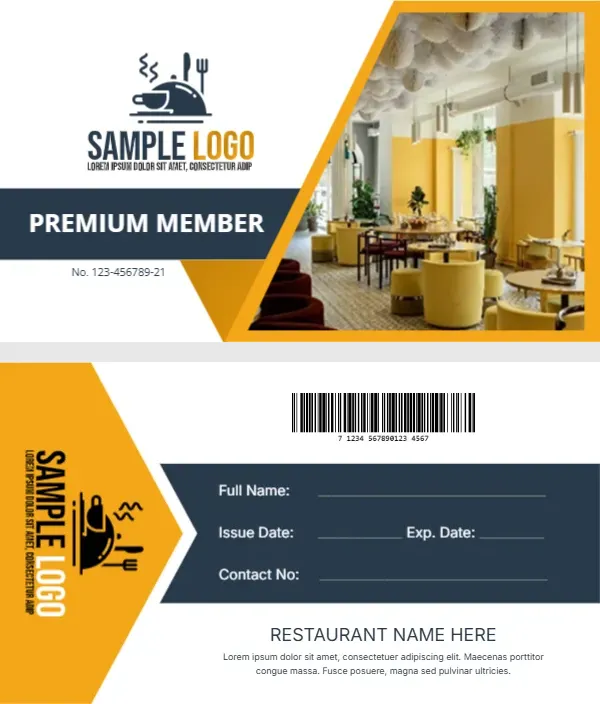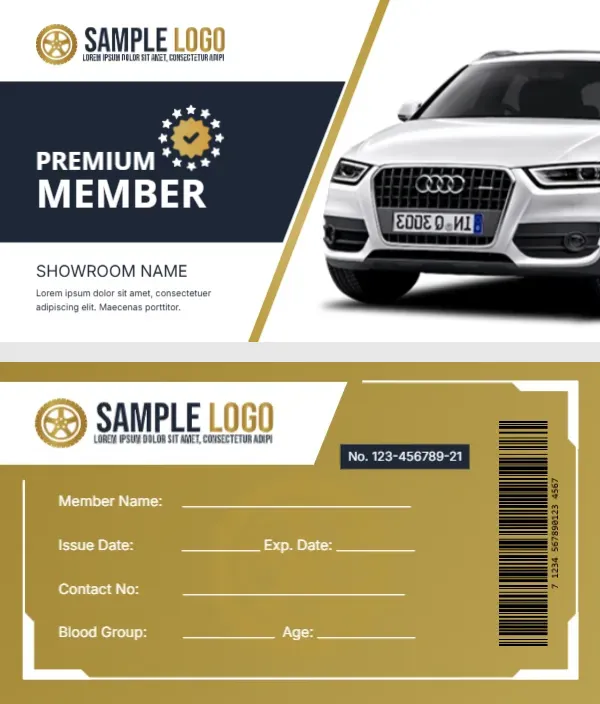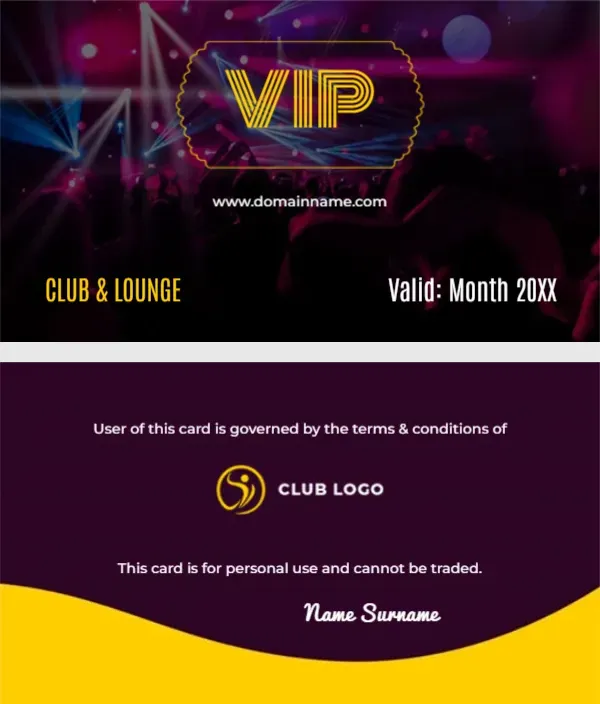
A Neon VIP Badge Over a Nightclub Crowd
A nightclub photo with laser beams and a dancing crowd in purple light fills the front. A gold neon style VIP badge glows at the top, with a website line below. CLUB AND LOUNGE sits in gold at the lower left and Valid: Month 20XX in white at the lower right. The back is deep purple with a yellow wave, a club logo, terms lines and a script name.
Photo Front and Wave Back
The card is 3.5 x 2 inches. The back centres a terms line, the club logo and a personal use line, with the member name in a white script at the foot.
Fixing User of This Card
The back reads User of this card is governed by the terms and conditions of, followed by the logo. User should be Use, and the logo should be followed by the club name in text, so the sentence is complete. Set the validity month and year on the front and type the website.
Personalising the Lounge Card
- Fix User to Use.
- Add the club name to the terms.
- Set the valid month and year.
- Type the website.
- Type the member name.
Age Rules for Lounges
Venues that serve alcohol must follow age laws. Check ID at the door as normal, since this card is a membership pass, not proof of age.
Monthly Validity
The Valid: Month 20XX line suits monthly passes. Print a new batch each month or use stickers to update dates. Small round date stickers in gold can cover the month line, so you do not have to reprint the whole card.
Using Your Own Venue Photo
Swap the stock photo for a shot of your own room on a busy night, with guests’ permission. A real photo of your own room also helps guests recognise the venue when they share the card on social media.
Printing Purple and Gold
Dark purple prints well on gloss card, which also makes the neon badge look brighter.
Guest List Perks
Members often get guest list entry or a free drink. Add one perk under the VIP badge. Keep the perk simple so door staff can apply it at a glance, for example Free entry before 11 PM.
Issuing Lounge Cards
Keep a list of members and validity months.
Step by Step Editing of the Club Lounge Neon Vip Design
- On the club lounge neon vip design, click the main headline and type your own words, keeping a similar length.
- Retype every name, date and contact line on the club lounge neon vip design, checking each against a trusted source.
- Search the club lounge neon vip design for the words Lorem and Company so that no placeholder remains.
- Click any logo or photo on the club lounge neon vip design, choose Replace Image and resize the new picture to fit.
- Zoom the club lounge neon vip design to full size and read each line aloud before you save it.
- Keep a clean master of the club lounge neon vip design without private details, so later versions start tidy.
Have a look at the VIP card with a crown. Another option is the gold VIP member card. A related layout is the VIP card with gold ribbons. Every club lounge neon vip style alternative sits in membership card templates.