Gold Ribbon Corners and an Outlined VIP
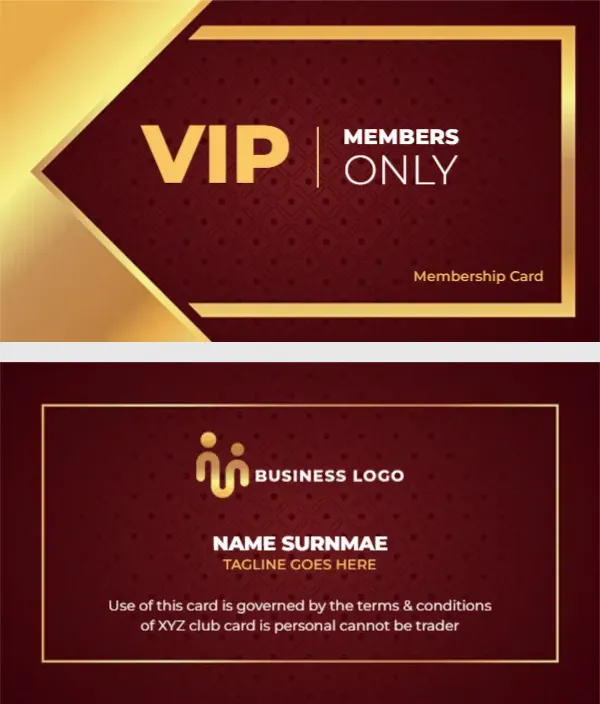
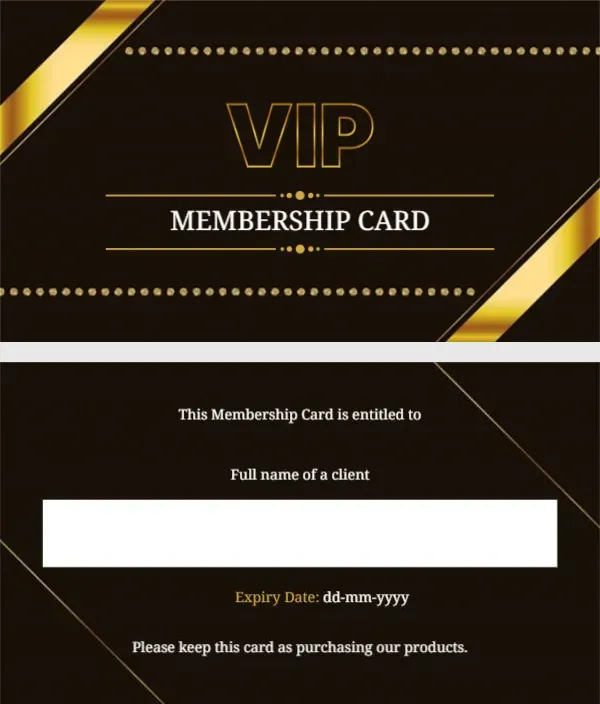
A very dark brown front has shiny gold ribbons cutting across two opposite corners and two rows of small gold dots running along the top and bottom. In the middle, VIP sits in outlined gold capitals above MEMBERSHIP CARD in white serif capitals, framed by thin gold rules with dotted ornaments. The back keeps the dark brown with fine gold diagonal lines, a title, a white name box, an expiry line and a closing sentence.
Gold Ribbon Front and Dark Lined Back
The card is 3.5 x 2 inches. The back reads This Membership Card is entitled to, then Full name of a client above a white box, then Expiry Date: dd mm yyyy in gold and white, then a closing line at the foot.
Fixing the Closing Sentence
The last line on the back reads Please keep this card as purchasing our products, which is unclear. Change it to Please show this card when you buy our products or Present this card at checkout. Type the expiry date in the date field, and write or type the client’s name in the white box.
Personalising the Ribbon VIP Card
- Fix the closing sentence.
- Set the expiry date.
- Write the client name.
- Add your shop name.
- Add a member number.
Adding the Shop Name
The design does not name the business. Add it under MEMBERSHIP CARD on the front in small white capitals, or above the title on the back.
A Member Number for Tracking
A number makes cards easier to track and replace. Add Member No. in gold beside the expiry date.
Retail and Jewellery Shops
The gold and dark brown look suits jewellery shops, boutiques, perfume stores and premium bakeries, where clients expect a polished card.
Printing Dark Brown
Dark brown can print almost black. That still looks good, but check the gold ribbons keep their shine in a test print.
Pen Ink on the Dark Brown VIP Back
The white box is the only place for a pen. Use a permanent marker on matte card and let it dry before handing the card over.
Giving Out VIP Ribbon Cards
Hand cards to top customers with their purchase.
Step by Step Editing of the Vip Gold Ribbon Dots Design
- On the vip gold ribbon dots design, click the main headline and type your own words, keeping a similar length.
- Retype every name, date and contact line on the vip gold ribbon dots design, checking each against a trusted source.
- Search the vip gold ribbon dots design for the words Lorem and Company so that no placeholder remains.
- Click any logo or photo on the vip gold ribbon dots design, choose Replace Image and resize the new picture to fit.
- Zoom the vip gold ribbon dots design to full size and read each line aloud before you save it.
- Keep a clean master of the vip gold ribbon dots design without private details, so later versions start tidy.
For comparison, open the gold VIP card. Consider the VIP card with a gold crown. Similar designs include the lifetime VIP membership card. Looking beyond the vip gold ribbon dots design? See all membership card templates.