Coral and Brown Shapes With a Boxer Logo for Gym Members
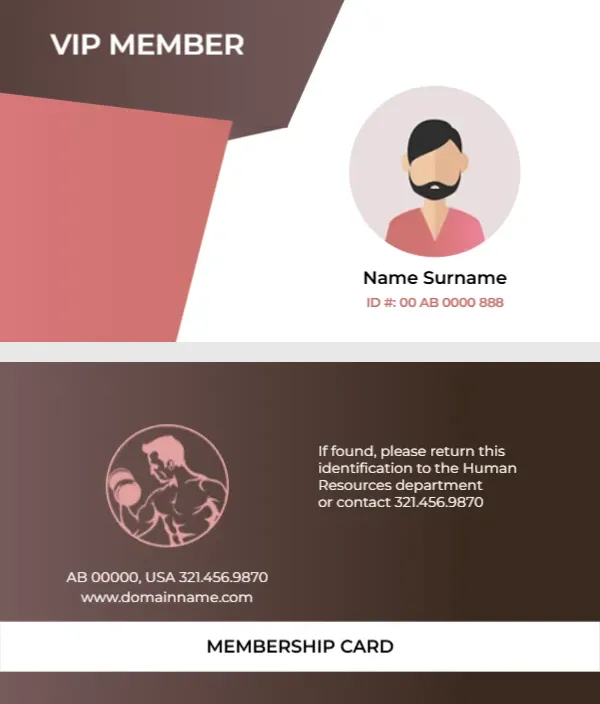
Angled brown and coral shapes fill the left half of the white front, with VIP MEMBER in white capitals at the top. A round grey frame on the right holds an avatar of a bearded man in a coral shirt, with Name Surname in dark type and a coral ID number below. The back is a brown gradient with a coral line drawing of a boxer with gloves inside a circle, a return note, an address line and a white band reading MEMBERSHIP CARD.
Avatar Front and Boxer Back
The card is 3.5 x 2 inches, the size of a standard business card, so it slides into any wallet. The front keeps text to three lines, while the back splits into a logo on the left, a return note on the right and contact details above the white band.
A Return Note Meant for Staff Cards
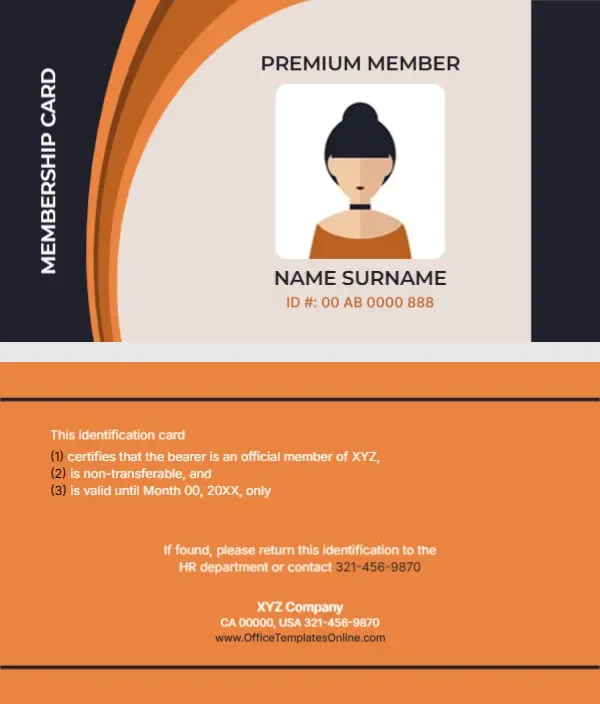
The back reads If found, please return this identification to the Human Resources department or contact 321.456.9870. For a gym, change Human Resources to the front desk or reception, and type your gym’s number. The address line AB 00000, USA and the website line are placeholders, so retype both.
Personalising the Boxer Gym Card
- Replace the avatar with a photo.
- Type the name and ID.
- Change the return note.
- Retype the address and website.
- Swap the boxer logo if needed.
Boxing Gyms and Martial Arts Clubs
The boxer logo makes this card a natural fit for boxing gyms, kickboxing studios and martial arts clubs. For a general gym, swap it for your own logo and keep the circle frame so the layout stays balanced.
VIP or Standard Members
VIP MEMBER suits a top tier. For other levels, type STANDARD or STUDENT in the same place, and consider changing the coral shape to another colour so staff can tell tiers apart at a glance.
Using a Real Member Photo
The avatar is a placeholder. A real head and shoulders photo stops members from sharing cards, which matters if the gym is busy and staff cannot know every face.
Printing the Brown Gradient
The brown back fades from light to dark. Print on matte card at high quality to avoid banding, and check that the thin coral boxer lines stay sharp.
Scanning at Check In
The card has no barcode. If your gym uses scanners, add a barcode under the ID number on the front, generated from each member’s number.
Issuing Boxer Gym Cards
Hand cards out at sign up and log each ID number with the member’s plan.
Step by Step Editing of the Gym Vip Coral Brown Boxer Design
- On the gym vip coral brown boxer design, click the main headline and type your own words, keeping a similar length.
- Retype every name, date and contact line on the gym vip coral brown boxer design, checking each against a trusted source.
- Search the gym vip coral brown boxer design for the words Lorem and Company so that no placeholder remains.
- Click any logo or photo on the gym vip coral brown boxer design, choose Replace Image and resize the new picture to fit.
- Zoom the gym vip coral brown boxer design to full size and read each line aloud before you save it.
- Keep a clean master of the gym vip coral brown boxer design without private details, so later versions start tidy.
Next to try is the gold gym membership card. Have a look at the Elite Fitness Club member ID card. Another option is the sports club membership card. The rest of the series around the gym vip coral brown boxer design is in membership card templates.