A White SUV and a Navy Band for a Car Showroom Club
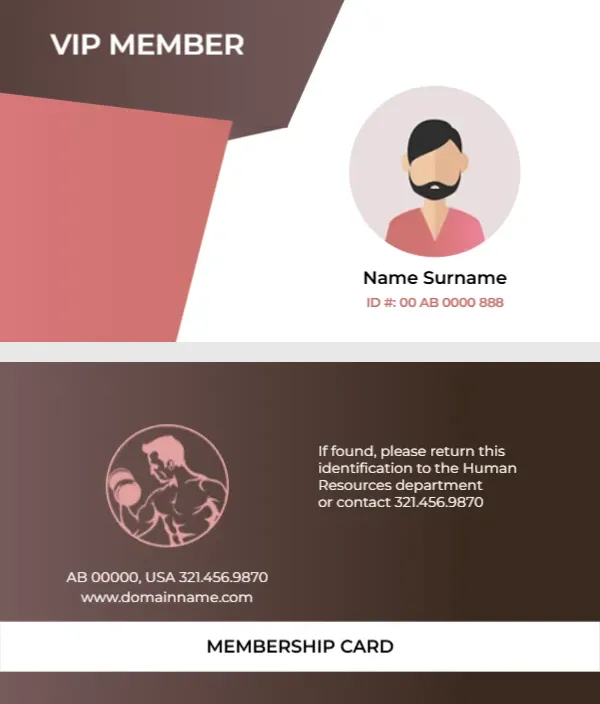
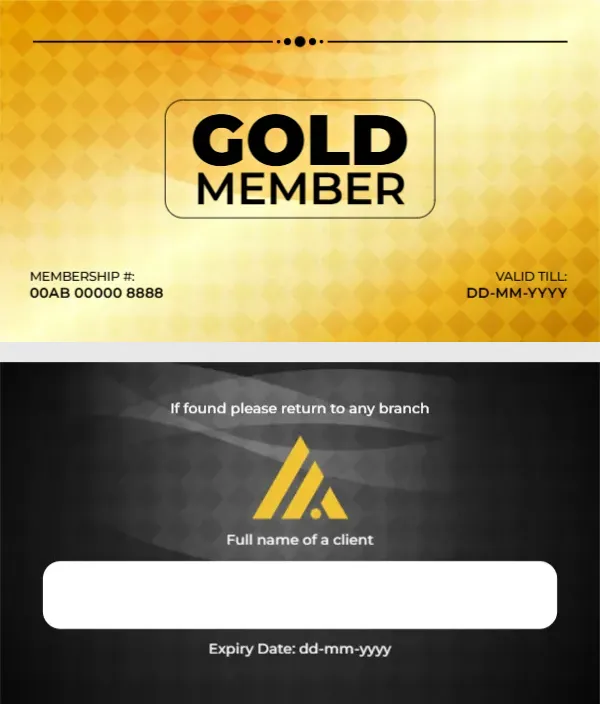
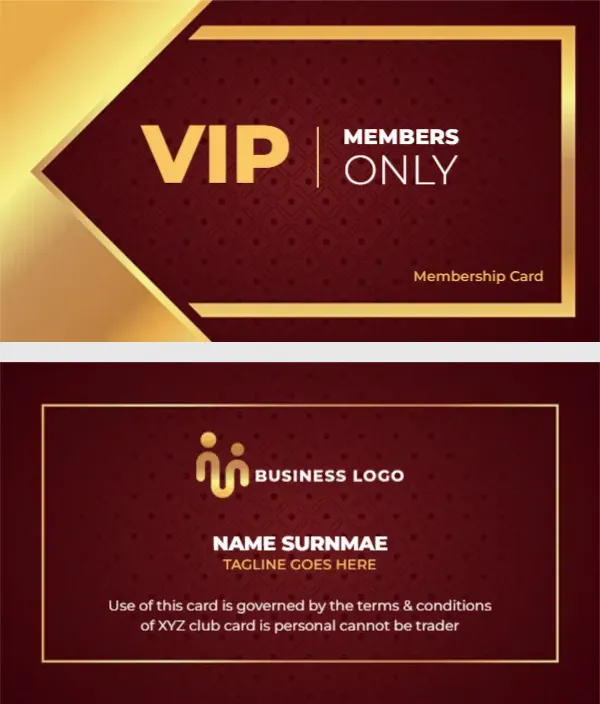
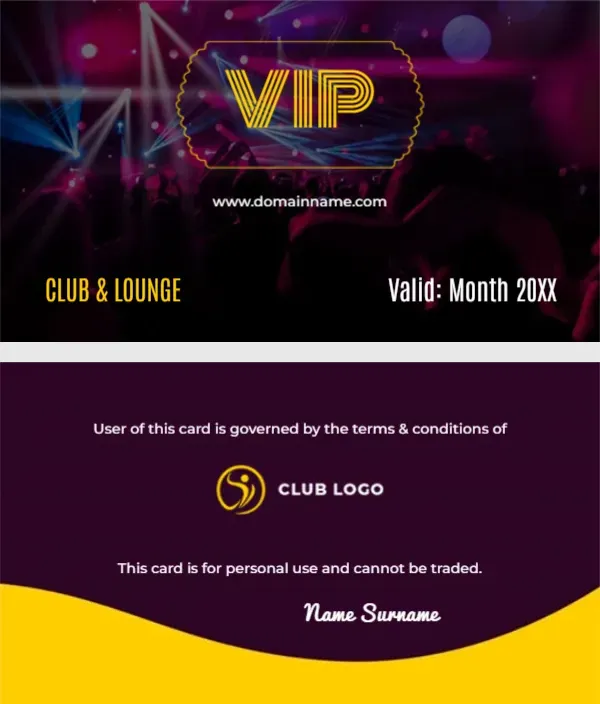
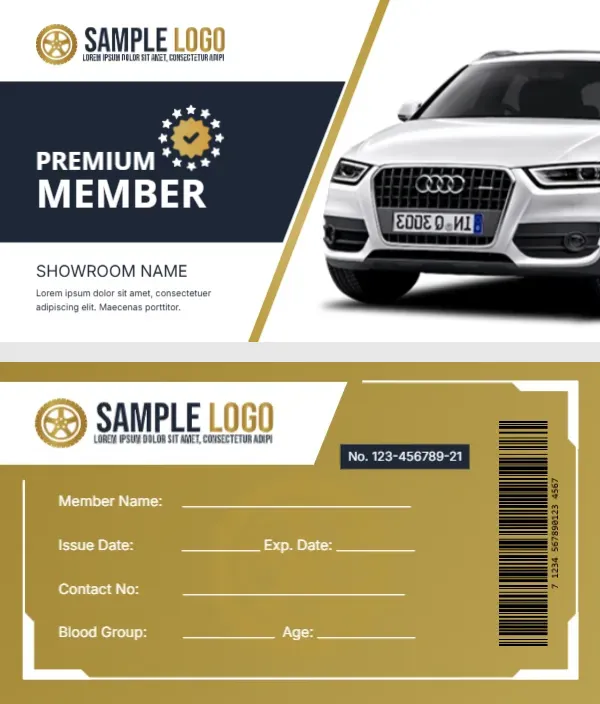
A glossy white SUV photo fills the right side of the front, separated from the text by a thin gold diagonal line. On the left, a wheel shaped logo sits above a navy band holding PREMIUM MEMBER in white and a gold star seal with a tick. SHOWROOM NAME and a short placeholder line sit under the band. The back turns gold, with a white logo strip, a navy number tag, a vertical barcode and white write in lines inside a white frame.
Photo Front and Gold Back
The card is business card sized at 3.5 x 2 inches. The back has lines for member name, issue and expiry dates, contact number, blood group and age, plus a number tag reading No. 123 456789 21 and a barcode.
Showroom Name and the Car Photo
Replace SHOWROOM NAME and the Lorem line with your dealership name and a benefit, such as Free first service and priority test drives. The SUV in the photo shows a brand badge on its grille, so swap the photo for a car you sell or a neutral picture, which also avoids featuring another company’s badge.
Personalising the Showroom Card
- Swap the wheel logo.
- Type your showroom name.
- Replace the Lorem line.
- Change the car photo.
- Set the number and barcode.
Benefits for Car Club Members
Showroom loyalty cards usually offer service discounts, free car washes or priority bookings. Pick one or two and state them clearly on the front, since space is tight.
Replacing the Blood Group Field
Blood group fits a motor sport club but not most showroom cards. Change it to Vehicle Reg or Model so staff can find the customer’s car quickly.
Using a Real Barcode
The barcode on the back is a sample image. If your service desk scans cards, generate a barcode for each member number and replace the image.
Printing the Showroom Cards
Use 350 gsm matte card so the photo stays crisp and the gold back does not show fingerprints. Check front and back alignment on a test sheet.
Handing Cards Over at Delivery
Give the card with the car keys at handover. It turns the purchase into the start of a relationship and reminds customers where to book their first service.
Keeping a Member Log
Record each card number against the customer and the car so staff can look it up quickly.
Step by Step Editing of the Automobile Showroom Suv Design
- On the automobile showroom suv design, click the main headline and type your own words, keeping a similar length.
- Retype every name, date and contact line on the automobile showroom suv design, checking each against a trusted source.
- Search the automobile showroom suv design for the words Lorem and Company so that no placeholder remains.
- Click any logo or photo on the automobile showroom suv design, choose Replace Image and resize the new picture to fit.
- Zoom the automobile showroom suv design to full size and read each line aloud before you save it.
- Keep a clean master of the automobile showroom suv design without private details, so later versions start tidy.
Have a look at the business membership card. Another option is the travel membership card. A related layout is the store membership card. The rest of the series around the automobile showroom suv design is in membership card templates.