A Navy Wave and a Mosque Silhouette for Community Members
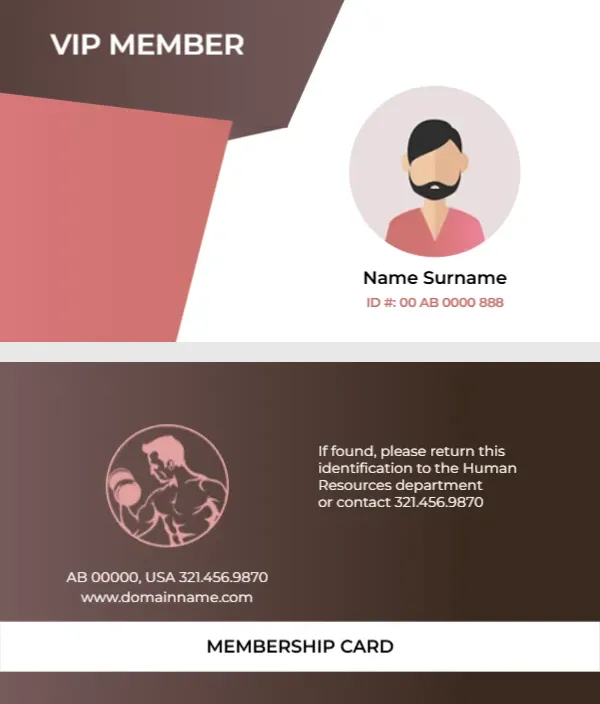
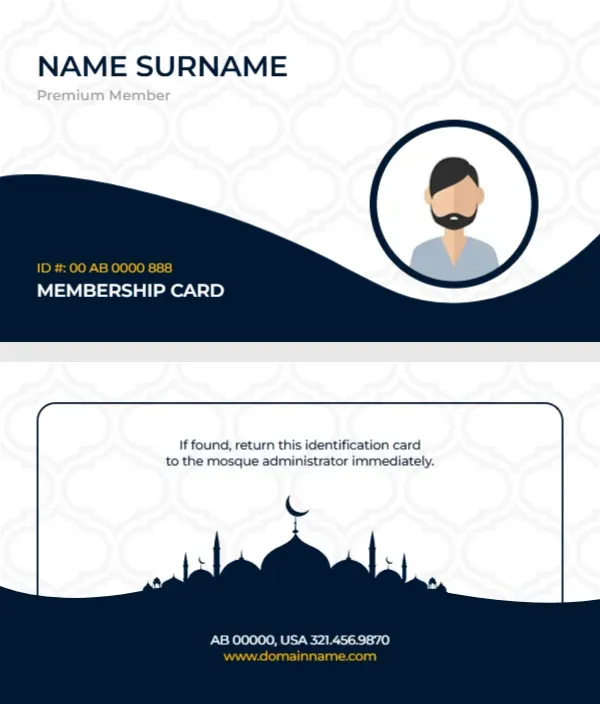
The white front has a faint Moroccan lattice pattern and a deep navy wave across the lower half. NAME SURNAME sits at the top left in navy capitals with Premium Member in grey below. A navy ring on the right holds an avatar of a bearded man, and an orange ID number and MEMBERSHIP CARD sit in the wave. The back shows a navy mosque silhouette with domes, minarets and a crescent inside a rounded frame, with a return note, an address and a website.
Front ID and Silhouette Back
The card is 3.5 x 2 inches. The back places the return note at the top, the silhouette in the middle and the address and website in white and gold on the navy wave.
Return Note, Address and Membership Level
The back reads If found, return this identification card to the mosque administrator immediately. Keep that line and add the mosque name above it. Replace AB 00000, USA and the phone with your address, and the website line with your site. Premium Member may not suit a mosque, so consider Member, Family Member or Volunteer instead.
Personalising the Mosque Card
- Add the mosque name.
- Change Premium Member.
- Type the name and ID.
- Use a photo instead of the avatar.
- Retype the address and site.
Uses for a Mosque Card
Mosque cards help with car park access, library borrowing, classes and community events. Note the purpose on the back if the card gives access to a particular service.
Family and Youth Cards
For families, issue one card per adult and a separate design for youth groups, perhaps in another colour, so volunteers can spot age groups at events.
Respecting Privacy
Only collect the details you need for the card. Keep the member list secure and limit who can see it.
Printing Navy and White
Navy and white print cleanly on matte card. Laminate cards that are used at doors or car park gates.
Issuing Cards After Prayers
Hand out cards after Friday prayers or at a community evening, with volunteers checking names and photos.
Keeping the Community Register
Record each card number with the member’s details.
Step by Step Editing of the Mosque Navy Wave Design
- On the mosque navy wave design, click the main headline and type your own words, keeping a similar length.
- Retype every name, date and contact line on the mosque navy wave design, checking each against a trusted source.
- Search the mosque navy wave design for the words Lorem and Company so that no placeholder remains.
- Click any logo or photo on the mosque navy wave design, choose Replace Image and resize the new picture to fit.
- Zoom the mosque navy wave design to full size and read each line aloud before you save it.
- Keep a clean master of the mosque navy wave design without private details, so later versions start tidy.
Similar designs include the temple membership card. Compare it with the housing society membership card. You may also like the business membership card. Find more designs next to the mosque navy wave design in membership card templates.