A City Skyline and a Red Plane for Travel Club Members
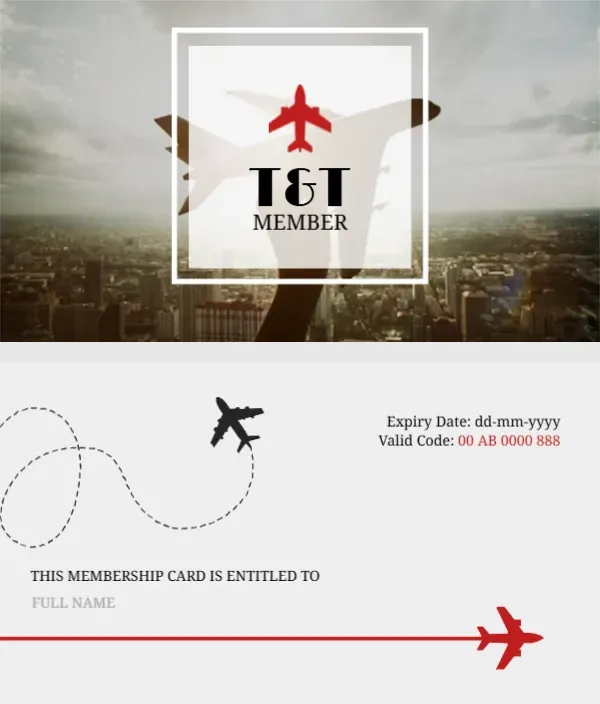
A hazy city skyline photo fills the front, with a large faded plane shape held up across it. A white framed square in the middle holds a small red plane, T and T in bold black serif letters and MEMBER below. The back is light grey with a dashed flight path looping from a black plane, an expiry date and a red valid code at the top right, a title line and a red line ending in a red plane.
Photo Front and Flight Path Back
The card is 3.5 x 2 inches. The back reads THIS MEMBERSHIP CARD IS ENTITLED TO above a pale FULL NAME line, so the member name sits right above the red line.
Logo Letters, Name and Dates
T and T is a sample logo, so replace it with your agency or club initials. Type the member’s full name over the pale FULL NAME text, set the expiry date in place of dd mm yyyy and type the member code in red. The design suits travel agencies, travel clubs, airport lounges and tour companies.
Personalising the Travel Card
- Replace the T and T letters.
- Type the member name.
- Set the expiry date.
- Set the valid code.
- Add a phone or website.
Phone and Website for the T and T Card
There is no phone or website on either side. Add them under the red line on the back so members can book trips.
Travel Club Perks
Members usually expect discounts on bookings or priority support. A line such as 5 percent off all tours fits under the logo on the front.
A Skyline From Your Region
The skyline is a generic city. Swap it for your city or a favourite destination photo to make the card feel local.
Printing the Hazy Photo
The front photo is soft and grey. Print on satin card so it does not look muddy, and check that the T and T letters stay sharp.
Matching Luggage Tags
The same plane and flight path design works on luggage tags, which make a nice welcome gift for new members.
Issuing Travel Club Cards
Post cards with a welcome pack or hand them out at the agency desk.
Step by Step Editing of the Travel Tt Plane Skyline Design
- On the travel tt plane skyline design, click the main headline and type your own words, keeping a similar length.
- Retype every name, date and contact line on the travel tt plane skyline design, checking each against a trusted source.
- Search the travel tt plane skyline design for the words Lorem and Company so that no placeholder remains.
- Click any logo or photo on the travel tt plane skyline design, choose Replace Image and resize the new picture to fit.
- Zoom the travel tt plane skyline design to full size and read each line aloud before you save it.
- Keep a clean master of the travel tt plane skyline design without private details, so later versions start tidy.
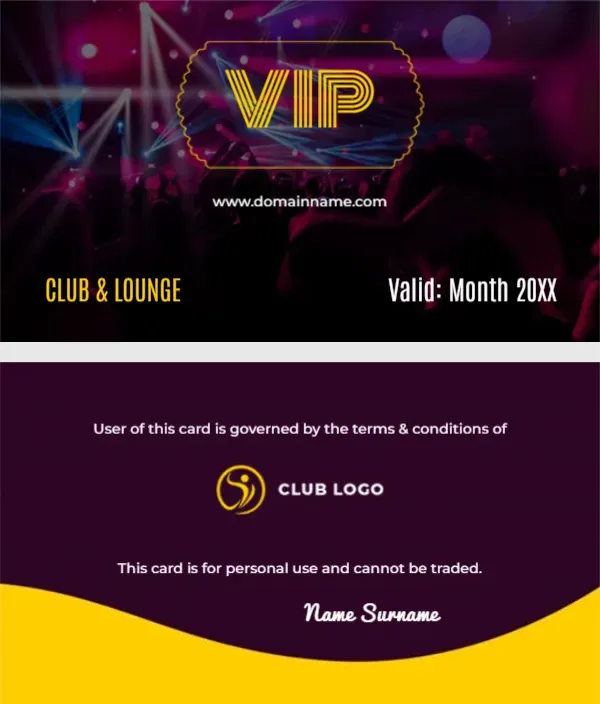
For comparison, open the VIP club and lounge card. Consider the car showroom membership card. Similar designs include the loyalty stamp card. Looking beyond the travel tt plane skyline design? See all membership card templates.